ZDF brand guidelines
ZDF Brandguide documents the broadcaster's identity across print, digital, and on-air environments with step-by-step motion breakdowns.
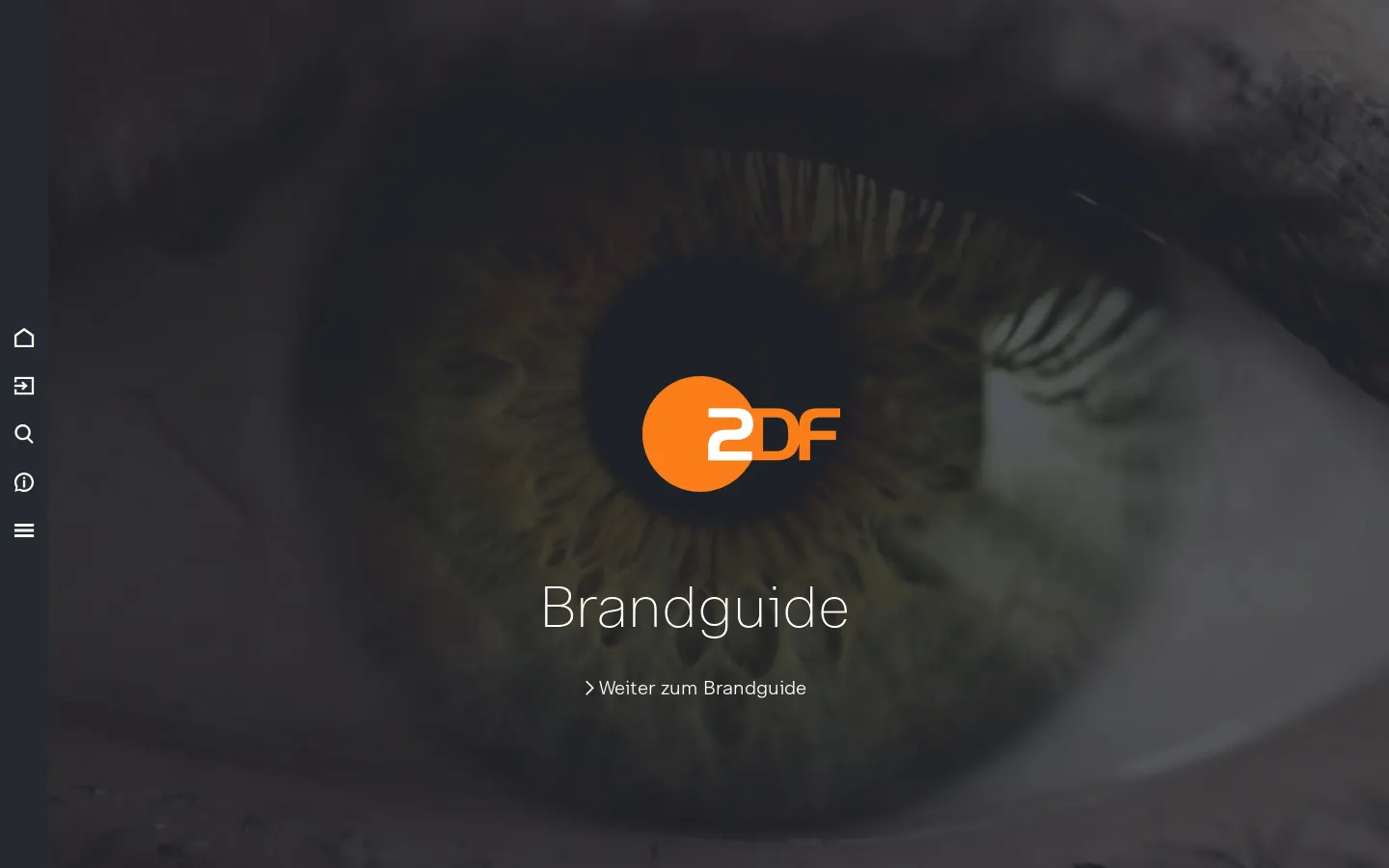
Full-screen landing page featuring an eye photo background, central ZDF logo, and link into the Brandguide.
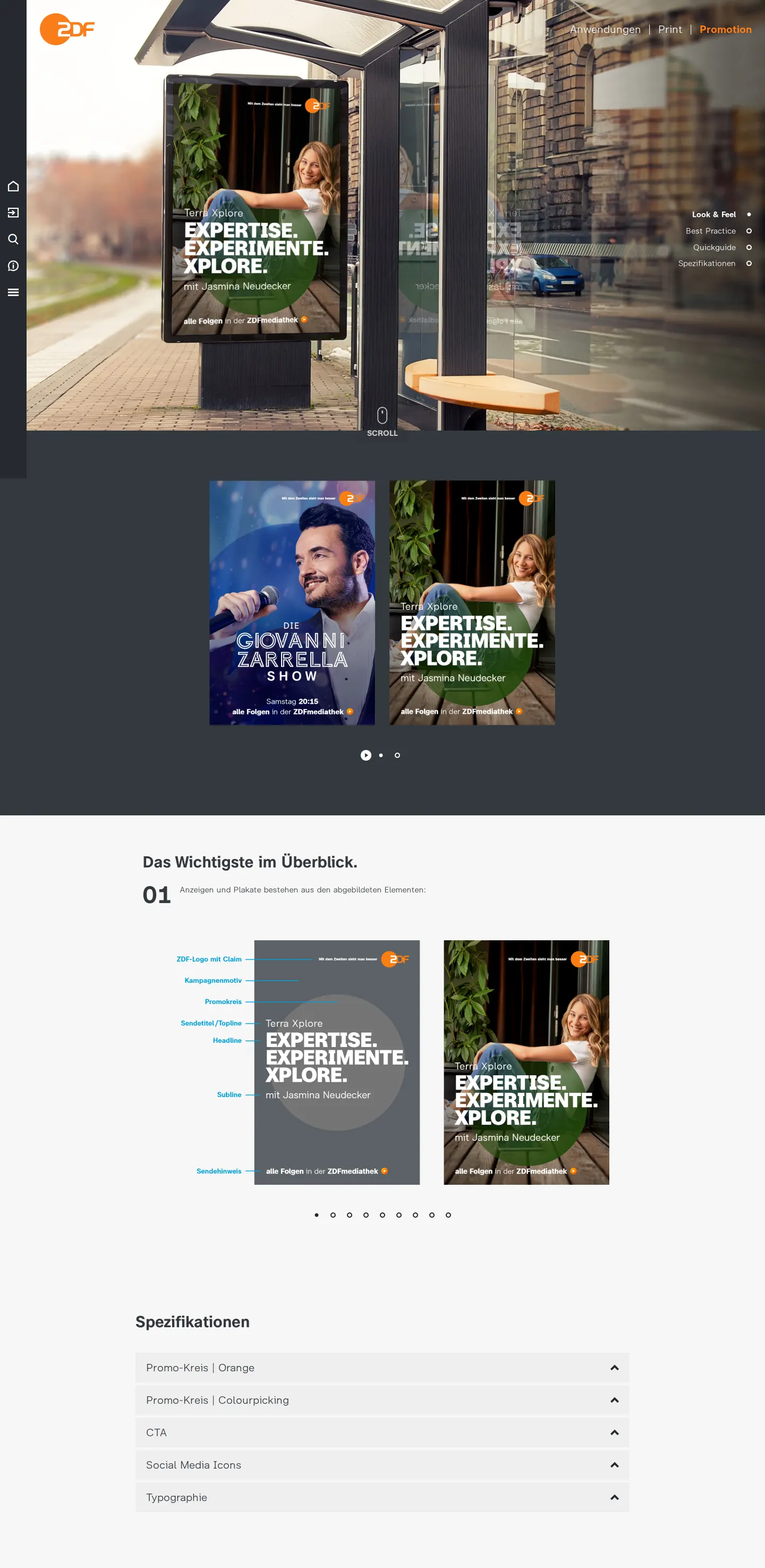
Print promotion guidelines featuring a bus shelter poster layout breakdown and technical specification accordions.
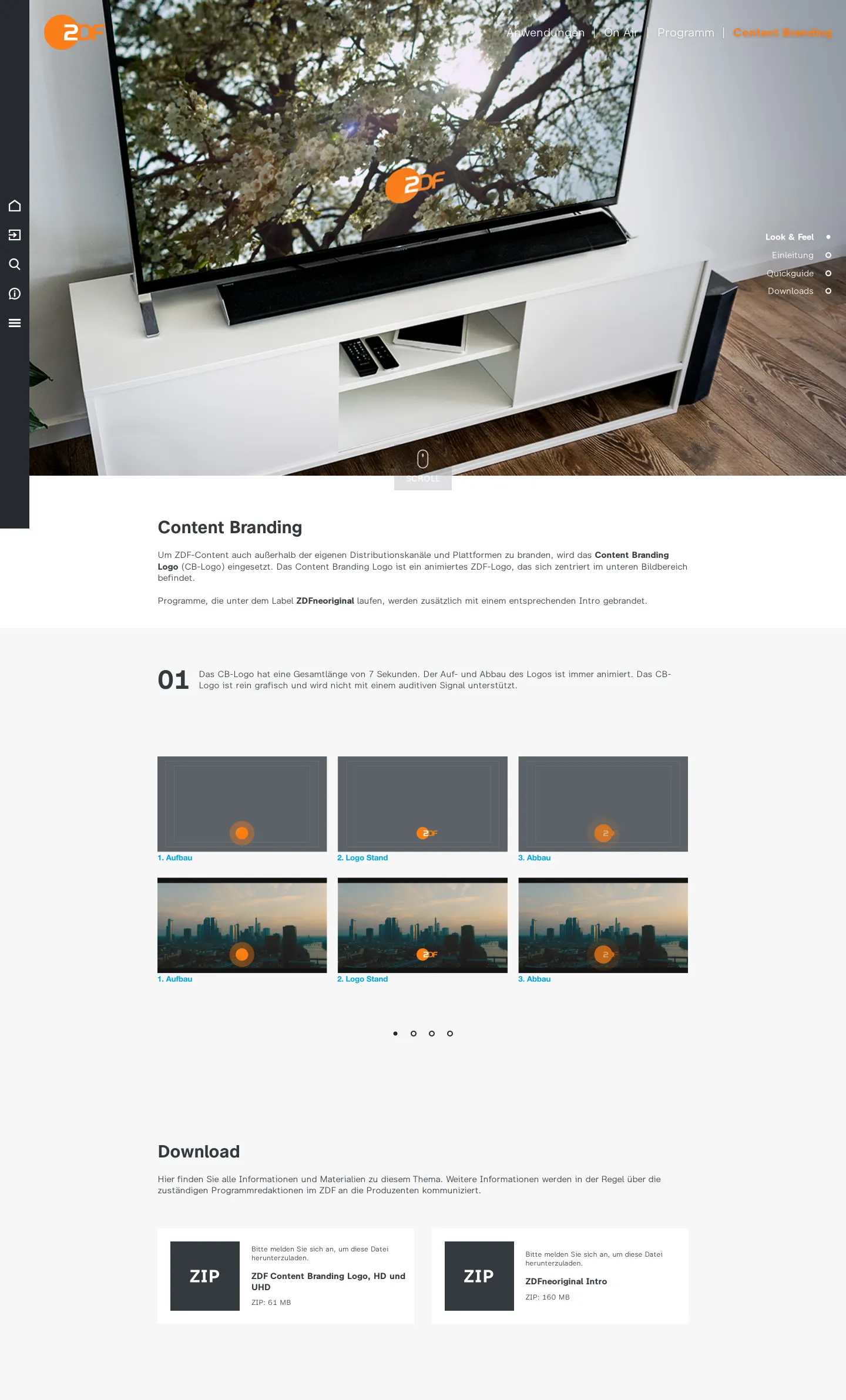
Content branding documentation illustrating logo animation stages alongside gated download links.
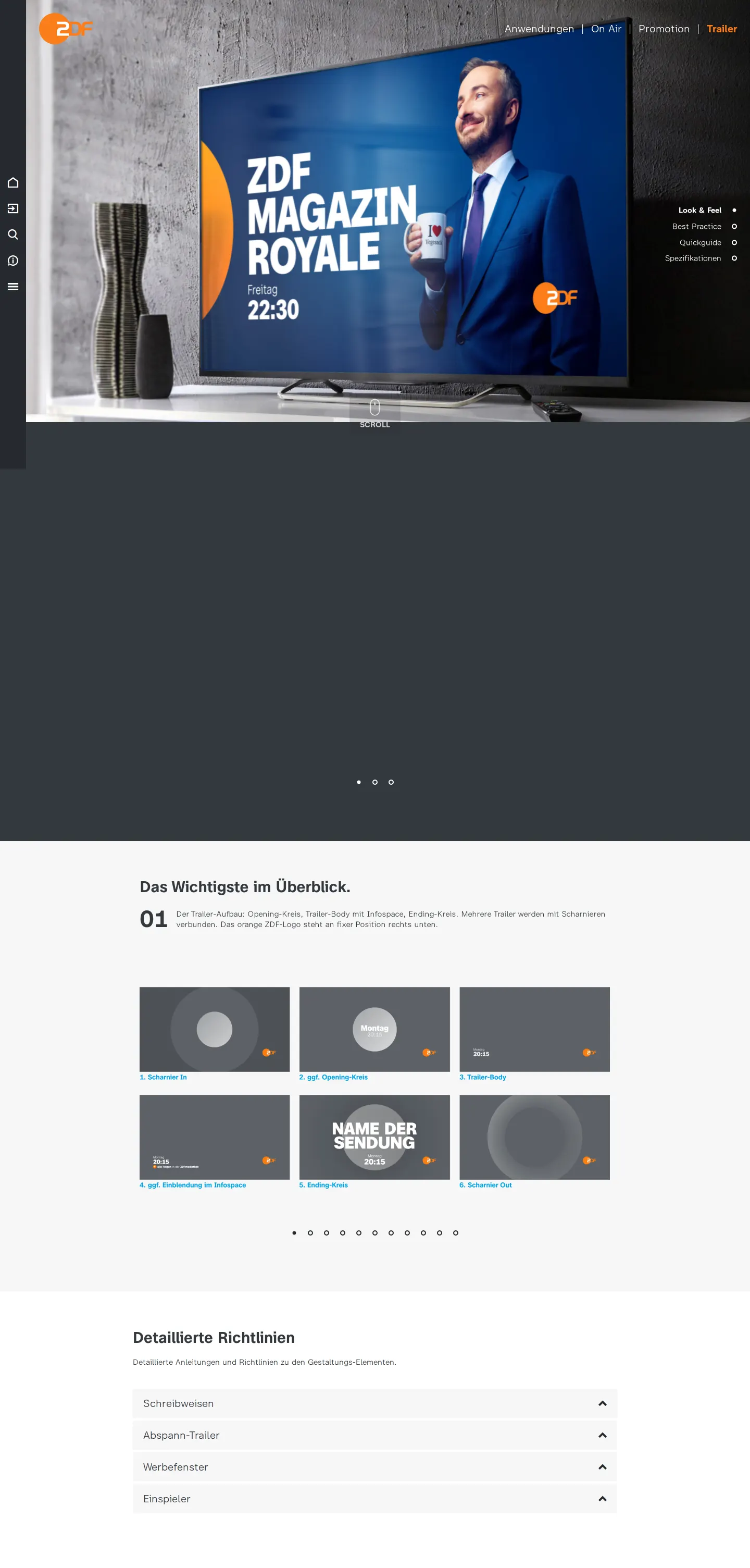
On-air trailer guidance showing a television mockup and a six-step breakdown of promotional trailer structures.
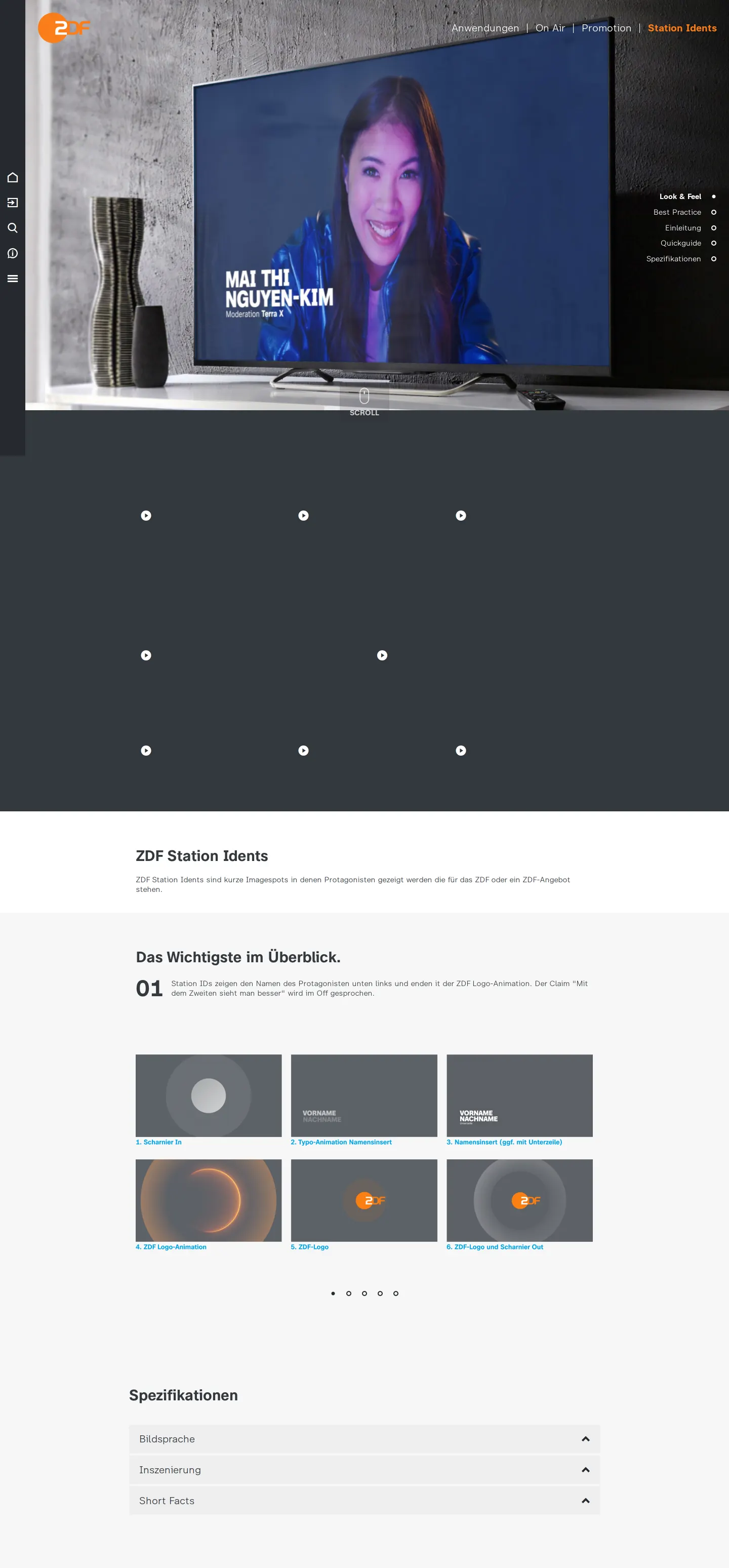
Station ident guidelines illustrating television mockup examples and frame-by-frame animation breakdowns.
Want a brand center like ZDF’s?
Create your brand center with Freedam ↗Freedam's take
I love seeing broadcast guidelines treated with such structural clarity. The ZDF Brandguide immediately grounds itself in motion and context, using television mockups to explain complex on-air mechanisms. Instead of leaving broadcast designers to decipher static rules, pages like Trailer and Station Idents break down sequences frame by frame, from opening transitions to logo resolves. Even print promo layouts receive an anatomical breakdown highlighting elements like the promo circle and sender notes. It feels built for real production teams who need to understand timing, layering, and format rules across both screen and print channels.
At a glance
- Sections
- Übersicht · Grundhaltung · Design History · Anwendungen · Print · On Air · Online · Unternehmen
- Downloads
- ZIP
- Tone
- Technical and broadcast-oriented documentation structured around frame-by-frame production requirements.
What I noticed
- The Brandguide landing page opens with a full-screen photographic close-up of an eye alongside the orange and white ZDF logo.123
- The Trailer page dissects motion sequences into six distinct steps, including Scharnier In, Opening-Kreis, Trailer-Body, Einblendung im Infospace, Ending-Kreis, and Scharnier Out.45
- Station Idents are illustrated using television screen mockups that outline timing stages such as Typo-Animation Namensinsert and the final logo resolve.678
- Print guidelines feature outdoor bus shelter mockups with labeled callouts identifying elements like Sendetitel, Promokreis, and Sendehinweis.91011
Numbers refer to the screenshots above.
What I could not see
- Full asset downloads could not be inspected because files like the Content Branding Logo packages require a login.
- Guidelines deeper within the digital advertising, social media, and vehicle sections were not captured in this crawl.
Ideas to borrow
Quick answers
Reviewed on 25 September 2026. Request a correction · I built this
Similar brand centers
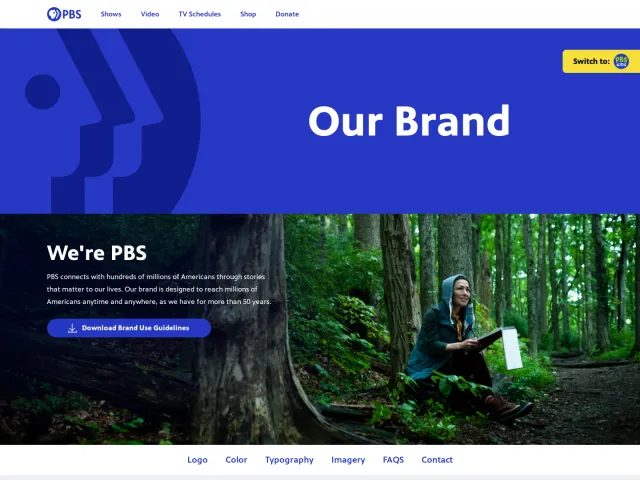
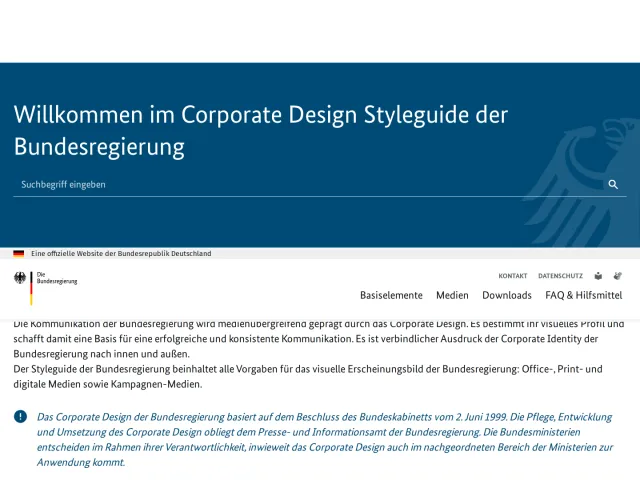
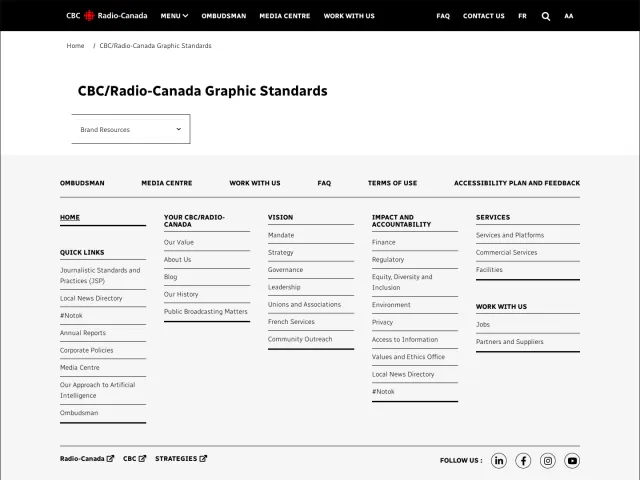
All brand guidelines →Unlike PBS, which uses a single page with downloadable PDFs for core elements, ZDF provides dedicated interactive pages for broadcast applications like trailers and idents. While CBC/Radio-Canada funnels visitors through a top-level dropdown in corporate navigation, ZDF uses a multi-level sidebar menu across print, on-air, and online channels.