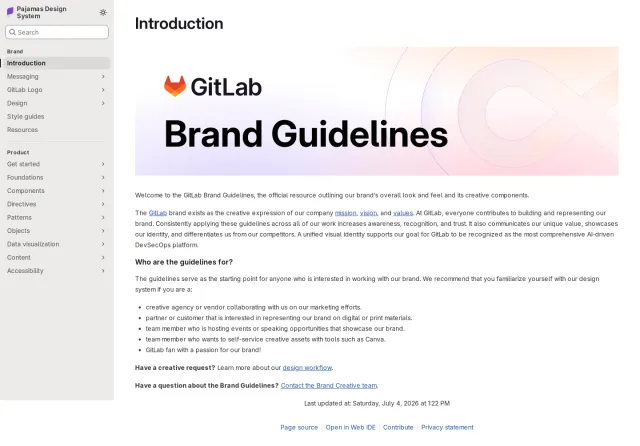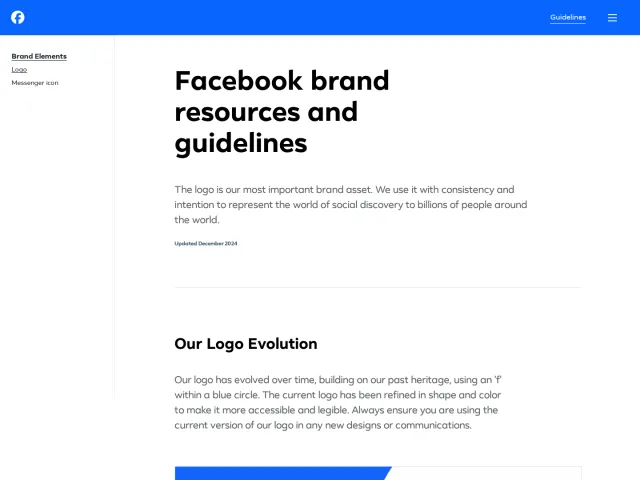
Zed brand guidelines
Zed presents its essential brand guidelines on a single page, featuring direct asset downloads, logo variations, app icons, and clear trademark policies.
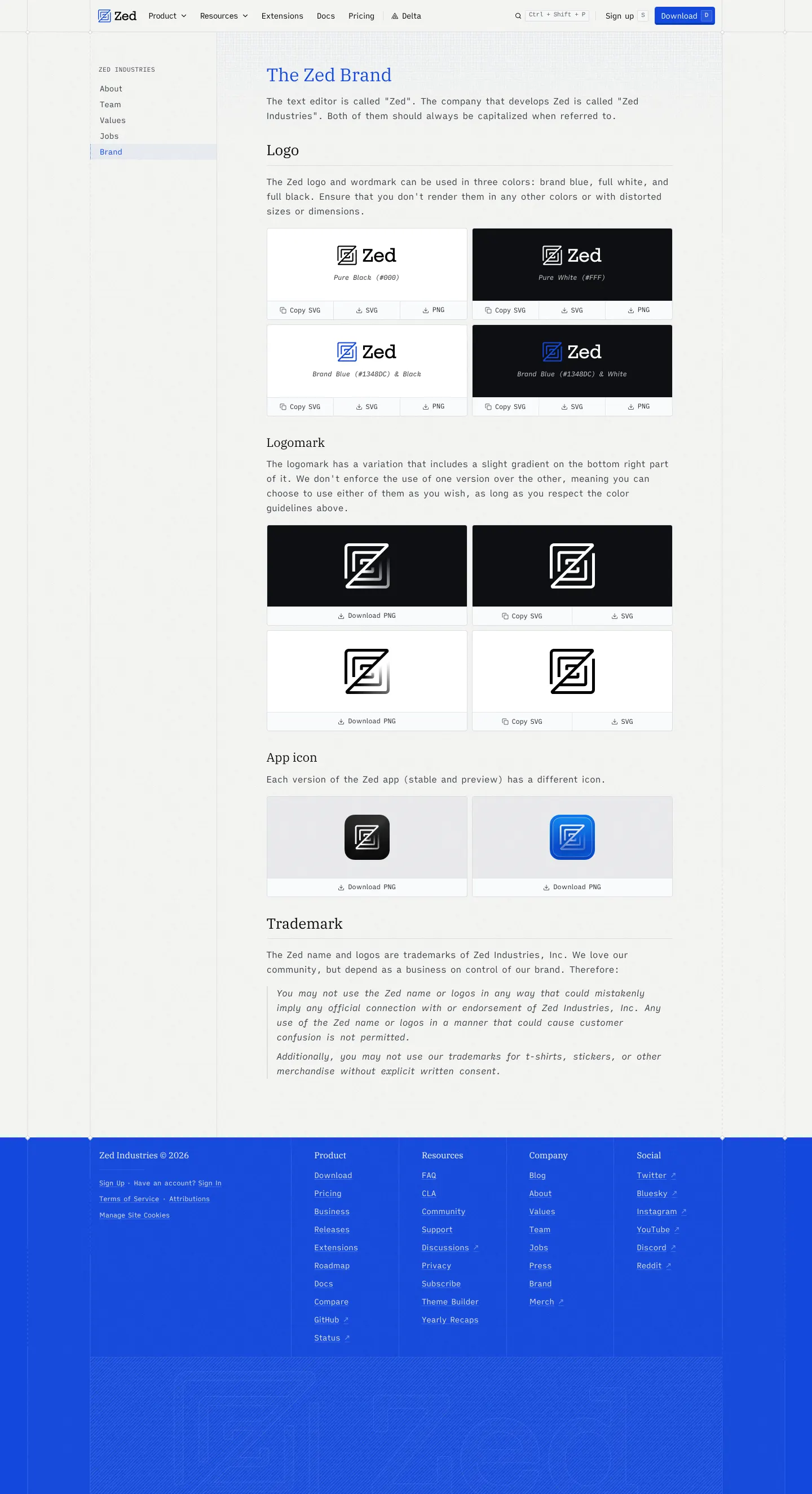
Zed Brand guidelines page showing logo lockups, logomarks, app icons, and trademark rules with asset download options.
Want a brand center like Zed’s?
Create your brand center with Freedam ↗Freedam's take
I like how direct Zed keeps its brand guidelines. Instead of spreading things out across a sprawling design portal, everything sits on a clean page integrated right into their company site navigation. You get instant access to the core assets you actually need, including the primary lockups, standalone logomarks, and app icons for both stable and preview channels. Offering direct SVG copies alongside standard PNG downloads right below each card is a thoughtful developer-friendly touch. It delivers straightforward trademark boundaries without unnecessary overhead.
At a glance
- Sections
- The Zed Brand · Logo · Logomark · App icon · Trademark
- Downloads
- PNG, SVG
- Tone
- Utilitarian, clean, and developer-oriented with straightforward legal instructions.
What I noticed
- The introductory text distinguishes between Zed as the text editor and Zed Industries as the company.1
- The logo section displays pure black, pure white, and brand blue combinations across dark and light backgrounds.2
- Asset preview cards include quick actions for Copy SVG, SVG, and PNG file downloads.3
- The site provides dedicated square app icon graphics for both stable and preview builds.456
Numbers refer to the screenshots above.
What I could not see
- No comprehensive design tokens, color palette hex codes, or typography guidelines were observed on the captured pages.
Ideas to borrow
- Placing a Copy SVG button right next to direct file download links makes grabbing vector assets effortless for developers and web designers.3
Quick answers
Where can I download the Zed logo and app icon assets?
Zed provides direct download links for PNG files and inline Copy SVG and SVG options for its logos, logomarks, and stable or preview app icons on the brand page.37856
Can I use the Zed logo on merchandise?
No, Zed's trademark policy restricts using its marks on merchandise or implying an official connection without prior consent.9
Reviewed on 25 September 2026. Request a correction · I built this