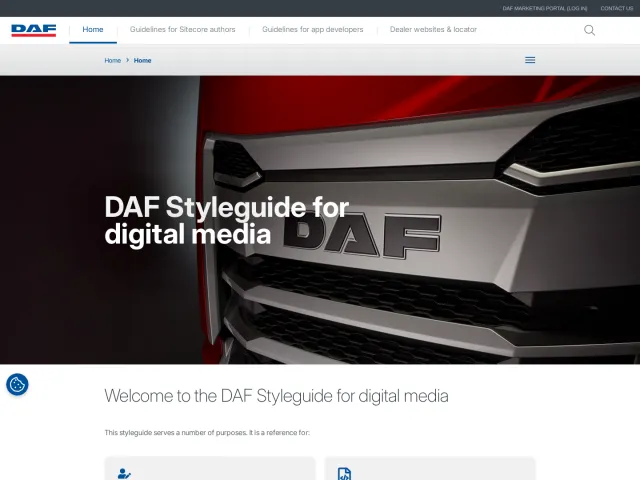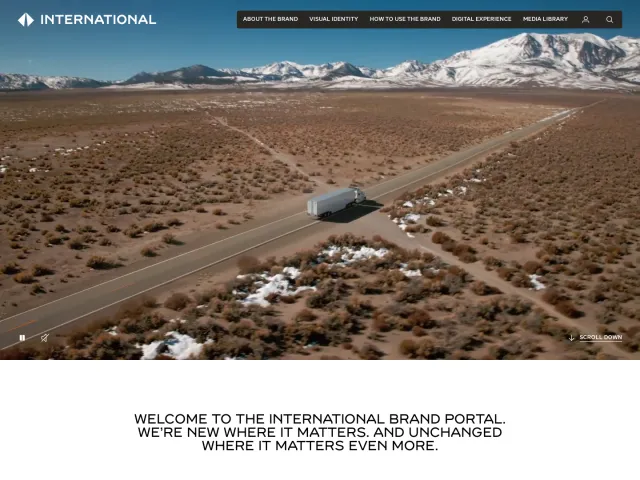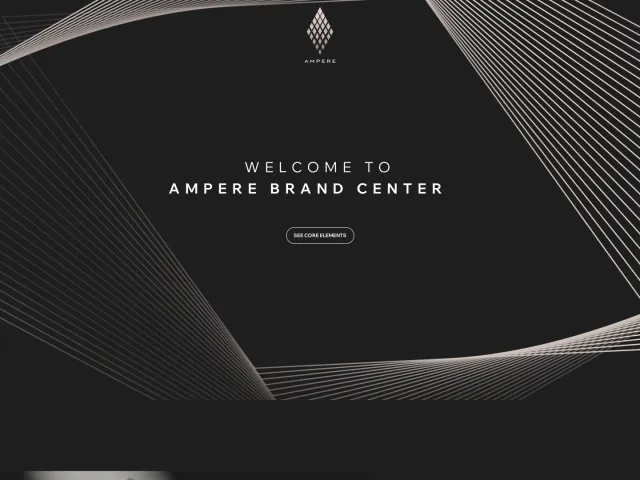
Porsche brand guidelines
Porsche Brand Guide outlines visual design basics, analog media, and digital systems alongside downloadable brand assets.
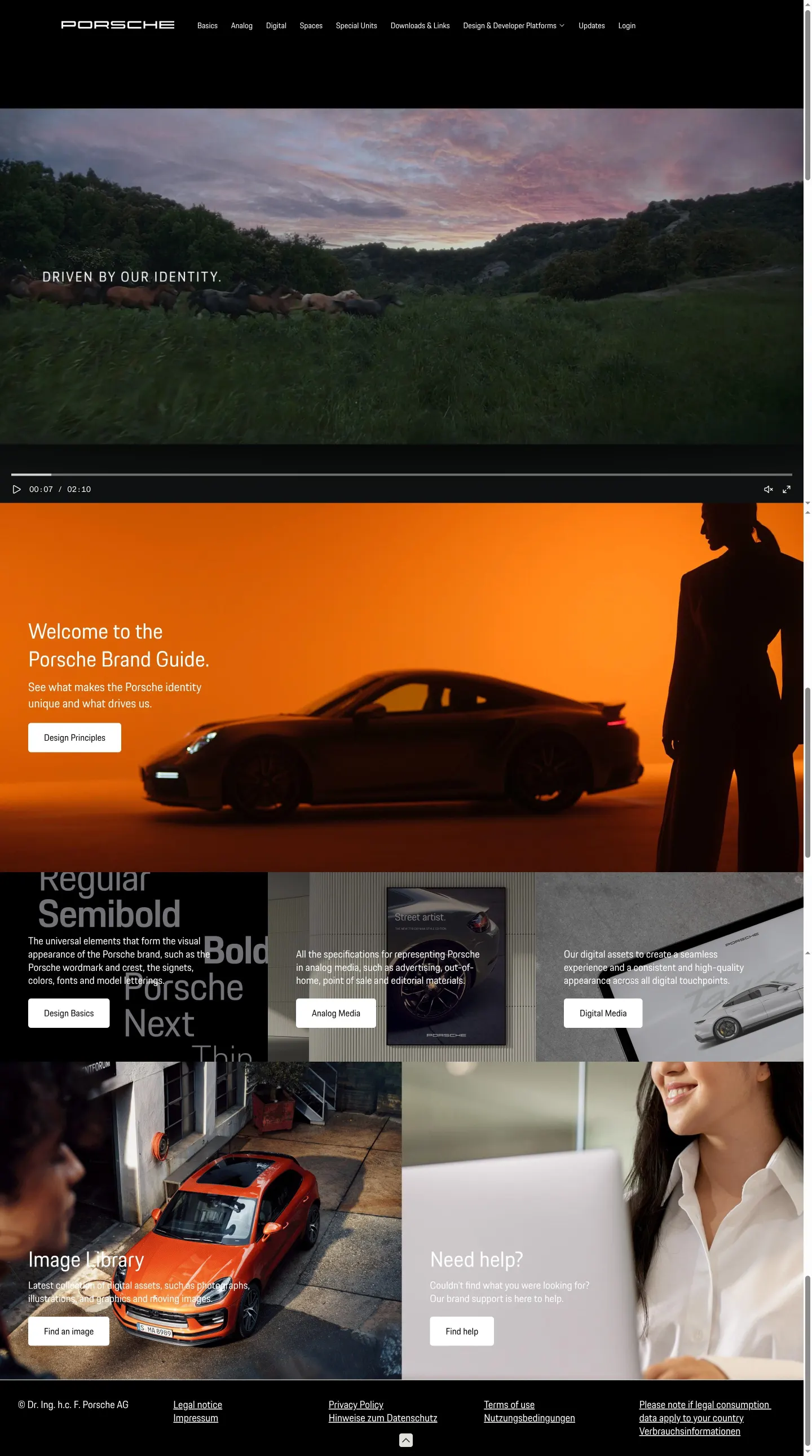
Porsche Brand Guide home page showing hero video, design principles link, and main section tiles.
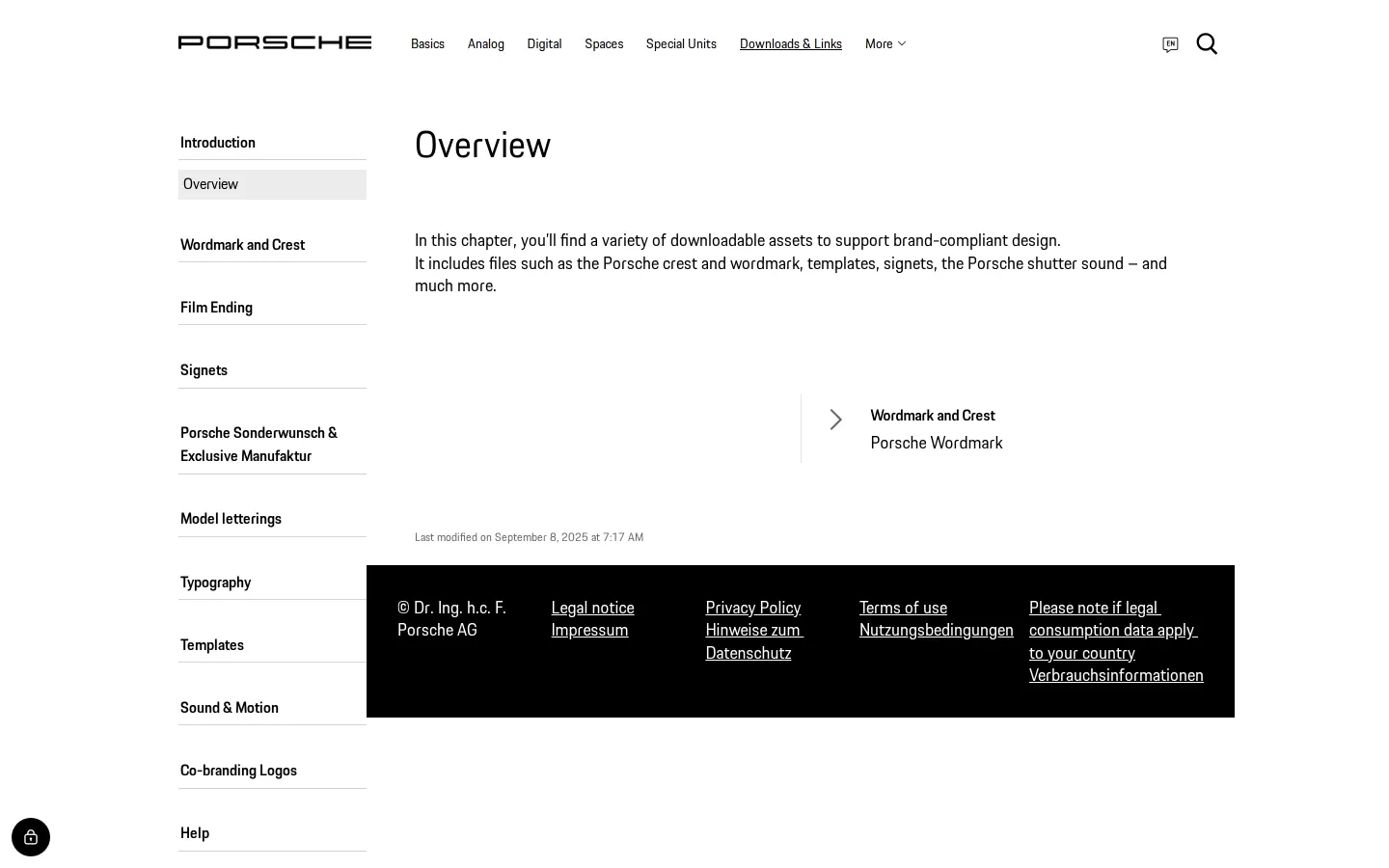
Downloads and Links overview introducing wordmark, crest, templates, and audio assets.
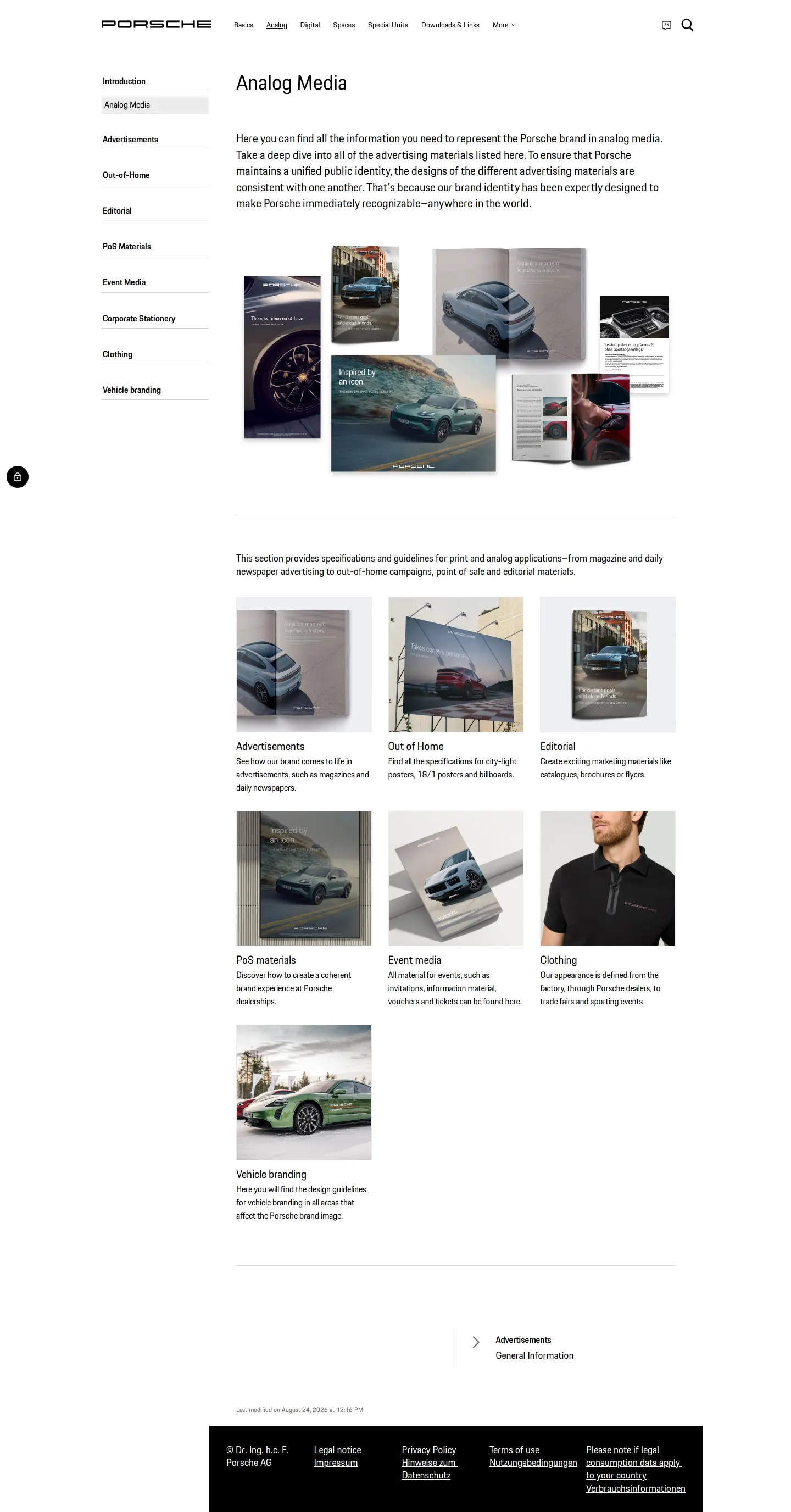
Analog Media page featuring an editorial layout and visual collage of printed collateral.
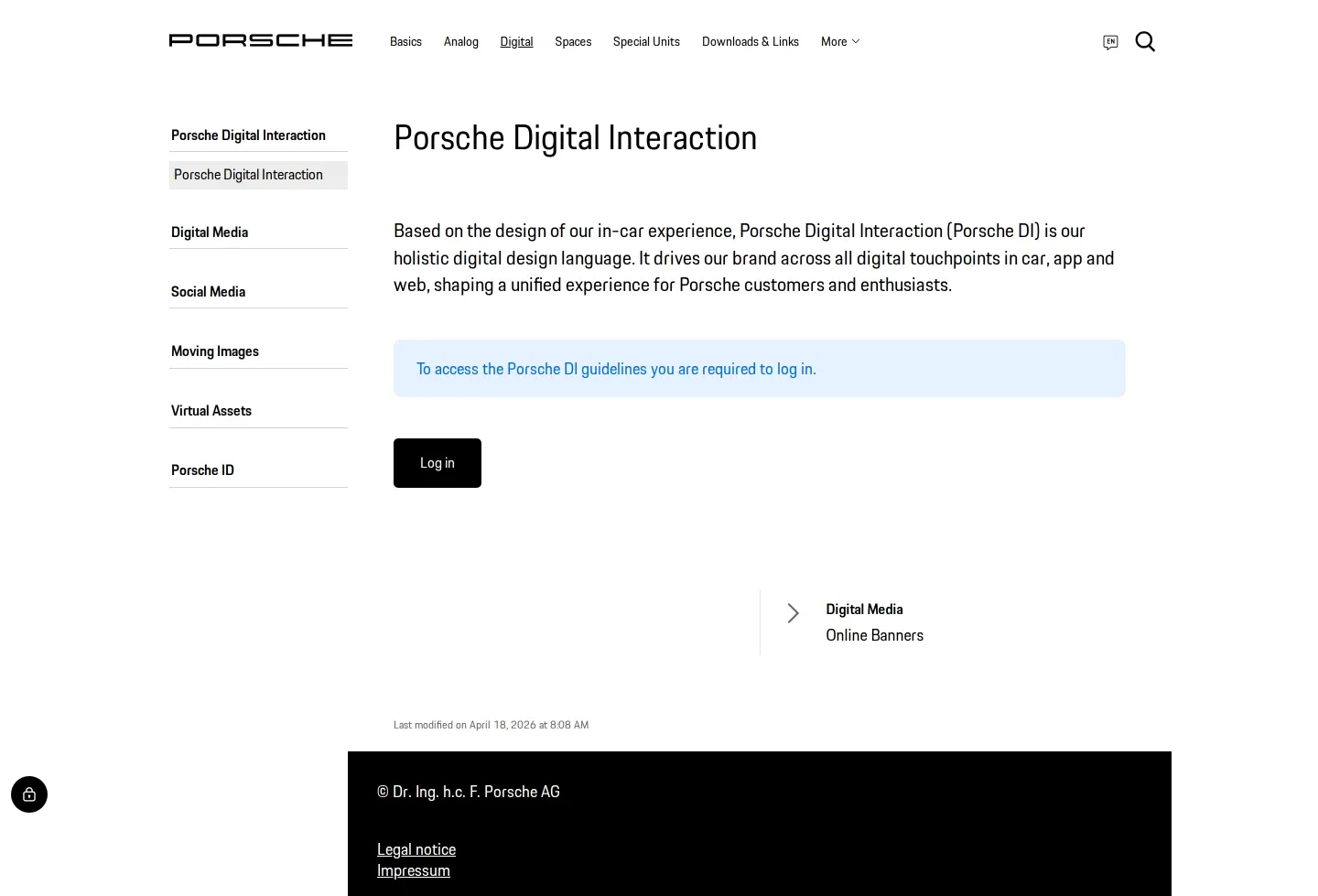
Porsche Digital Interaction overview page showing a requirement to log in to access full guidelines.
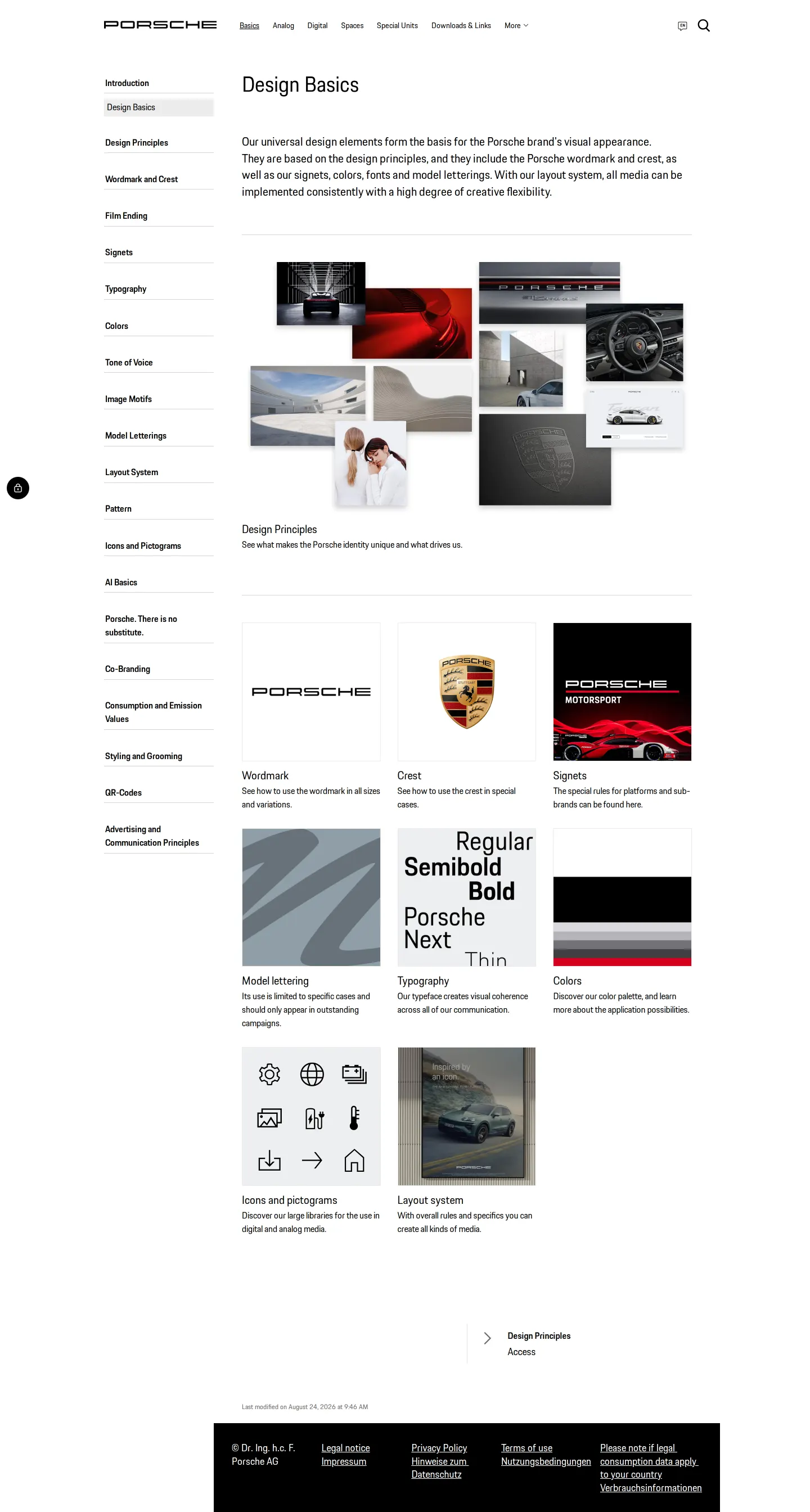
Design Basics page presenting core visual elements and an imagery collage.
Want a brand center like Porsche’s?
Create your brand center with Freedam ↗Freedam's take
I like how cleanly Porsche structures their brand portal across real-world contexts, grouping guidance into Basics, Analog, Digital, Spaces, and Special Units. Exploring the site, I found collages demonstrating physical collateral alongside dedicated downloads for assets like the crest, wordmark, templates, and shutter sound. Looking into digital guidelines, the Porsche Digital Interaction section notes that logging in is required to view the full details. It feels like an organized reference that balances high-level overviews with direct links to assets.
At a glance
- Sections
- Basics · Analog · Digital · Spaces · Special Units · Downloads & Links
- Tone
- Structured, corporate, and design-led presentation of brand standards across media.
What I noticed
- The top-level navigation divides brand guidance into Basics, Analog, Digital, Spaces, Special Units, and Downloads & Links.123456
- The Downloads & Links overview mentions downloadable items including the Porsche crest, wordmark, templates, signets, and shutter sound.7
- Accessing the Porsche Digital Interaction guidelines displays a notice stating that logging in is required.89
- Analog Media guidance covers channels like advertisements, out-of-home, editorial, point-of-sale materials, event media, corporate stationery, clothing, and vehicle branding.10
Numbers refer to the screenshots above.
What I could not see
- Specific download formats cannot be verified because the files themselves were not opened.
- The full Porsche Digital Interaction guidelines were not viewable without logging in.
Ideas to borrow
Quick answers
What brand assets are offered for download?
The Downloads & Links section introduces assets such as the Porsche crest, wordmark, signets, templates, and shutter sound.7
Reviewed on 26 September 2026. Request a correction · I built this
Similar brand centers
All brand guidelines →Porsche arranges guidelines by environment such as Analog, Digital, and Spaces, while Ampere categorizes content by corporate topics like Capital Market Day, Office, and Digital & Media. Ampere also distributes assets directly as ZIP packages, whereas Porsche organizes downloads through dedicated document subpages.