Copenhagen Metro brand guidelines
Copenhagen Metro presents a Danish-language brand guide homepage featuring an introductory video, structured shortcut cards, and an integrated contact form.
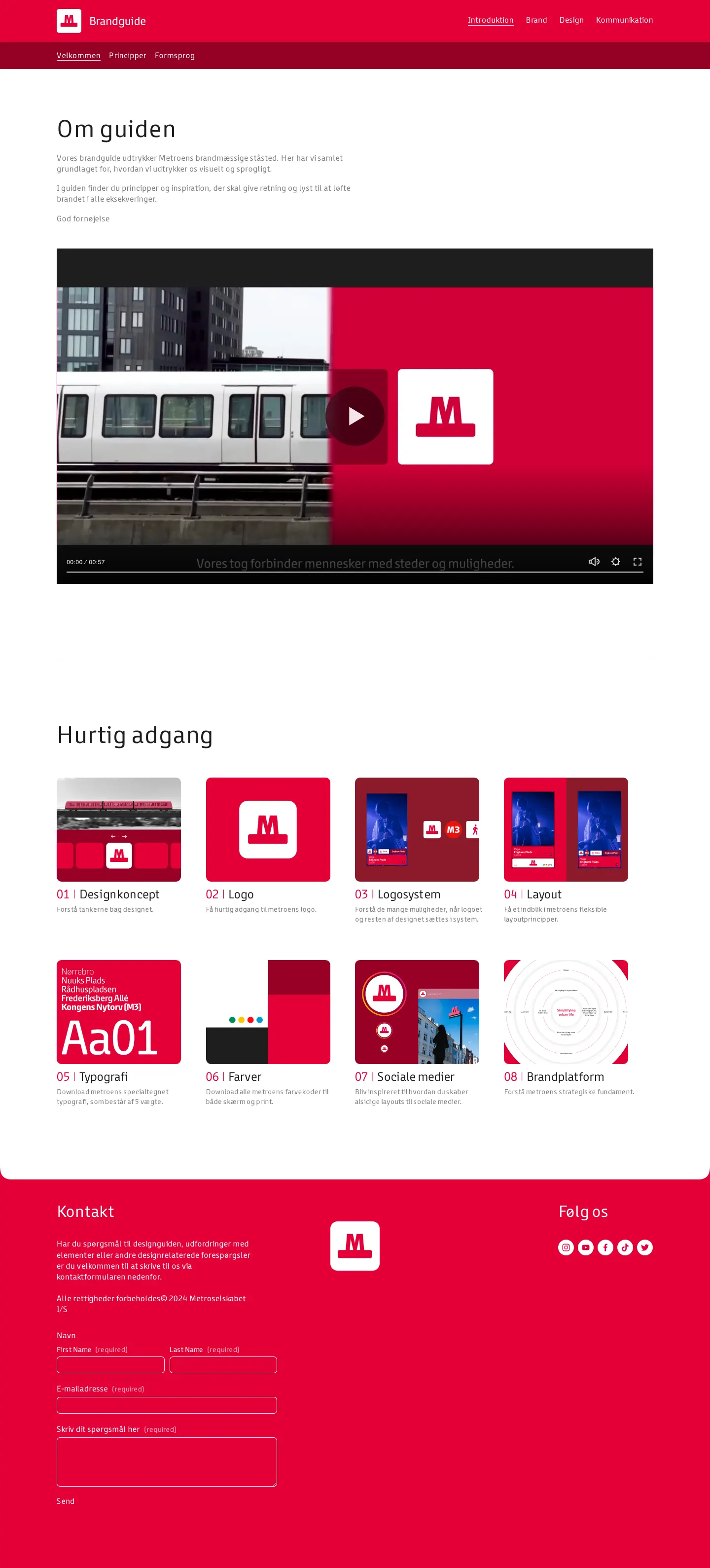
Homepage of the Metro brand guide displaying an introductory video and eight numbered shortcut cards.
Want a brand center like Copenhagen Metro’s?
Create your brand center with Freedam ↗Freedam's take
I like how Copenhagen Metro welcomes you into their guidelines with clarity and purpose. The homepage immediately frames the system with an introductory video, setting a thoughtful pace before diving into the details. Right beneath it, a numbered grid gives you quick shortcuts into foundational elements like the logo, typography, and color palette. It feels practical and approachable, using a bright red footer with a direct contact form so collaborators can easily ask questions if something remains unclear.
At a glance
- Sections
- Velkommen · Principper · Formsprog
- Tone
- A welcoming, clearly structured transit identity portal presented in Danish.
What I noticed
- The top navigation bar contains links for 'Velkommen', 'Principper', and 'Formsprog'.1234
- An introductory section titled 'Om guiden' features an embedded video player.56
- The 'Hurtig adgang' section organizes eight numbered cards covering topics such as Designkoncept, Logo, Logosystem, Layout, Typografi, Farver, Sociale medier, and Brandplatform.789
- A red footer contains a contact form titled 'Kontakt', a centered logo icon, and 'Følg os' social media links.10
Numbers refer to the screenshots above.
What I could not see
- Could not view individual guideline detail pages or asset download availability beyond the landing page.
- Could not inspect the content of the embedded video player.
Ideas to borrow
Reviewed on 25 September 2026. Request a correction · I built this
Similar brand centers
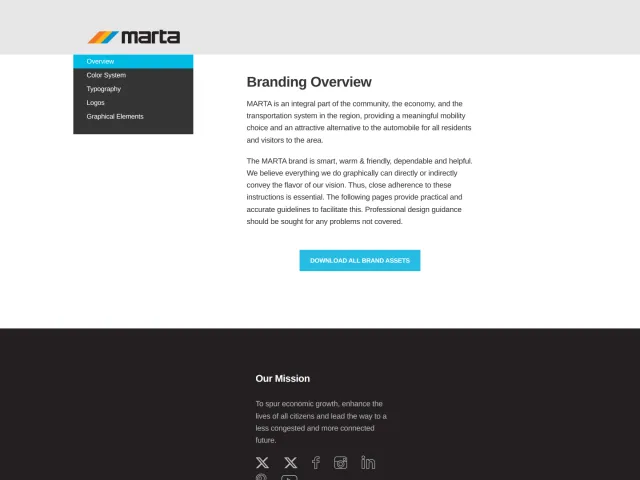
All brand guidelines →Copenhagen Metro introduces its brand portal with an embedded video player and eight numbered quick-access cards. In contrast, MARTA uses a five-section left-hand navigation menu to organize topics like clear space formulas and downloadable ASE color files.