Wendy's press and asset kit
Wendy's media library provides journalists with direct downloads of menu photography, restaurant exteriors, and brand logos.
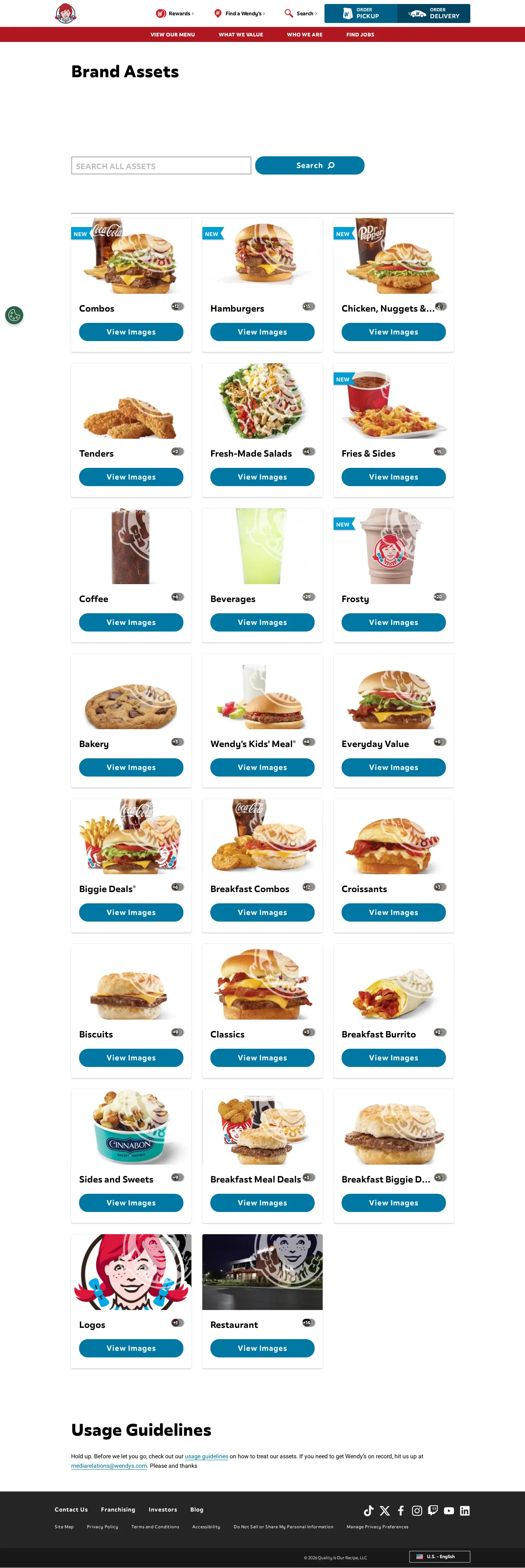
Media brand asset portal overview showing asset category cards for menu food items, logos, and restaurant exteriors.
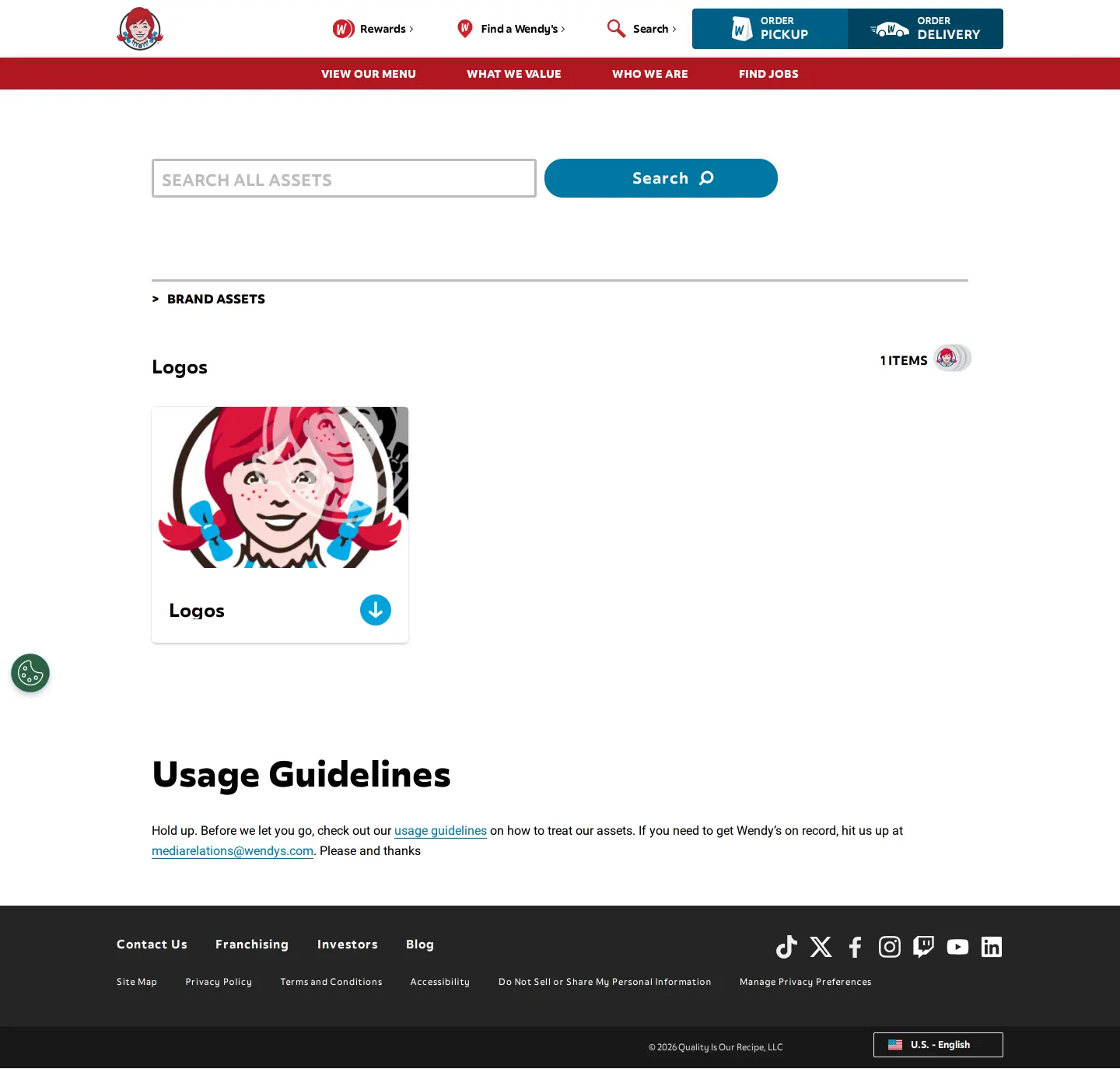
Downloadable logo collection card displaying Wendy's mascot mark alongside a dedicated download button.
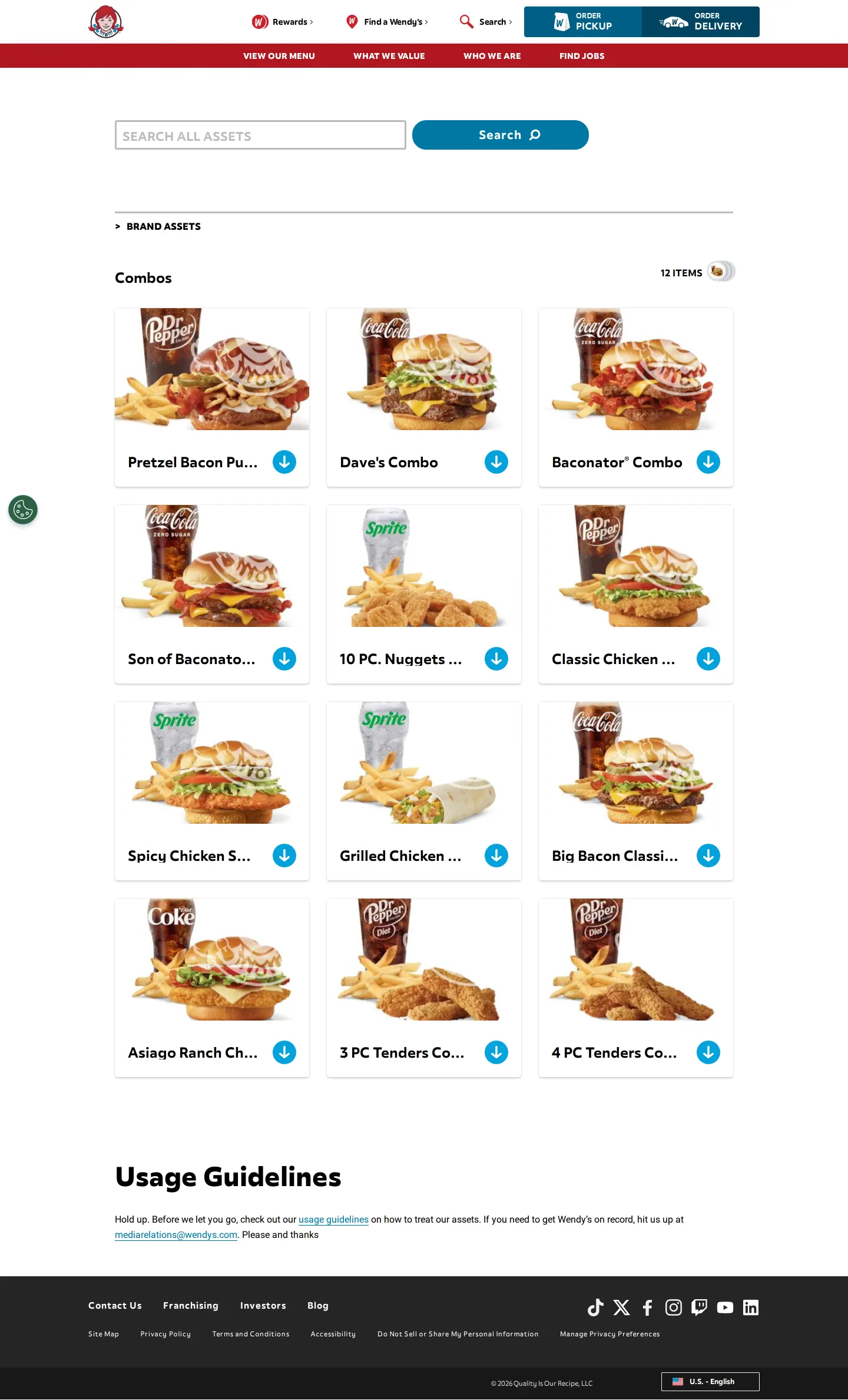
Combo meals gallery listing 12 product photos with watermarked thumbnails and direct download links.
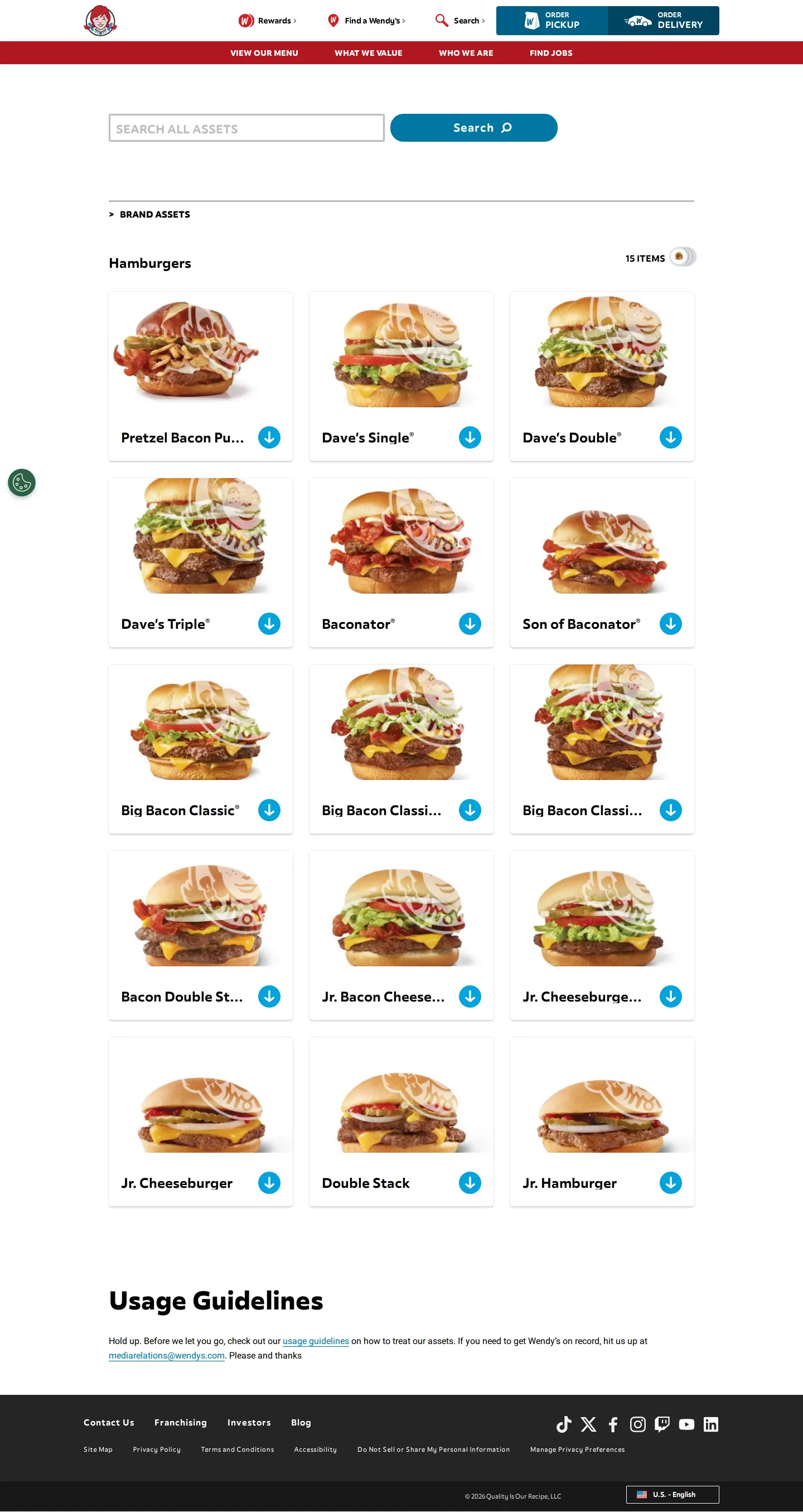
Hamburger catalog section featuring 15 individual product cards with download buttons.
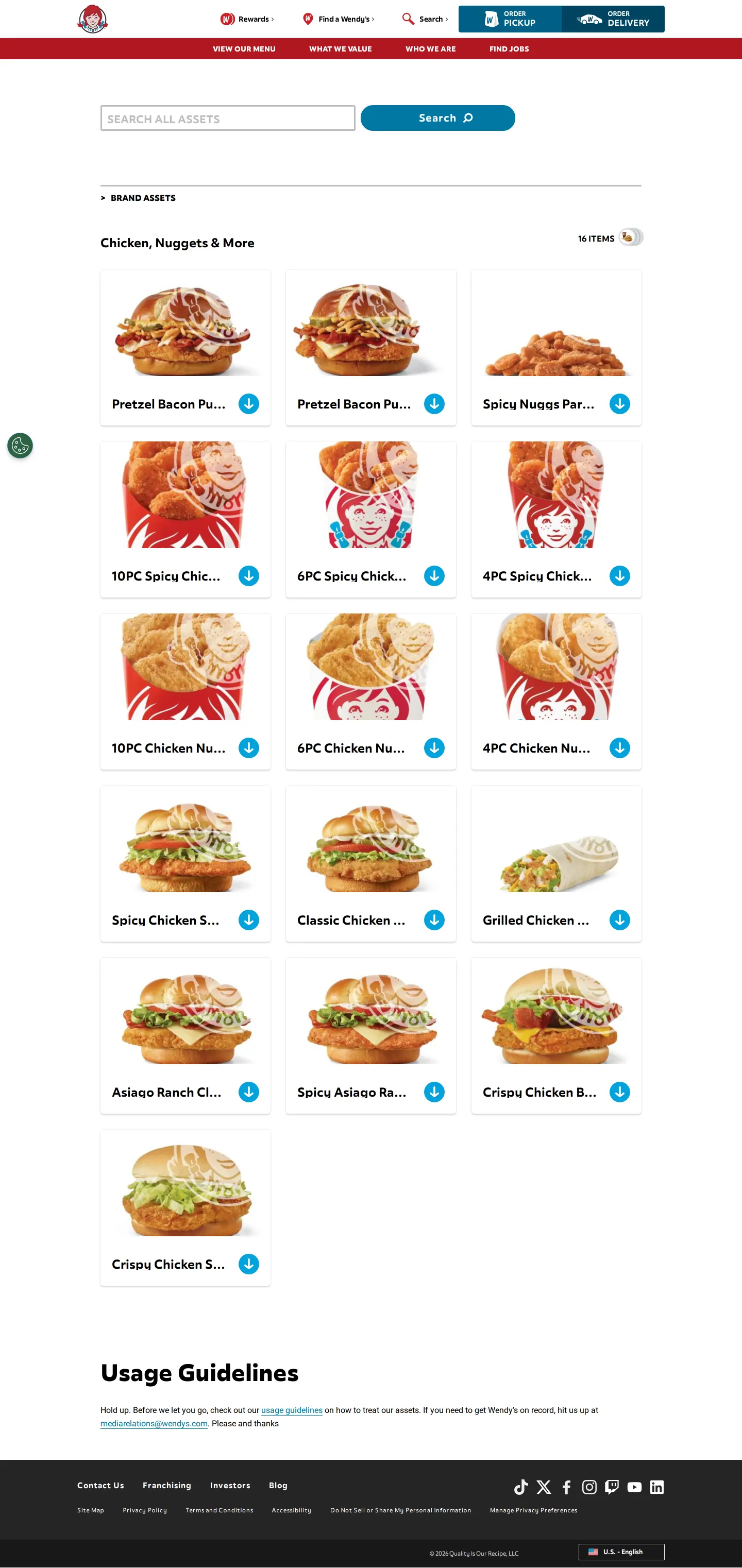
Chicken, nuggets, and wraps section displaying 16 product photography cards for press use.
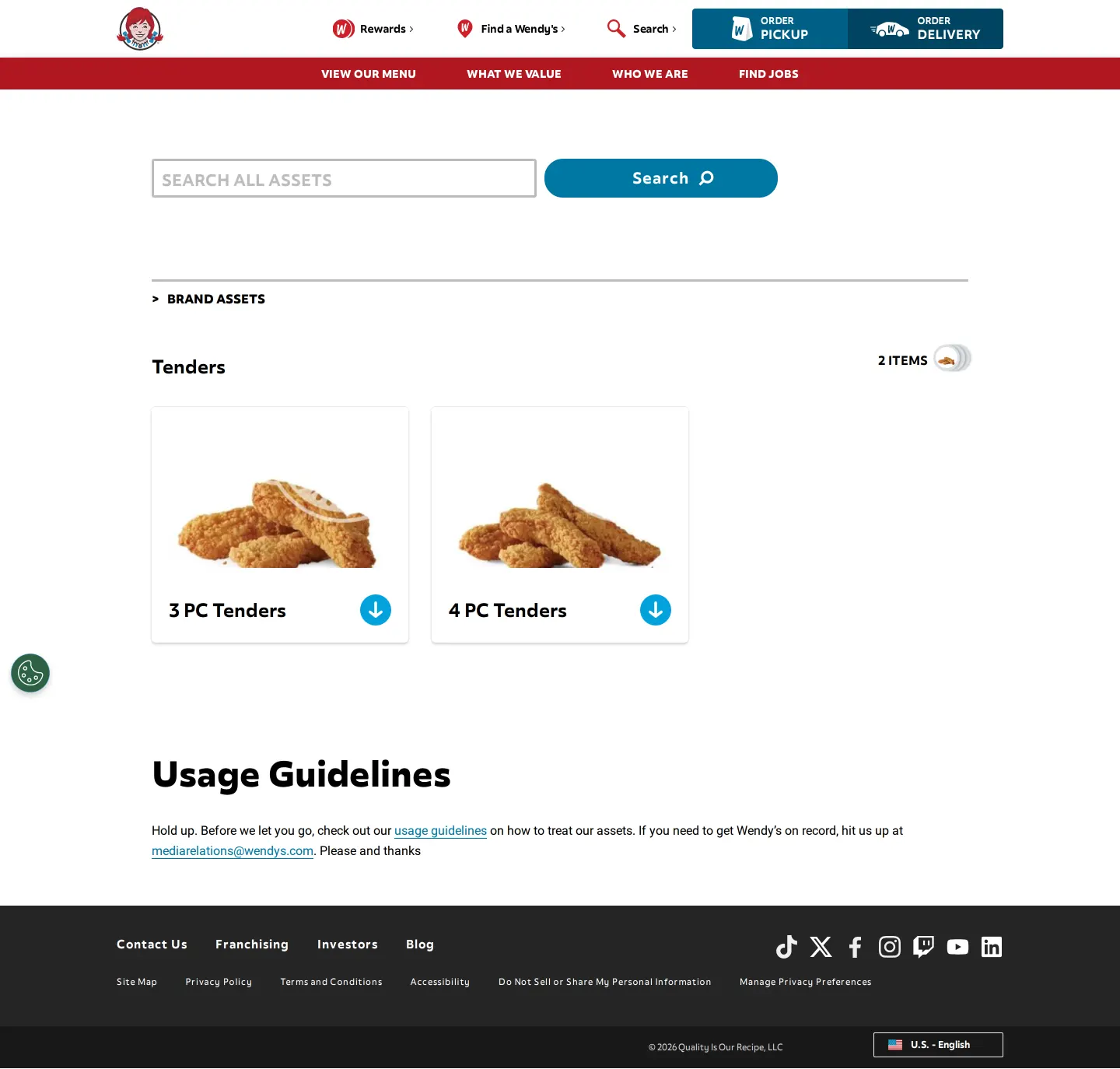
Tenders gallery displaying two product images alongside an asset search bar and breadcrumb navigation.
Want a brand center like Wendy's’?
Create your brand center with Freedam ↗Freedam's take
When I looked through Wendy's press asset pages, I found a library focused almost entirely on product imagery for journalists. Rather than spelling out comprehensive identity guidelines, the portal acts as a practical media catalog. It divides the brand's expansive menu into clear visual categories, from Combos and Hamburgers to Frosty treats and restaurant exteriors. Every item card includes direct download buttons right next to the preview, which keeps file retrieval simple. While you will not find typography rules or design systems here, the clear counts and category cards make finding specific menu assets very straightforward.
At a glance
- Sections
- Brand Assets · Combos · Hamburgers · Chicken, Nuggets & More · Tenders · Logos · Restaurant · Usage Guidelines
- Tone
- A practical and straightforward media portal aimed at distributing food photography and brand marks to press.
What I noticed
- The asset catalog organizes food photography, logos, and restaurant exteriors into categorized grid cards showing an item count badge and a button to view images.123
- Thumbnail previews of product items like combo meals and hamburgers display Wendy's logo watermarks.45
- Individual category detail pages provide circular blue download buttons on each card alongside a total item counter.6789101112
- A global asset search input labeled 'SEARCH ALL ASSETS' is featured across the portal pages.131415161718
- The bottom of the asset pages includes a Usage Guidelines section linking to rules and supplying a media relations email contact.19202122
Numbers refer to the screenshots above.
What I could not see
- Specific image file formats, resolutions, and detailed usage guideline text were not directly visible without clicking the external guideline links.
Ideas to borrow
Quick answers
Reviewed on 25 September 2026. Request a correction · I built this
Similar brand centers
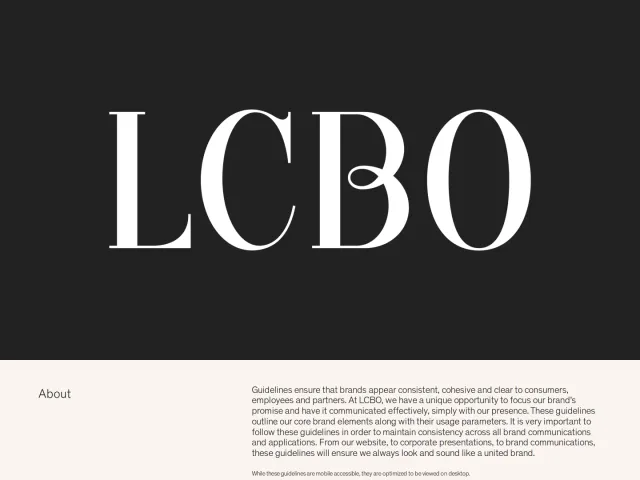
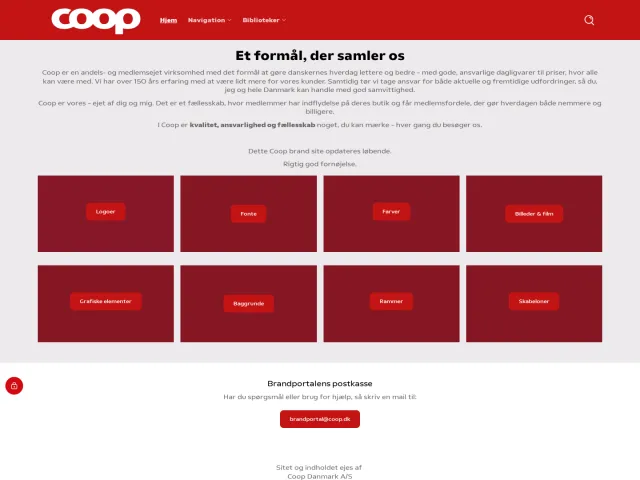
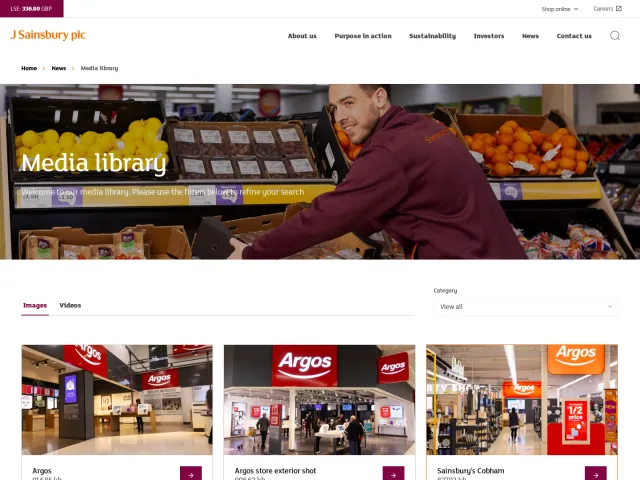
All brand centers →Wendy's organizes its asset portal around an itemized menu catalog of food photography, logos, and restaurant images. By contrast, Sainsbury's provides store exterior, colleague, and customer press imagery across both Sainsbury's and Argos brands, while Coop Danmark offers a brand portal covering identity standards, chain-specific color palettes, and photo expiration rules.