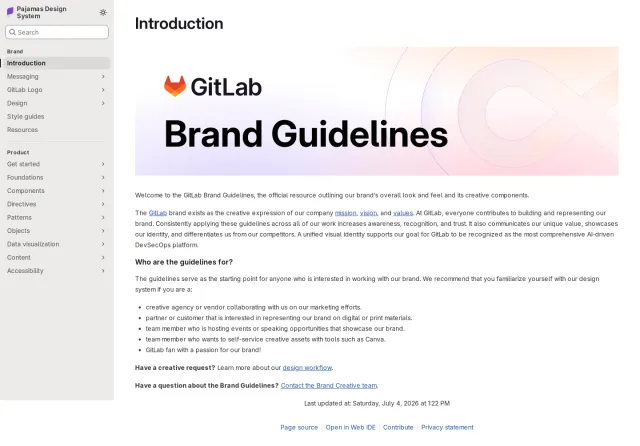
webpack brand guidelines
The webpack branding page provides concise brand rules covering name capitalization, logo variations, icon formats, official colors, and licensing terms.
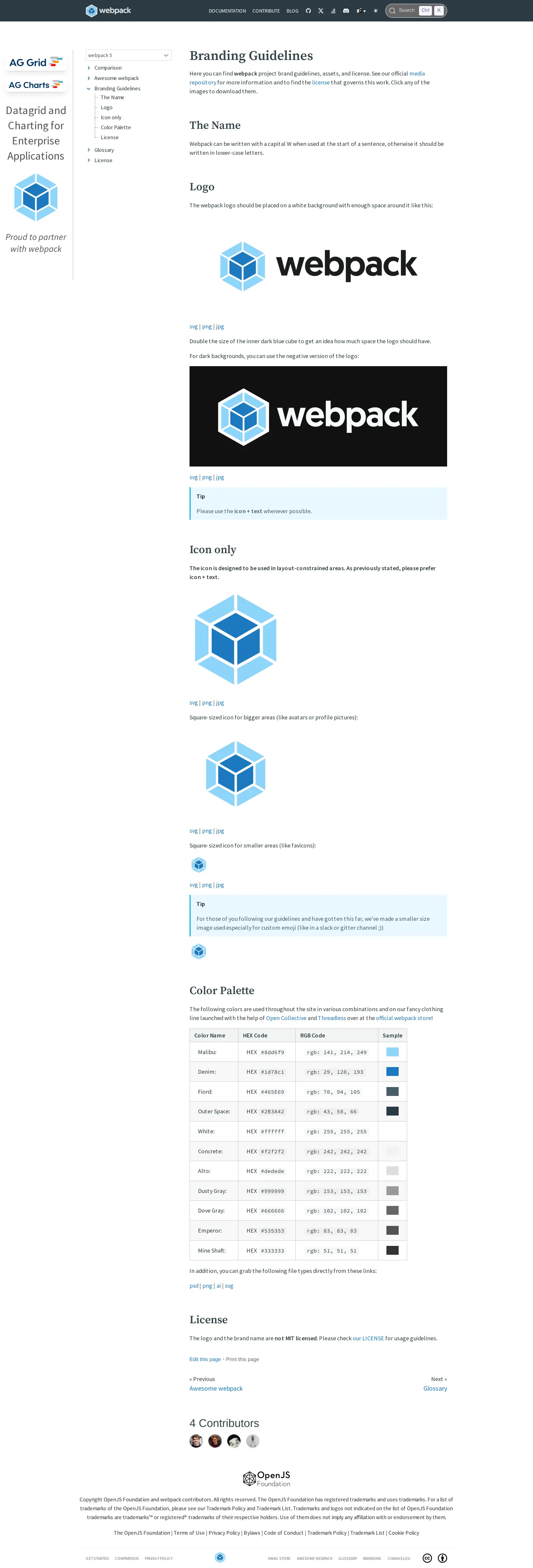
The webpack branding guidelines page outlining name rules, logo variants, icon sizes, and color palettes.
Want a brand center like webpack’s?
Create your brand center with Freedam ↗Freedam's take
I like how webpack keeps its brand documentation embedded directly inside its core documentation site. Rather than sending people off to a corporate portal, it treats its visual identity just like any other technical specification. You can quickly see how to spell the name, review the dark and light logo variants, inspect the color values in hex and RGB, and grab the mark in formats like SVG and PNG right from GitHub. It is modest, direct, and matches how developer tools communicate with their communities.
At a glance
- Sections
- The Name · Logo · Icon only · Color Palette · License · 4 Contributors
- Downloads
- svg, png, jpg, psd, ai
- Tone
- Direct, technical, and concise documentation suited for developers.
What I noticed
- The documentation specifies that the name webpack starts with a capital letter only when beginning a sentence.1
- The page displays primary horizontal logos on white and dark backgrounds, alongside standalone icons formatted for avatars, favicons, and custom emojis.23
- Logo and asset links route to files hosted directly in a GitHub repository.4567
- The color section details color names, hex codes, and RGB values paired with visual color swatches.8
- The guidelines clarify that the webpack logo and brand name are not covered under the project's MIT license.9
Numbers refer to the screenshots above.
What I could not see
- I could not see typography guidelines or font download links on this page.
- I could not see brand usage dos and don'ts or layout templates.
Ideas to borrow
Quick answers
Where can I download the webpack logo and icon files?
Webpack provides direct download links to SVG, PNG, JPG, PSD, and AI files hosted in its GitHub media repository.451011
Is the webpack logo open source under the MIT license?
No, the branding guidelines state that the webpack logo and brand name are not MIT licensed.9
Reviewed on 25 September 2026. Request a correction · I built this