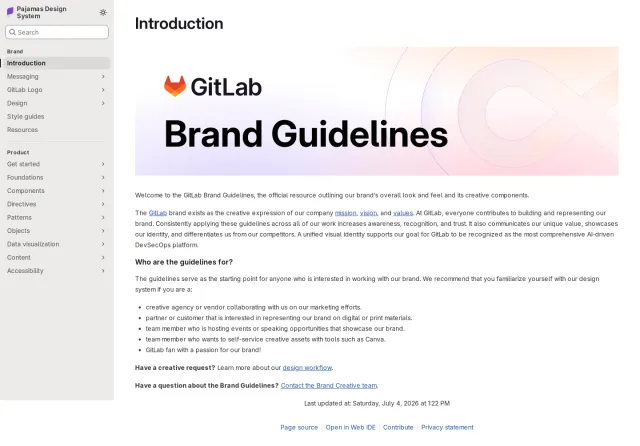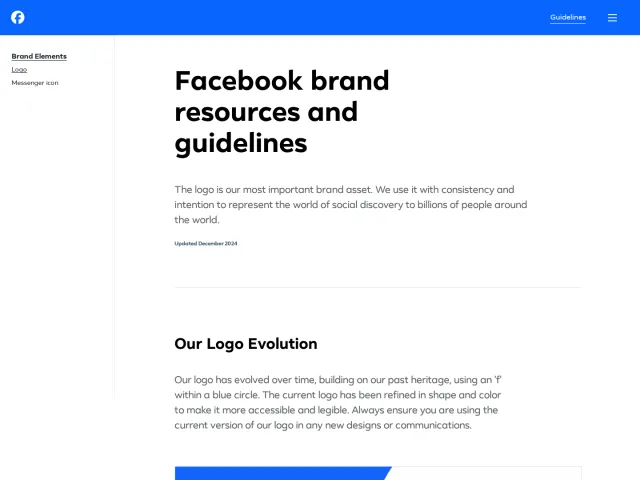
Visual Studio Code brand guidelines
Visual Studio Code provides a developer-focused brand guidelines page detailing icon usage, clear space, color values, extension naming rules, and UI action buttons.
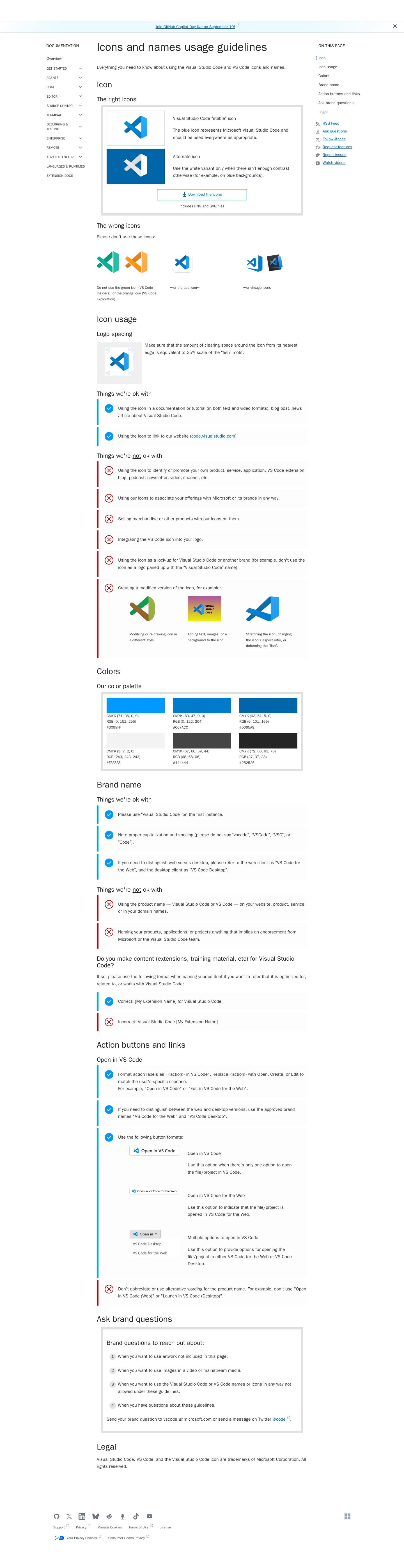
Guidelines documentation showing icon dos and don'ts, clear space rules, color swatches, and action button formats.
Want a brand center like Visual Studio Code’s?
Create your brand center with Freedam ↗Freedam's take
I like how practical this single-page brand reference is for the developer ecosystem. Instead of getting lost in broad corporate storytelling, Visual Studio Code focuses squarely on what its community actually needs to build. You find clear diagrams for logo clear space, specific naming instructions for extension creators, and approved UI designs for action buttons like Open in VS Code. It gives partners and contributors immediate clarity without any unnecessary clutter, down to exact color codes and a handy asset download.
At a glance
- Sections
- Icon · Icon usage · Colors · Brand name · Action buttons and links · Ask brand questions · Legal
- Downloads
- ZIP, PNG, SVG
- Tone
- Direct, practical technical documentation designed for developers and extension creators.
What I noticed
- A single download button provides a ZIP archive containing PNG and SVG files for stable and alternate white icons.12
- Correct and incorrect icon usages are visually differentiated using blue checkmarks and red cross marks.3
- The color palette lists six color swatches accompanied by CMYK, RGB, and HEX specifications.4
- Logo spacing guidelines demonstrate a clear space requirement calculated at twenty-five percent scale of the fish motif.5
- The guidelines detail specific rules for extension naming and provide UI patterns for Open in VS Code buttons.67
Numbers refer to the screenshots above.
What I could not see
- No typography specifications, downloadable font files, or presentation templates are visible on the page.
- Guidelines on photography, illustration styles, or voice and tone are not shown.
Ideas to borrow
- Provide explicit UI components and integration button examples to help external developers correctly link to your software.7
Quick answers
Where can I download Visual Studio Code brand icons?
A ZIP archive containing PNG and SVG formats of the stable and alternate white icons is available via the 'Download the icons' link on the guidelines page.12
What colors are in the Visual Studio Code brand palette?
The guidelines show six color swatches with CMYK, RGB, and HEX values listed.4
Reviewed on 25 September 2026. Request a correction · I built this