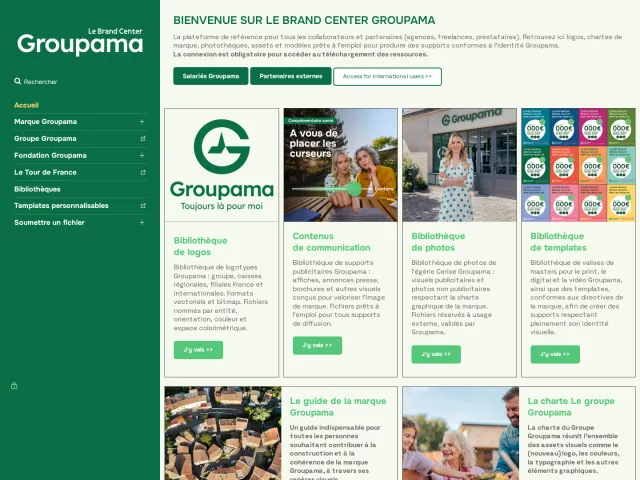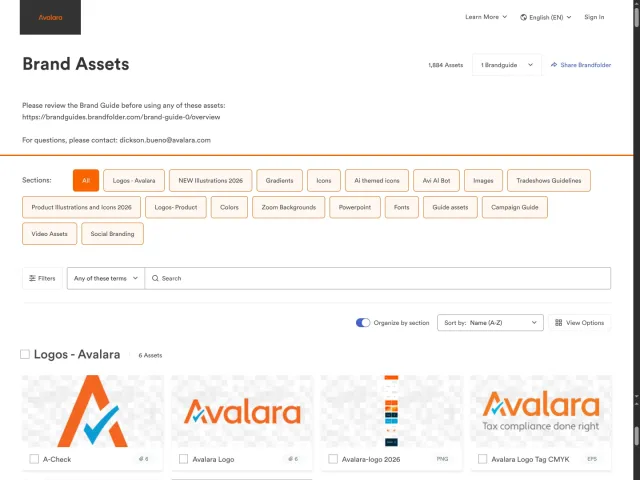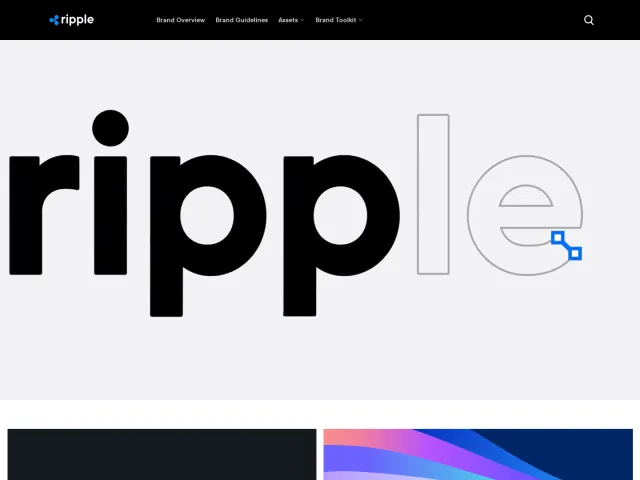
Visa brand portal
Visa Brand Center is a dedicated portal offering downloadable brand standard PDFs across physical cards, digital payments, in-store, and merchant touchpoints.
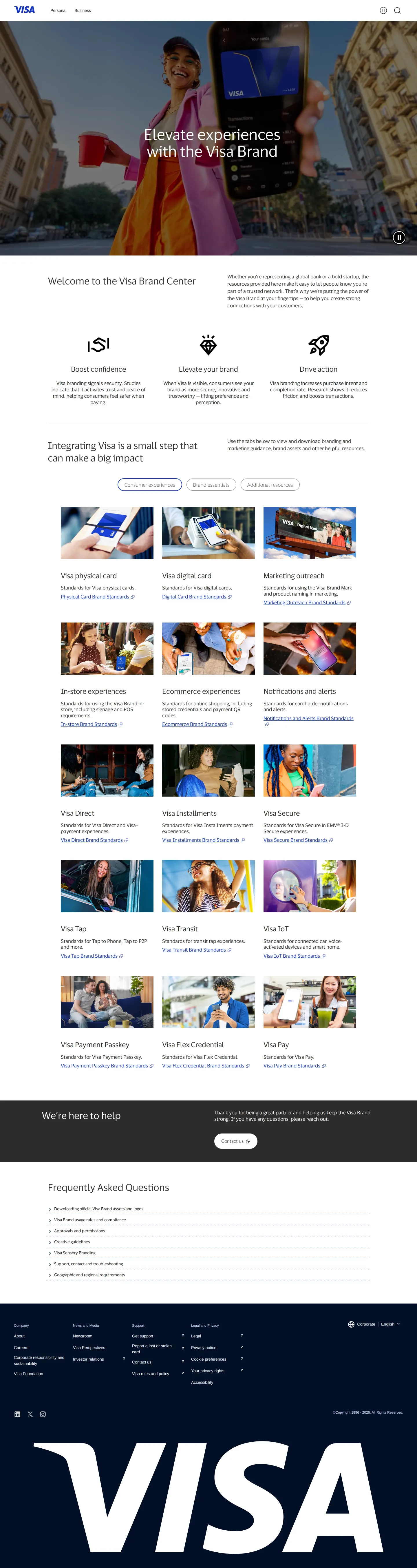
The main Visa Brand Center hub page displaying core pillars, a grid of guideline touchpoints, product cards, and expandable FAQs.
Want a brand center like Visa’s?
Create your brand center with Freedam ↗Freedam's take
I like how pragmatic the Visa Brand Center is. Instead of forcing everyone through an exhaustive design system manual, the landing page presents a modular grid of PDF standards tailored to specific touchpoints. Whether you are issuing a physical card, designing digital checkout screens, or working on transit terminals, there is a dedicated PDF guide ready to download. Grouping these resources alongside tabs for consumer experiences and product solutions makes direct access effortless. It feels structured for real-world merchant and partner implementations, supported by an expandable FAQ section addressing day-to-day asset handling questions right on the page.
At a glance
- Sections
- Consumer experiences · Brand essentials · Additional resources · Frequently Asked Questions
- Downloads
- Tone
- Direct, structured, and focused on clear implementation standards for global partners.
What I noticed
- The landing page presents three foundational value pillars titled Boost confidence, Elevate your brand, and Drive action.1234
- Guidance is organized across tabs including Consumer experiences, Brand essentials, and Additional resources.5
- A grid of cards provides direct downloads for specific PDF brand standards covering touchpoints like Physical card, Digital card, In-store experiences, and Ecommerce.678910
- The portal includes dedicated guideline cards for specific offerings like Visa Direct, Visa Installments, Visa Tap, Visa Transit, and Visa IoT.111213141516
- An expandable Frequently Asked Questions section addresses asset downloads, usage rules, creative guidelines, sensory branding, and regional requirements.17181920
Numbers refer to the screenshots above.
What I could not see
- Could not inspect the contents of the linked brand standards PDF documents.
- Could not view all eleven remaining FAQ accordion answers directly on screen.
- Could not access internal asset repositories or restricted partner areas beyond the public landing page.
Ideas to borrow
Quick answers
Reviewed on 25 September 2026. Request a correction · I built this