University of Copenhagen brand guidelines
The University of Copenhagen design guide provides practical identity standards, bilingual asset downloads, and production templates across print, office, and digital platforms.
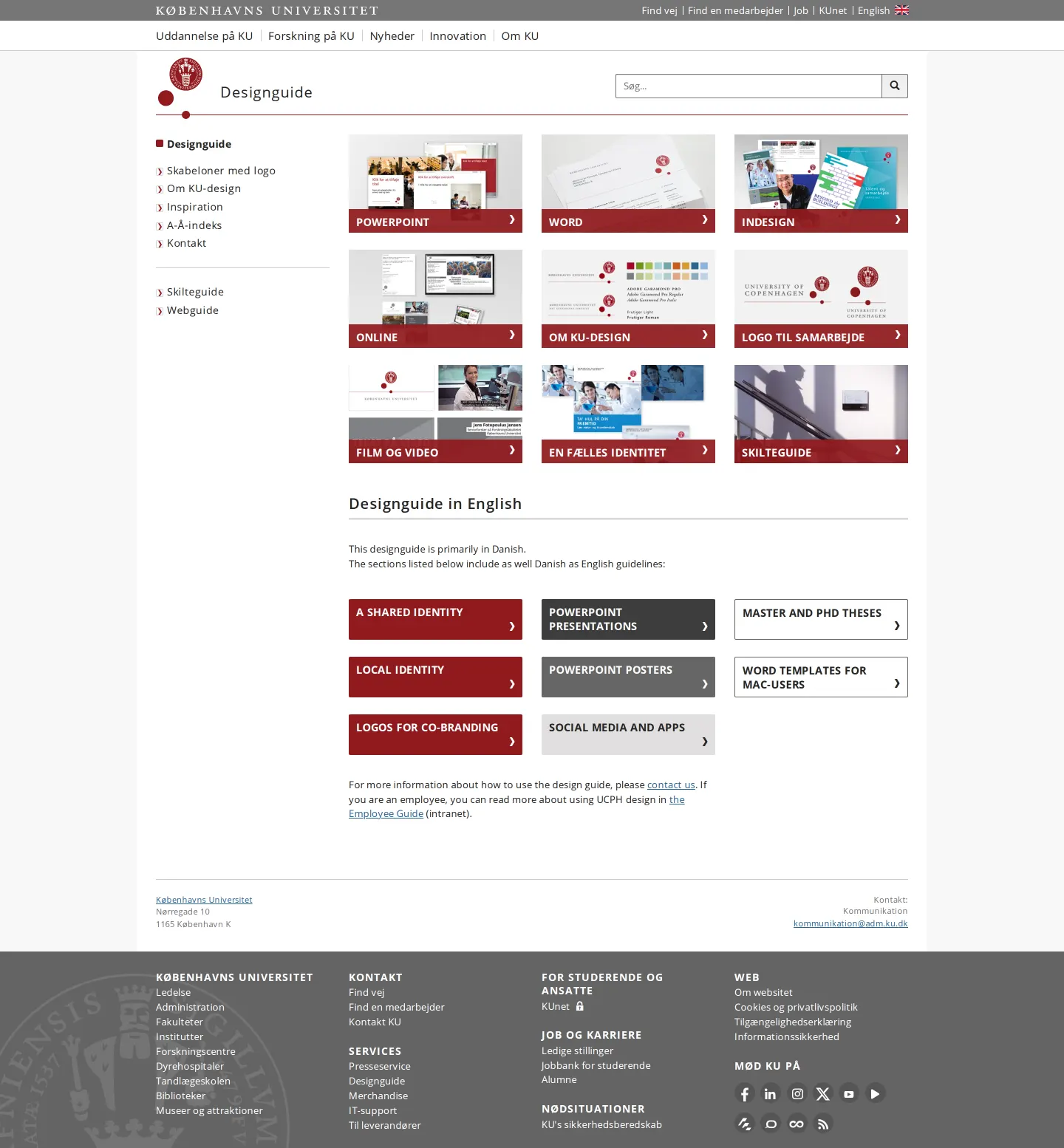
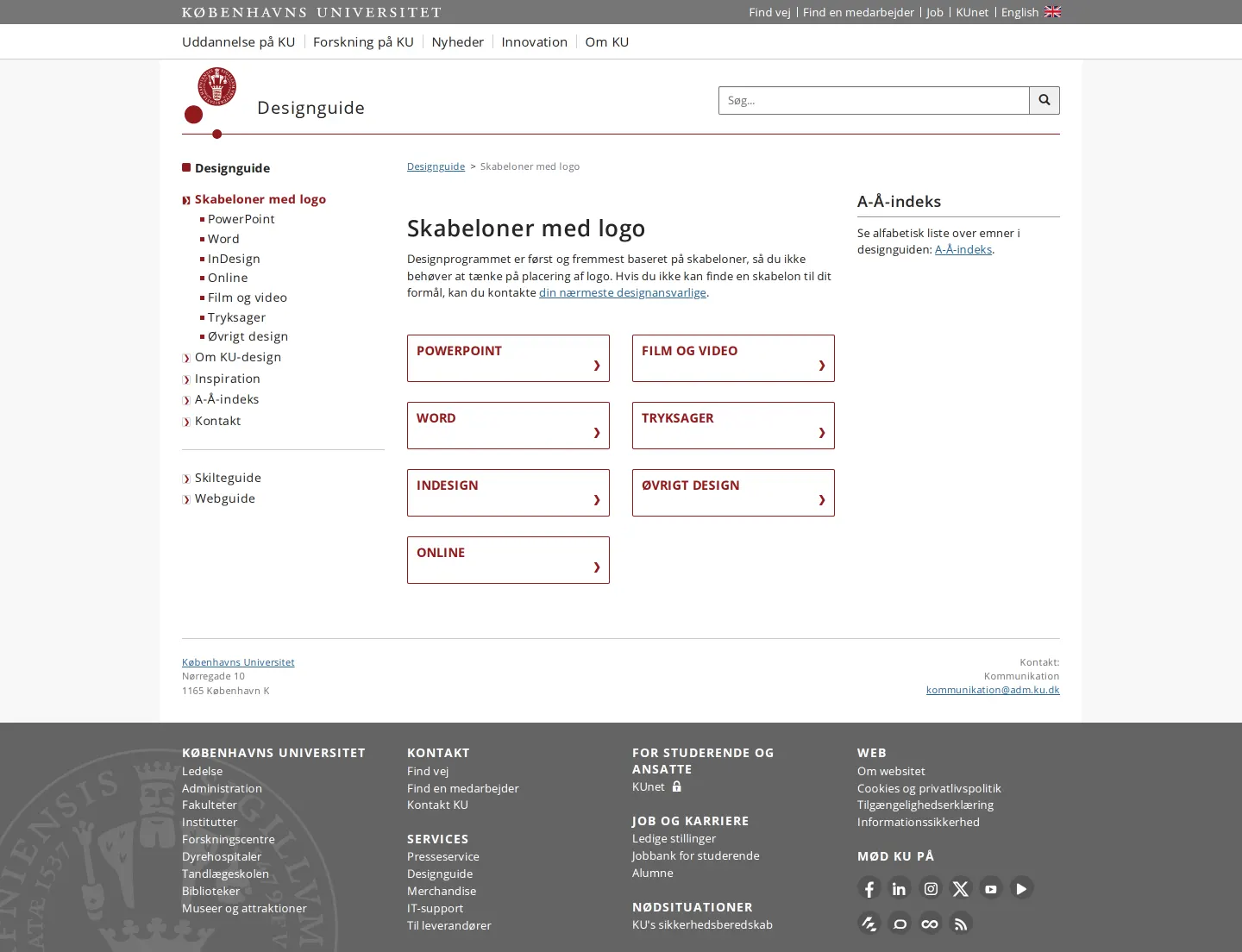
University of Copenhagen design guide landing page with visual tile links to office templates, identity resources, and bilingual materials.
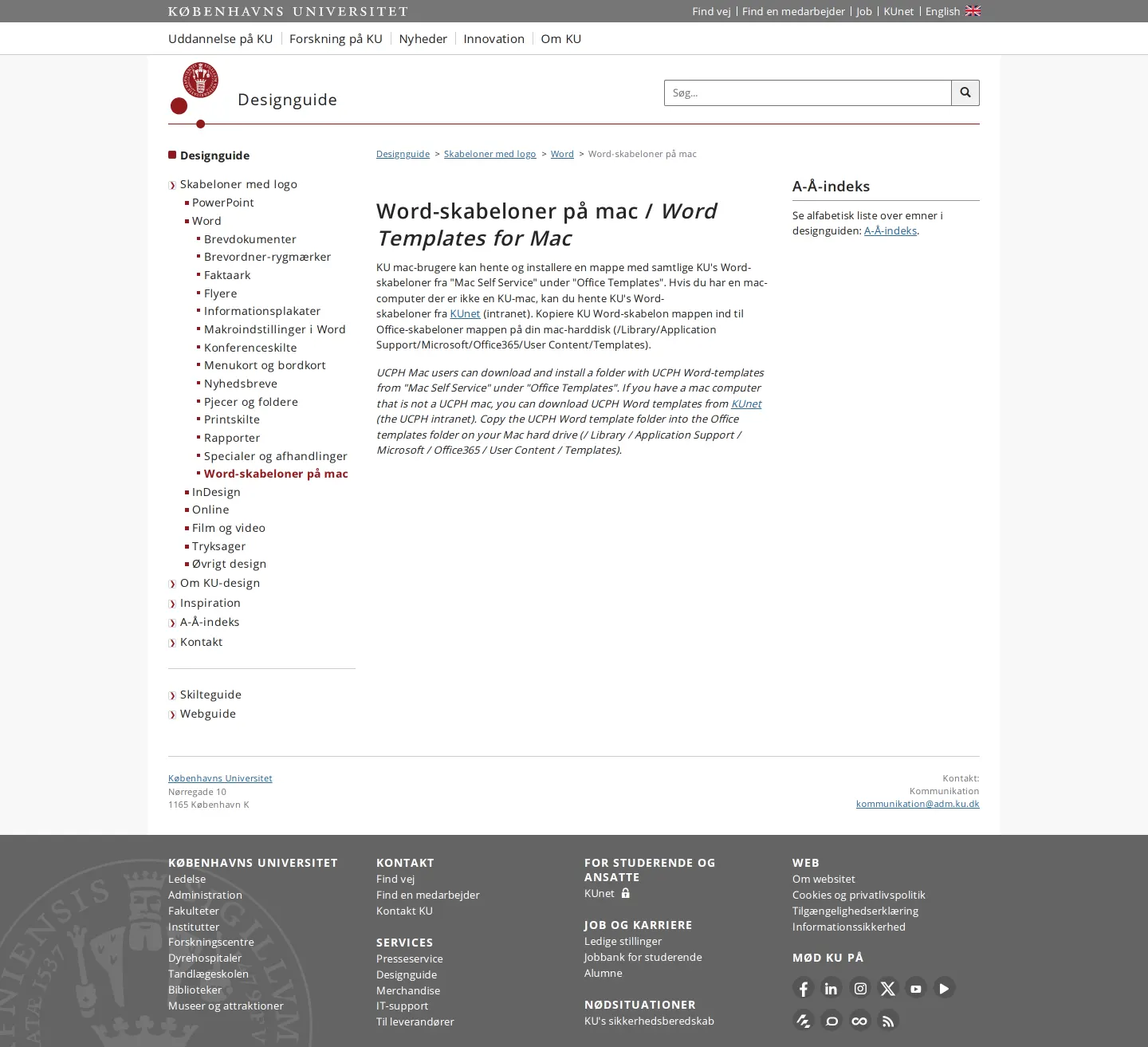
Mac template guide providing installation steps and local directory paths for corporate Word documents in Danish and English.
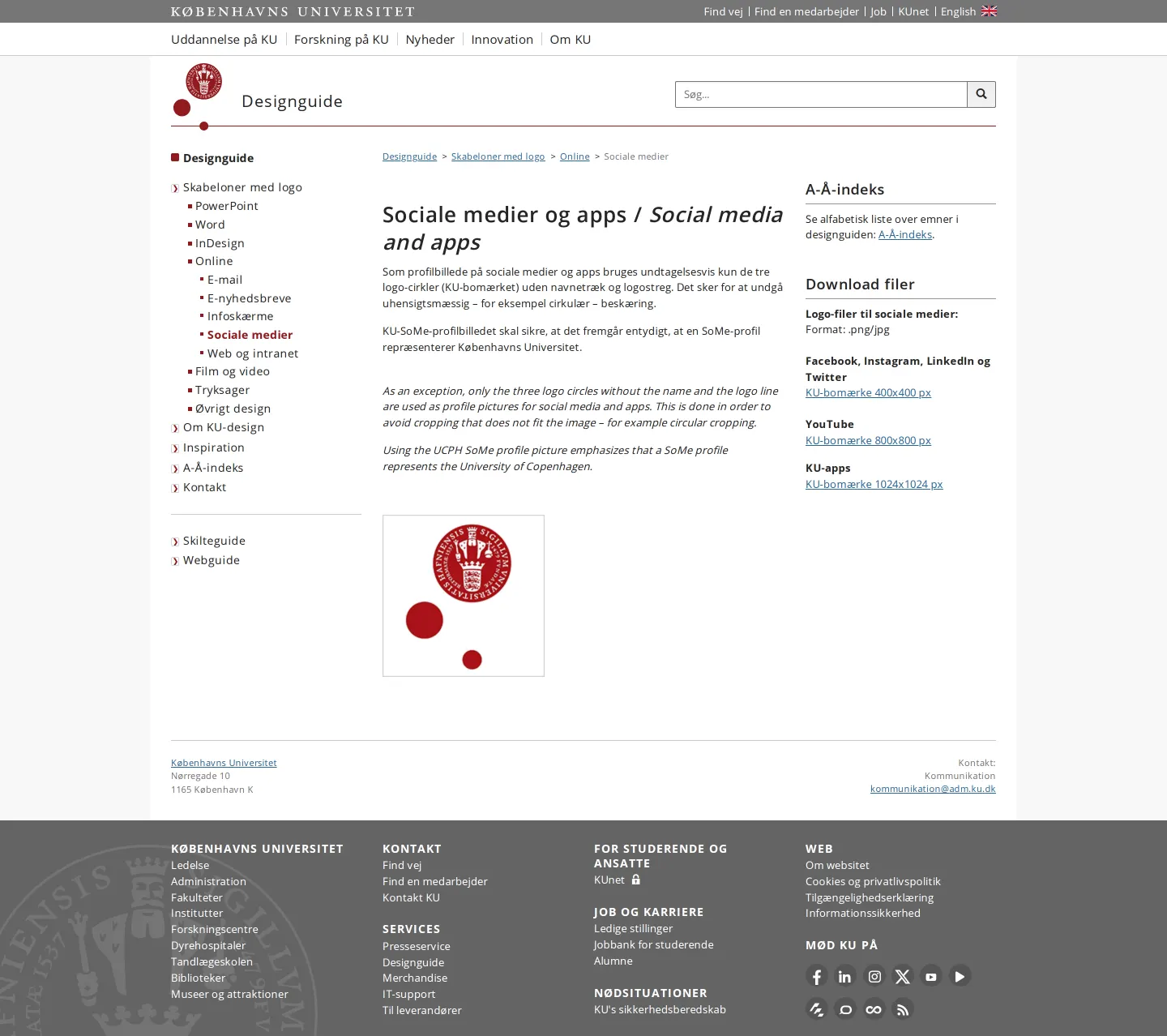
Social media identity guidance detailing profile circle rules and pre-sized icon asset downloads.
Want a brand center like University of Copenhagen’s?
Create your brand center with Freedam ↗Freedam's take
When I look at the University of Copenhagen design portal, I immediately appreciate how grounded and utilitarian it feels. Instead of high-level abstract marketing talk, the site jumps directly into real-world production tools. The home page uses a clean visual grid of red-accented tiles that quickly route people toward PowerPoint, Word, InDesign, and video templates. I also like how practical the technical documentation gets, providing clear bilingual file paths for Mac users installing corporate templates. It serves as an approachable, highly functional institutional manual.
At a glance
- Sections
- Skabeloner med logo · Om KU-design · Inspiration · A-Å-indeks · Kontakt · Skilteguide · Webguide
- Downloads
- PNG
- Tone
- Direct, practical, and instructional for university staff and external partners.
What I noticed
- The home page presents a three-column grid featuring preview tiles with red banner footers for templates and design topics including PowerPoint, Word, InDesign, and co-branding logos.12
- The portal publishes instructions and headings simultaneously in Danish and English across several sections.3456
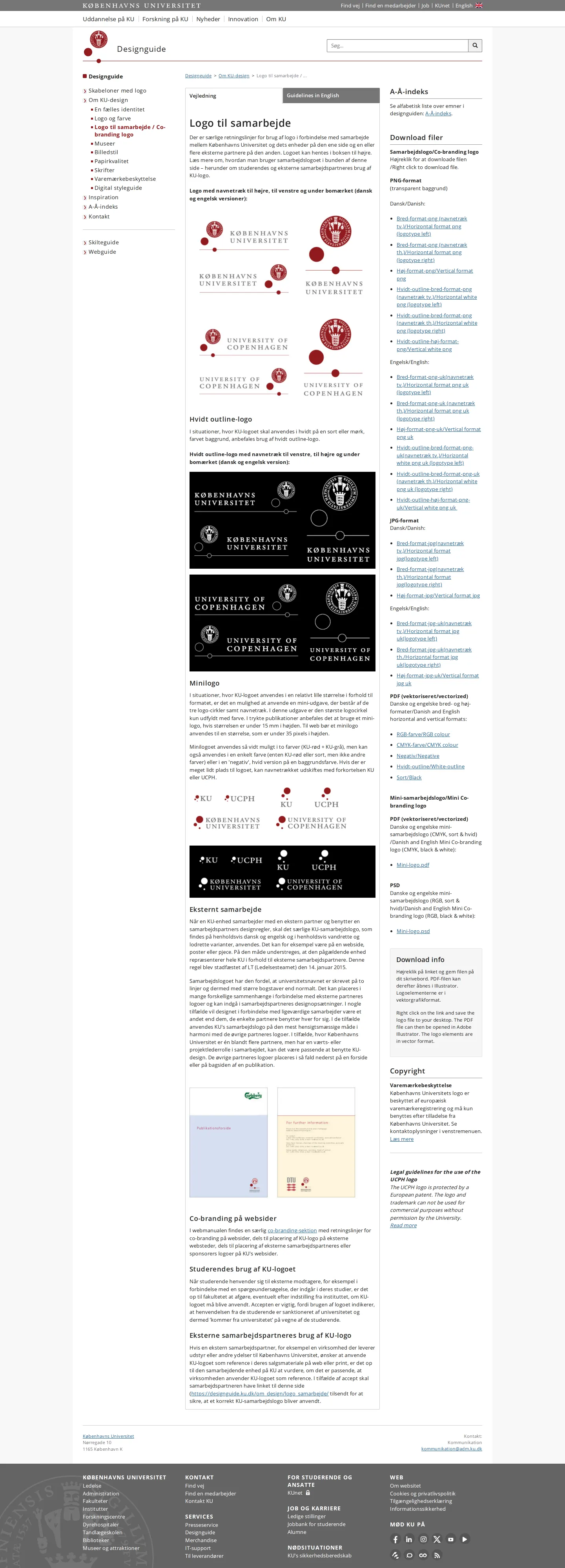
- The co-branding logo page provides direct PNG download links in horizontal and vertical orientations in both Danish and English variations.789101112
- Social media guidelines define asset usage with exact pixel dimension downloads for platforms like YouTube, Facebook, and university apps.131415
Numbers refer to the screenshots above.
What I could not see
- Could not inspect the full typography specimen page or license terms listed under the Skrifter navigation link.
- Could not verify whether InDesign and video templates require internal university authentication to download.
Ideas to borrow
- Include local filesystem paths alongside downloadable Office templates to help non-technical macOS staff correctly install corporate document themes.16
Quick answers
Reviewed on 25 September 2026. Request a correction · I built this
Similar brand centers
All brand guidelines →