McGill University brand guidelines
McGill University's visual identity portal introduces university branding standards, trademark policies, and brand asset access points.
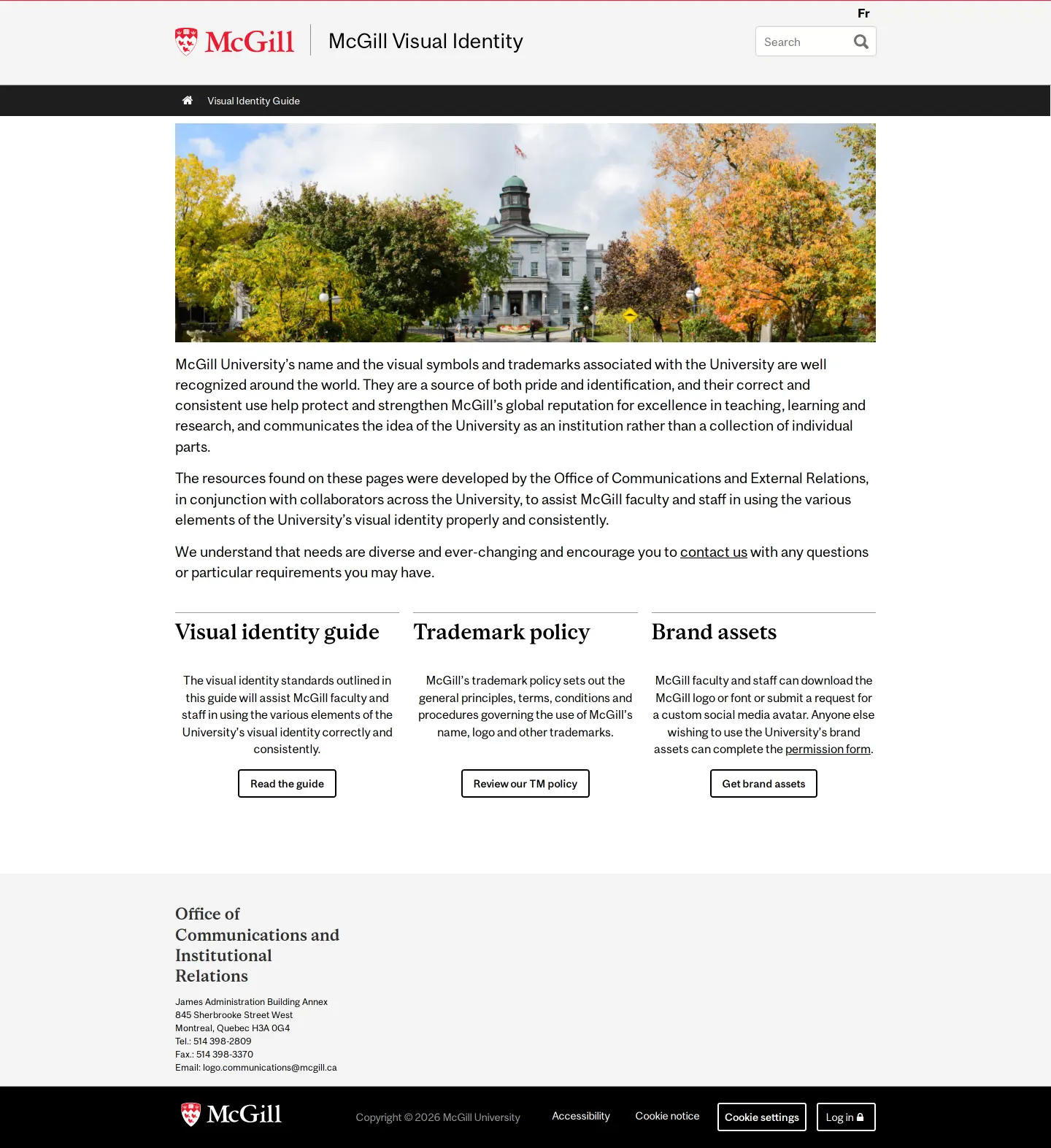
McGill University visual identity homepage featuring an Arts Building photograph and core links to guides, trademark policies, and brand assets.
Want a brand center like McGill University’s?
Create your brand center with Freedam ↗Freedam's take
I like how McGill University keeps its visual identity homepage straightforward and functional. Walking through the page, I noticed it immediately frames the institutional branding resources with a campus photograph before breaking down access into three clear pillars: the visual identity guide, the trademark policy, and brand assets. Rather than overcomplicating the landing view, it serves as a clean gateway for staff, partners, and students to find necessary guidelines and official policy documentation without visual clutter.
At a glance
- Sections
- Visual identity guide · Trademark policy · Brand assets
- Downloads
- Tone
- Official, academic, and practical institutional portal.
What I noticed
- The header includes the McGill crest logo, site title, a search bar, and a language switcher.1
- Three footer columns categorize resources into Visual identity guide, Trademark policy, and Brand assets.2
- The trademark policy section provides a link to download a PDF document covering the university name, logo, and trademarks.3
- The site is built on Drupal 7.4
Numbers refer to the screenshots above.
What I could not see
- Could not inspect the full visual identity guidelines or color palette details beyond the landing page.
- Could not view individual downloadable brand asset file formats directly on the homepage.
Ideas to borrow
- Institutions can organize a hub page into distinct entry points separating visual guides, legal trademark policies, and raw brand assets.2
Quick answers
Reviewed on 18 October 2026. Request a correction · I built this
Similar brand centers
All brand guidelines →