University of California, Santa Barbara brand guidelines
UC Santa Barbara's brand guidelines portal offers core identity assets, social media guidance, and downloadable templates for university communications.
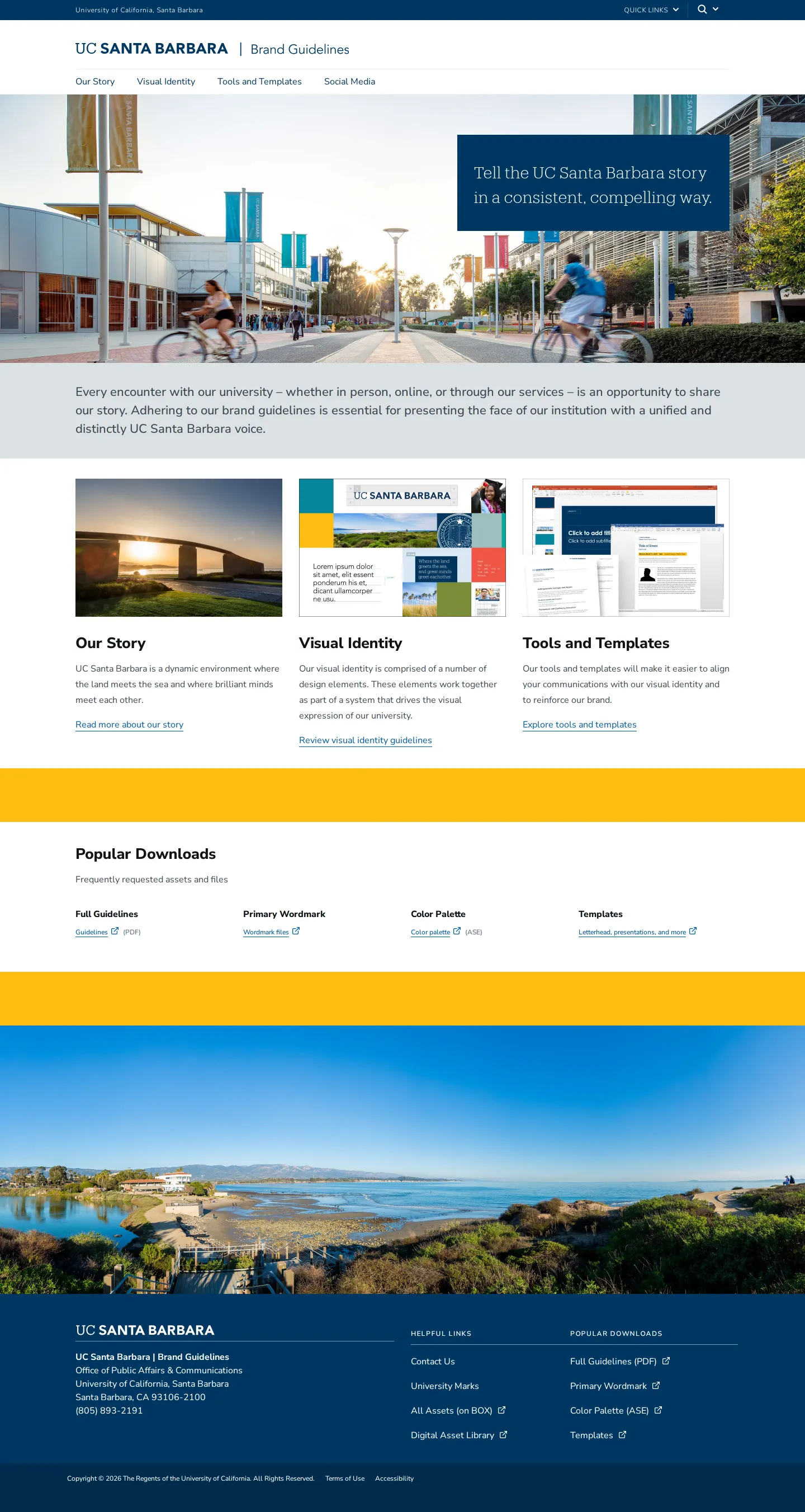
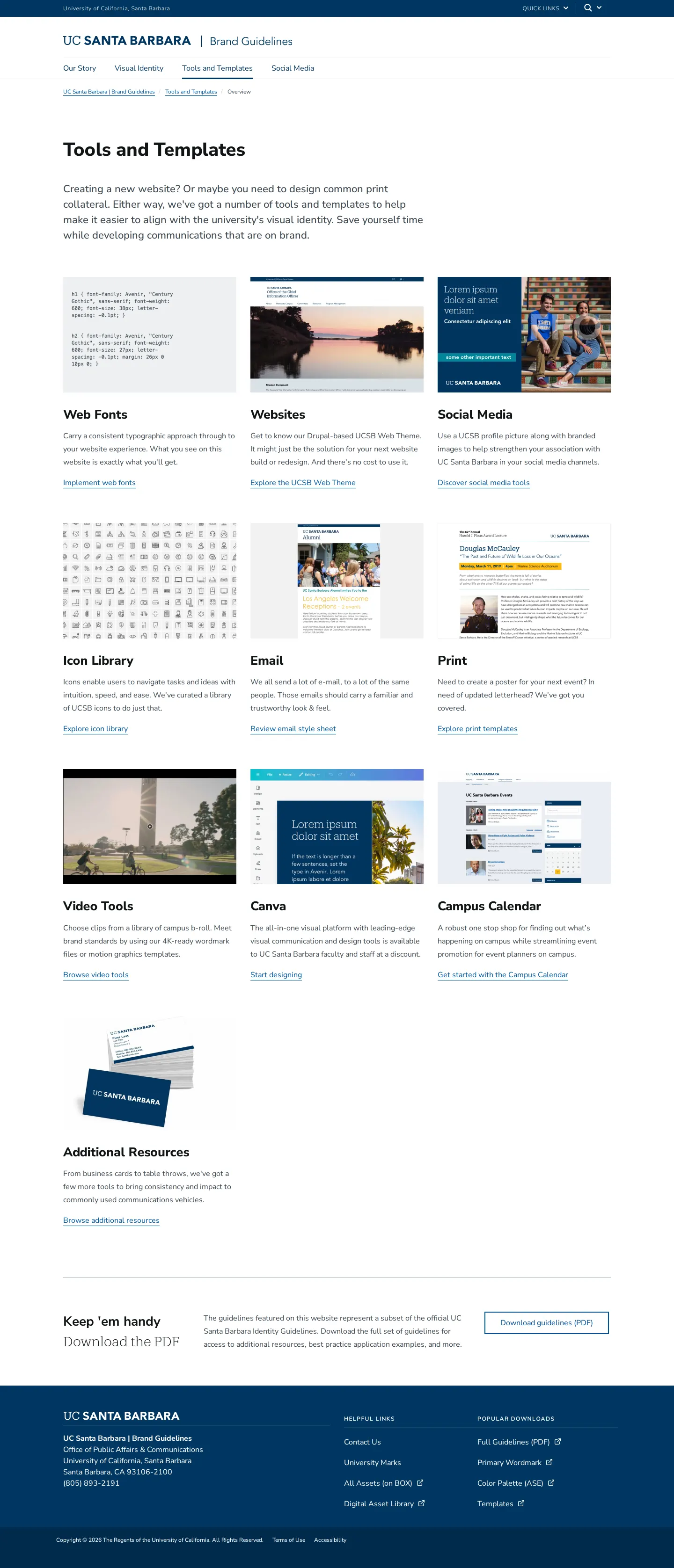
Home page of the UC Santa Barbara Brand Guidelines site featuring brand introduction sections, popular downloads, and links to visual identity resources.
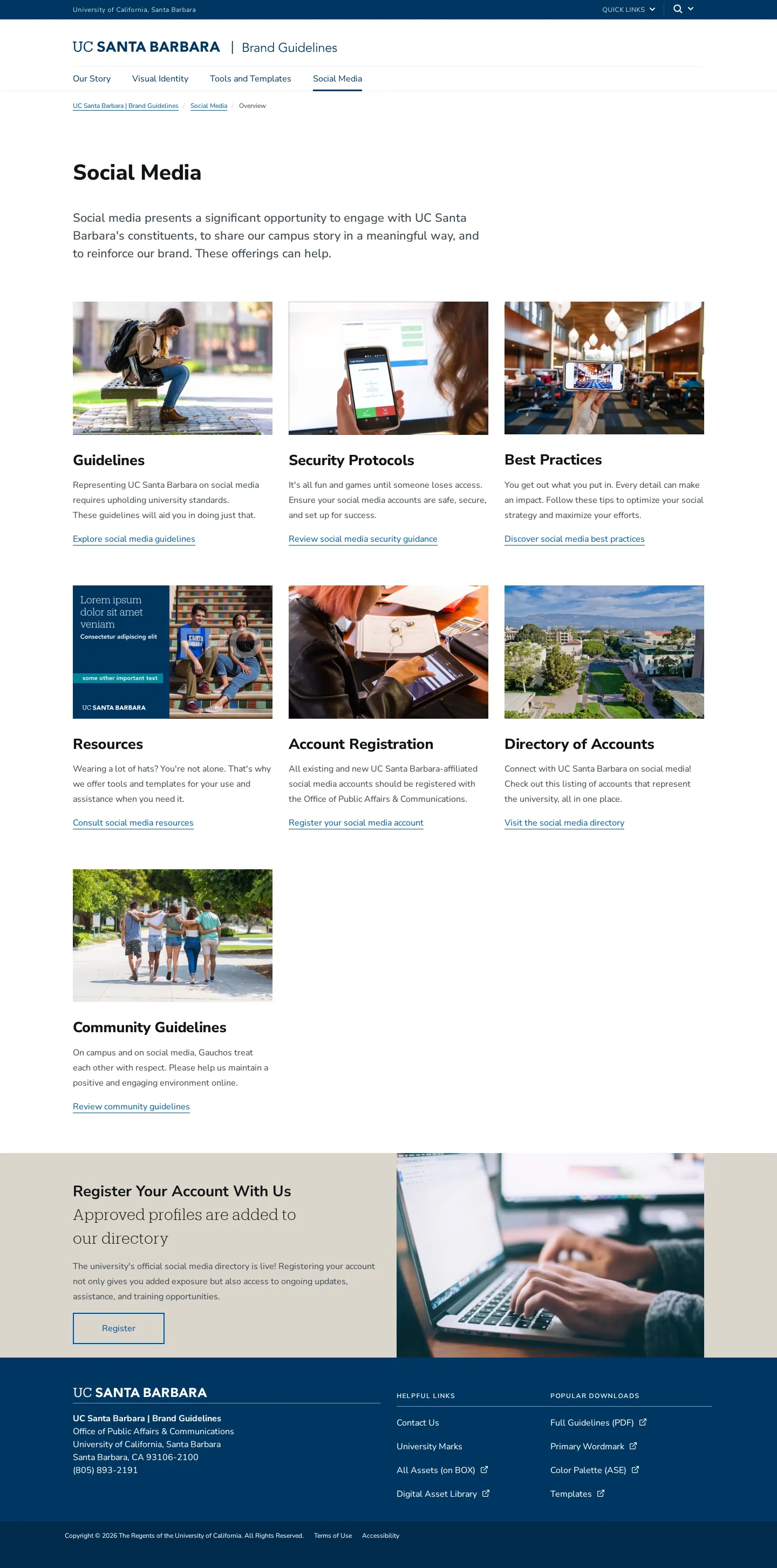
Social Media overview page from the UC Santa Barbara brand guidelines website.
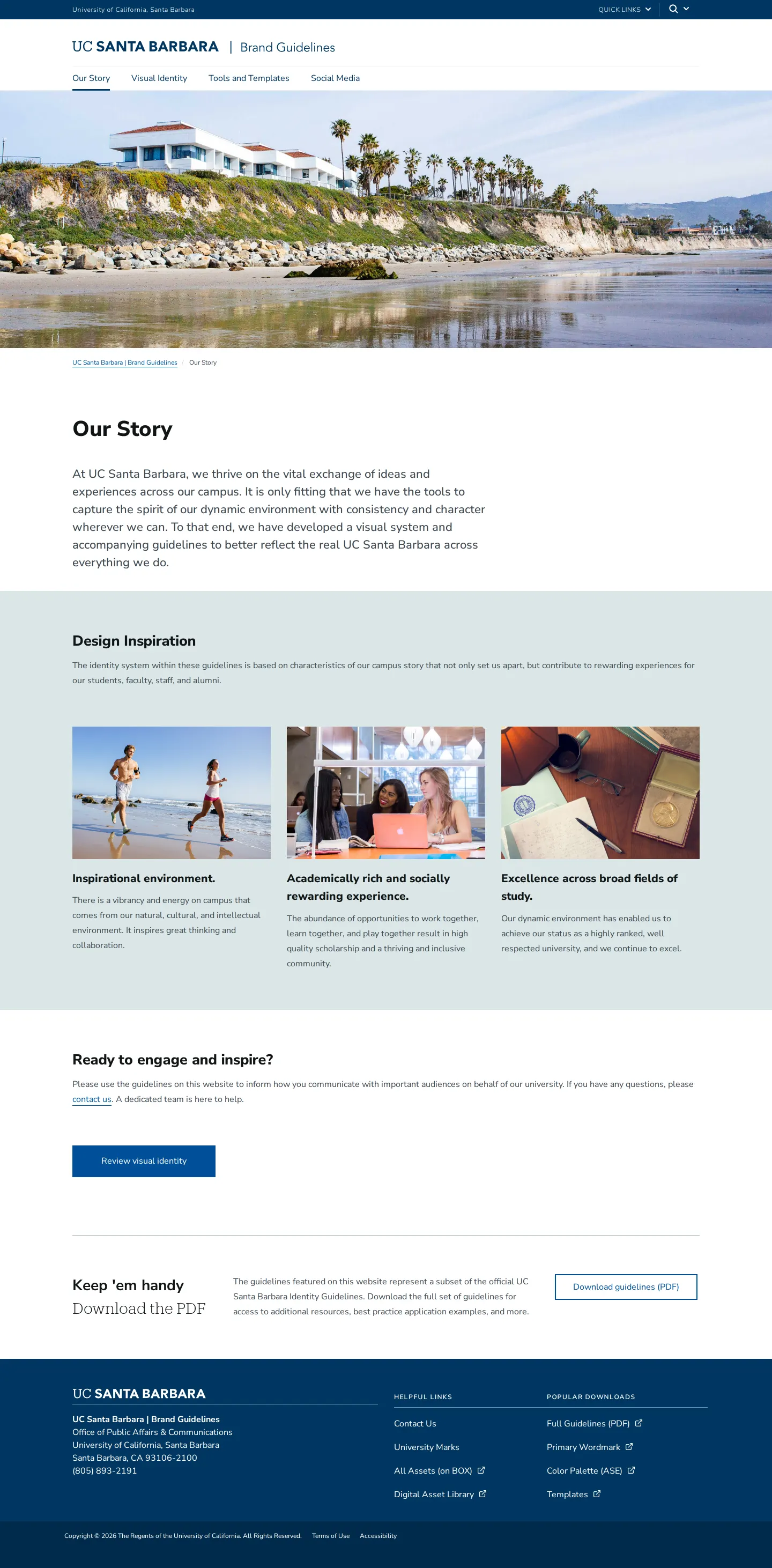
Brand guidelines introduction page for UC Santa Barbara outlining the university's brand story and design inspiration.
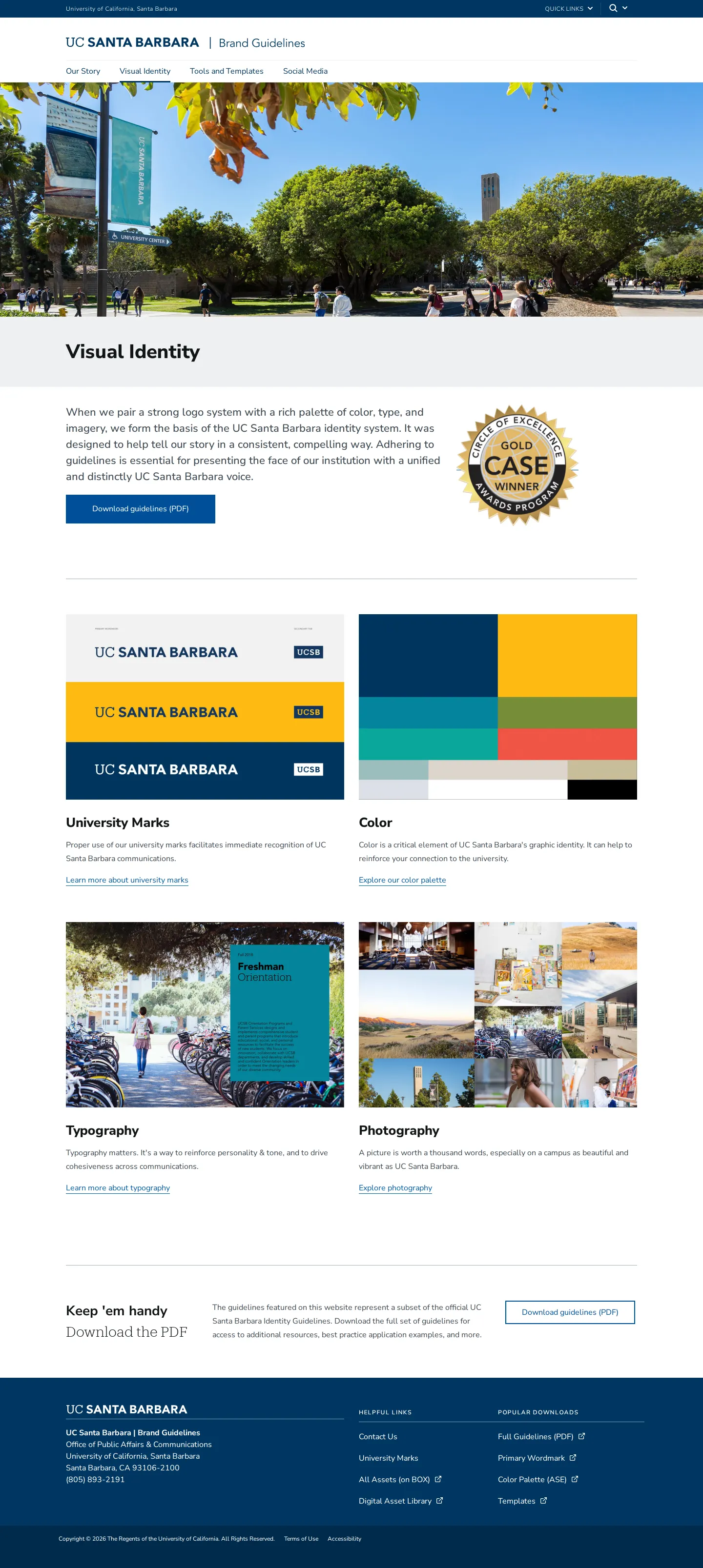
Visual identity landing page for UC Santa Barbara Brand Guidelines featuring key identity sections and guideline downloads.
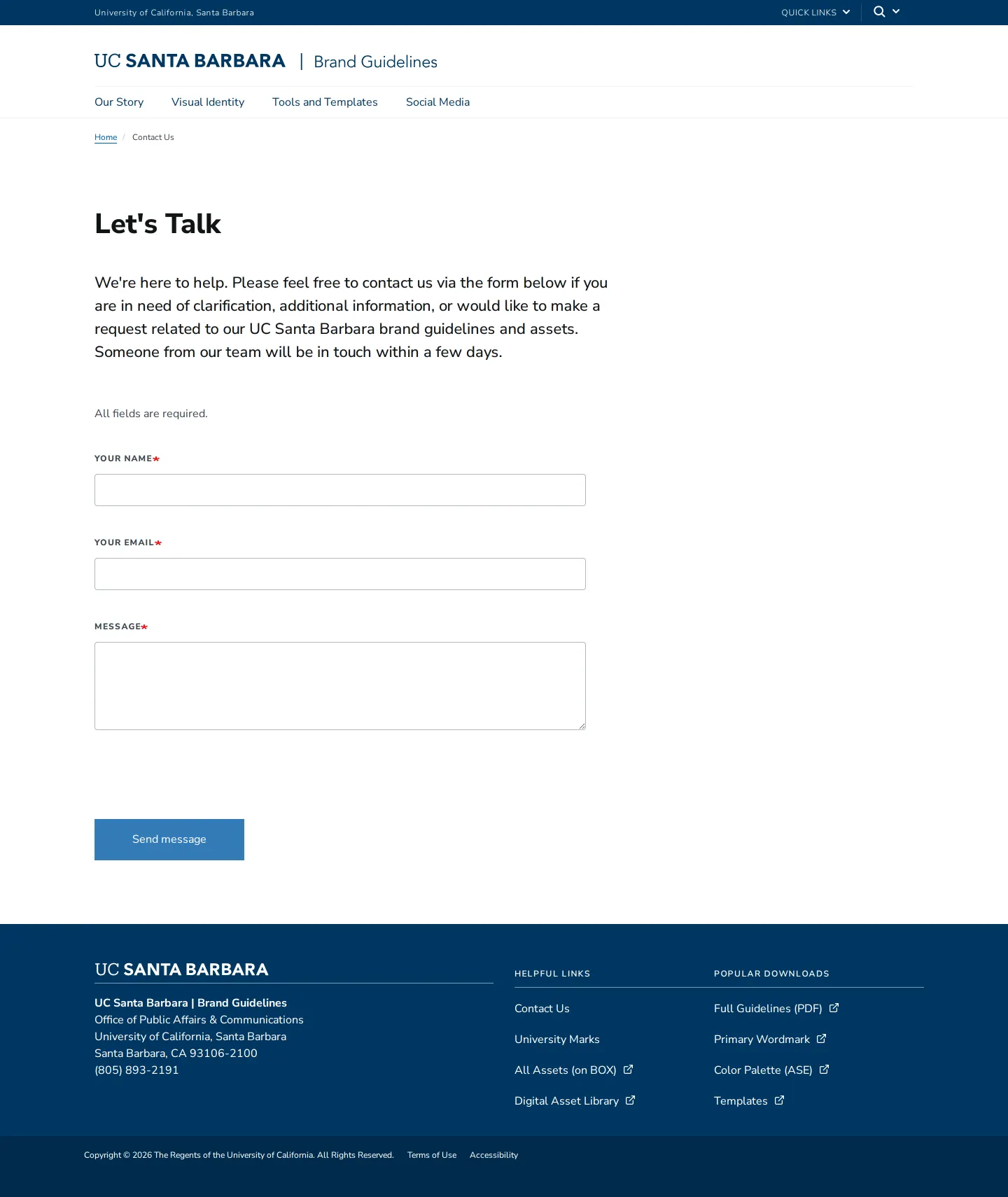
Contact page of the UC Santa Barbara Brand Guidelines website featuring an inquiry form.
Want a brand center like University of California, Santa Barbara’s?
Create your brand center with Freedam ↗Freedam's take
I like how direct UC Santa Barbara makes asset retrieval across their site. Every section keeps popular downloads close at hand, from an ASE color palette to their primary wordmark files. The site divides neatly into story, visual identity, practical tools, and social channels, giving equal weight to implementation advice alongside standard design rules. They also provide dedicated entry points for security protocols and account registration, which feels sensible for a large university. Having a simple contact form built right into the portal ensures anyone needing extra assets can quickly reach the team.
At a glance
- Sections
- Our Story · Visual Identity · Tools and Templates · Social Media
- Downloads
- PDF, ASE
- Tone
- A welcoming, structured academic portal focused on practical consistency and clear access to assets.
What I noticed
- The website navigation is organized around Our Story, Visual Identity, Tools and Templates, and Social Media.12
- The visual identity landing page breaks into University Marks, Color, Typography, and Photography.3
- The footer persistently surfaces popular download links including Full Guidelines (PDF), Primary Wordmark, Color Palette (ASE), and Templates.4567
- The social media section includes dedicated guidance on security protocols, account registration, and best practices.89
Numbers refer to the screenshots above.
What I could not see
- Could not view individual asset files or specific download packages hosted externally on Box.
- Could not inspect the full icon library or the exact templates provided under Tools and Templates.
- Could not view specific typography rules or color hex values without visiting subpages.
Ideas to borrow
Quick answers
Where can I download the complete brand guidelines?
A full PDF version of the guidelines can be downloaded via links found in the Popular Downloads section and on the Visual Identity and Tools and Templates pages.10111213
Reviewed on 25 September 2026. Request a correction · I built this
Similar brand centers
All brand guidelines →