Unity brand guidelines
Unity's Brand Studio provides brand guidelines, asset downloads, corporate templates, and photographic direction built on zeroheight.
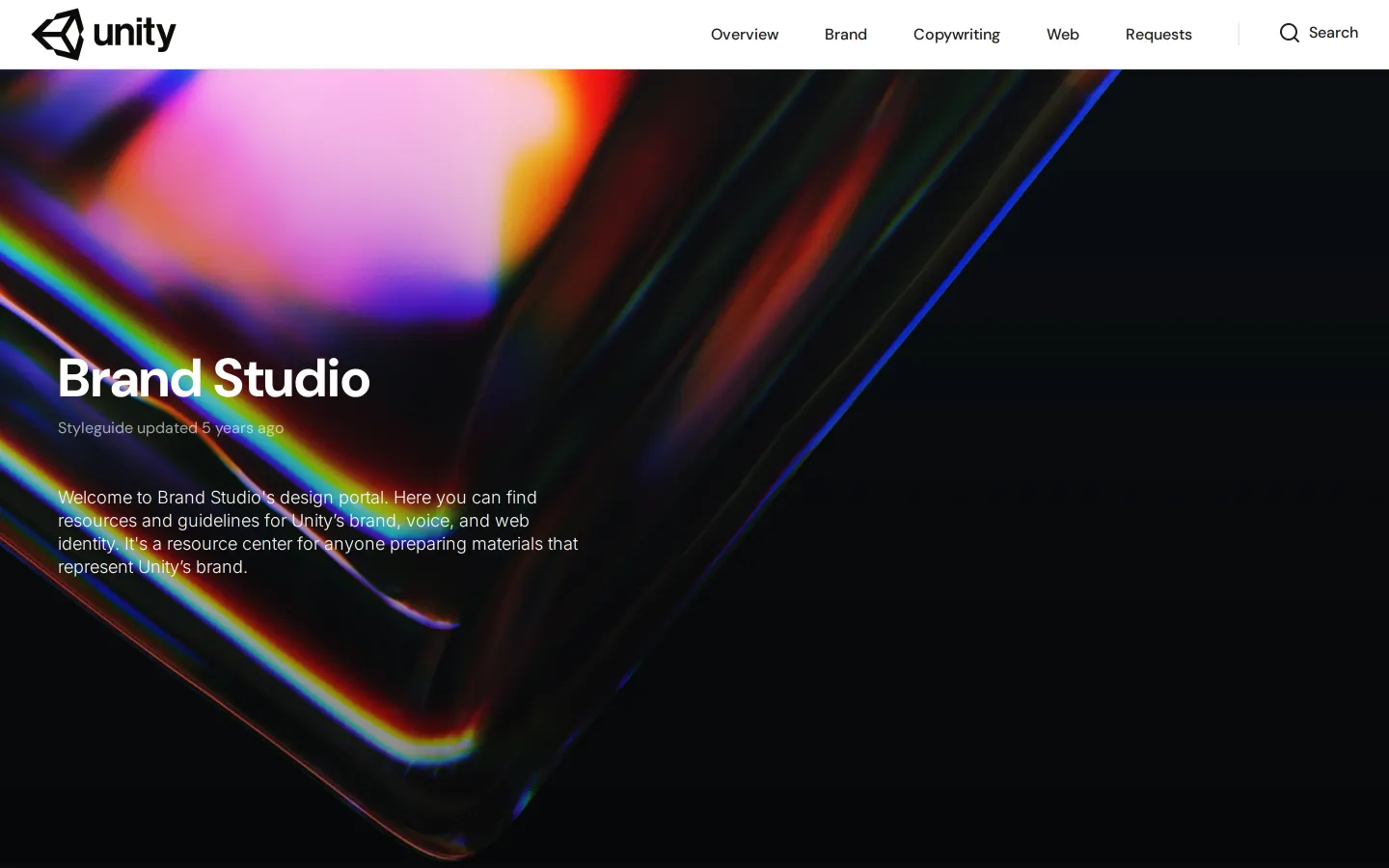
The Brand Studio landing page displaying an abstract chromatic visual hero and core section navigation.
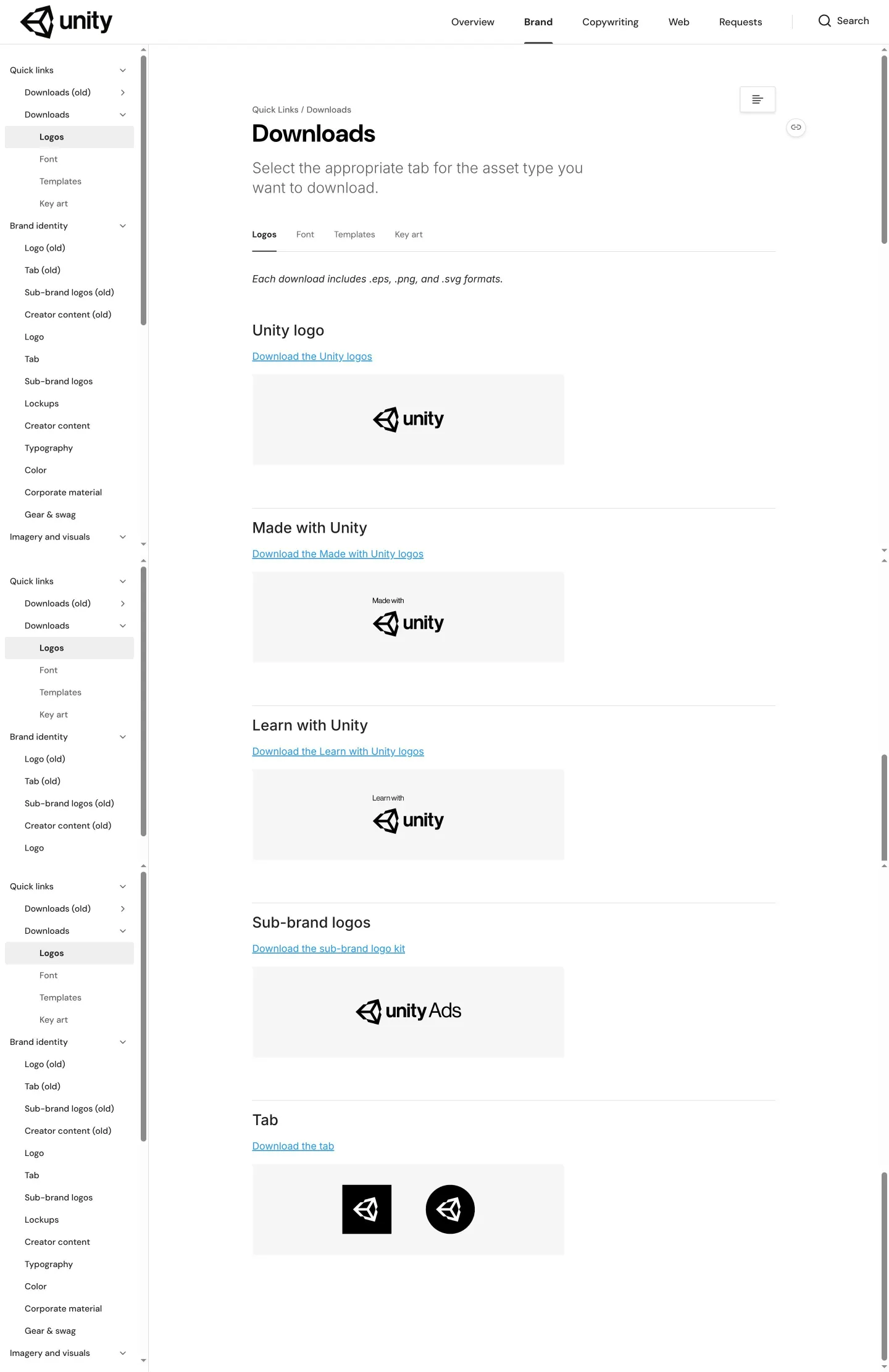
Asset downloads interface showing logo previews, format notes, and download links for brand marks.
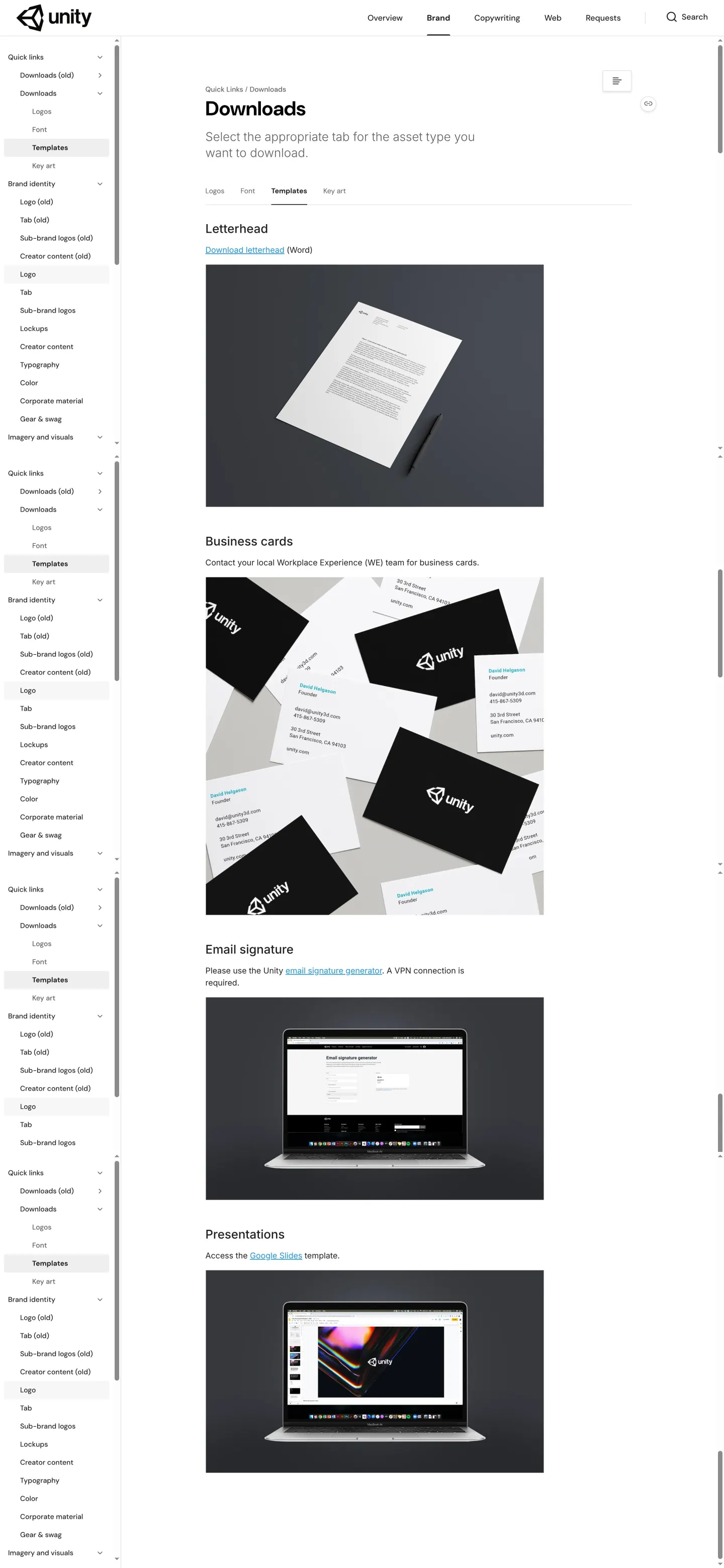
Templates page presenting internal collateral links including letterheads, business cards, and slide decks.
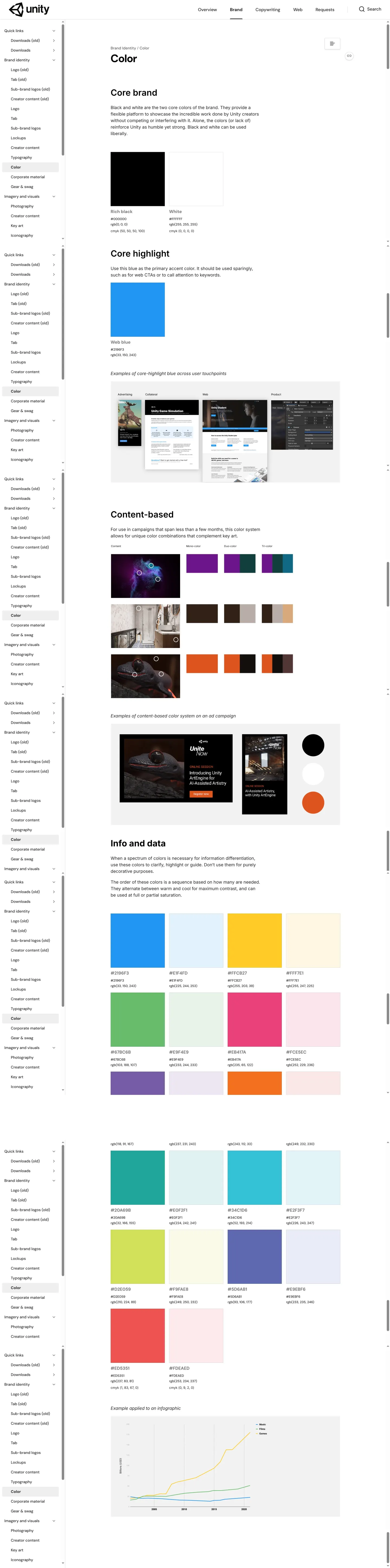

Photography guidelines covering color application, portrait rules, and headshot lighting setup diagrams.
Want a brand center like Unity’s?
Create your brand center with Freedam ↗Freedam's take
I like how Unity balances public asset distribution with internal operational clarity in their Brand Studio. The download hub cleanly packages logo kits for core and sub-brand marks, explicitly confirming support across vector and bitmap formats. What caught my eye is how practical their operational guidance gets. The templates section points directly to Google Slides, Word files, and internal signature generators, while their photography rules draw a sharp line between full color for creators and black-and-white for company topics. It feels built for real-world studio workflows rather than just visual display.
At a glance
- Sections
- Overview · Brand · Copywriting · Web · Requests
- Downloads
- .eps, .png, .svg, .zip
- Tone
- Clear, practical, and structured for internal staff and external creators alike.
What I noticed
- The downloads section specifies that logo asset packages include .eps, .png, and .svg formats.1
- Templates offer direct downloads for Word letterheads and access links to Google Slides presentations.23
- Photography rules split imagery into color for external creator topics and black-and-white for internal Unity topics and staff portraits.4
- The photography documentation includes an illustrative setup diagram showing lighting placement and dimensions for headshots.5
Numbers refer to the screenshots above.
What I could not see
- Could not inspect the full color page content or color palette values.
- Could not view typography specimens or font licensing details.
- Could not access the internal email signature generator behind the VPN requirement.
Ideas to borrow
- Clarify image tone and subject matter by establishing distinct rules for external creator marketing versus internal staff documentation.4
Quick answers
What formats are provided for Unity logo downloads?
Logo packages include .eps, .png, and .svg file formats.1
Where can team members access Unity presentation templates?
A link to a Google Slides template is provided under the Templates download tab.3
How are business cards requested?
Team members are instructed to contact their local Workplace Experience (WE) team.6
Reviewed on 25 September 2026. Request a correction · I built this
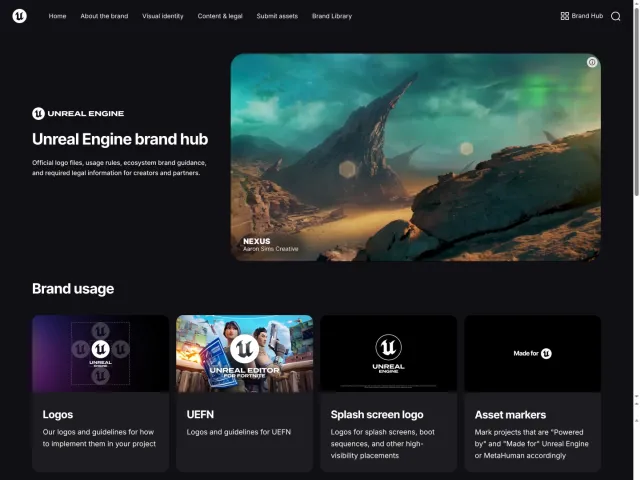
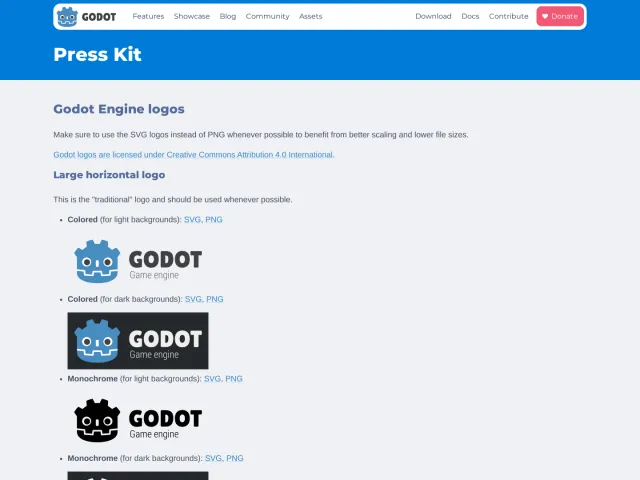
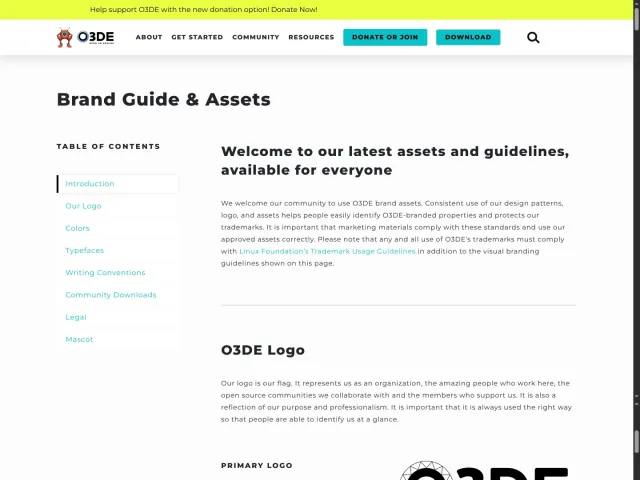
Similar brand centers
All brand guidelines →Unity hosts its brand assets and guidelines on zeroheight with dedicated sections for copywriting, web, and corporate templates. In contrast, O3DE organizes its documentation on a page linking directly to GitHub repositories for asset downloads, while Godot Engine provides a single-page press kit focused on SVG and PNG logo files under Creative Commons licensing.