Twitch press and asset kit
Twitch provides a minimal brand asset landing page offering a direct zip download alongside humorous copy and global site navigation.
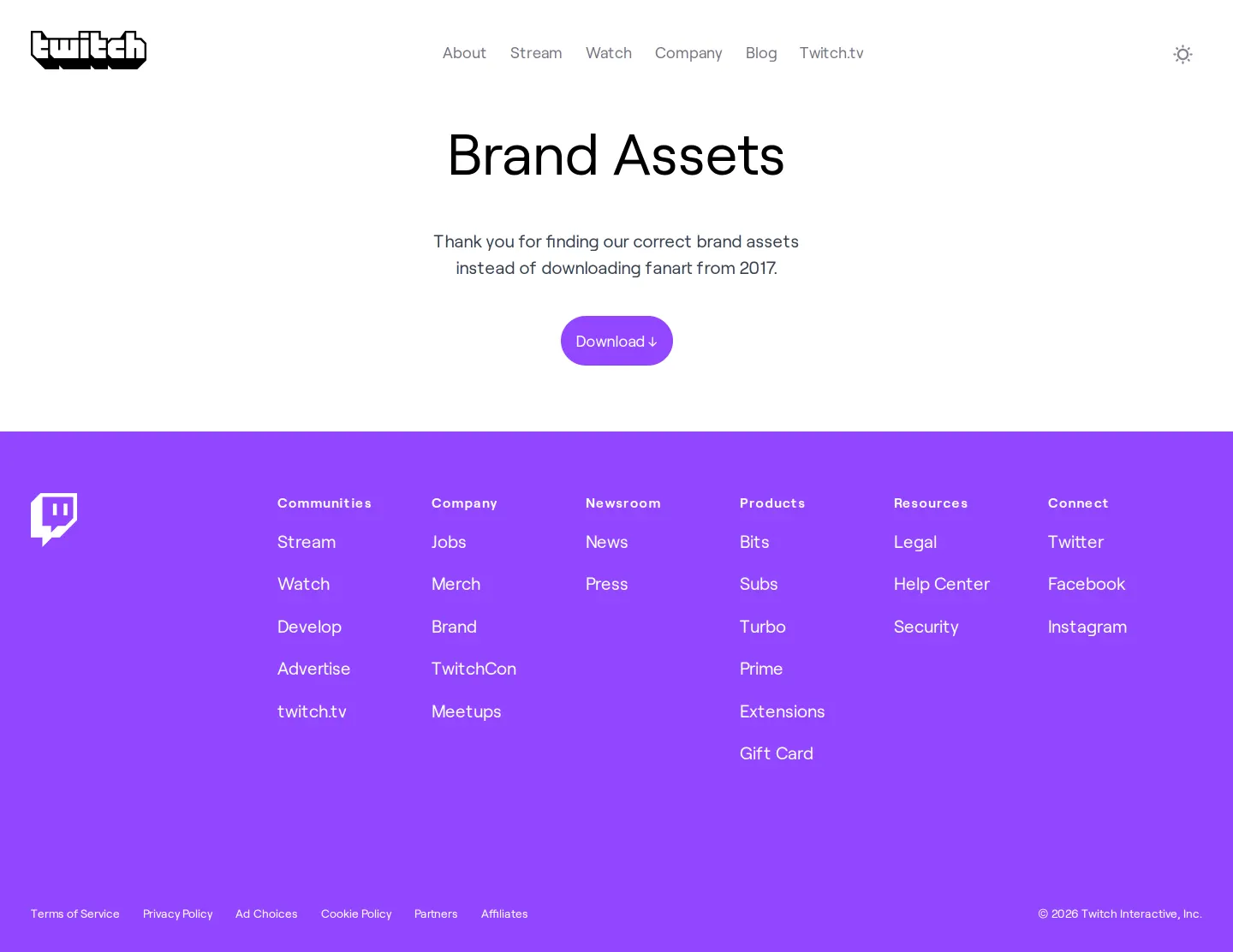
Central Brand Assets headline, humorous note, and a purple Download button leading to an asset archive.
Want a brand center like Twitch’s?
Create your brand center with Freedam ↗Freedam's take
I love seeing a brand embrace humor even in the most minimal places. When I visited the Twitch brand assets page, I found a stripped-back screen focused entirely on a single purple download button. Instead of formal documentation, the copy winks at the visitor, thanking them for grabbing real assets rather than outdated fanart from 2017. Everything delivers directly through a zip bundle right above a structured global footer. It is an extremely concise way to distribute media files without overcomplicating the experience.
At a glance
- Sections
- Brand Assets · Communities · Company · Newsroom · Products · Resources · Connect
- Downloads
- ZIP
- Tone
- Casual and playful with concise, self-aware microcopy.
What I noticed
- The page displays the central title 'Brand Assets' with a message thanking users for finding correct assets instead of downloading fanart from 2017.12
- A single purple pill-shaped button links directly to a downloadable archive titled Twitch-Brand.zip.34
- The footer includes organized navigation columns under Communities, Company, Newsroom, Products, Resources, and Connect against a purple background.56
Numbers refer to the screenshots above.
What I could not see
- Could not view individual logo variations, clearspace rules, or color specifications without unpacking the zip file.
- Could not inspect the contents of the Twitch-Brand.zip archive directly on screen.
Ideas to borrow
- Use playful, self-aware microcopy to make a basic single-button asset download page feel personable and brand-aligned.2
Quick answers
Reviewed on 25 September 2026. Request a correction · I built this
Similar brand centers
All brand centers →While Twitch bundles all its assets into a single direct ZIP download without on-page documentation, Discord presents explicit in-browser guidelines including clearspace rules and color swatches on its page. Similarly, DreamHack details primary and secondary logo rules alongside a nine-color palette rather than relying strictly on a solitary download link.