Thoughtworks brand guidelines
Thoughtworks provides an open brand guidelines page highlighting its logo, color palette, typography pairing, illustration styles, and a downloadable partner pack.
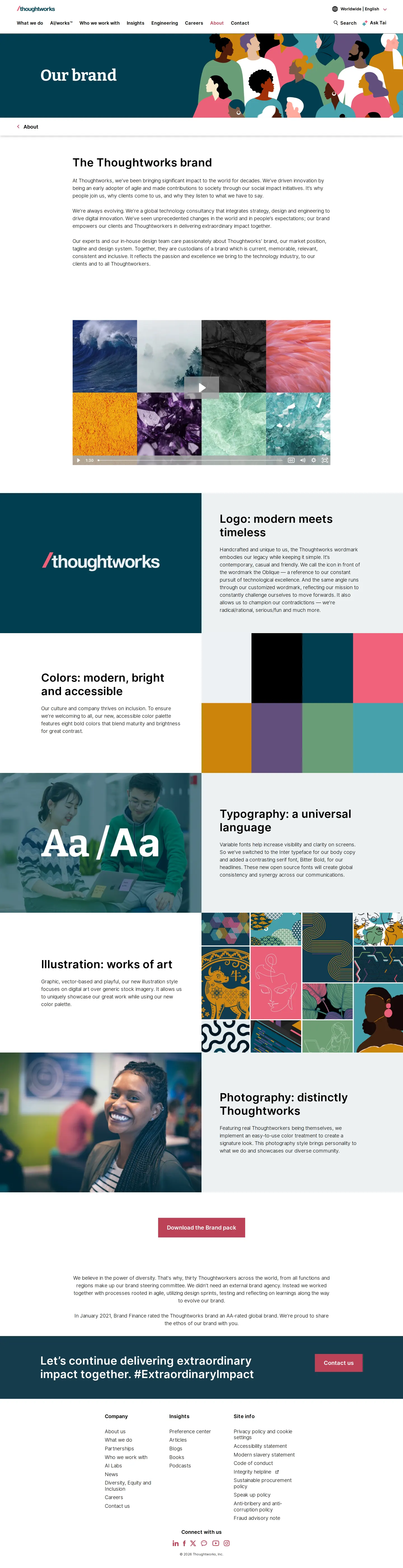
Thoughtworks brand overview page outlining key visual identity pillars including logo, colors, typography, illustration, and photography.

Thoughtworks partnerships webpage detailing technology alliances, hyperscaler credentials, partner events, and related news.
Want a brand center like Thoughtworks’?
Create your brand center with Freedam ↗Freedam's take
I like how concise Thoughtworks keeps their public brand overview. Instead of tucking everything behind a private portal, they present their visual identity right on their main site. You can scan through the handcrafted wordmark, the Oblique icon, and their accessible palette laid out across eight swatches. They clearly call out Inter for body text paired with Bitter Bold for headlines, alongside real team photography treatments and diverse vector illustration styles. A single zip package bundles the essential partner assets, making it refreshingly straightforward to grasp their core identity elements in just a few minutes.
At a glance
- Sections
- The Thoughtworks brand · Logo: modern meets timeless · Colors: modern, bright and accessible · Typography: a universal language · Illustration: works of art · Photography: distinctly Thoughtworks
- Downloads
- ZIP, PDF
- Tone
- Direct and modern corporate overview focusing on purposeful design choices and technical delivery.
What I noticed
- The typography guidelines specify Bitter Bold for headlines and Inter for body copy.12
- The identity overview displays an accessible color palette using a grid of eight color swatches.34
- A downloadable zip file titled Brand pack is offered directly on the brand page.56
- The logo section outlines a handcrafted wordmark alongside the Oblique icon element.78
Numbers refer to the screenshots above.
What I could not see
- The internal contents of the downloadable brand pack zip file could not be viewed.
- Exact color values such as HEX or RGB codes are not documented in the visible text.
Ideas to borrow
Quick answers
Reviewed on 26 September 2026. Request a correction · I built this
Similar brand centers
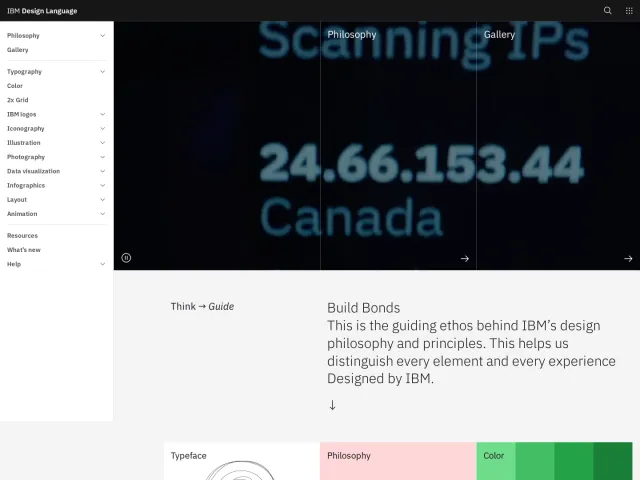
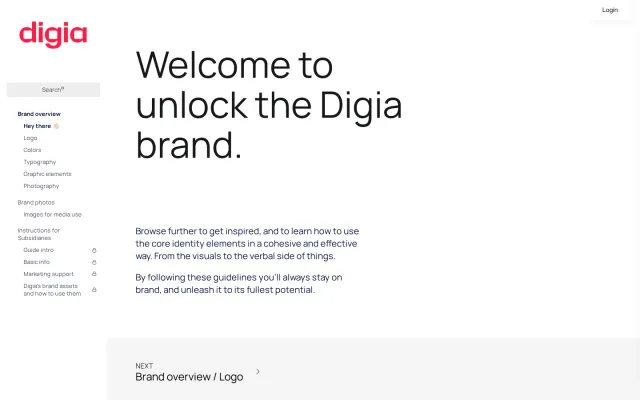
All brand guidelines →Thoughtworks shares its brand pillars on a single page alongside a partner pack zip file, whereas IBM provides deep public specifications across multiple non-Latin scripts and contrast guidelines. Meanwhile, Digia restricts parts of its guidelines, such as instructions for subsidiaries, behind authentication.