 Shopify
Technology
Press & asset kit
Sentry provides an interactive logo tool allowing users to configure wordmark and glyph styles, colors, dimensions, and spacing before exporting SVG or PNG files.
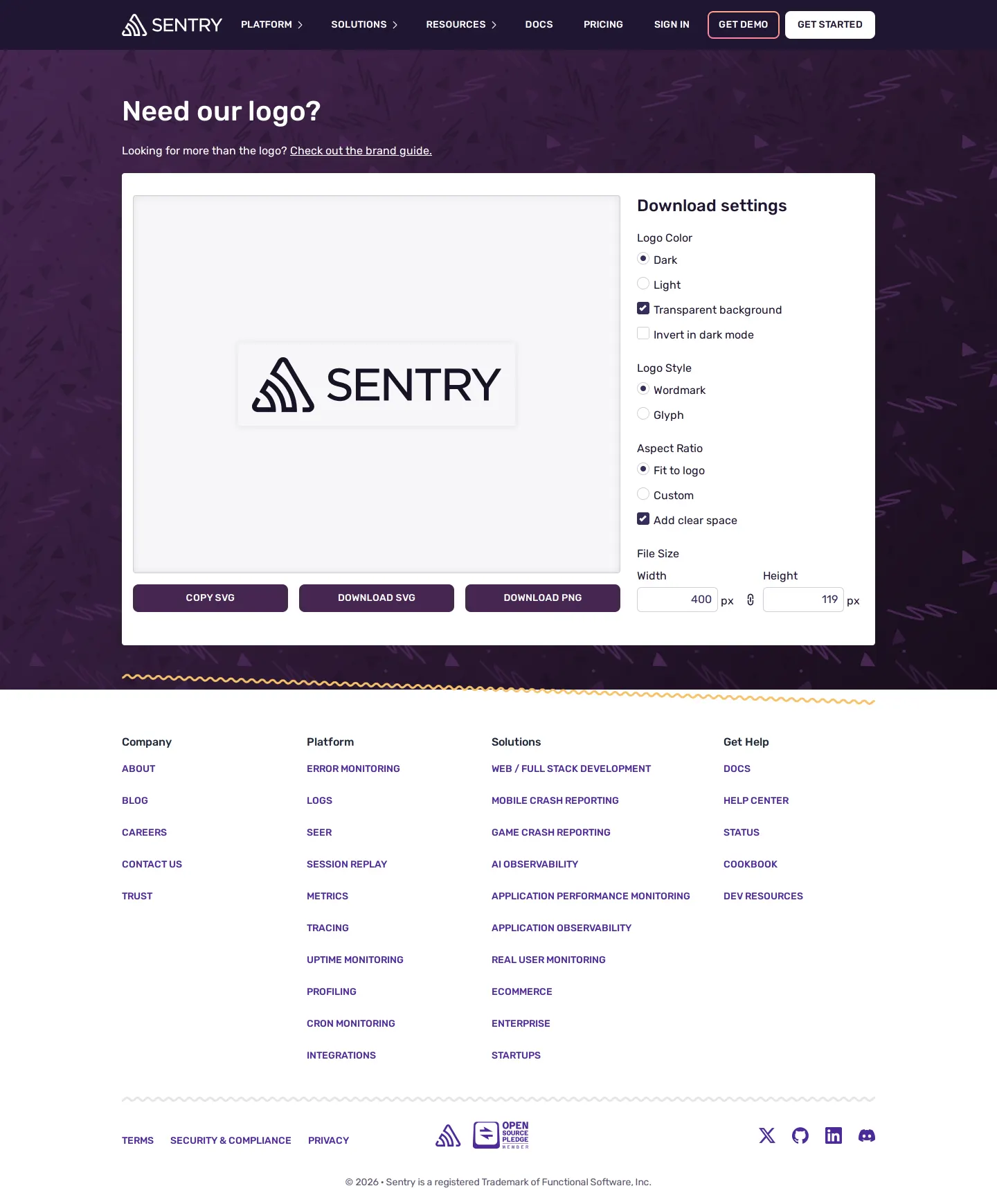
The Sentry logo tool with configurable controls for color, style, dimensions, and instant SVG or PNG exports.
Want a brand center like Sentry’s?
Create your brand center with Freedam ↗I really appreciate utilities that solve one small, recurring problem with complete focus. Instead of dumping a static archive of logo variants onto a page, Sentry built an interactive logo generator. I can switch between the wordmark and the glyph, choose light or dark palettes, toggle transparent backgrounds, and dial in specific pixel dimensions. You can even add clear space before hitting download. It is pragmatic, developer-friendly, and turns what is usually a tedious search for the right file format into a fast, customizable tool that delivers exactly what you need.
Numbers refer to the screenshots above.
You can configure your desired settings on the branding page and select either 'Download SVG' or 'Download PNG', or click 'Copy SVG'.7
Yes, the download settings let you switch between the Wordmark and Glyph styles.3
Reviewed on 25 September 2026. Request a correction · I built this
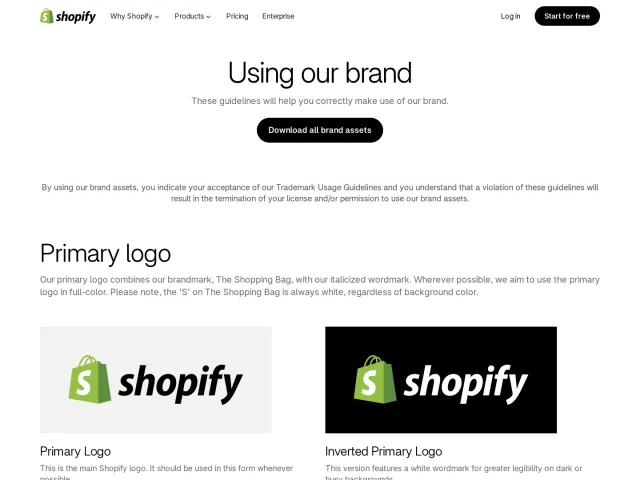
While Shopify offers pre-packaged ZIP archives for its primary logos and monotone marks, Sentry provides an interactive generator that lets visitors customize dimensions and toggles before exporting. Unlike Discord, which documents static visual clearspace rules on a grid, Sentry includes a clear space setting directly inside its export tool.