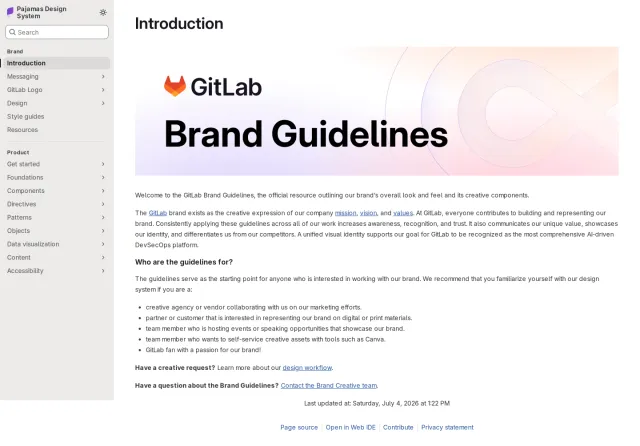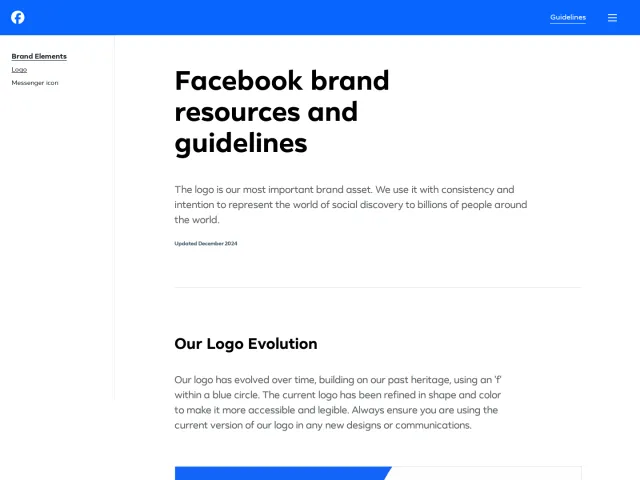
LinkedIn brand guidelines
LinkedIn's brand portal provides guidelines, usage policies, and asset downloads for third-party media, partners, and member badges.
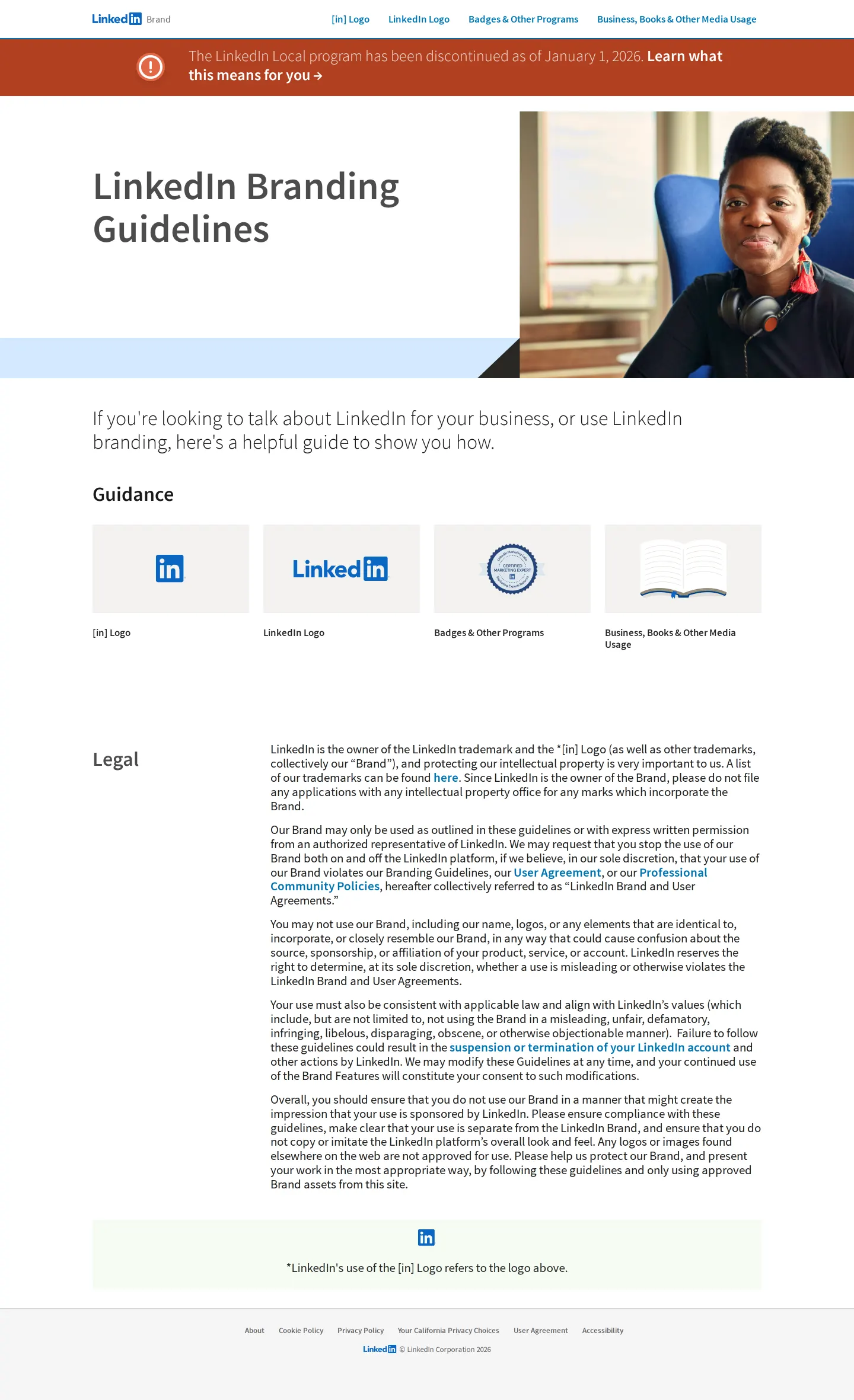
LinkedIn Branding Guidelines home page with navigation cards for guidance categories and legal terms.
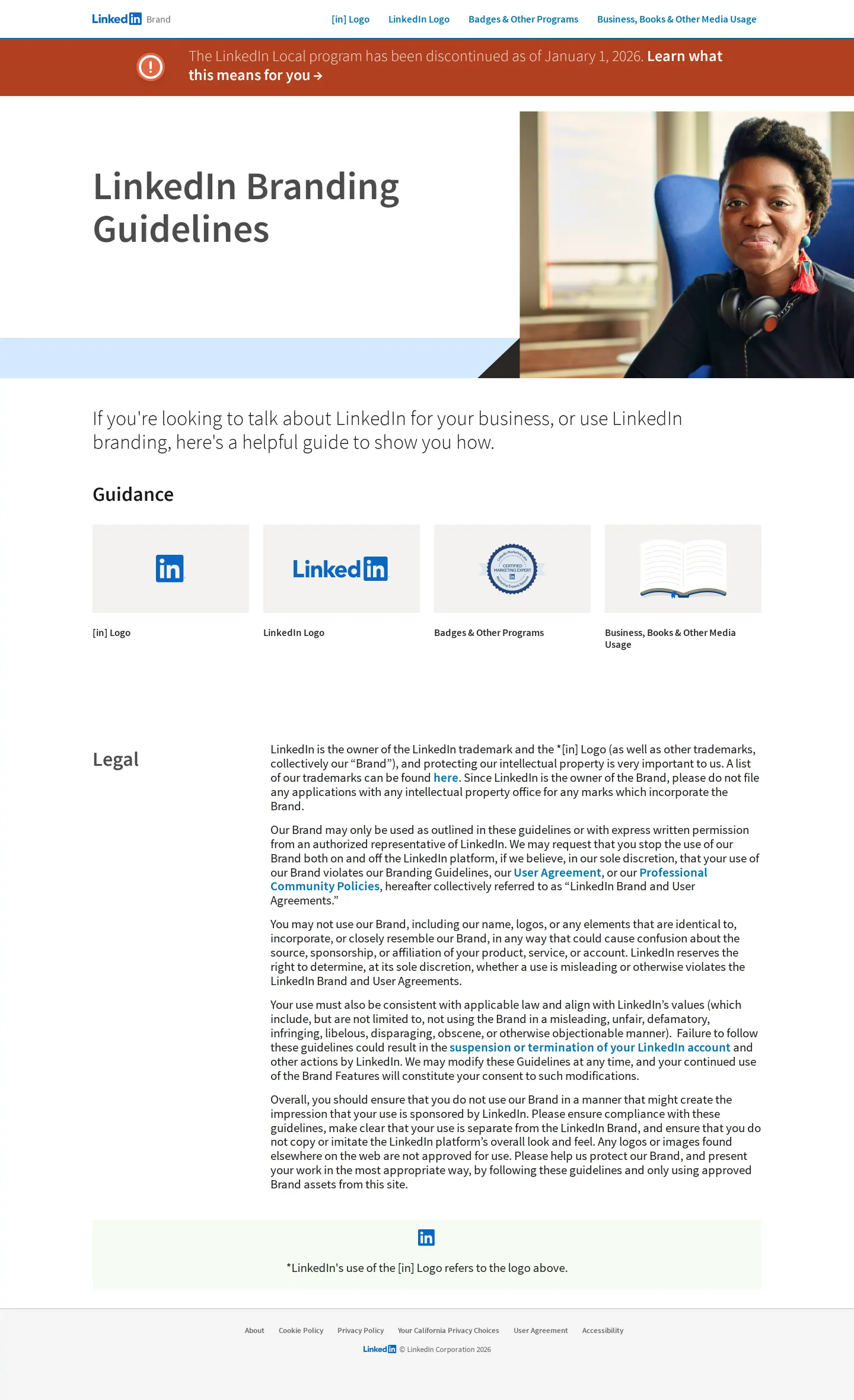
Guidance landing page featuring category tiles and legal trademark usage policies.
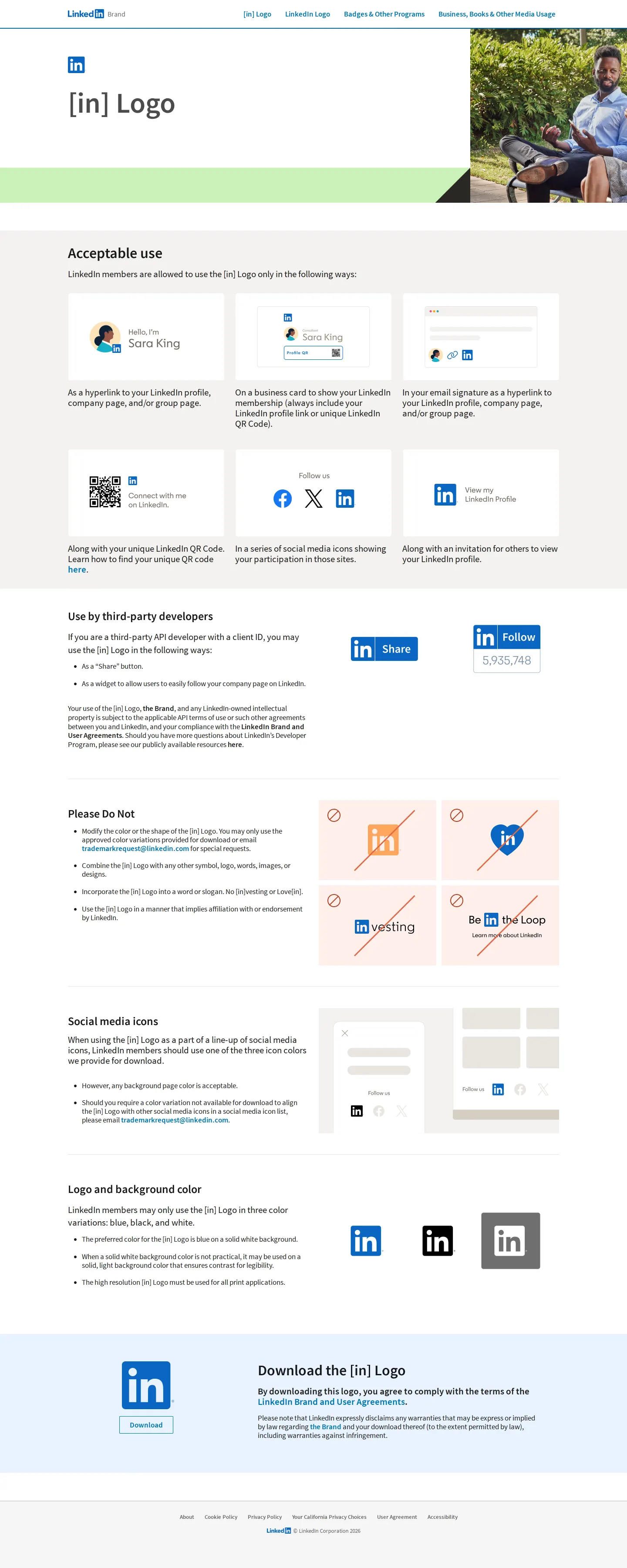
Guidelines for the LinkedIn [in] logo icon showing acceptable placements and misuse examples.
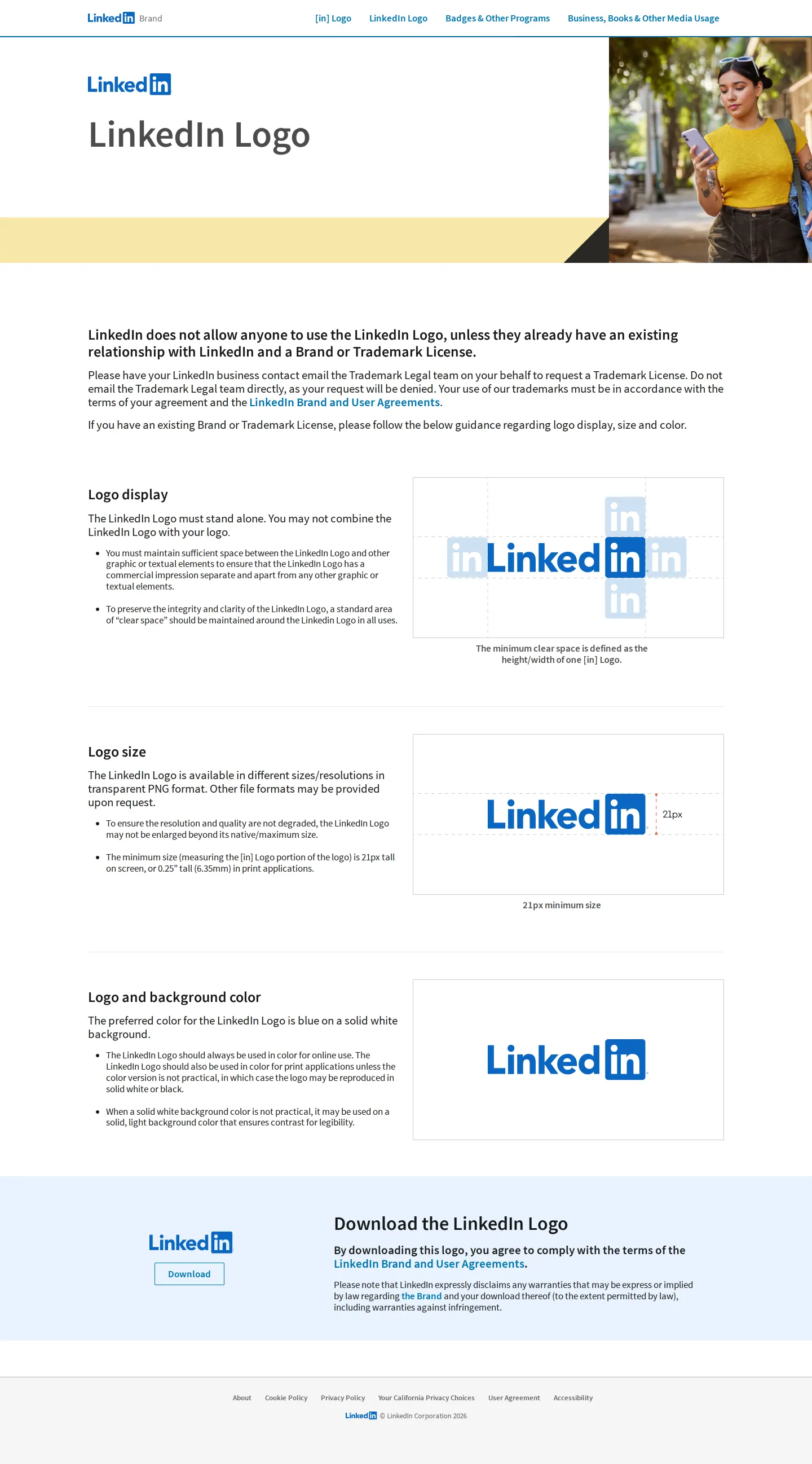
LinkedIn full logo specifications including clear space, minimum size, and download options.
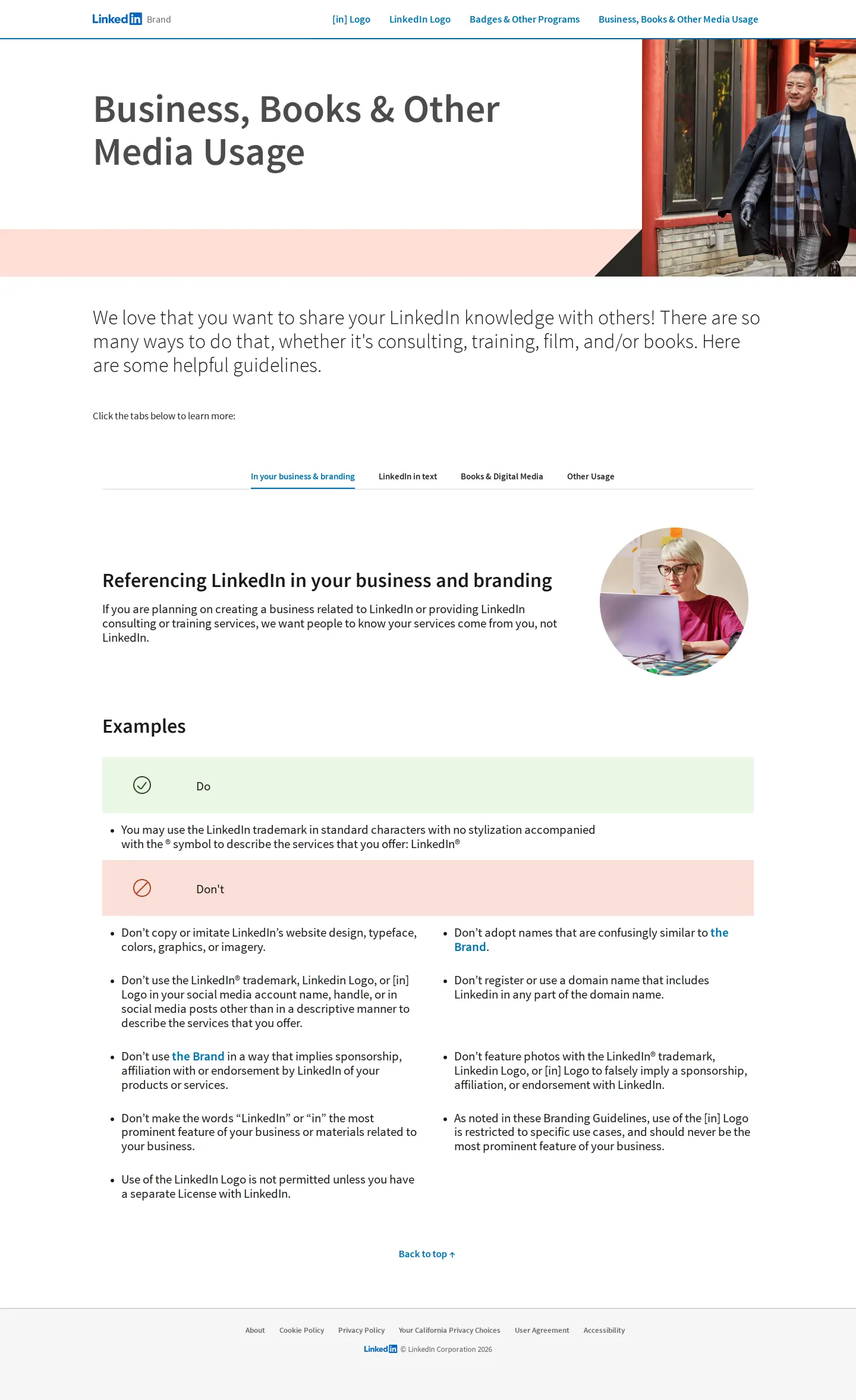
Guidelines and do/don't rules for referencing LinkedIn in business, books, and media.
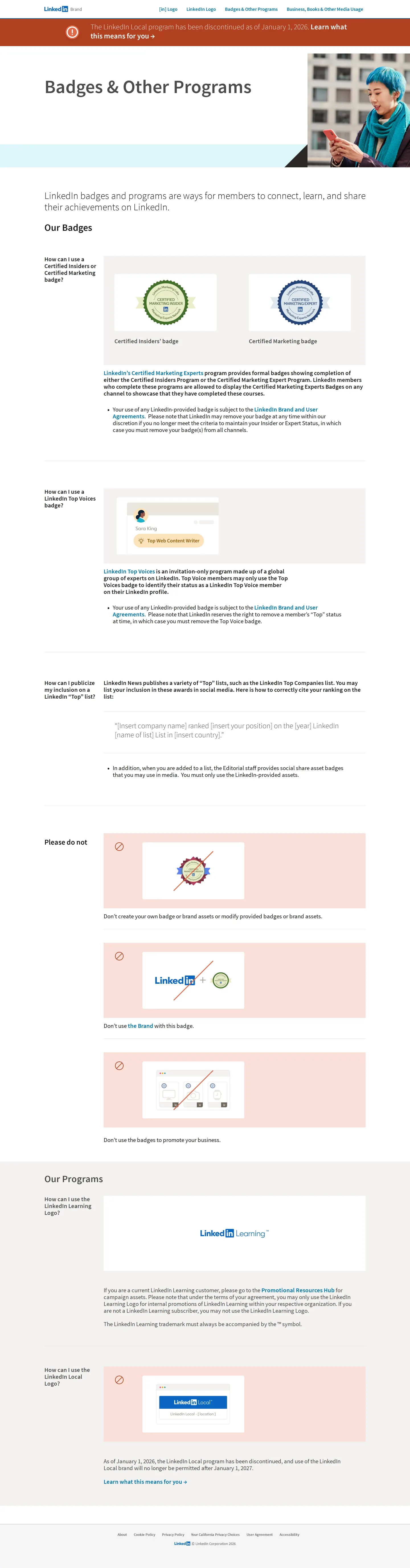
Badge and program display rules covering Certified Insiders, Top Voices, and LinkedIn Learning.
Want a brand center like LinkedIn’s?
Create your brand center with Freedam ↗Freedam's take
I spent time exploring LinkedIn's brand portal and appreciate how pragmatic it is. Rather than overwhelming you with endless internal design system rules, it focuses entirely on third-party use cases. I like how clearly the site separates the standalone [in] mark from the full wordmark, offering clear space rules based on the icon itself. The sections for books, media usage, and member badges tackle the exact legal questions people actually encounter when referencing the platform. It feels built to protect trademark integrity cleanly and simply.
At a glance
- Sections
- [in] Logo · LinkedIn Logo · Badges & Other Programs · Business, Books & Other Media Usage
- Tone
- Direct, structured, and protective of corporate trademarks.
What I noticed
- The full LinkedIn wordmark requires minimum clear space defined as the height and width of one '[in]' icon around it.1
- The site specifies acceptable uses for the [in] logo including profile hyperlinks, email signatures, QR codes, and social media line-ups.2
- The media usage section organizes guidelines across tabs including 'In your business & branding', 'LinkedIn in text', 'Books & Digital Media', and 'Other Usage'.3
- A banner across the site notes that the LinkedIn Local program was discontinued as of January 1, 2026.45
Numbers refer to the screenshots above.
What I could not see
- Specific download file formats (such as SVG, EPS, or PNG) are not visible on the main pages.
- Internal brand systems like full typography specimens or expanded color palettes are not displayed on screen.
Ideas to borrow
Quick answers
What is the minimum display size for the LinkedIn logo?
The minimum height for the full LinkedIn logo is 21px on screen or 0.25 inches (6.35mm) in print.8
Can I use the LinkedIn logo without permission?
Using the full LinkedIn logo requires an existing relationship and a Brand or Trademark License.9
Reviewed on 25 September 2026. Request a correction · I built this