brandcenter.gallery
Create your brand center with Freedam

LiveChat press and asset kit

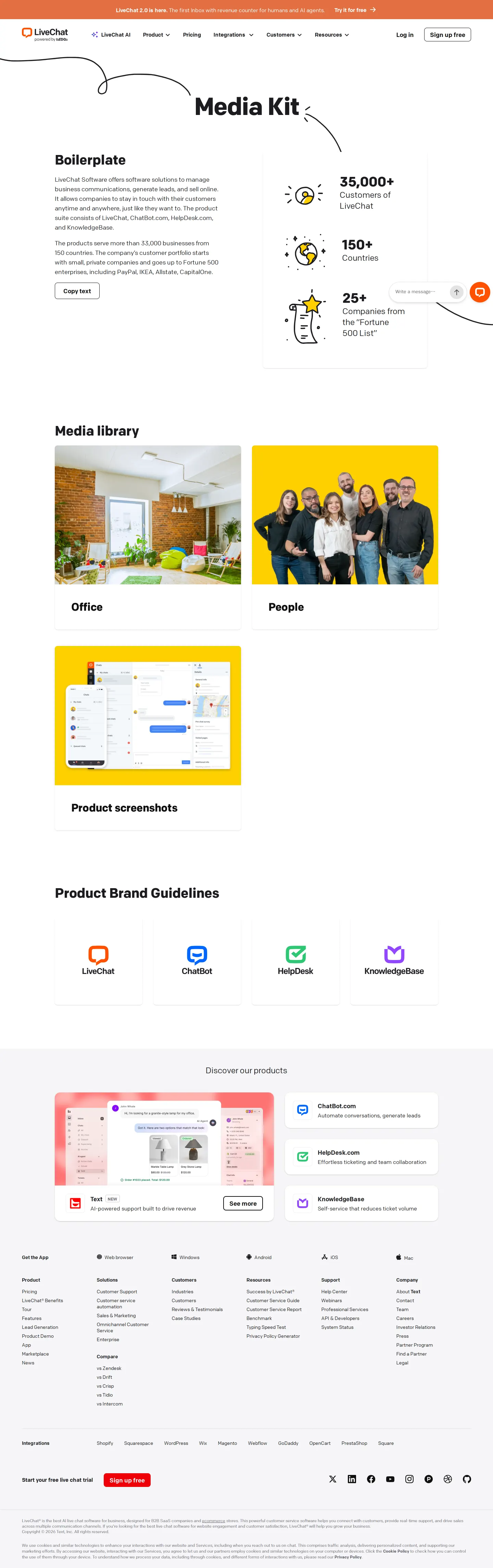
LiveChat offers a dedicated press kit featuring company boilerplate copy, office photography, and product UI screenshots across its portfolio.
Visit LiveChat's brand center ↗ Build one like this ↗
Media Kit Captured 15 Sep 2026

Media kit overview with company boilerplate text, key metrics, media library links, and product brand guideline destinations.
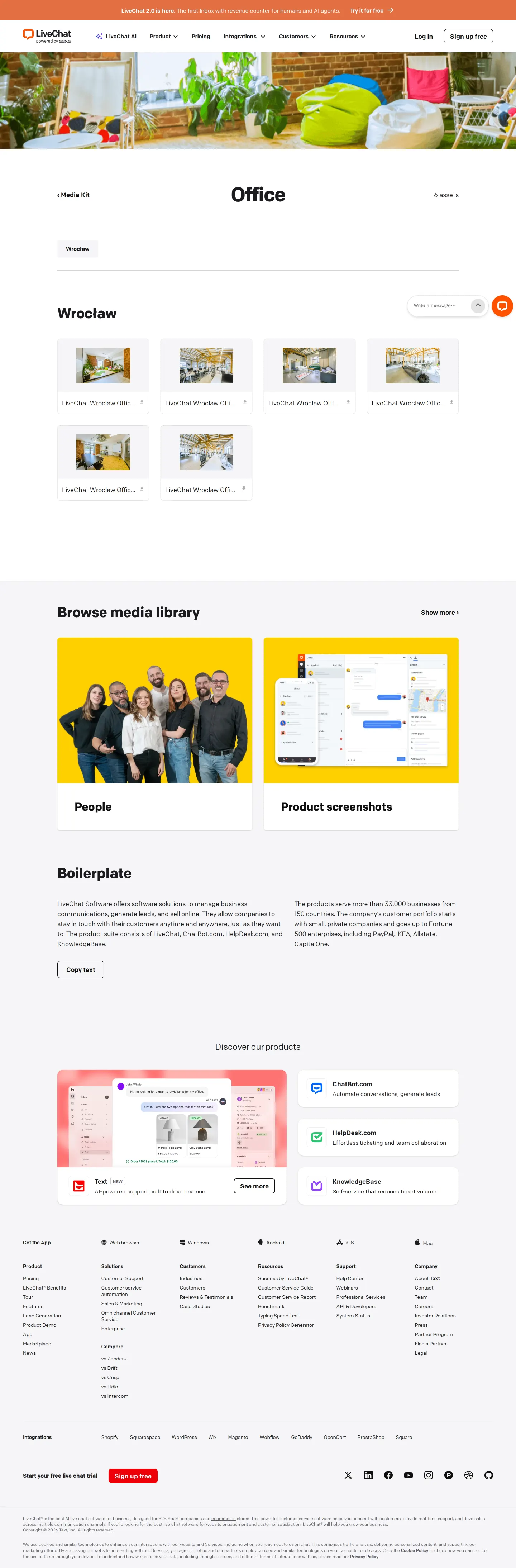
Office Captured 15 Sep 2026

Office media page displaying downloadable high-resolution interior photographs of the Wrocław office location.
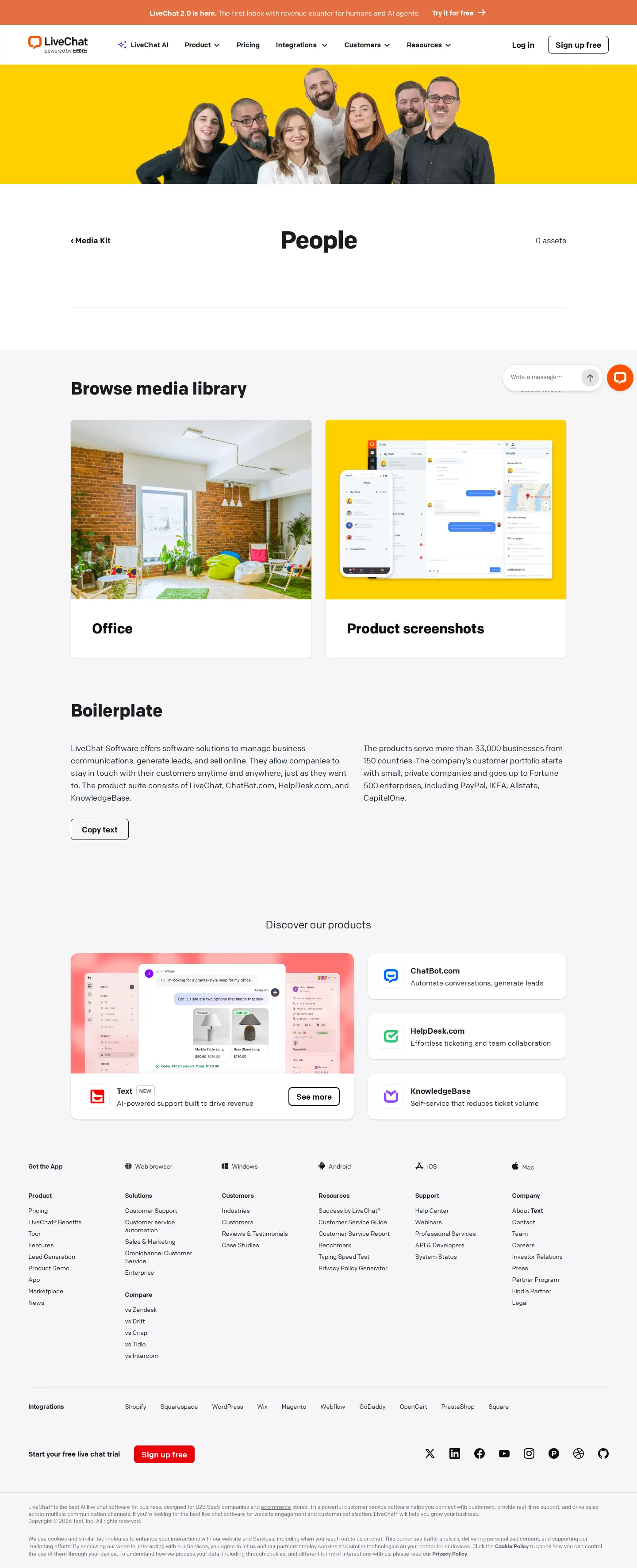
People Captured 15 Sep 2026

People section header with top banner team photo, boilerplate copy, and cross-navigation links.

Product screenshots Captured 15 Sep 2026

Product screenshots directory organizing UI image downloads across LiveChat, ChatBot, and HelpDesk products.

Want a brand center like LiveChat’s?

Create your brand center with Freedam ↗

Freedam's take

LiveChat presents a very tidy media kit that focuses squarely on the essentials journalists and partners need. I appreciate how every section carries a standard company boilerplate accompanied by a direct copy button, saving anyone covering the brand an extra step. The media library breaks neatly into office interiors, team photography, and crisp product interface captures across their ecosystem, from ChatBot to HelpDesk. Each image card provides direct access to high-resolution files. It is an honest, functional press hub that prioritizes practical utility over complicated storytelling.

At a glance

Sections
Boilerplate · Media library · Product Brand Guidelines · Discover our products
Downloads
JPG, PNG
Tone
Functional and straightforward press hub focused on fast asset retrieval.

What I noticed

  1. The media kit includes a boilerplate section with standard company summary text and a direct 'Copy text' button.123
  2. The media library organizes visual assets into dedicated pages for Office, People, and Product screenshots.4567
  3. The Office page provides downloadable high-resolution JPG images of the interior spaces in the Wrocław office.891011
  4. Product screenshots are grouped by product, including ChatBot, HelpDesk, LiveChat, LiveChat Platform, and Partner Program, with individual PNG download links.121314
  5. The landing page highlights key metrics alongside hand-drawn style icons showing customer counts, countries served, and Fortune 500 adoption.15

Numbers refer to the screenshots above.

What I could not see

  • Could not inspect the full brand guideline pages linked for individual products as only the media kit listing pages were captured.
  • Could not view individual image assets on the People page as it indicated zero assets.

Ideas to borrow

  1. Pairing boilerplate copy directly with a one-click copy button on every media kit page simplifies press workflow.123

Quick answers

What product screenshots are available for download?

LiveChat provides PNG screenshots organized by product lines, including ChatBot, HelpDesk, LiveChat, LiveChat Platform, and the Partner Program.1314

Where can I find official office photography?

Interior photography of the LiveChat Wrocław office is available in JPG format on the dedicated Office page within the media kit.81011

Reviewed on 25 September 2026. Request a correction · I built this

Similar brand centers

All brand centers →

While 1Password combines news releases and executive bios with an external press kit download, LiveChat embeds downloadable office photos and product UI screenshots directly on dedicated subpages. Unlike Discord, which focuses primarily on core identity rules and vector logo assets, LiveChat centers on press photography and interface imagery.