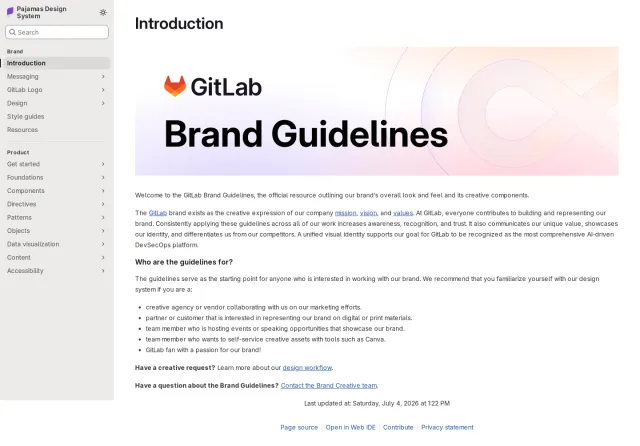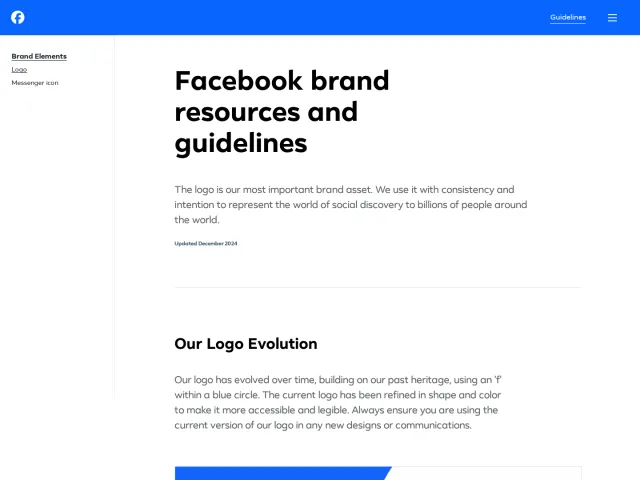
LINE brand guidelines
A concise single-page guide providing usage rules, clear space diagrams, size requirements, and asset downloads for LINE brand and platform app icons.
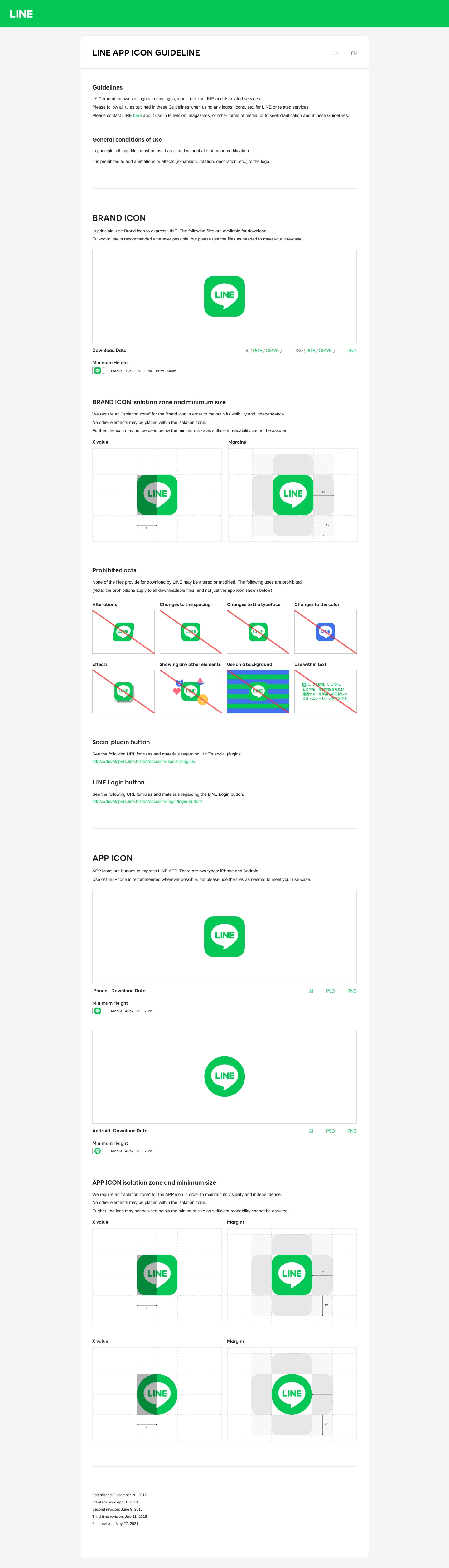
LINE App Icon Guideline page displaying usage rules, isolation zones, minimum sizes, and download links for brand and app icons.
Want a brand center like LINE’s?
Create your brand center with Freedam ↗Freedam's take
I love seeing brand guidelines that cut straight to the essentials, and LINE does just that with this focused icon guide. The single page handles both the core brand mark and platform-specific app icons, detailing exact clear space rules alongside minimum size standards across mobile, desktop, and print environments. I appreciate having download options separated by color mode and format, including tailored packages for iOS and Android shapes. It offers clear instructions without unnecessary clutter, making everyday implementation straightforward.
At a glance
- Sections
- Guidelines · BRAND ICON · Brand Icon Margins · Prohibited acts · Social plugin button · LINE Login button · APP ICON · App Icon Margins
- Downloads
- AI, PSD, PNG, ZIP
- Tone
- Direct, technical, and compliance-driven documentation focusing strictly on icon execution.
What I noticed
- The guide specifies distinct icon variations for iPhone using a squircle and Android using a circle.1
- Direct asset download links are provided in AI, PSD, and PNG formats with specific RGB and CMYK packages.2345678910
- Isolation zones and minimum margins are illustrated using grid diagrams referencing 1X values.11
- Minimum height specifications are broken down across mobile, PC, and print applications.12
Numbers refer to the screenshots above.
What I could not see
- No broader brand identity documentation, such as typography, color palettes, tone of voice, or photography standards, is visible.
- No search functionality or interactive asset browsing tools are present on the page.
Ideas to borrow
Quick answers
Where can I download the LINE brand and app icon files?
Direct download links are available on the page in AI, PSD, and PNG formats, with specific packages organized for RGB, CMYK, iOS, and Android.2345678910
What modifications are prohibited when using the LINE icon?
Prohibited acts include altering the icon, modifying spacing or typeface, changing colors, applying visual effects, or placing the icon directly on busy backgrounds or within text.13
Reviewed on 25 September 2026. Request a correction · I built this