Hydro brand guidelines
Hydro provides an integrated brand center covering visual identity standards across fourteen operational categories, from core logo lockups to industrial vehicles and signage.
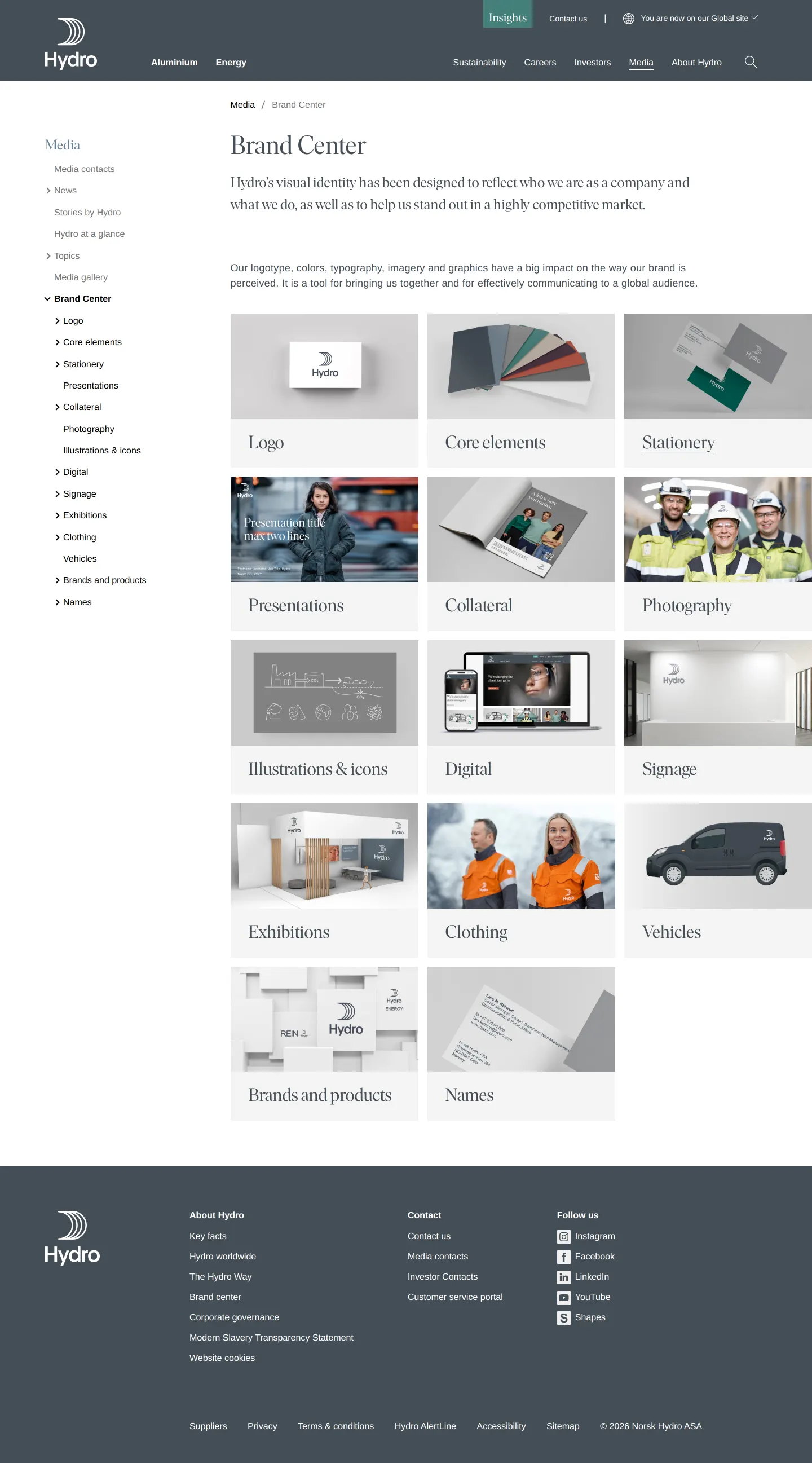
Hydro Brand Center hub page showing a grid of fourteen visual category cards alongside left-hand media navigation.
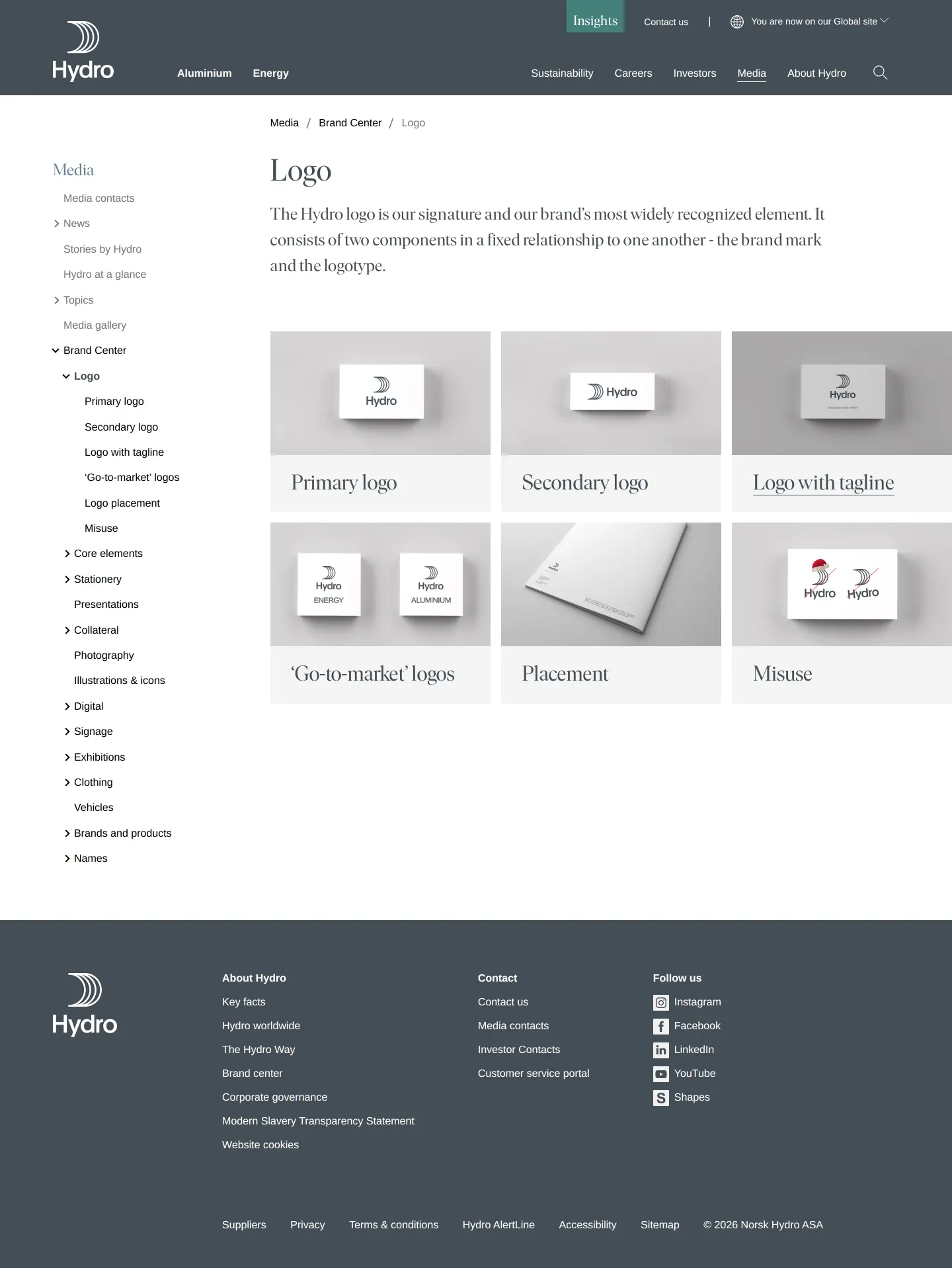
Hydro logo section presenting category cards for primary, secondary, tagline, and go-to-market variations.
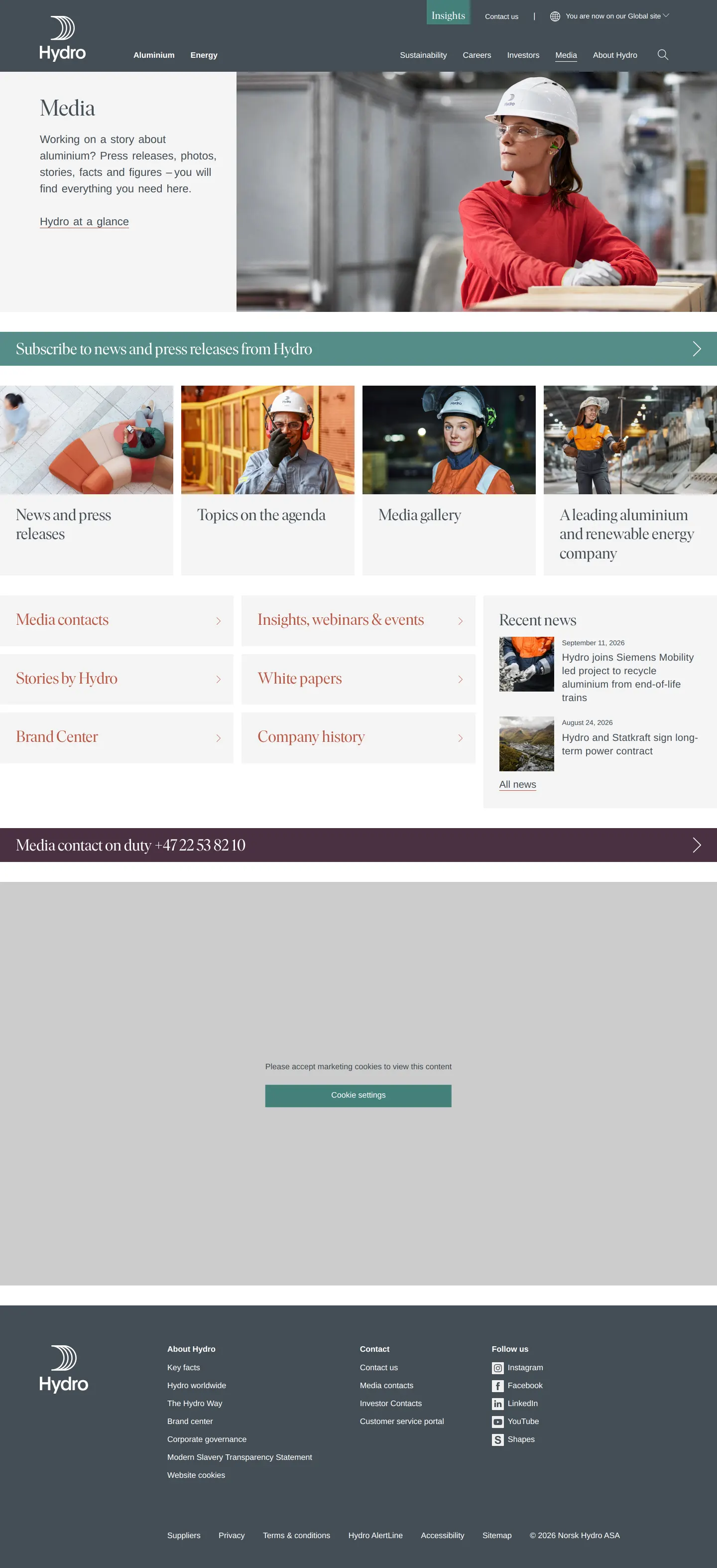
Media overview page on Hydro's corporate site displaying press links, contact info, and navigation to the Brand Center.
Want a brand center like Hydro’s?
Create your brand center with Freedam ↗Freedam's take
I like how Hydro integrates its brand center directly into the corporate media hub. The overview page lays out fourteen distinct categories, each represented by clean card previews that jump straight into specific touchpoints like signage, clothing, and vehicles. When I opened the logo section, it organized the rules into clear subpages covering primary marks, tagline lockups, and misuses. Everything feels practical and grounded in real-world industrial applications, making it straightforward to navigate without unnecessary layers.
At a glance
- Sections
- Logo · Core elements · Stationery · Presentations · Collateral · Photography · Illustrations & icons · Digital · Signage · Exhibitions · Clothing · Vehicles · Brands and products · Names
- Tone
- Direct and structured corporate reference guide focused on clear identity implementations.
What I noticed
- The Brand Center landing page features fourteen visual category cards including Logo, Core elements, Stationery, Presentations, Collateral, Photography, Illustrations & icons, Digital, Signage, Exhibitions, Clothing, Vehicles, Brands and products, and Names.123456789101112131415
- The logo section divides guidelines into dedicated subpages for Primary logo, Secondary logo, Logo with tagline, 'Go-to-market' logos, Placement, and Misuse.16171819202122
- Logo topic cards utilize three-dimensional mockups to preview each identity application.23
- A search form is integrated into the site header across the guidelines.2425
Numbers refer to the screenshots above.
What I could not see
- Could not inspect the full content or downloadable file types within the individual subpages such as Primary logo, Clothing, or Vehicles.
- Could not access the contents of the separate Media gallery link.
Ideas to borrow
- Breaking industrial and corporate branding requirements into visual cards for physical touchpoints like clothing, signage, and vehicles helps teams find specific operational standards quickly.15
Quick answers
Reviewed on 25 September 2026. Request a correction · I built this