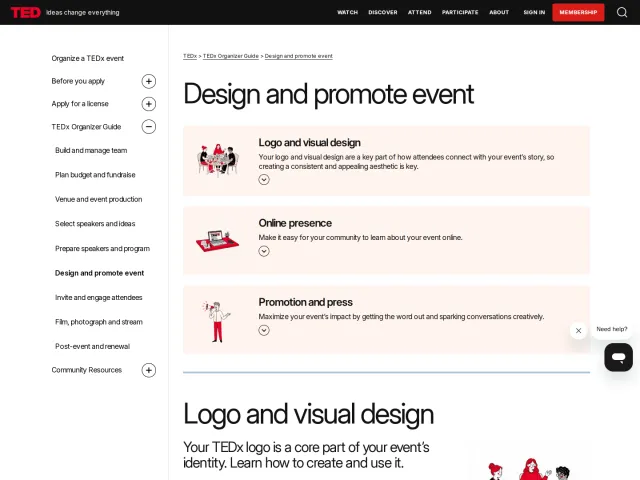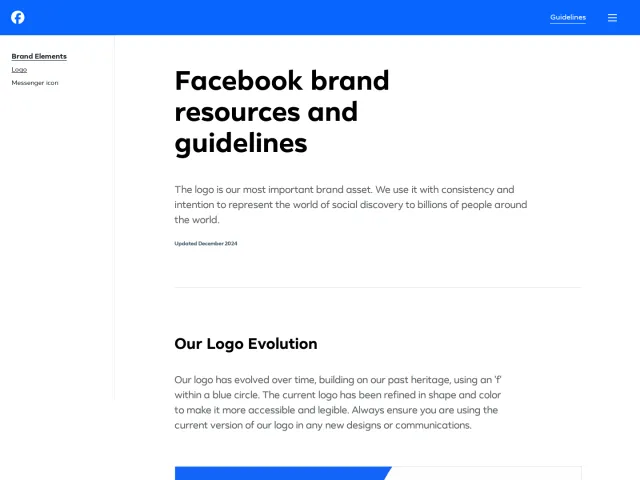
Channel 4 brand guidelines
Channel 4 provides a Bynder-hosted guidelines portal outlining logo rules, colour guidance, and external download links for third-party partners.
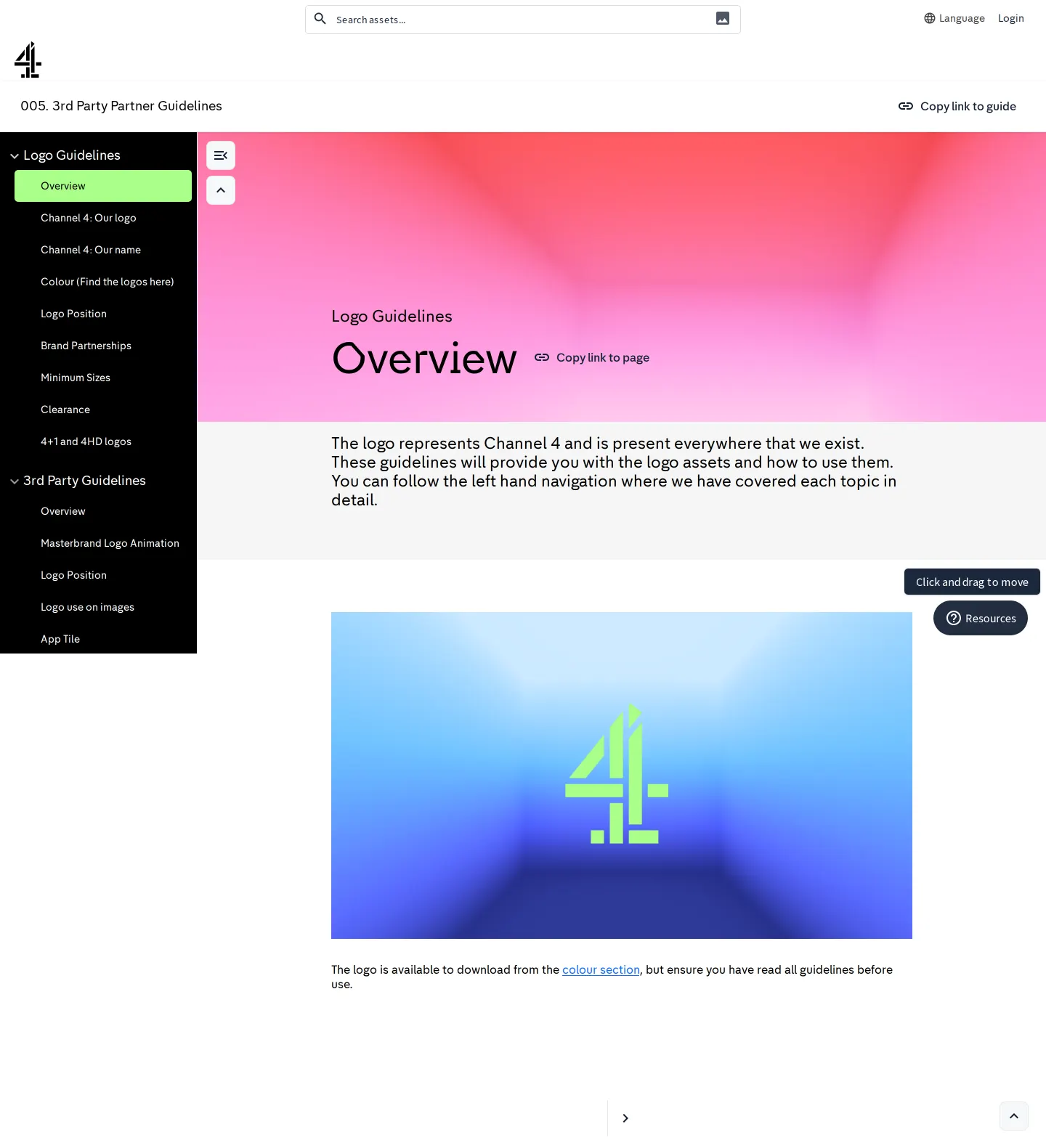
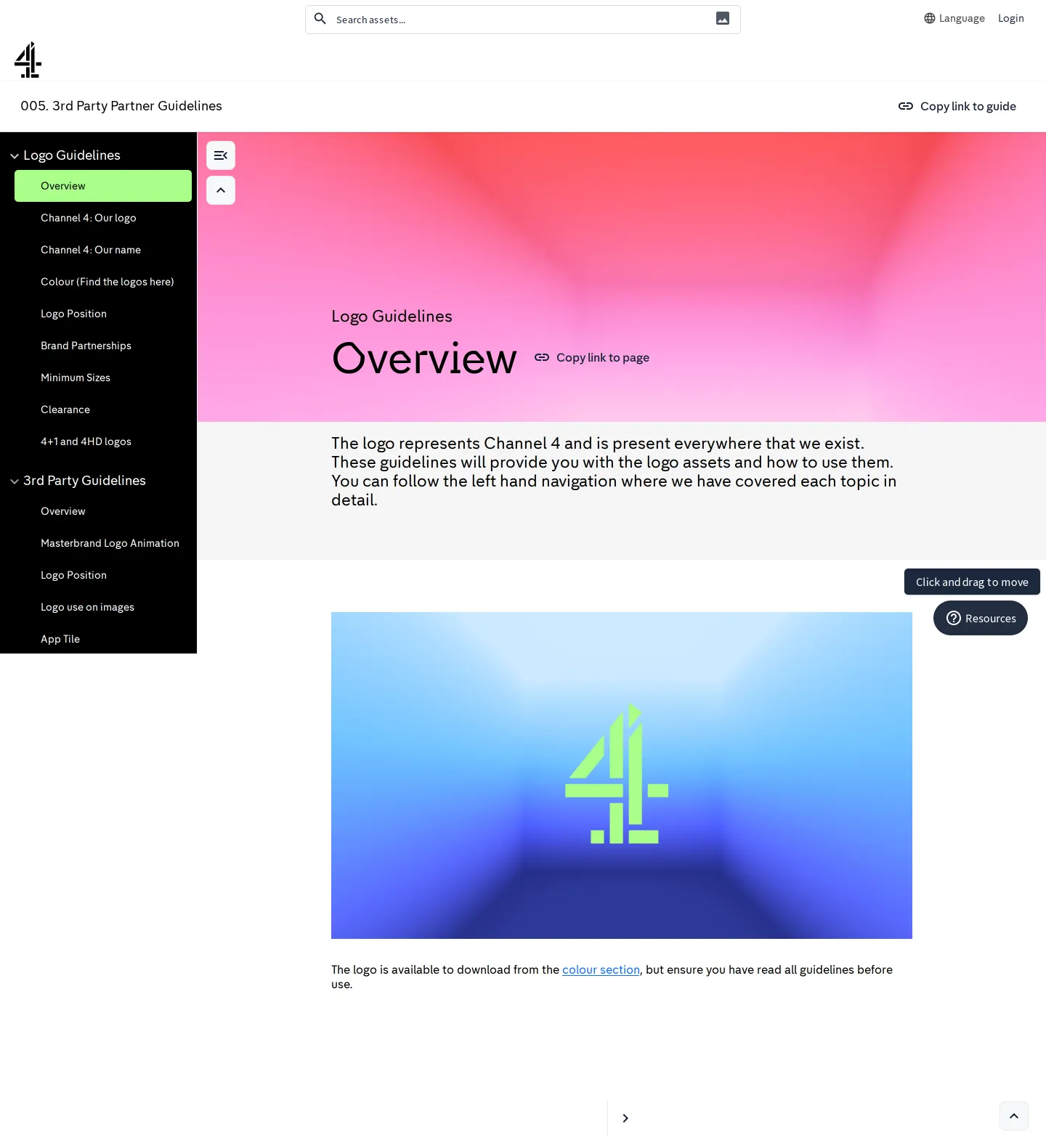
Channel 4 partner guidelines overview screen introducing logo rules and sidebar navigation.
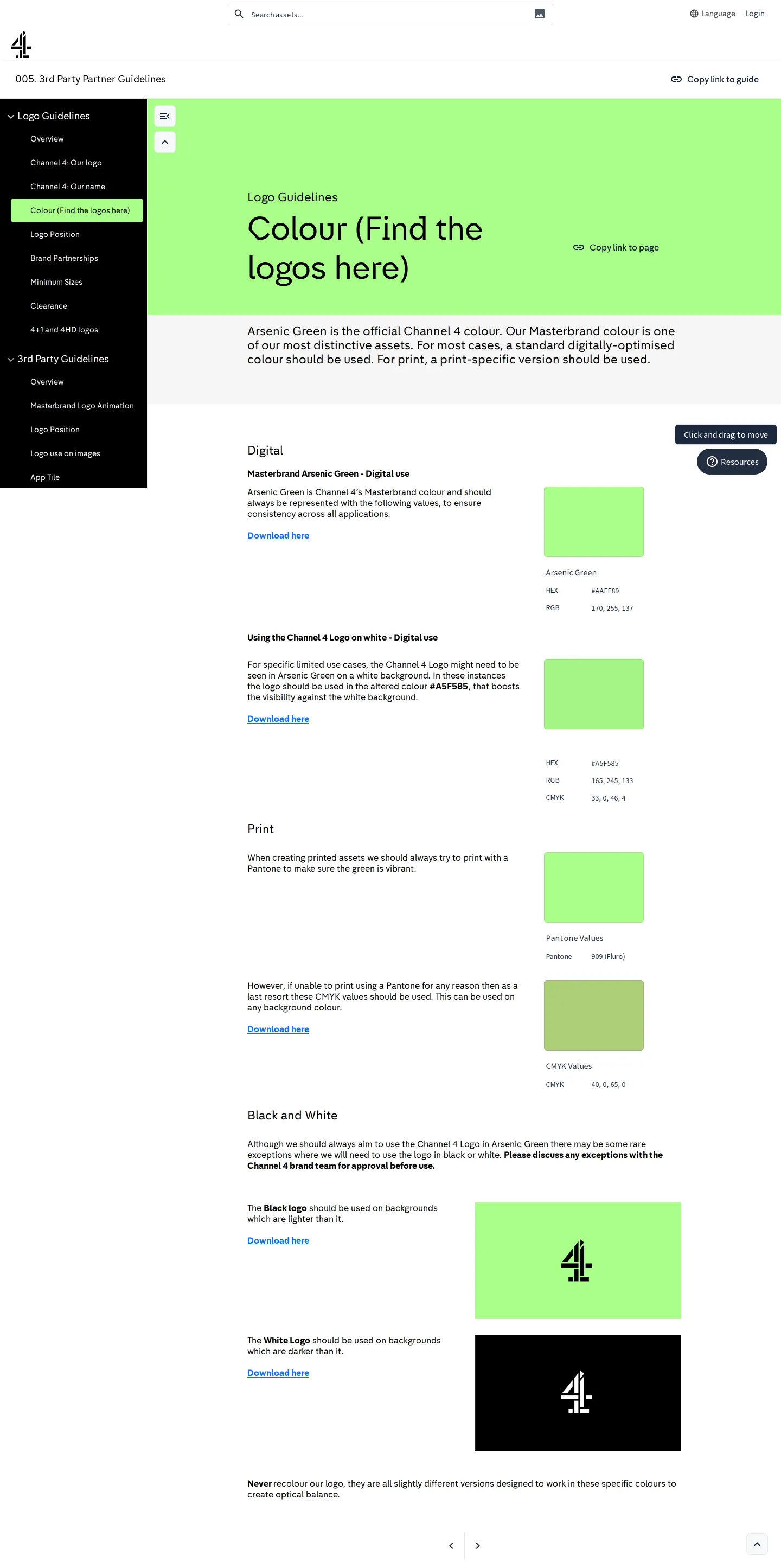
Colour section detailing the Arsenic Green masterbrand colour and links to logo downloads.
Want a brand center like Channel 4’s?
Create your brand center with Freedam ↗Freedam's take
I spent time looking through Channel 4's 3rd Party Partner Guidelines portal. Built on Bynder, it focuses squarely on practical implementation for collaborators. The sidebar breaks down logo rules, from clearance and minimum sizes to specific Channel 4 variants like 4+1 and 4HD. I found it interesting that the colour section, titled Colour (Find the logos here), is where they introduce Arsenic Green as their masterbrand shade and route users to external Dropbox links to download files. Every page also features a handy direct link copy button right in the main banner.
At a glance
- Sections
- Logo Guidelines · 3rd Party Guidelines
- Downloads
- Dropbox folders
- Tone
- Direct, structured partner instruction focusing on logo application and official colour standards.
What I noticed
- The portal is built on Bynder.12
- The left sidebar includes sections for Logo Guidelines and 3rd Party Guidelines, listing topics like Overview, Our logo, Our name, Colour, Logo Position, Brand Partnerships, Minimum Sizes, Clearance, and 4+1 and 4HD logos.34
- Arsenic Green is identified as the official Channel 4 masterbrand colour, with separate instructions for digital and print use.56
- Asset download links in the colour section direct visitors to external Dropbox folders.7891011
Numbers refer to the screenshots above.
What I could not see
- Could not inspect the full contents of the 3rd Party Guidelines sub-pages or the contents inside the external Dropbox folders.
Ideas to borrow
Quick answers
Reviewed on 25 September 2026. Request a correction · I built this
Similar brand centers
All brand guidelines →