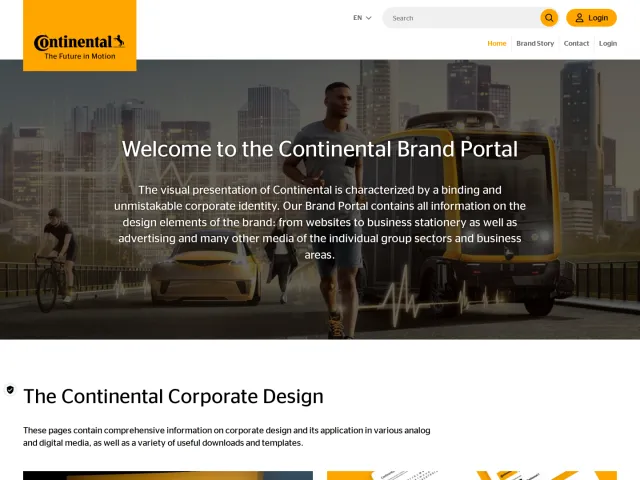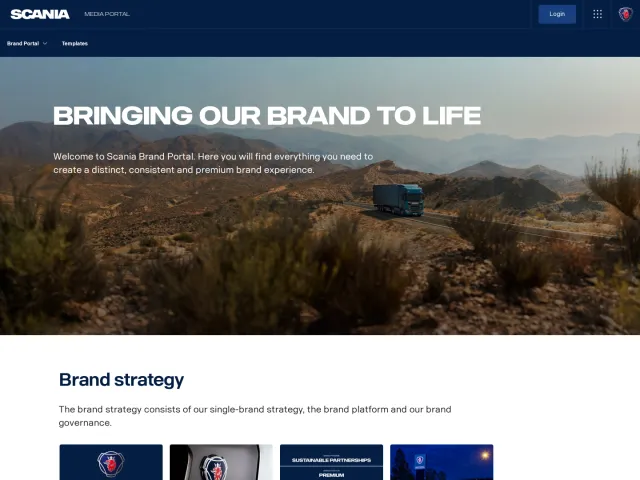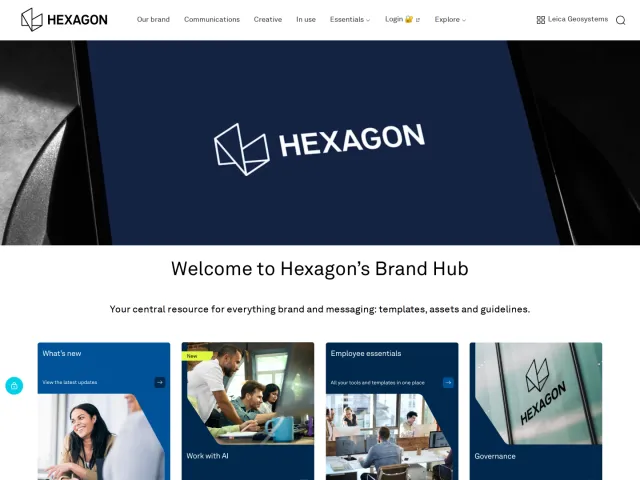
BASF brand portal
The BASF Brand Portal offers operational brand guidelines, visual asset rules, strategic imagery guidelines, and access to internal design tools.
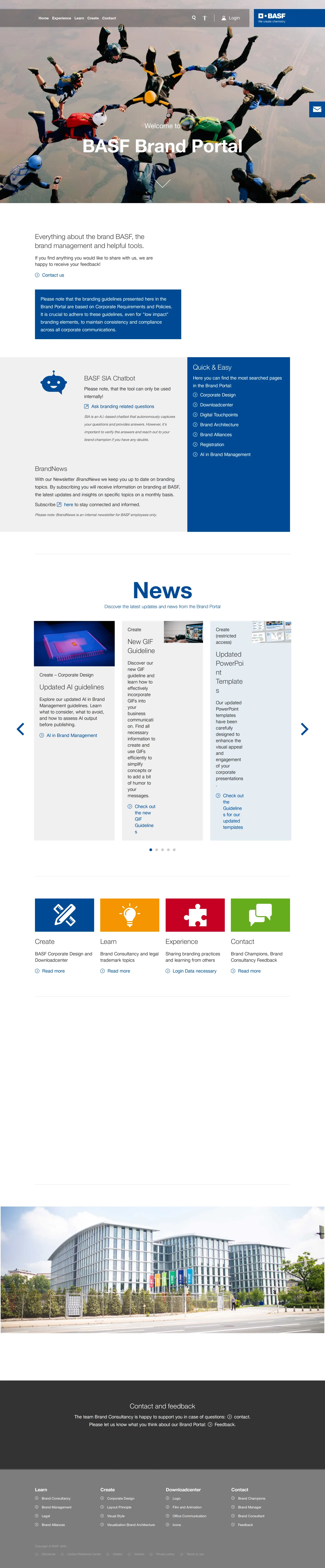
The BASF Brand Portal homepage with top navigation, chatbot link, quick shortcuts, and news cards.
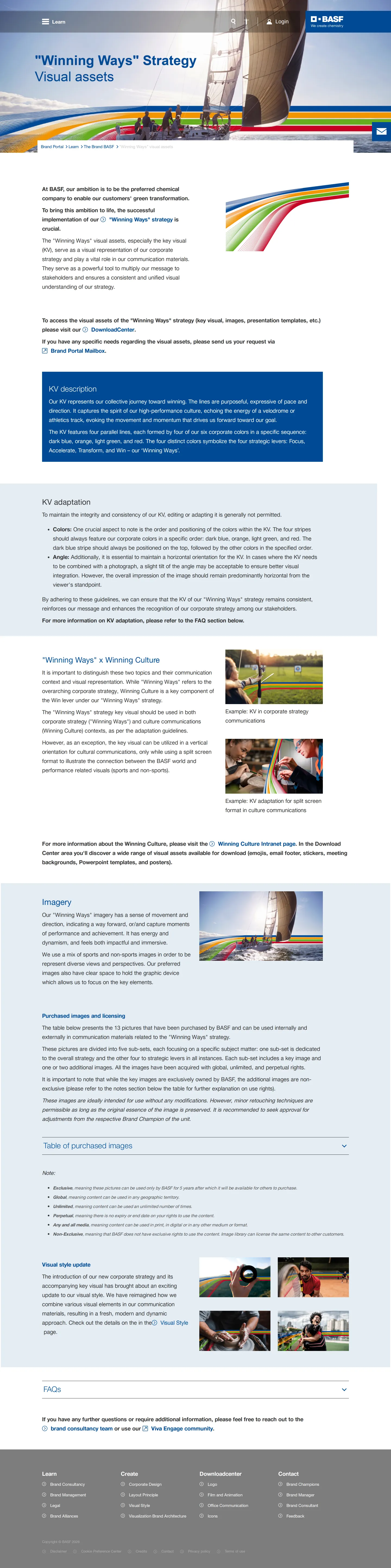
The Winning Ways strategy visual assets page outlining key visual striping rules and imagery guidance.
Want a brand center like BASF’s?
Create your brand center with Freedam ↗Freedam's take
I spent time exploring the BASF Brand Portal and appreciated how directly it tackles operational resources. Instead of just static assets, the homepage highlights practical tools like the internal SIA chatbot alongside dedicated cards for AI guidelines and PowerPoint templates. Looking into the Winning Ways visual assets, I noticed how specific they get about strategic execution, right down to the four-stripe key visual sequence and detailed licensing rights for purchased photography. It feels built to help teams actually implement strategy across corporate touchpoints without getting lost in abstraction.
At a glance
- Sections
- Home · Experience · Learn · Create · Contact
- Downloads
- maps, icons
- Tone
- Structured and practical, focusing on clear guidance and internal tools for corporate strategy and communication.
What I noticed
- The homepage features links to an internal AI chatbot named BASF SIA Chatbot and a BrandNews newsletter subscription.12
- The Winning Ways guideline page defines rules for a four-stripe key visual composed of dark blue, orange, light green, and red.34
- News carousel items on the homepage highlight updated AI guidelines, new GIF guidelines, and updated PowerPoint templates.5
- The imagery section outlines specific licensing terms, noting exclusive, global, unlimited, and perpetual rights for strategic imagery.6
Numbers refer to the screenshots above.
What I could not see
- Could not inspect the full contents of the Downloadcenter due to access requirements or page capture limits.
- Could not view the interactive functionality of the BASF SIA Chatbot.
Ideas to borrow
- Clarifying asset licensing terms directly alongside imagery rules helps internal teams understand usage rights without contacting legal.6
Quick answers
Reviewed on 25 September 2026. Request a correction · I built this