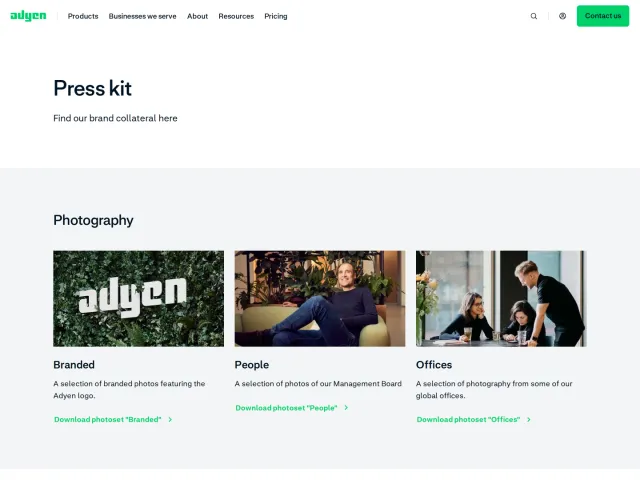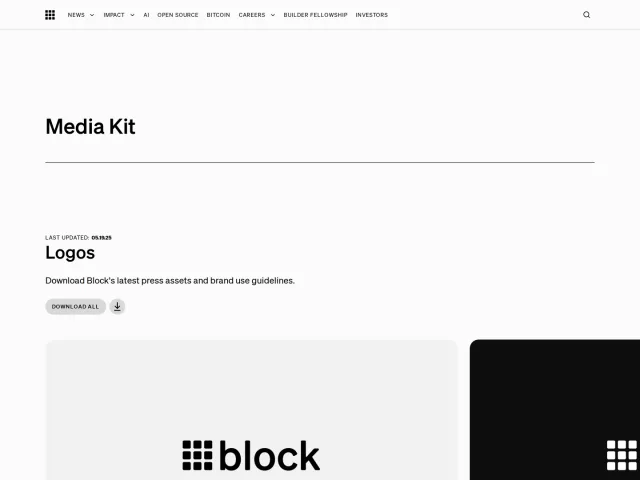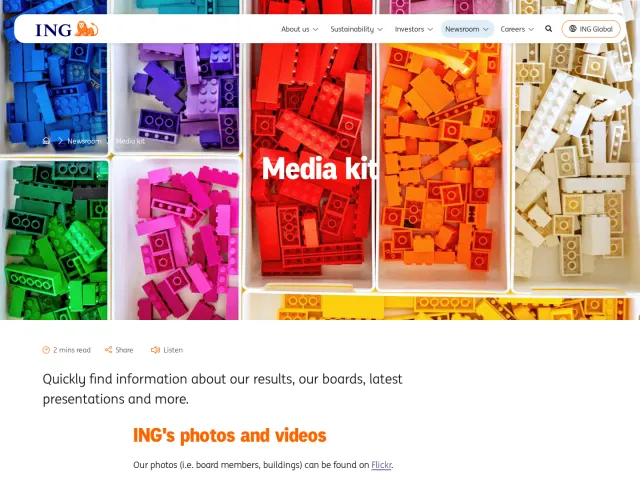
Zip press and asset kit
Zip provides merchant brand assets with direct downloads for brand guidelines, badges, and payment marks.
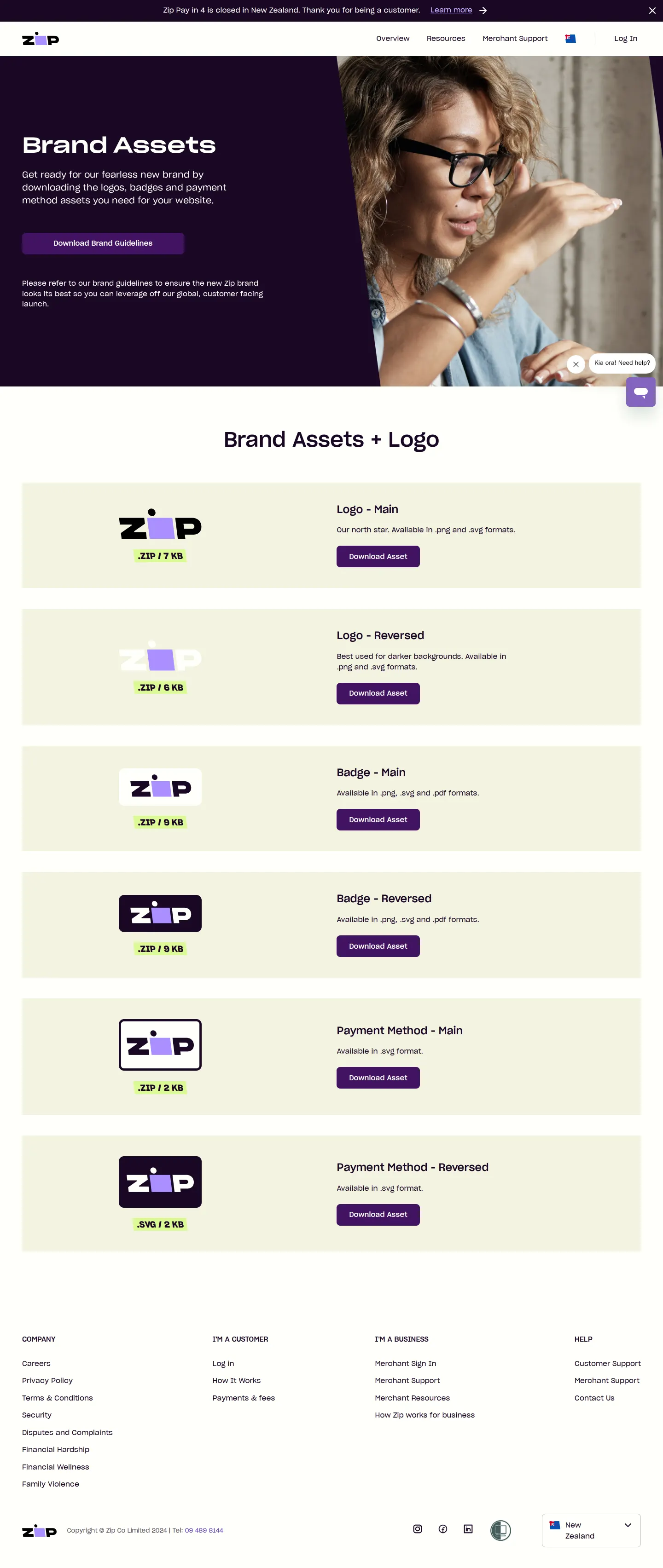
Zip merchant brand assets page displaying downloadable brand guidelines and logo, badge, and payment method files.
Want a brand center like Zip’s?
Create your brand center with Freedam ↗Freedam's take
When I looked through Zip's merchant brand assets page, I appreciated how straightforward the setup is. It focuses entirely on getting practical checkout and brand marks into the hands of partners quickly. You find a direct download button for the merchant PDF guidelines right in the hero, followed by clear modules for main and reversed versions of logos, badges, and payment indicators. Each item shows its file formats and archive size right above the download button, making the whole utility feel fast and completely friction-free for busy teams.
At a glance
- Sections
- Brand Assets · Brand Assets + Logo
- Downloads
- .pdf, .zip, .svg, .png
- Tone
- A clean, functional download utility tailored for merchant partners.
What I noticed
- The hero section contains a direct link to download the merchant brand guidelines as a PDF.12
- Download modules are split into Main and Reversed versions for Logo, Badge, and Payment Method assets.3
- Asset modules display file type indicators such as .ZIP and .SVG along with file sizes.4
- The layout is built for merchants needing fast access to integration marks without navigating complex portals.
Numbers refer to the screenshots above.
What I could not see
- Could not inspect the full text or internal contents of the downloadable merchant brand guidelines PDF.
- No search functionality or multi-page documentation was visible on the single asset page.
Ideas to borrow
Quick answers
Reviewed on 25 September 2026. Request a correction · I built this