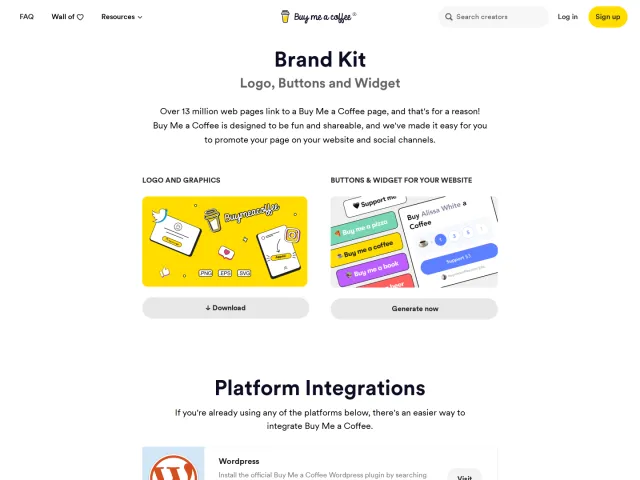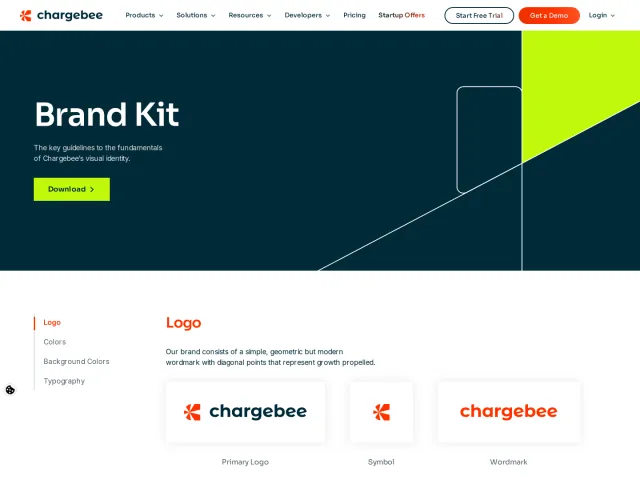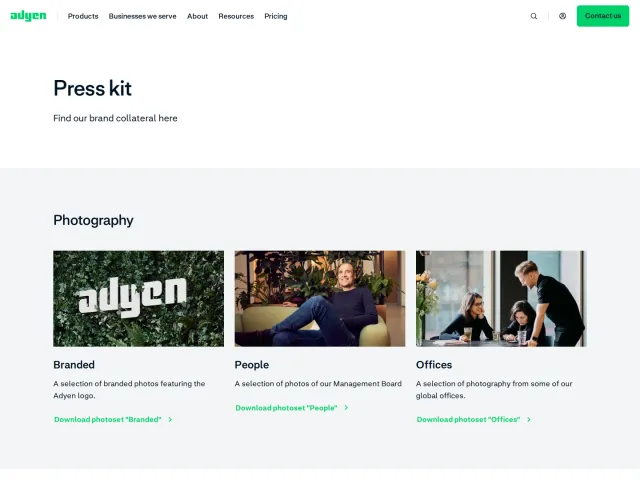
Block press and asset kit
Block provides a streamlined media kit featuring logo previews on light and dark backgrounds, a bulk archive download, and outbound links to brand-specific kits.
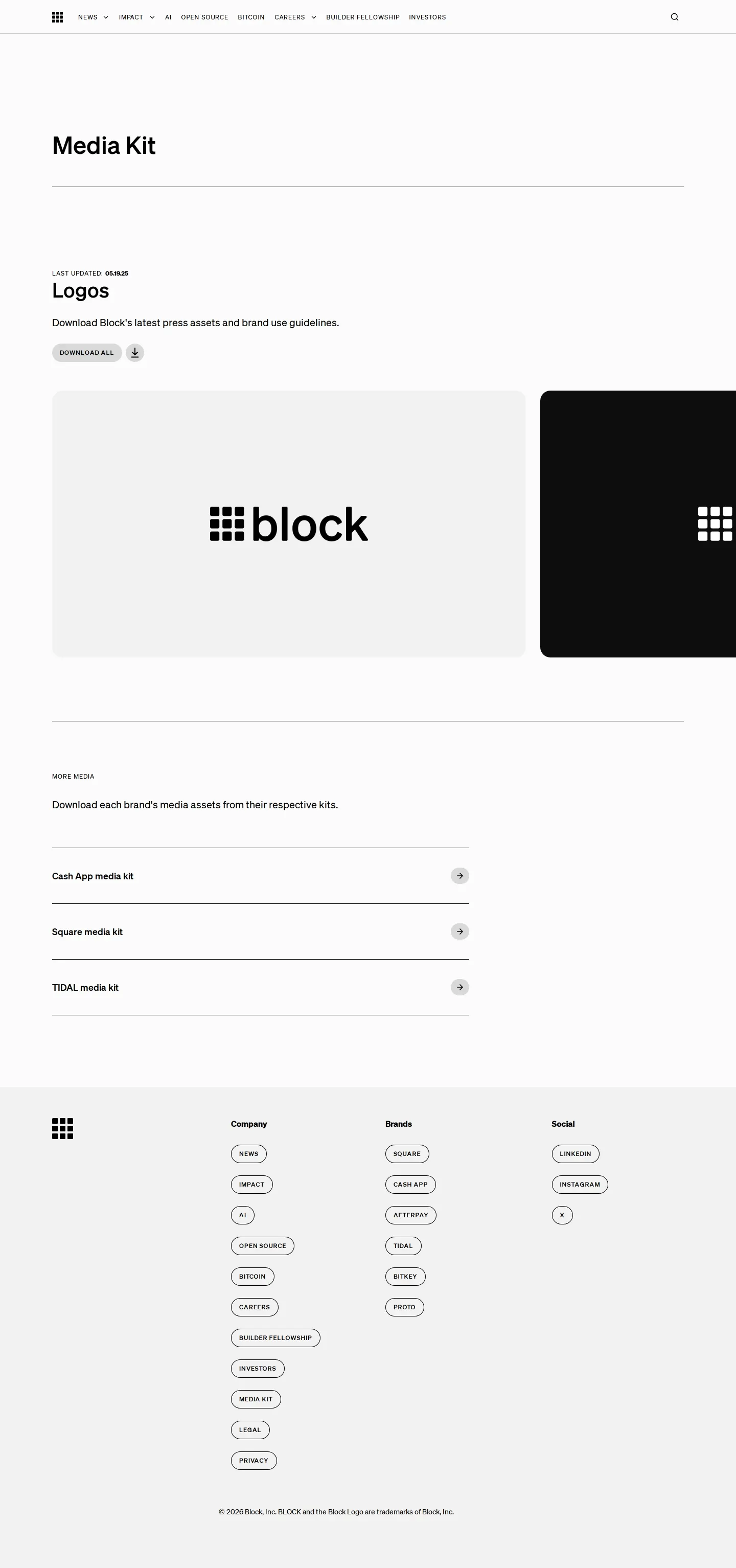
Block media kit page showing logo preview cards, a primary Download All action, and links to subsidiary press kits.
Want a brand center like Block’s?
Create your brand center with Freedam ↗Freedam's take
I like how direct the Block media kit feels. Rather than overwhelming press contacts with long identity rules, the page focuses purely on utility. I can quickly review preview cards of the mark against light and dark backdrops, grab everything in a single archive, or jump straight over to media kits for distinct business lines like Cash App, Square, and TIDAL. It functions smoothly as a corporate parent hub, keeping its own visual footprint minimal while clearly pointing press visitors to the right child brands without fuss.
At a glance
- Sections
- More Media · Company · Brands · Social
- Downloads
- ZIP
- Tone
- Direct, minimal corporate press resource centered entirely on fast asset delivery.
What I noticed
- The page offers preview cards displaying the Block logo against both light and dark backgrounds.1
- A single 'Download All' button links directly to a compressed ZIP archive of corporate logo assets.23
- A 'More Media' section provides outbound routing to individual media kits for Cash App, Square, and TIDAL.4
- The site layout behaves as an efficient parent portal by delegating sub-brand media resources outward rather than housing all guidelines centrally.
Numbers refer to the screenshots above.
What I could not see
- No detailed logo clear space or improper usage rules were visible on the captured page.
- Typography, color palettes, and photography guidelines could not be verified.
- Individual asset file formats contained inside the ZIP archive were not displayed.
Ideas to borrow
- Parent companies can present a consolidated download for the holding brand while routing press directly to dedicated kits for each subsidiary.4
Quick answers
Where can I download the official Block logo assets?
You can download the full set of Block logo assets via the 'Download All' link on the media kit page, which delivers a ZIP archive.23
Where can I find media assets for Cash App, Square, or TIDAL?
The page includes outbound links under the 'More Media' section leading directly to dedicated media kits for Cash App, Square, and TIDAL.4
Reviewed on 25 September 2026. Request a correction · I built this
Similar brand centers
All brand centers →Block provides a lightweight parent portal with a single archive download and outbound links to dedicated kits for Square, Cash App, and TIDAL. In contrast, Adyen includes curated photography categories like Offices and People with specific logo clear space rules, while Chargebee details clear space grids, color codes across three palettes, and direct typography downloads.