Warner Bros. Discovery brand guidelines
Warner Bros. Discovery's brand guidelines present motion principles, framing concepts, and social card templates across Photoshop and Canva.

The welcome homepage featuring scrolling narrative copy, brand framing blocks, and film stills.
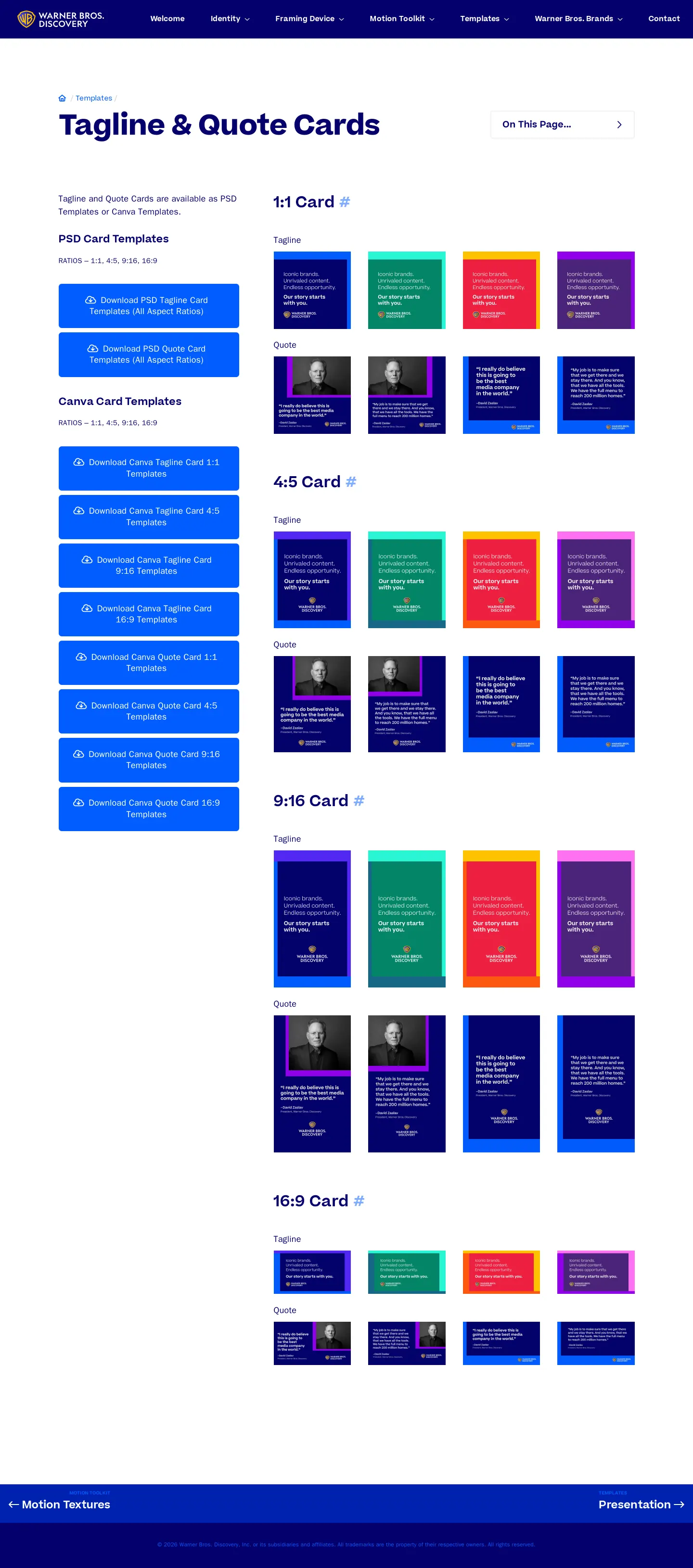
Tagline and quote card templates displayed across multiple aspect ratios with PSD and Canva download options.
Want a brand center like Warner Bros. Discovery’s?
Create your brand center with Freedam ↗Freedam's take
I like how Warner Bros. Discovery turns its identity into an active storytelling device right from the start. The framing motif moves naturally from abstract visual concept to practical social templates. Seeing them support both Photoshop and direct Canva links across multiple standard aspect ratios is practical for distributed teams. The presentation feels lively without burying the underlying mechanics, giving both designers and non-designers concrete starting points for layout and executive quotes.
At a glance
- Sections
- Welcome · Identity · Framing Device · Motion Toolkit · Templates · Warner Bros. Brands · Contact
- Downloads
- PSD, Canva
- Tone
- Vibrant, cinematic, and practical for multi-format content creation.
What I noticed
- The welcome screen uses interactive storytelling copy with highlighted colored phrases and film stills from Dune within framing blocks.123
- Tagline and quote card templates are offered across four aspect ratios: 1:1, 4:5, 9:16, and 16:9.4
- The guidelines provide both master PSD downloads and direct Canva template links.56789
Numbers refer to the screenshots above.
What I could not see
- Could not inspect the Identity, Framing Device, Motion Toolkit, or Contact pages as full captures were not available.
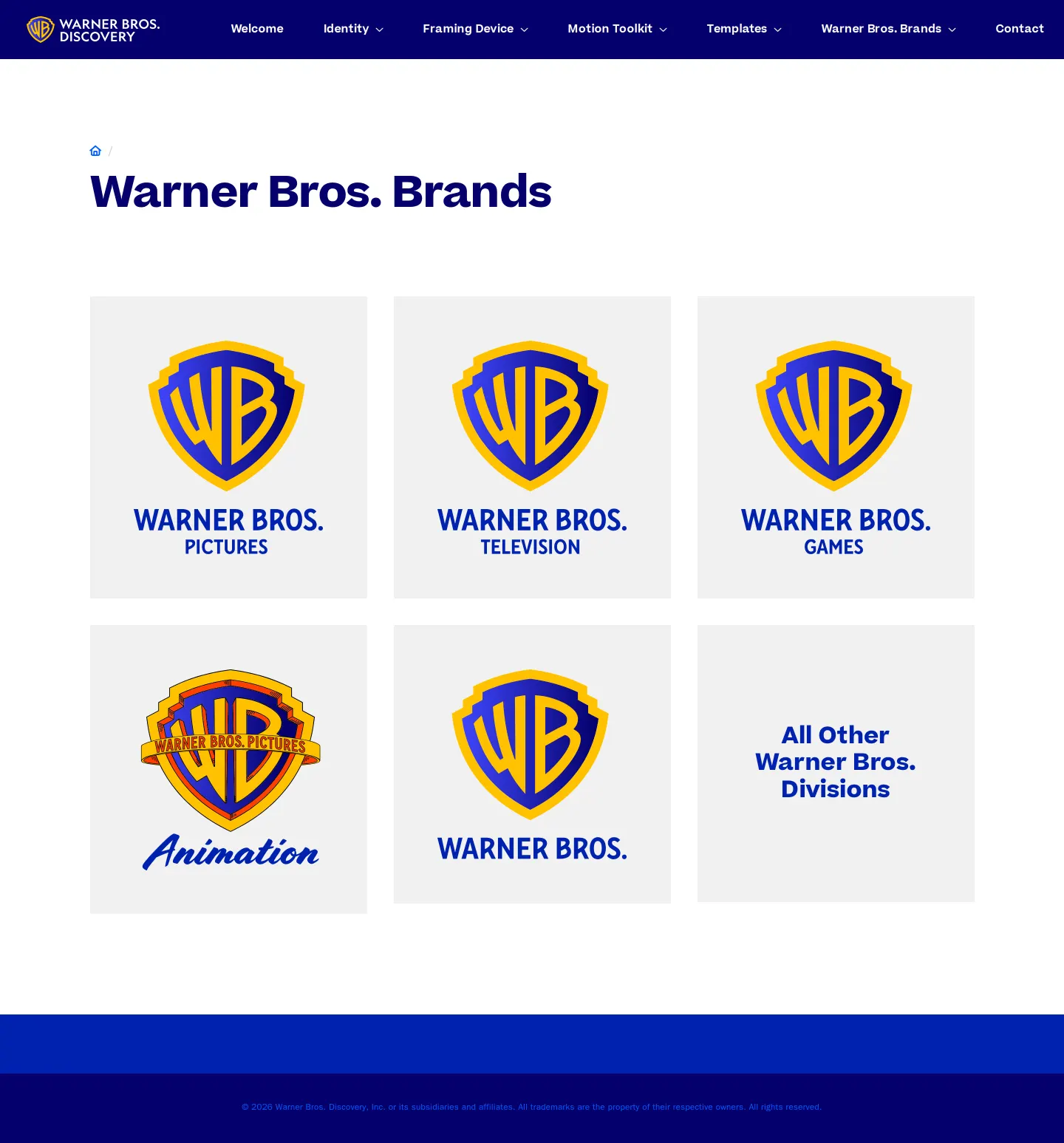
- Could not see the contents of the Warner Bros. Brands page beyond its top-level header.
Ideas to borrow
Quick answers
Reviewed on 25 September 2026. Request a correction · I built this
Similar brand centers
All brand guidelines →