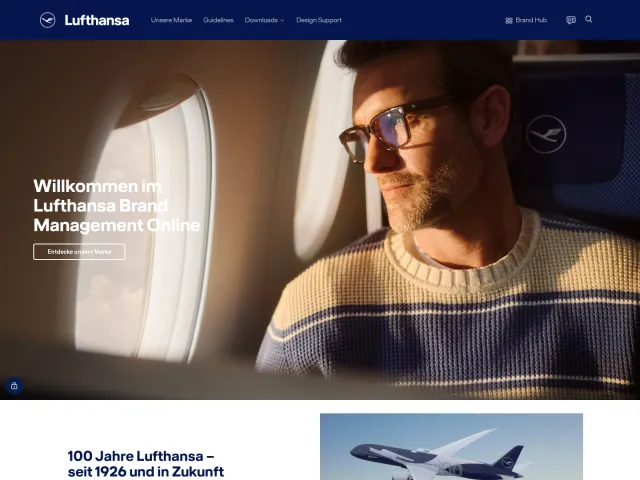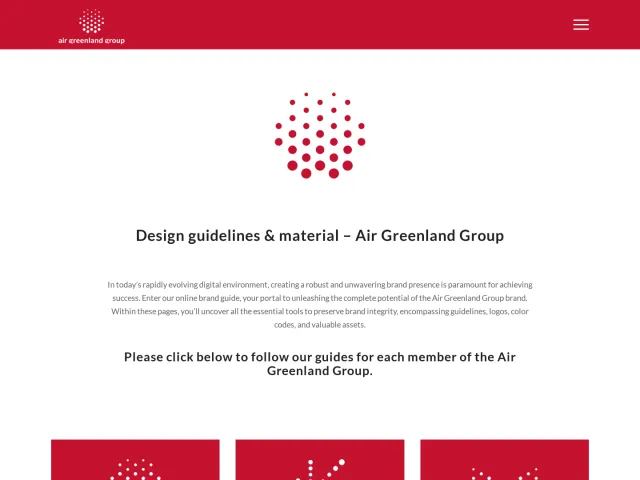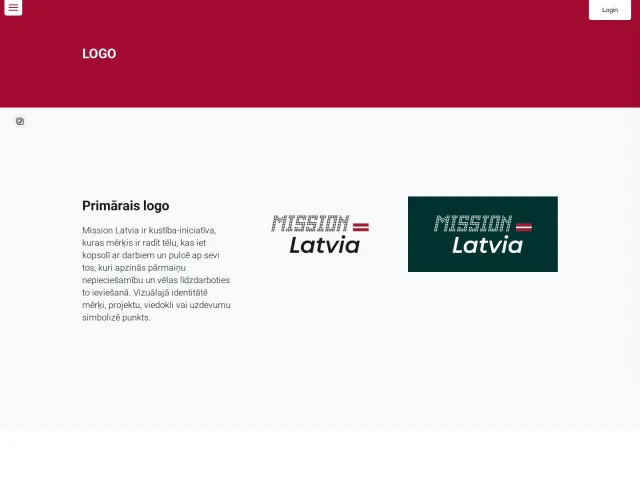

Visit California brand guidelines
Visit California's brand guide outlines organizational mission, guiding principles, and brand positioning alongside logo implementation and co-branding navigation.
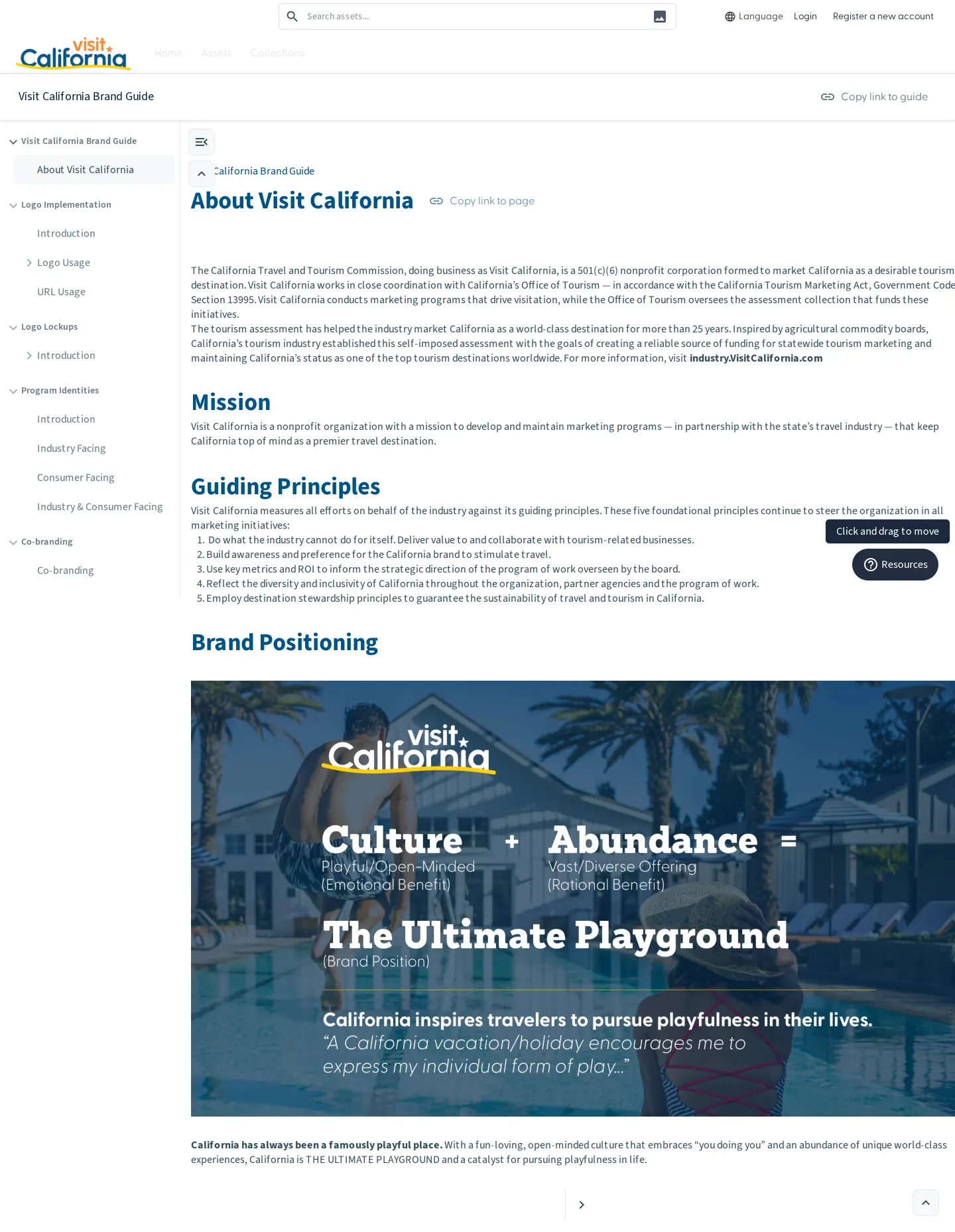
Introductory page of the Visit California Brand Guide showing sidebar navigation, mission, guiding principles, and brand positioning.
Want a brand center like Visit California’s?
Create your brand center with Freedam ↗Freedam's take
When I looked through the Visit California Brand Guide, I noticed how directly it grounds its identity in governance and institutional mission before diving into visuals. The introductory overview clearly outlines foundational marketing principles alongside its core positioning. I appreciate seeing clear structural navigation along the left sidebar, which routes teams directly into logo implementation, lockups, program identities, and co-branding guidelines. Built-in sharing tools like quick link copying keep reference workflows simple for external partners.
At a glance
- Sections
- Visit California Brand Guide · Logo Implementation · Logo Lockups · Program Identities · Co-branding
- Tone
- A structured and strategic brand guide focused on tourism mission, principles, and identity governance.
What I noticed
- The left sidebar navigation outlines sections including Visit California Brand Guide, Logo Implementation, Logo Lockups, Program Identities, and Co-branding.1
- The main content area includes headings for 'About Visit California', 'Mission', 'Guiding Principles', and 'Brand Positioning'.23456
- The page provides sharing controls including 'Copy link to guide' and 'Copy link to page'.7
- A floating 'Resources' button is placed in the bottom right corner of the interface.8
Numbers refer to the screenshots above.
What I could not see
- Could not inspect the full content under Logo Implementation, Logo Lockups, Program Identities, or Co-branding as only the introductory page was captured.
- Could not verify downloadable asset formats or the contents of the floating Resources button.
Ideas to borrow
- Providing explicit 'Copy link to guide' and 'Copy link to page' buttons directly in the interface helps teams easily share precise guideline sections with external collaborators.7
Reviewed on 25 September 2026. Request a correction · I built this
Similar brand centers
All brand guidelines →