University of Zurich brand guidelines
The University of Zurich corporate design portal offers visual identity standards, downloadable logo and color assets, typography guidelines, and dedicated support contacts.
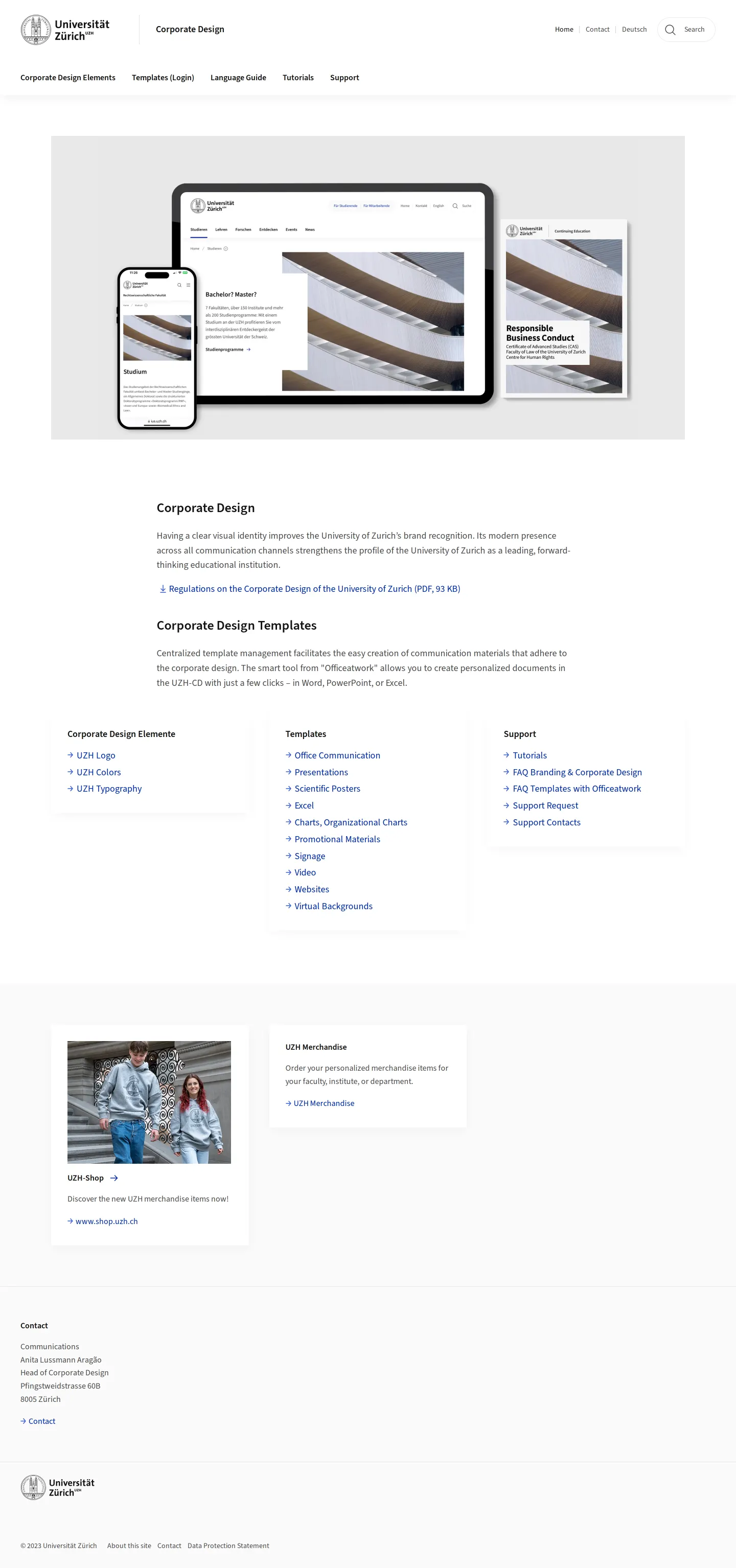
Homepage of the University of Zurich corporate design portal featuring navigation links to design elements, templates, and support resources.
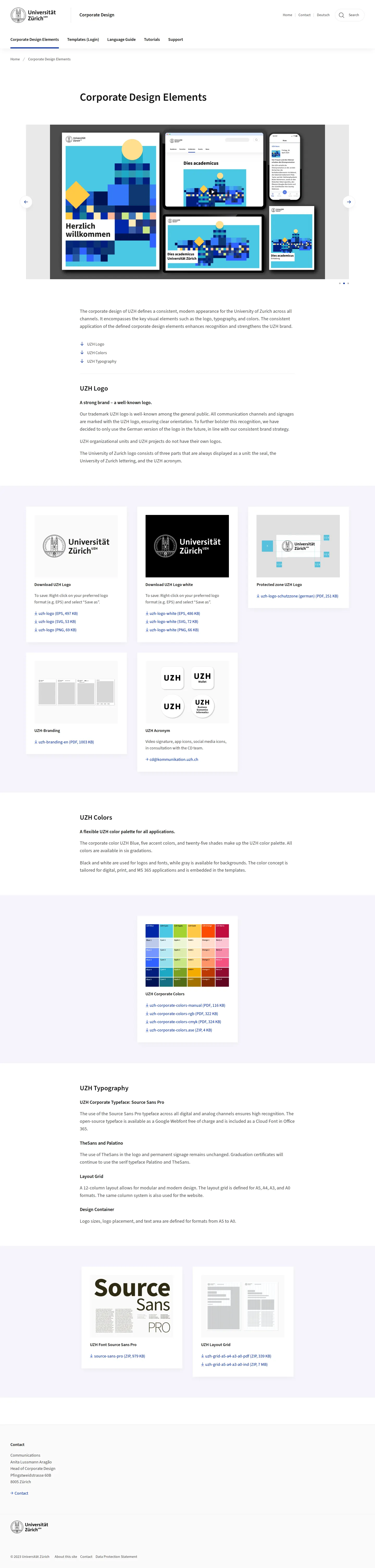
Corporate design elements page detailing logo variations, color specifications, typography, and layout grid downloads.
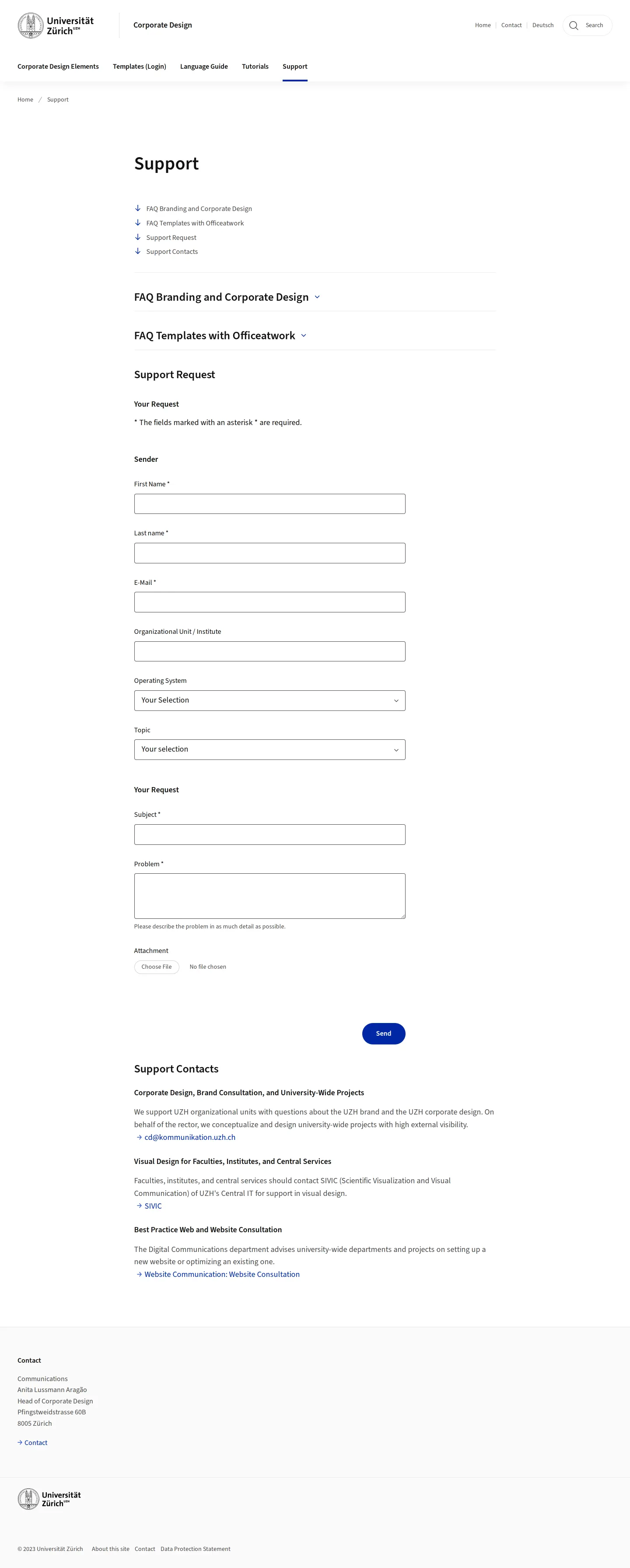
Support page offering accordion-style FAQs, direct department contacts, and a web form for design inquiries.
Want a brand center like University of Zurich’s?
Create your brand center with Freedam ↗Freedam's take
I appreciate how direct and practical the University of Zurich corporate design portal feels. Rather than burying essential assets behind walls of marketing narrative, the design elements page pairs concise explanations with immediate download links for EPS, SVG, and PNG files. I also like how openly the team addresses typography, documenting Source Sans Pro alongside specific historical exceptions like TheSans and Palatino. The support section is notably thorough, featuring direct intake forms and consultation contacts for faculties. It is an unpretentious, highly utilitarian portal built to serve everyday institutional needs.
At a glance
- Sections
- Corporate Design Elements · Templates (Login) · Language Guide · Tutorials · Support
- Downloads
- PDF, EPS, SVG, PNG, ZIP, ASE
- Tone
- Structured and practical, providing clear administrative instructions and immediate access to assets.
What I noticed
- The corporate design elements page organizes primary visual assets into sections for UZH Logo, UZH Colors, and UZH Typography.1234
- Logo downloads are provided in both black and white variants across EPS, SVG, and PNG file formats.567891011
- Source Sans Pro is specified as the corporate typeface alongside a ZIP download, while TheSans and Palatino are noted for specialized uses such as permanent signage and diplomas.1213
- The support section includes an interactive request form with file upload capability and listed contacts for visual design and brand consultation.1415
Numbers refer to the screenshots above.
What I could not see
- The templates section requires an institutional login and could not be fully viewed.
- Internal contents of the downloadable guideline PDFs and font packages could not be inspected.
Ideas to borrow
- Supplying color assets not only as PDF guides but also as downloadable Adobe Swatch Exchange (ASE) files simplifies adoption for production designers.16
Quick answers
Where can I download the University of Zurich logo?
The UZH logo can be downloaded from the Corporate Design Elements page in black and white versions in EPS, SVG, and PNG formats.115678910
What is the corporate typeface for the University of Zurich?
Source Sans Pro serves as the primary corporate typeface and is available as a ZIP download, with TheSans and Palatino specified for special applications like permanent signage and graduation certificates.1213
Are layout grid templates available for download?
Yes, layout grid templates for A5, A4, A3, and A0 formats are offered as PDF and InDesign ZIP downloads on the Corporate Design Elements page.17
Reviewed on 25 September 2026. Request a correction · I built this
Similar brand centers
All brand guidelines →