University of Wisconsin–Madison brand guidelines
The University of Wisconsin–Madison brand portal provides identity guidelines, color specs, instructional videos, and a searchable directory of downloadable tools.
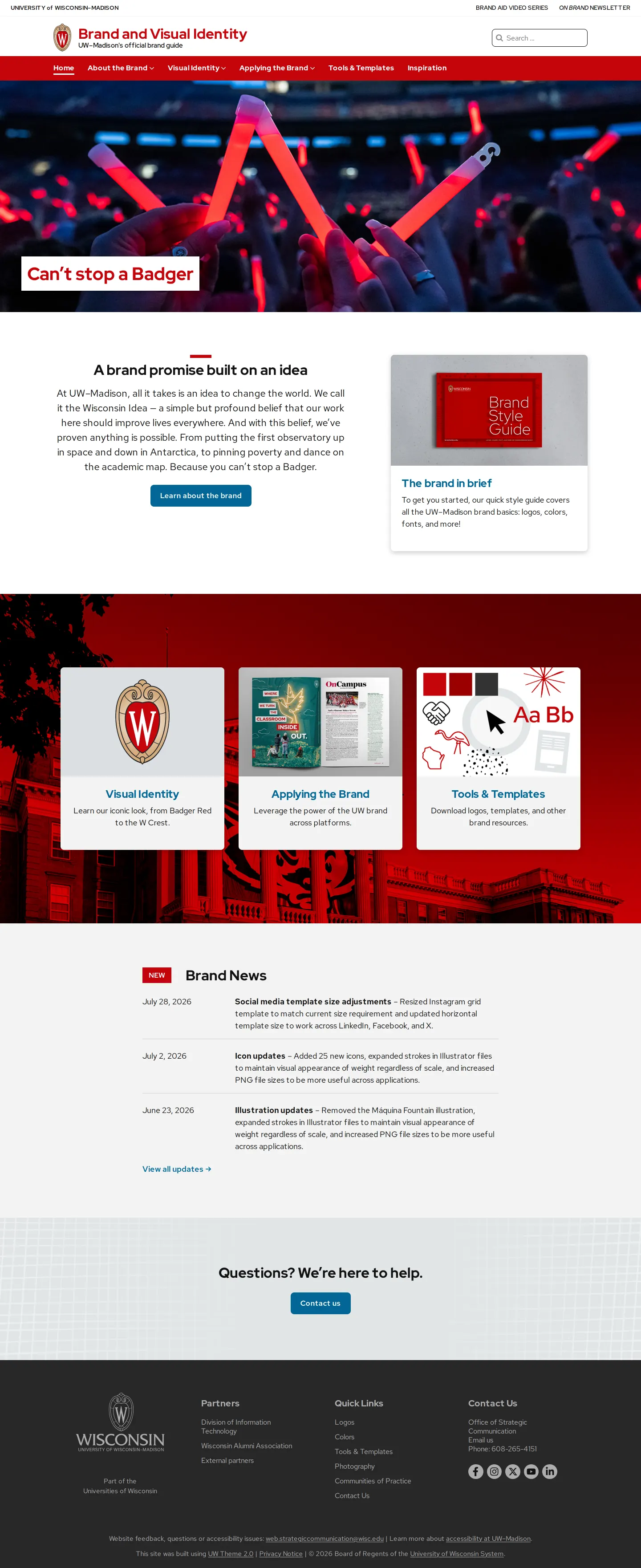
Homepage of the UW–Madison visual identity portal showing quick links, brand style guide preview, and brand news.
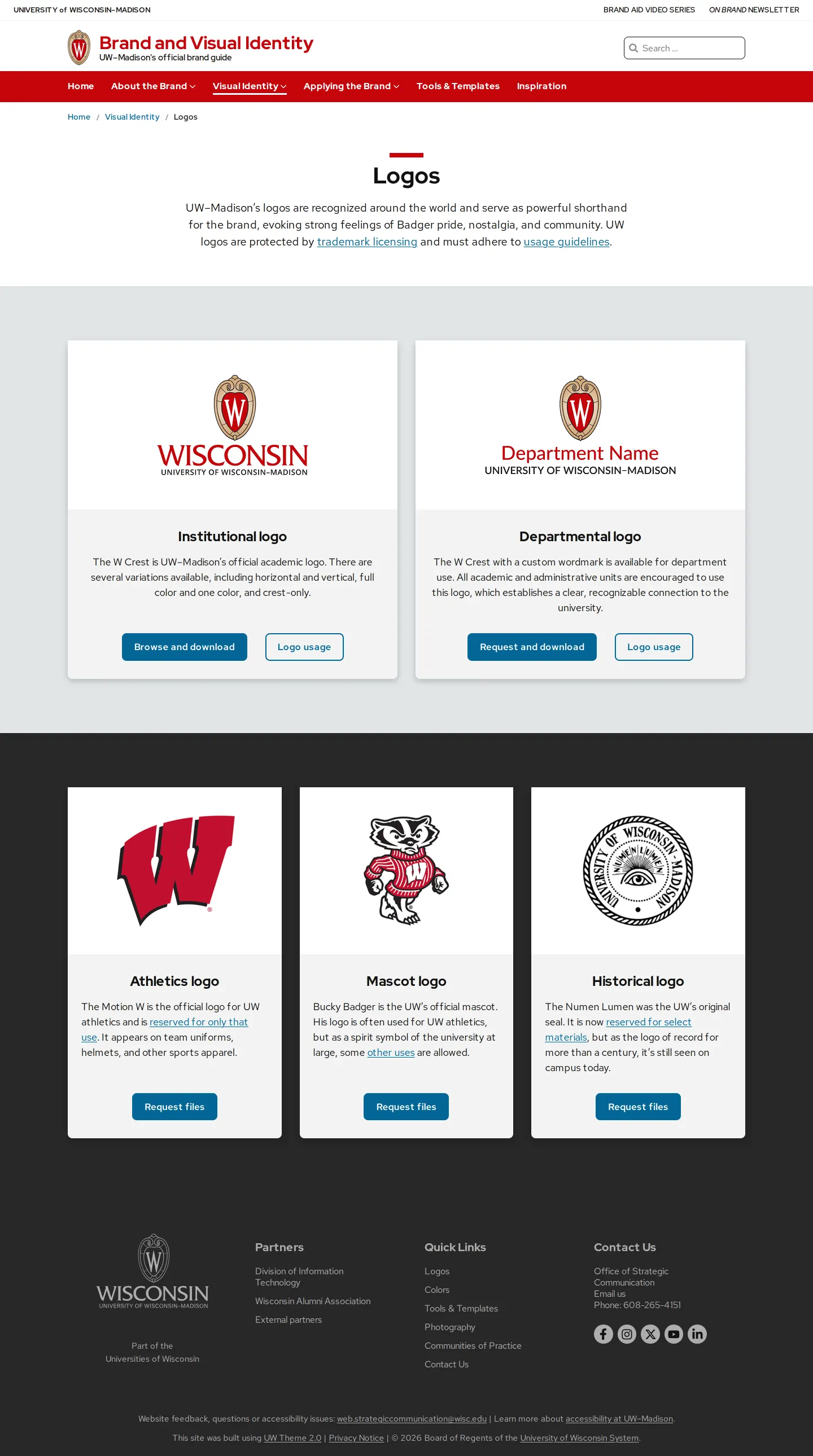
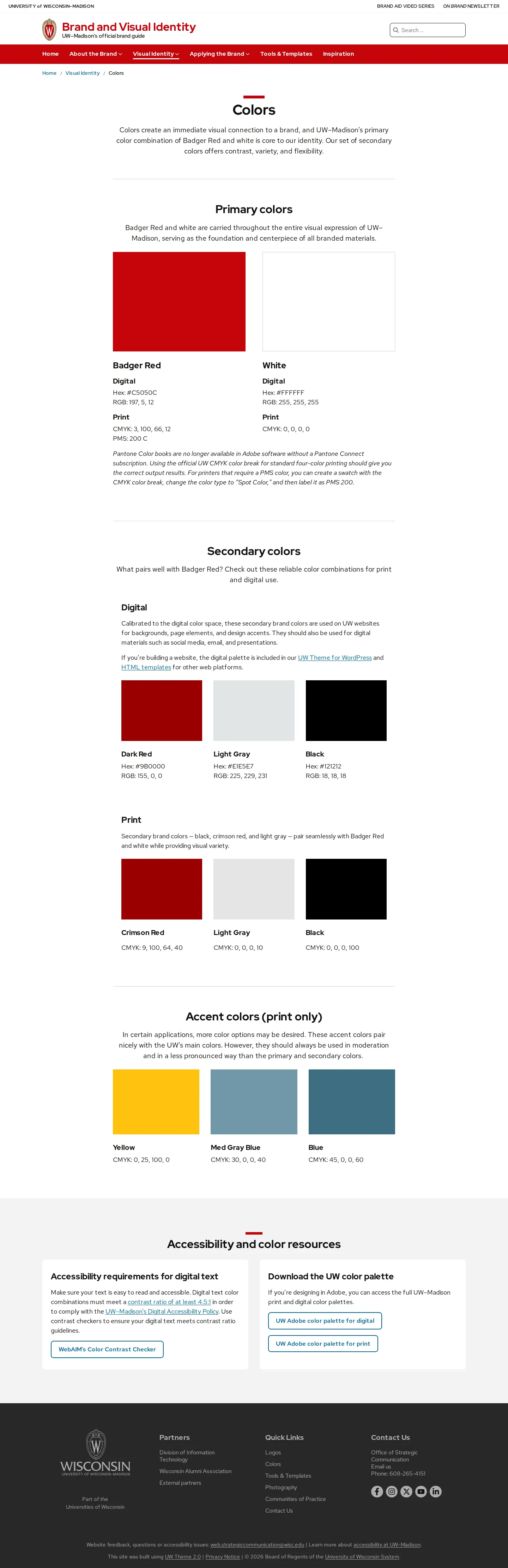
Color guidelines page displaying primary, secondary, and accent palettes alongside accessibility contrast tools.
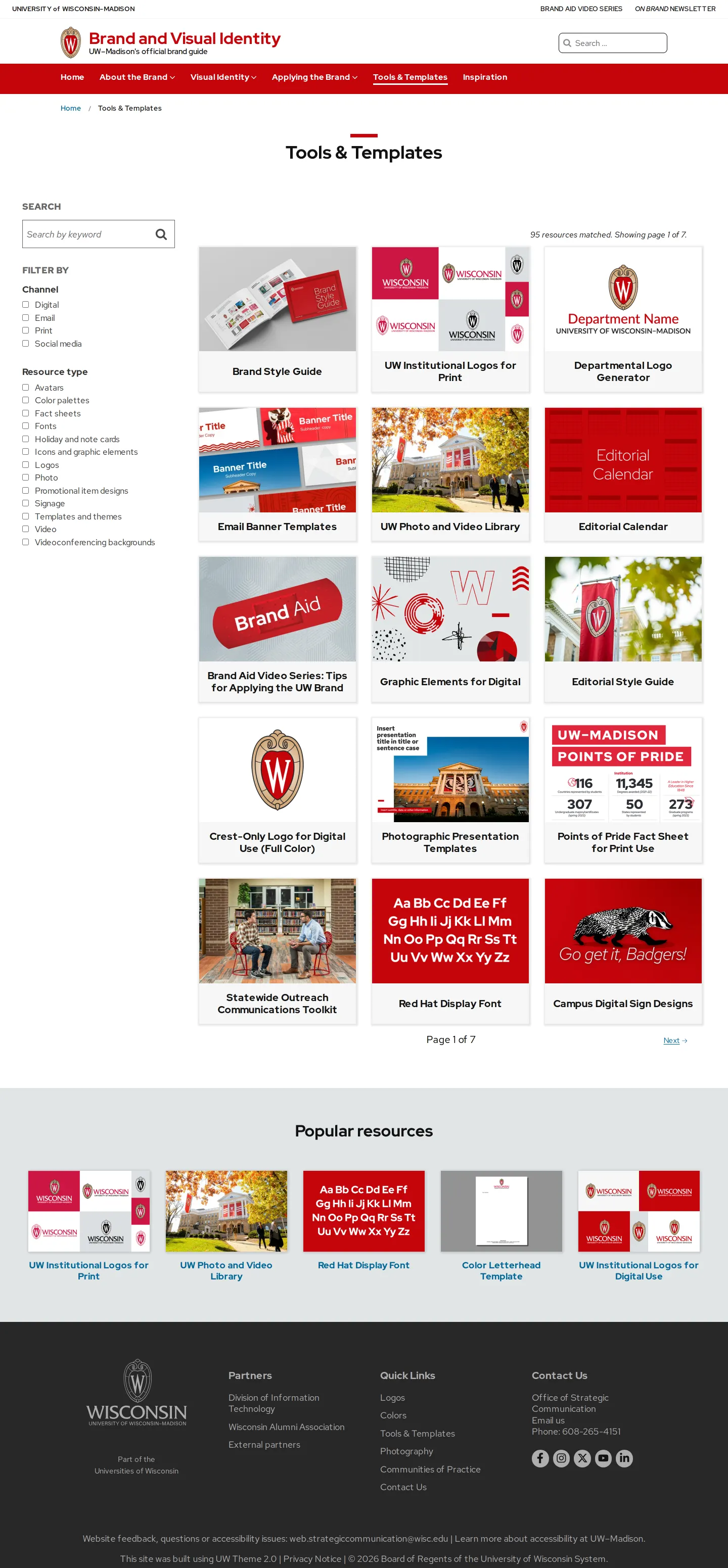
Tools and templates repository showing faceted channel filtering, search, and popular resource cards.
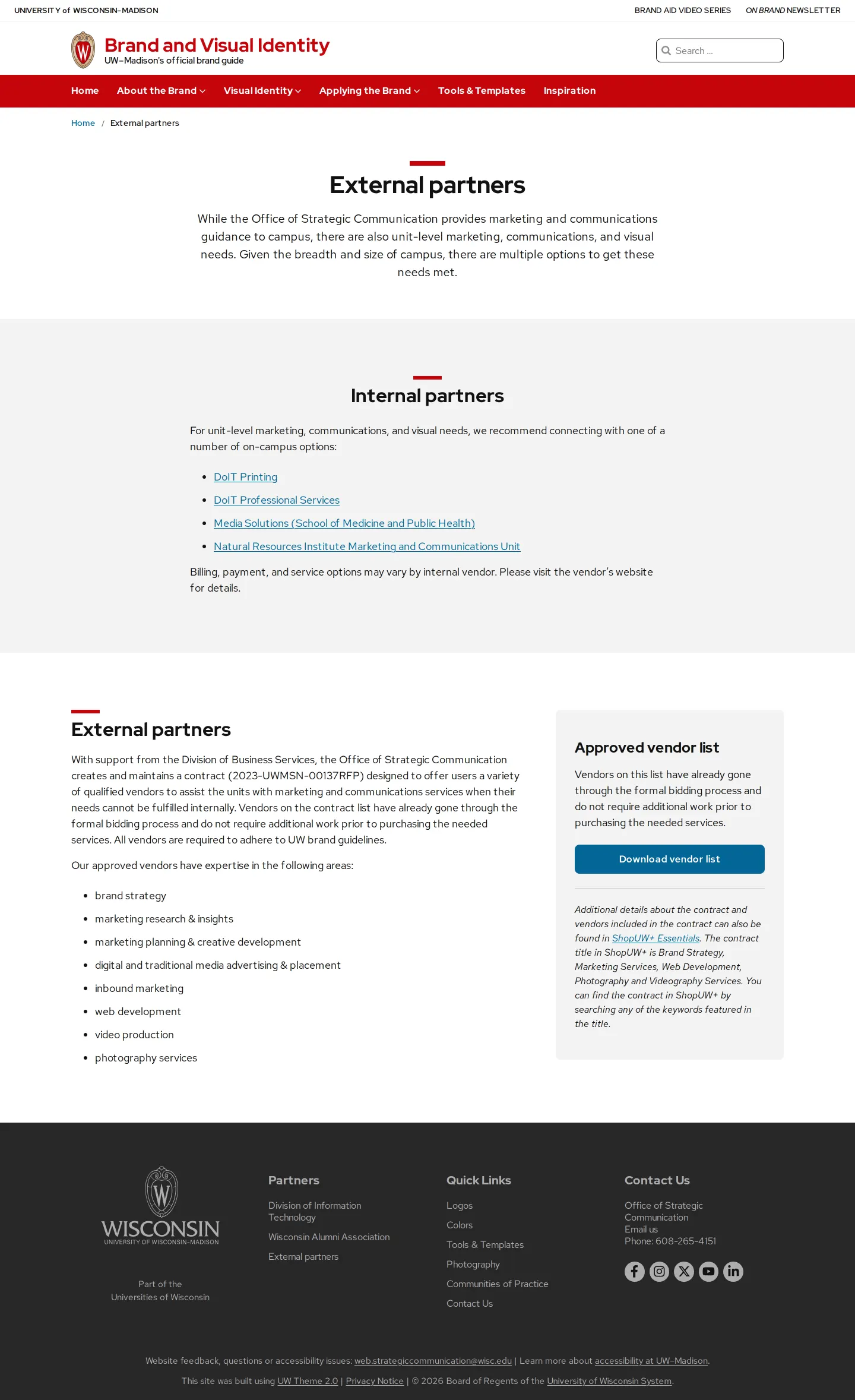
External partners page detailing internal campus units and offering an approved external vendor spreadsheet download.
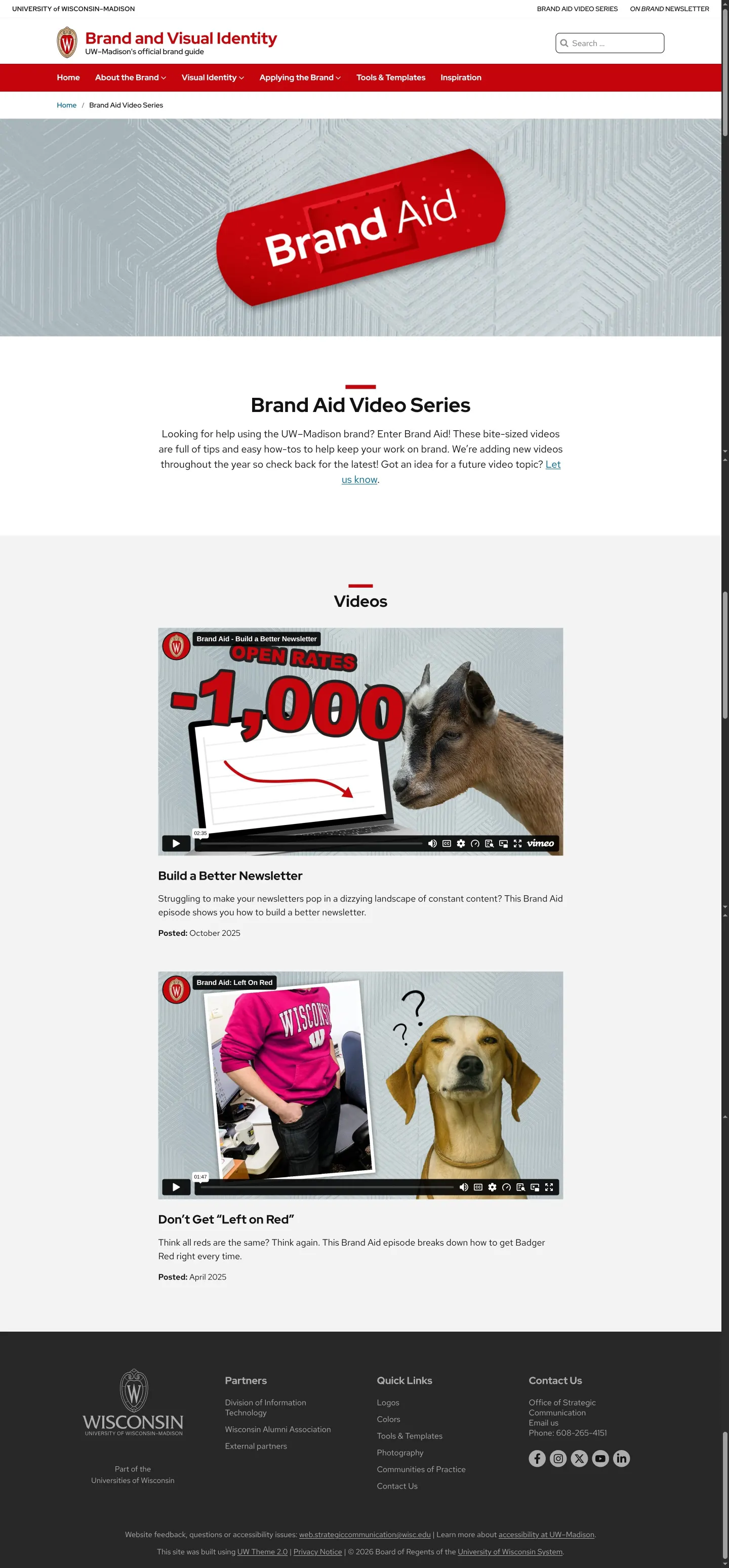
Brand Aid video series library showing embedded topical guidance videos on newsletter layout and brand color.
Want a brand center like University of Wisconsin–Madison’s?
Create your brand center with Freedam ↗Freedam's take
I really appreciate when university brand centers understand who is actually building day-to-day materials across campus. The University of Wisconsin–Madison brand portal feels remarkably practical. Alongside clear institutional logo standards and primary Badger Red swatches, they offer an approved vendor list spreadsheet and a departmental logo generator. What stood out to me most was the Brand Aid video series, tackling common pitfalls like newsletter design or matching print red across channels. Adding a robust searchable directory with ninety-five filterable tools and templates turns this guideline site into an approachable workspace for distributed staff.
At a glance
- Sections
- About the Brand · Visual Identity · Applying the Brand · Tools & Templates · Inspiration
- Downloads
- XLSX, Adobe color palette (digital), Adobe color palette (print)
- Tone
- Approachable and practical collegiate guidance focused on helping distributed campus creators execute consistently.
What I noticed
- The portal organizes navigation across About the Brand, Visual Identity, Applying the Brand, Tools & Templates, and Inspiration.1
- The Tools & Templates section includes a left-hand filter by channel and resource type alongside a keyword search input, returning 95 total matched resources across seven pages.23
- The colors page splits secondary colors into distinct digital and print formulas and links directly to WebAIM's Color Contrast Checker.45
- Instructional video lessons titled 'Brand Aid' embed short walk-throughs covering specific application topics such as newsletter design and color fidelity.678
Numbers refer to the screenshots above.
What I could not see
- Could not inspect the full typography hierarchy guidance or usage specifications for Red Hat Display Font.
- Could not review the interactive departmental logo generator tool workflow directly.
Ideas to borrow
- Produce short, bite-sized instructional video episodes tackling recurring brand execution problems to supplement static guideline documentation.678
- Provide a downloadable approved vendor list directly within the partner section so distributed campus departments know who is vetted for creative work.910
Quick answers
Where can UW–Madison campus units get official logos?
Official institutional logos can be downloaded directly from the resources section, and custom departmental marks can be created via the Departmental Logo Generator.1112
Reviewed on 25 September 2026. Request a correction · I built this
Similar brand centers
All brand guidelines →