University of St Andrews brand guidelines
University of St Andrews presents brand guidelines, core identity assets, and a searchable photographic album library for external partners and internal teams.
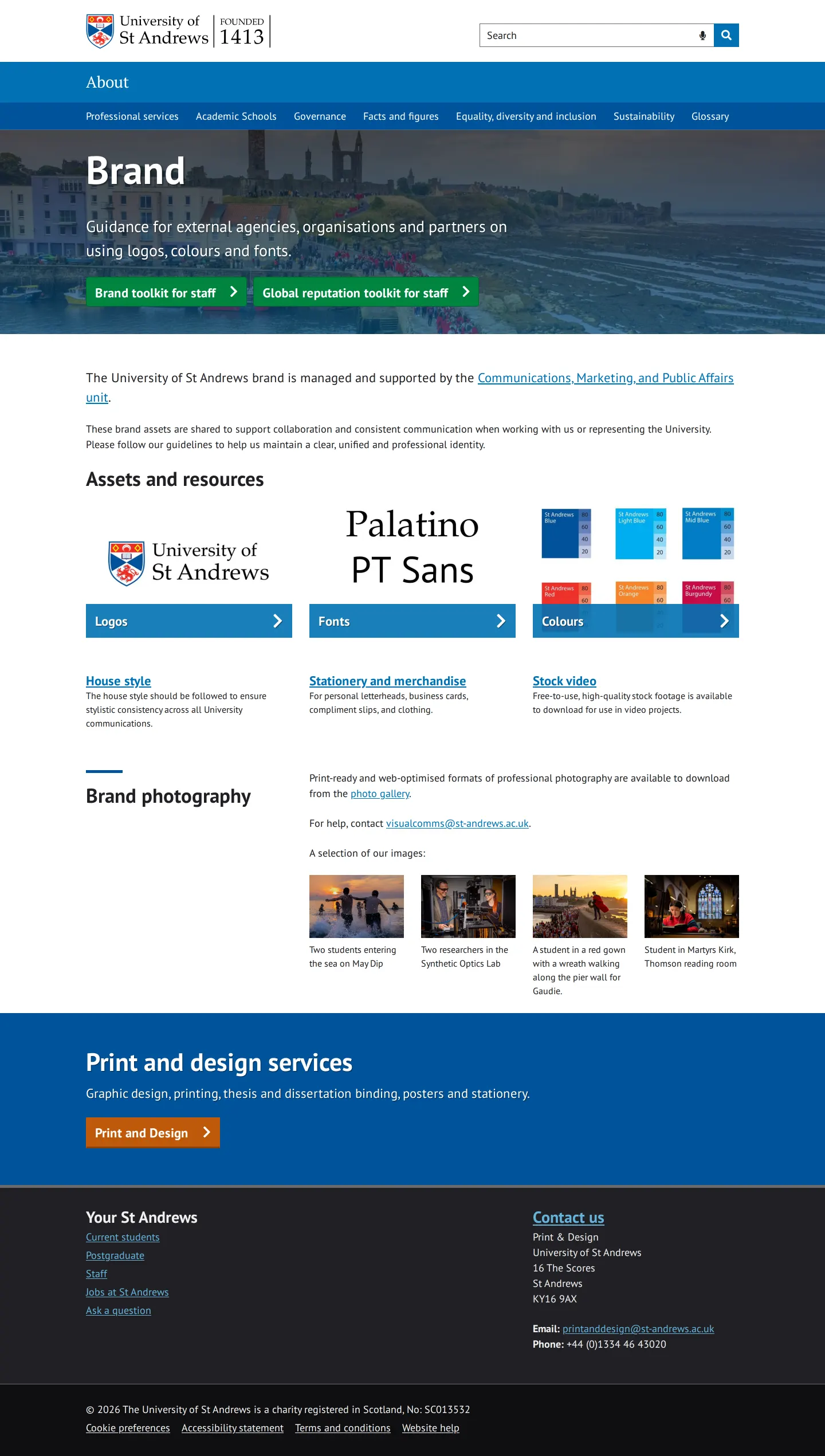
The main brand hub outlines asset categories like logos, fonts, colours, photography, and links to print and design services.
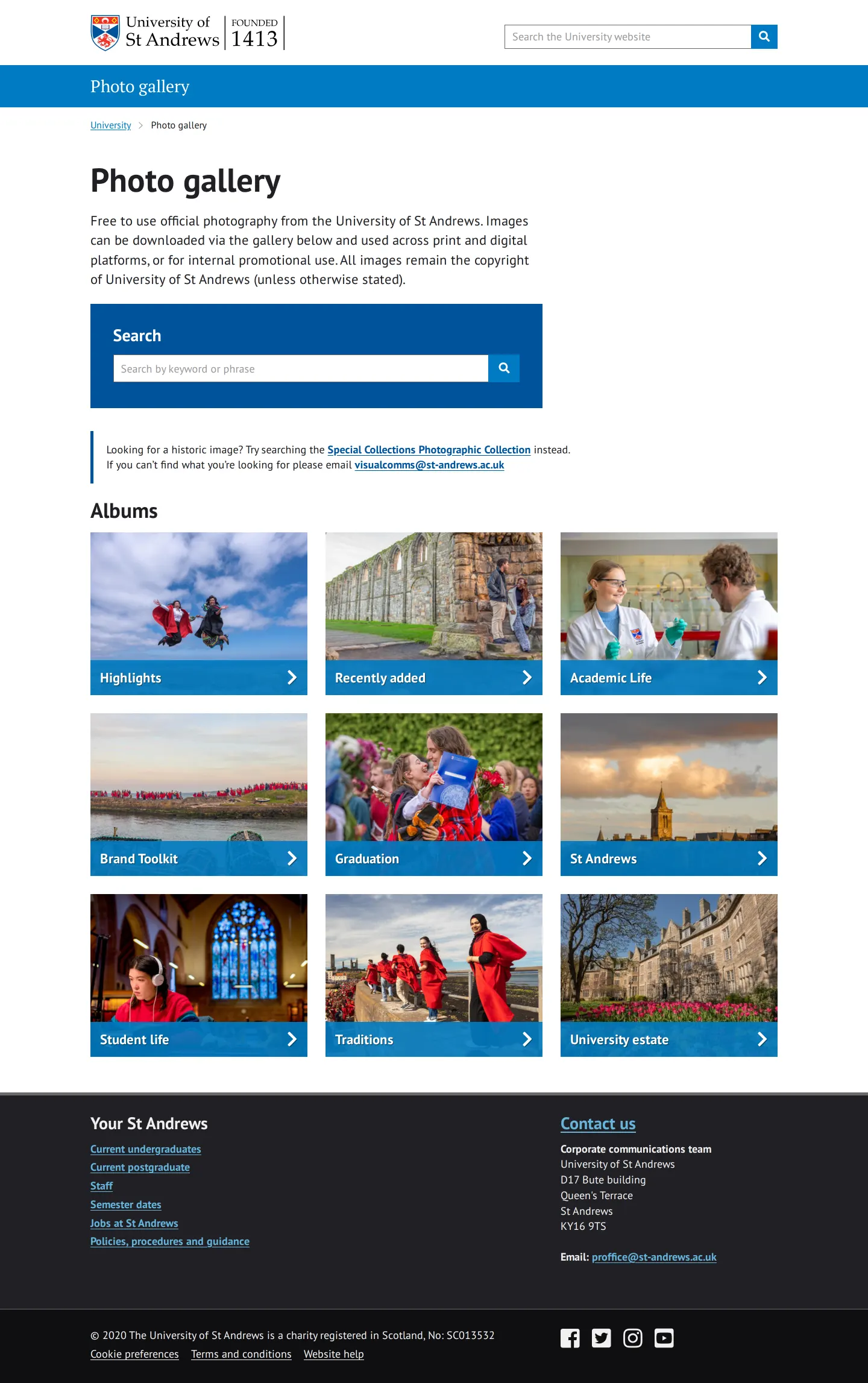
The official photo gallery provides searchable photo albums covering university estate, student life, and academic traditions.
Want a brand center like University of St Andrews’?
Create your brand center with Freedam ↗Freedam's take
I like how clear the University of St Andrews keeps its entry point. The main brand page gathers links to logos, colours, and fonts alongside stationery and stock video. The font preview pairs Palatino and PT Sans directly on screen. What really caught my attention is the separate photo gallery. It offers searchable albums covering academic life, student life, and traditions, and explicitly confirms the imagery is free for print, digital, and internal promotional use. It feels practical, utilitarian, and directly supportive of partners and staff looking for the right visual assets.
At a glance
- Sections
- Assets and resources · Browse by category · Brand photography · Print and design services · Albums
- Tone
- Functional, informative, and institutional.
What I noticed
- The hero text notes the site offers guidance for external agencies, organisations, and partners on using logos, colours, and fonts.1
- The fonts preview displays Palatino and PT Sans typefaces.2
- The photo gallery notes that official photography is free to use across print, digital, and internal promotional platforms.3
- The photo library categorises imagery into albums including Highlights, Recently added, Academic Life, Brand Toolkit, Graduation, St Andrews, Student life, Traditions, and University estate.4
Numbers refer to the screenshots above.
What I could not see
- No downloadable logo files or colour swatches were visible directly on the captured pages.
- Internal toolkit content behind the staff links was not captured.
Ideas to borrow
Quick answers
What fonts are used in the University of St Andrews brand?
The brand preview shows Palatino and PT Sans typefaces.2
Can I use official University of St Andrews photography?
Yes, official photography in the gallery is free to use across print, digital, and internal promotional platforms.3
Reviewed on 25 September 2026. Request a correction · I built this
Similar brand centers
All brand guidelines →