 Shopify
Technology
Press & asset kit
Slack's media kit outlines brand assets across three visual cards, routing logo downloads into a dedicated asset portal with multiple colorways and formats.
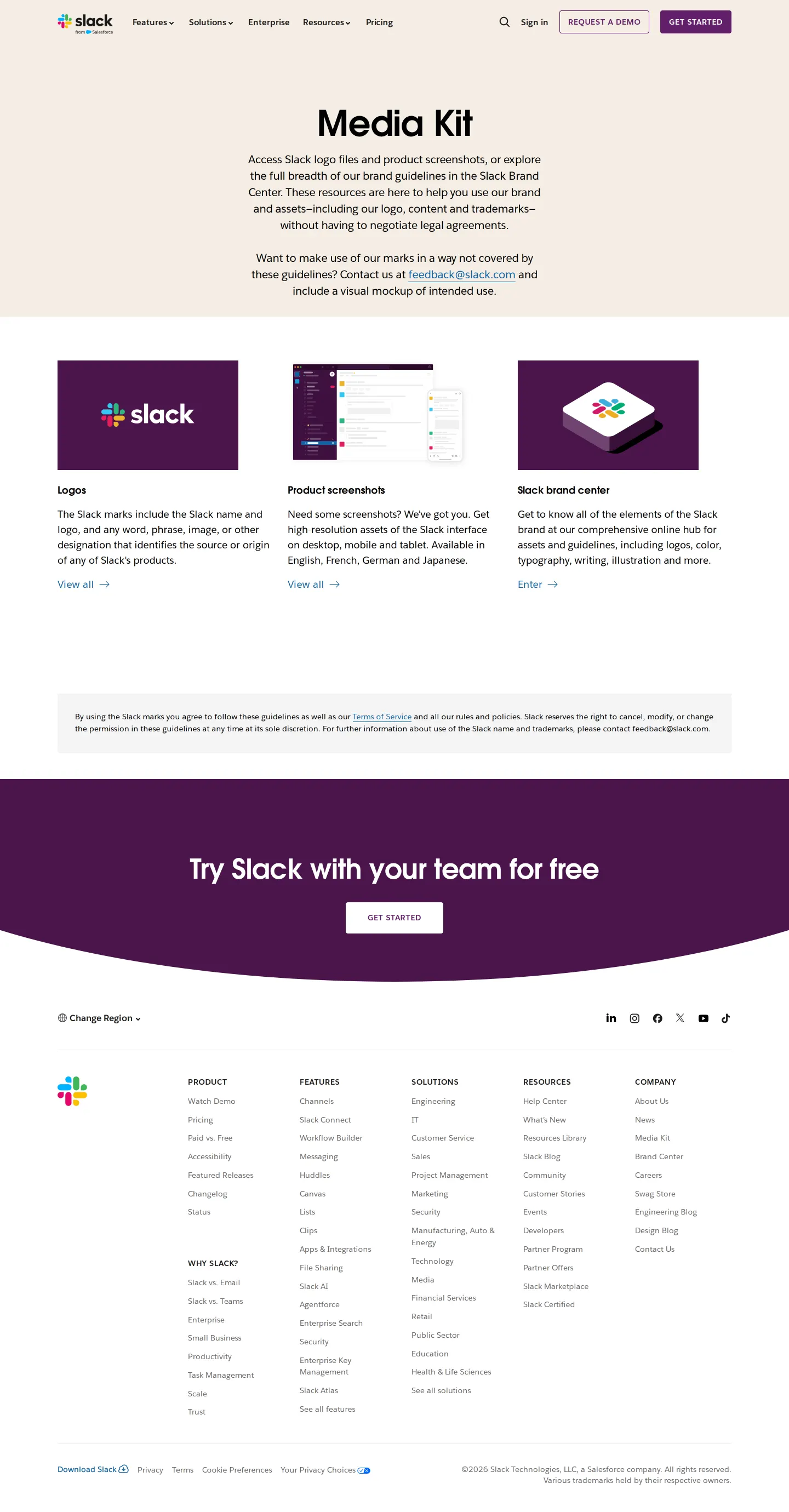
Media Kit page on the Slack website with cards for logos, product screenshots, and the brand center.
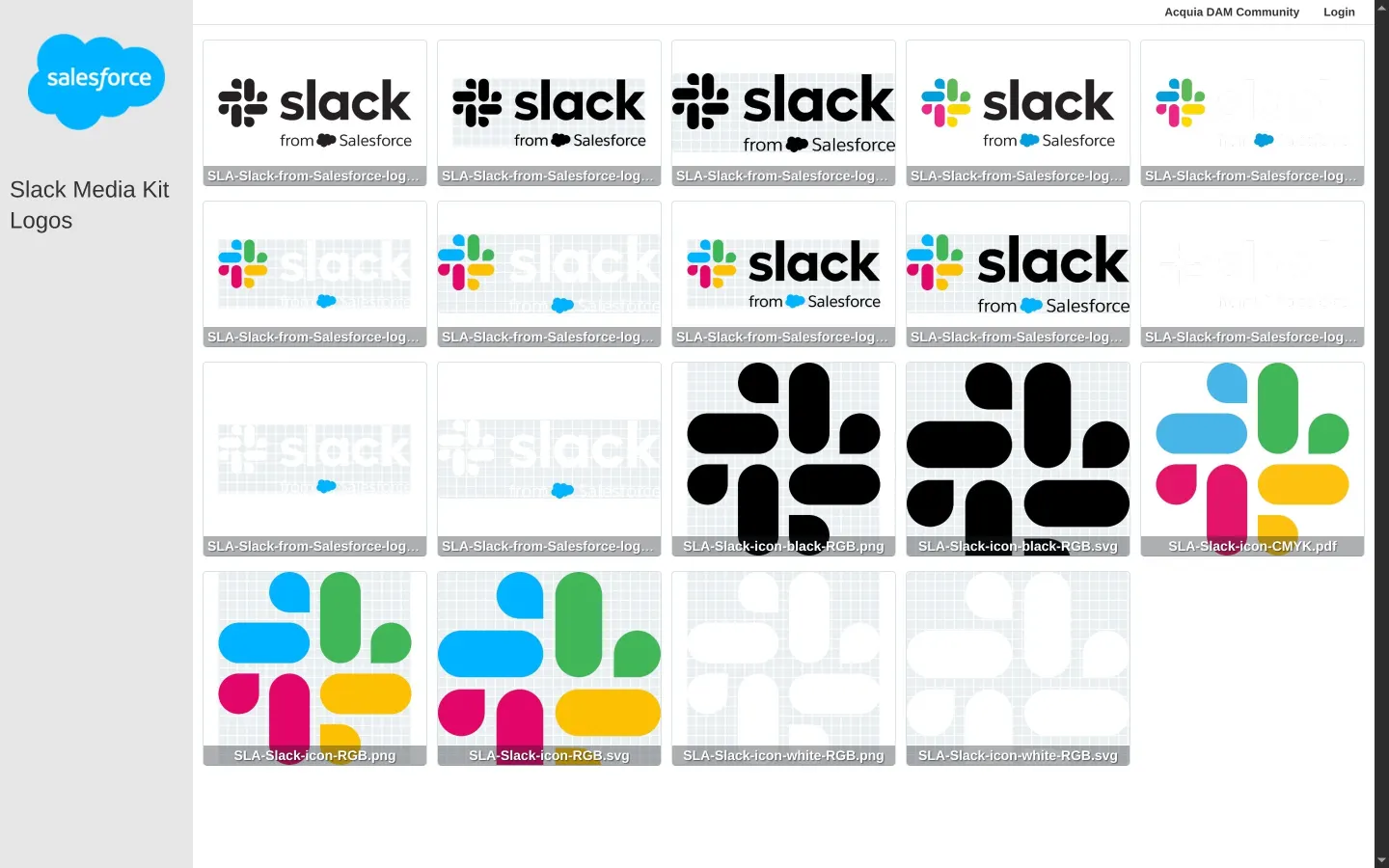
Logos asset library displaying downloadable Slack and Salesforce lockups in multiple colorways.
Want a brand center like Slack’s?
Create your brand center with Freedam ↗I like how clear and minimal the entry point feels on Slack's media kit page. Instead of overwhelming press visitors with endless options, it presents three core cards for logos, product screenshots, and the brand center. Clicking into the logos takes you directly to an asset library hosted on a digital asset platform. The grid offers full lockups and standalone icons in color, black, and white across multiple vector and raster formats with explicit color profile labels. It feels practical, straightforward, and quick to navigate.
Numbers refer to the screenshots above.
Reviewed on 25 September 2026. Request a correction · I built this
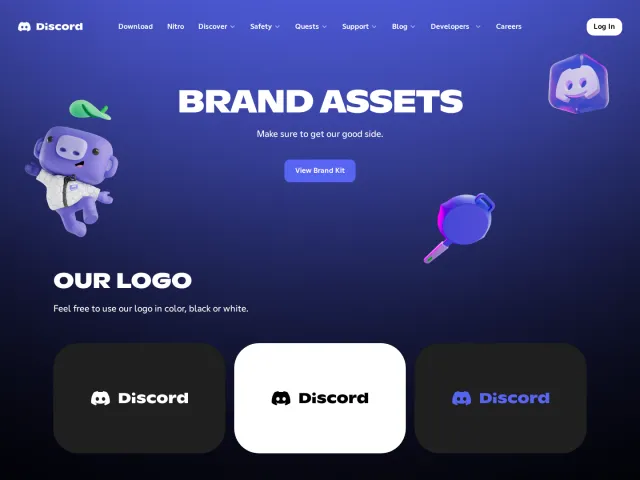
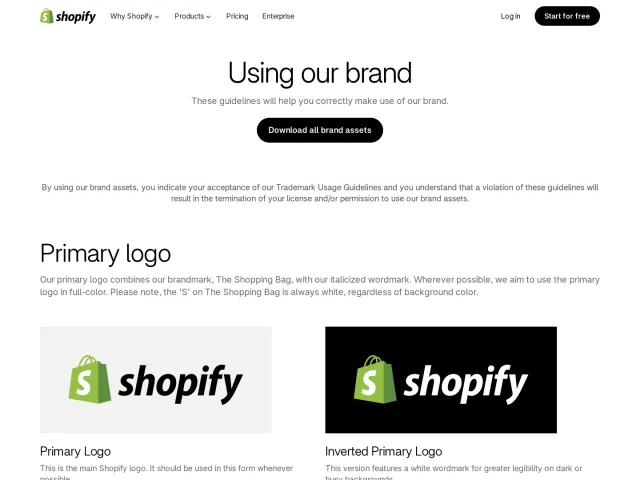
While Slack routes visitors from a clean landing page into an asset grid library displaying individual PNG, SVG, and PDF files, Shopify offers dedicated ZIP archives for asset bundles, primary logos, and monotone marks alongside clear space specifications. Discord, by contrast, outlines logo clearspace rules and color swatches on a single brand guide page.