Siemens Healthineers brand guidelines
Siemens Healthineers presents a high-level public brand overview with expandable design elements that route deeper asset access through a gated portal.

Public brand overview page detailing brand essence, iconic design elements, and links to company resources on a dark background.
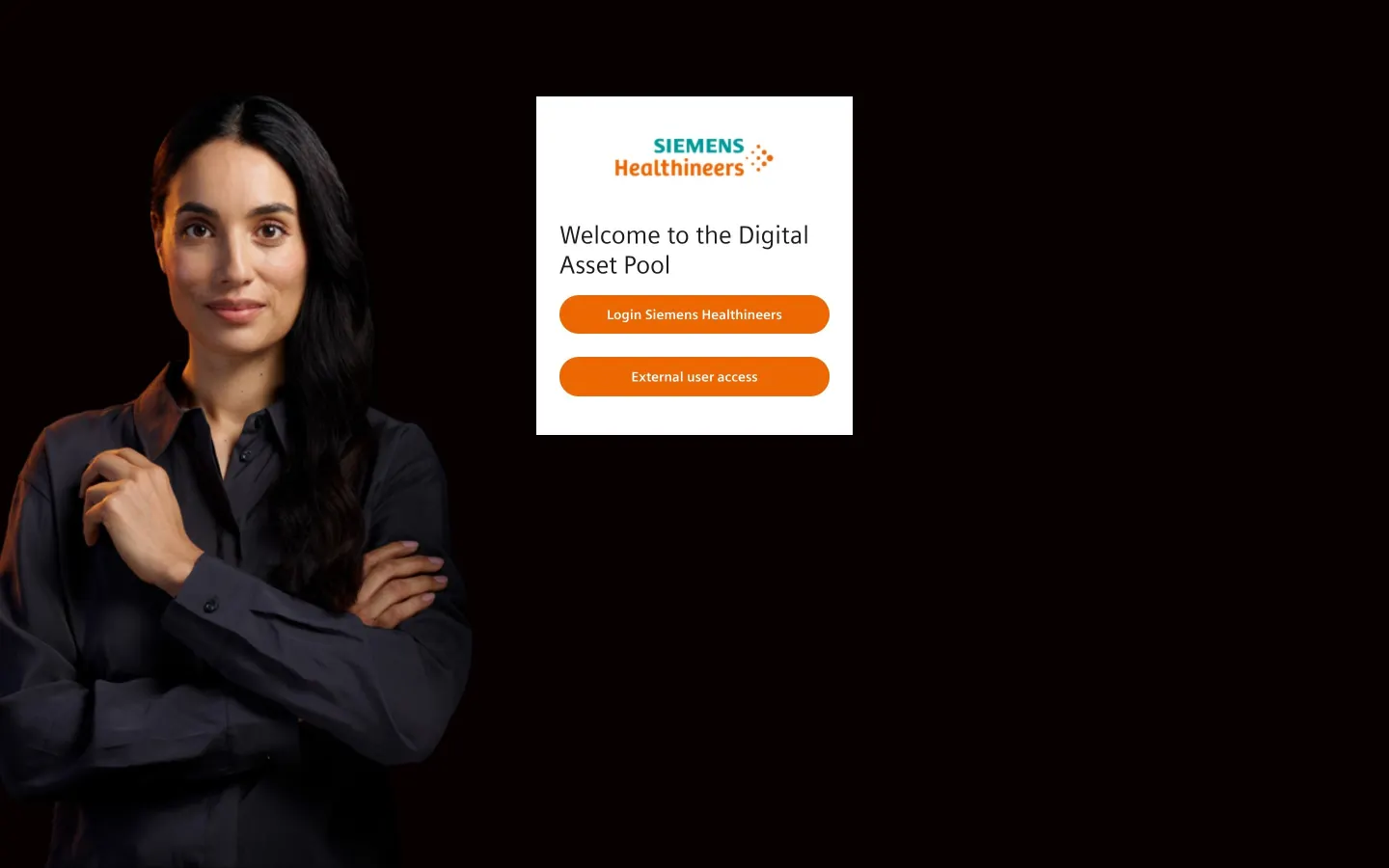
Brandville login screen for the Siemens Healthineers Digital Asset Pool with separate internal and external user access buttons.
Want a brand center like Siemens Healthineers’?
Create your brand center with Freedam ↗Freedam's take
I like how Siemens Healthineers approaches their public brand page as a narrative summary rather than a standard manual. Set against a dark backdrop, it walks through their brand essence and iconic elements like typography, logo, and colors using compact accordion modules. It explains the meaning behind their name and the forward-pointing dots matrix. When it comes to accessing working files, the page routes external partners and internal teams straight to a gated asset pool called Brandville, keeping the public layer strictly conceptual.
At a glance
- Sections
- Brand essence · Design elements · Resources
- Tone
- Corporate and narrative-driven, focusing on innovation and brand philosophy.
What I noticed
- The public overview page uses in-page anchor links to jump between Brand essence, Design elements, and Resources on a dark background.12
- The iconic design elements section uses expandable accordions to present details on Logo, Typography, and Colors.3
- Three numbered callouts break down the meaning behind the Siemens name, Healthineers, and the forward-pointing dots matrix.4
- The site uses a narrative, storytelling-driven structure to introduce the brand to the public before directing users to a gated repository.56
Numbers refer to the screenshots above.
What I could not see
- Could not inspect guidelines or asset files protected behind the Brandville login screen.
Ideas to borrow
Quick answers
Reviewed on 25 September 2026. Request a correction · I built this
Similar brand centers
All brand guidelines →