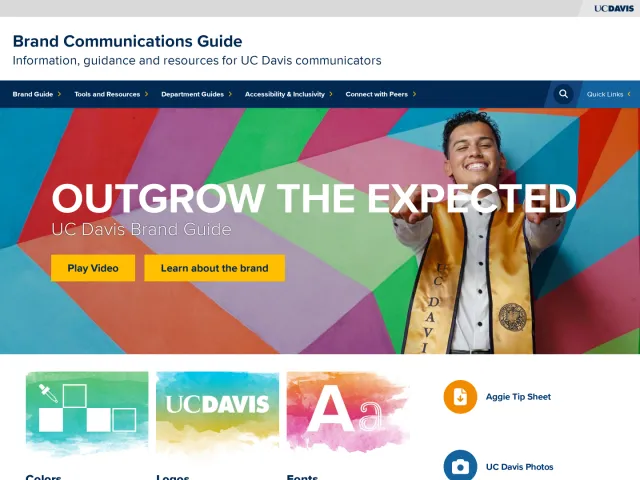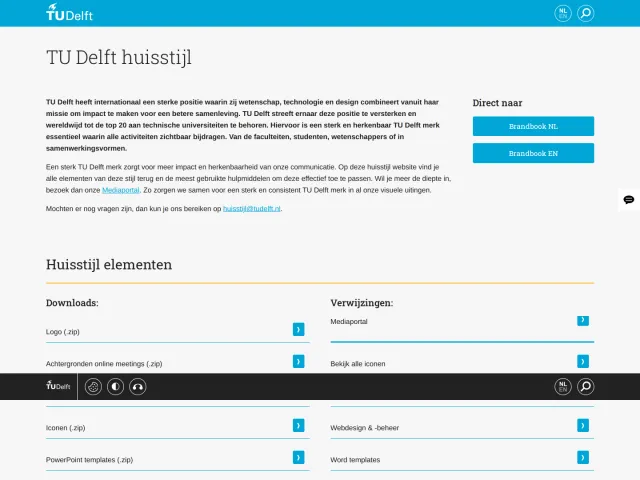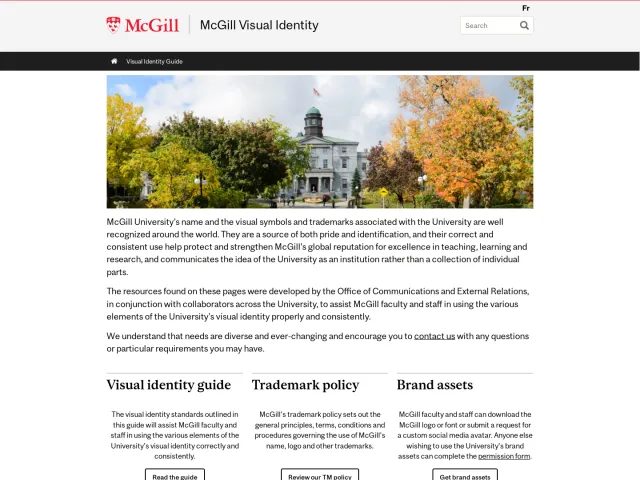
Rutgers University brand guidelines
Rutgers University provides a comprehensive brand portal outlining institutional policies, digital credential templates, and departmental lockups via a signature generator.
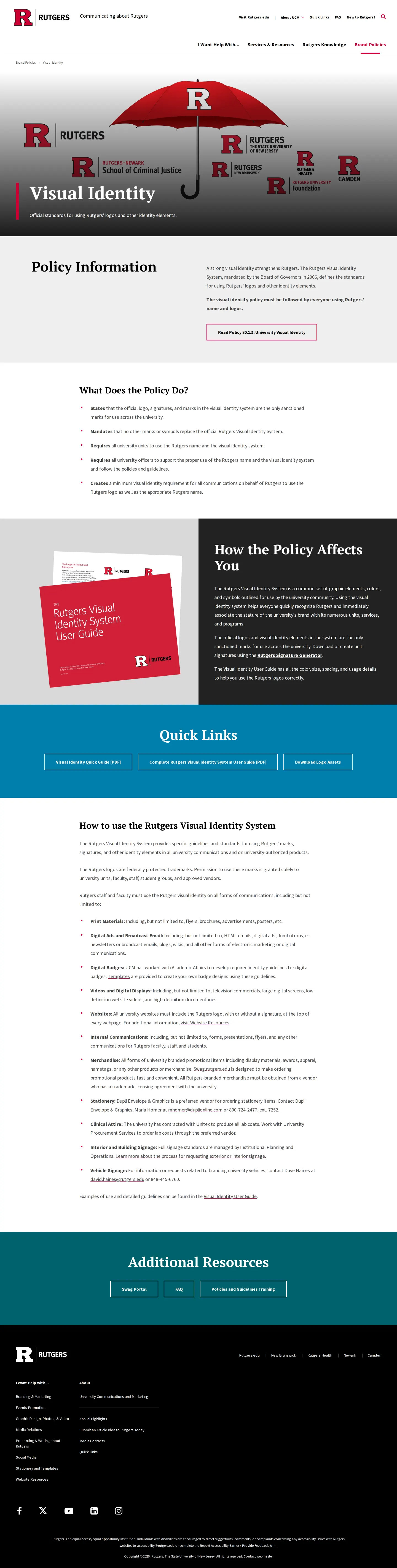
The visual identity overview page outlining University Visual Identity Policy 80.1.5 and quick links to user guides.
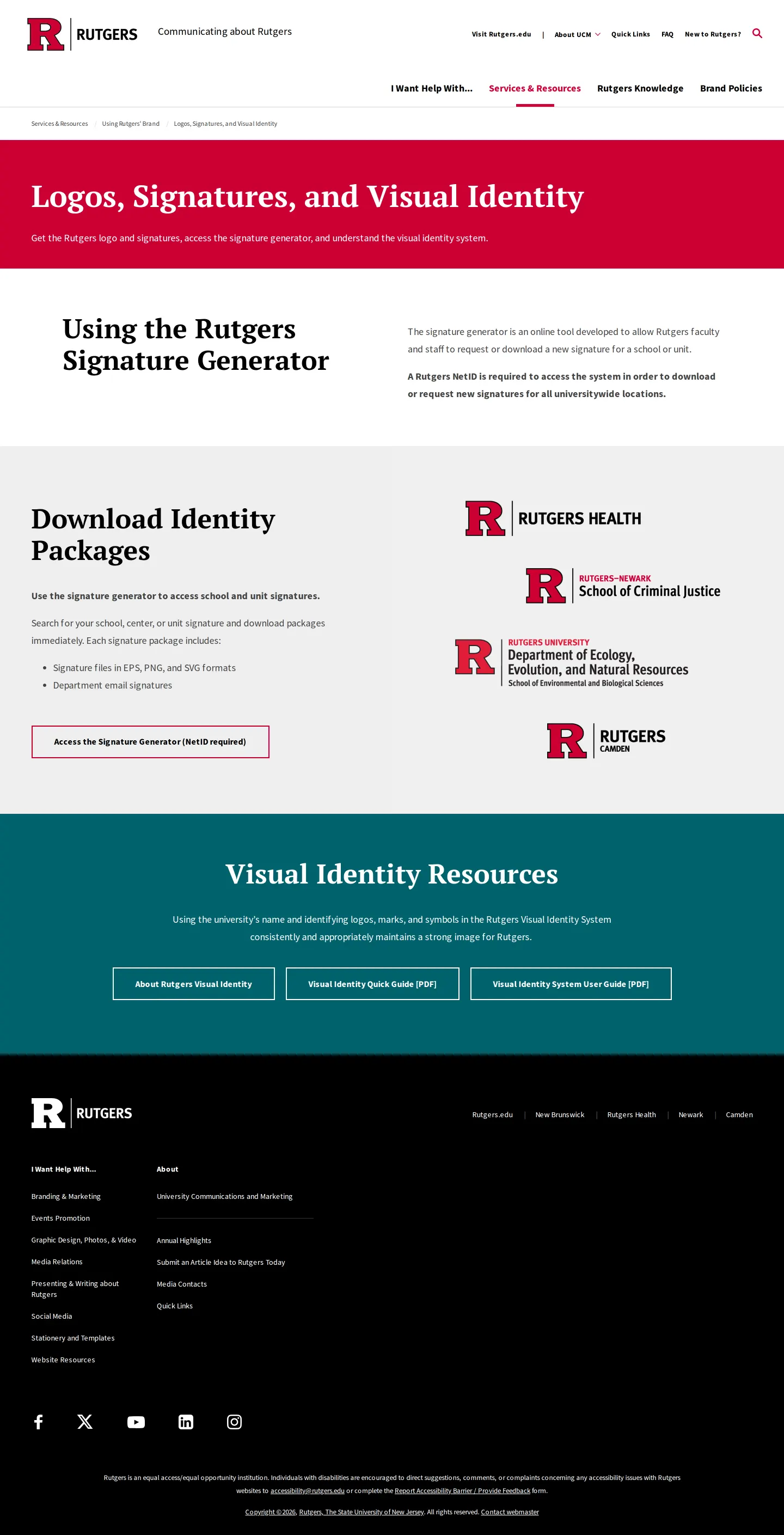
The logo portal showcasing departmental signature locks and the NetID-authenticated generator tool.
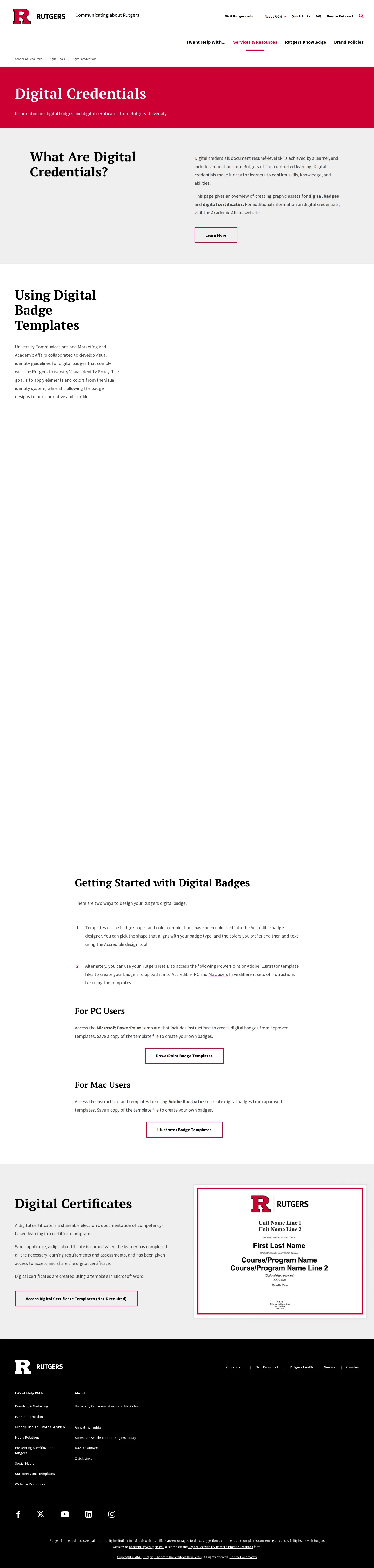
Digital credentials documentation providing rules and downloadable badge templates for PC and Mac users.
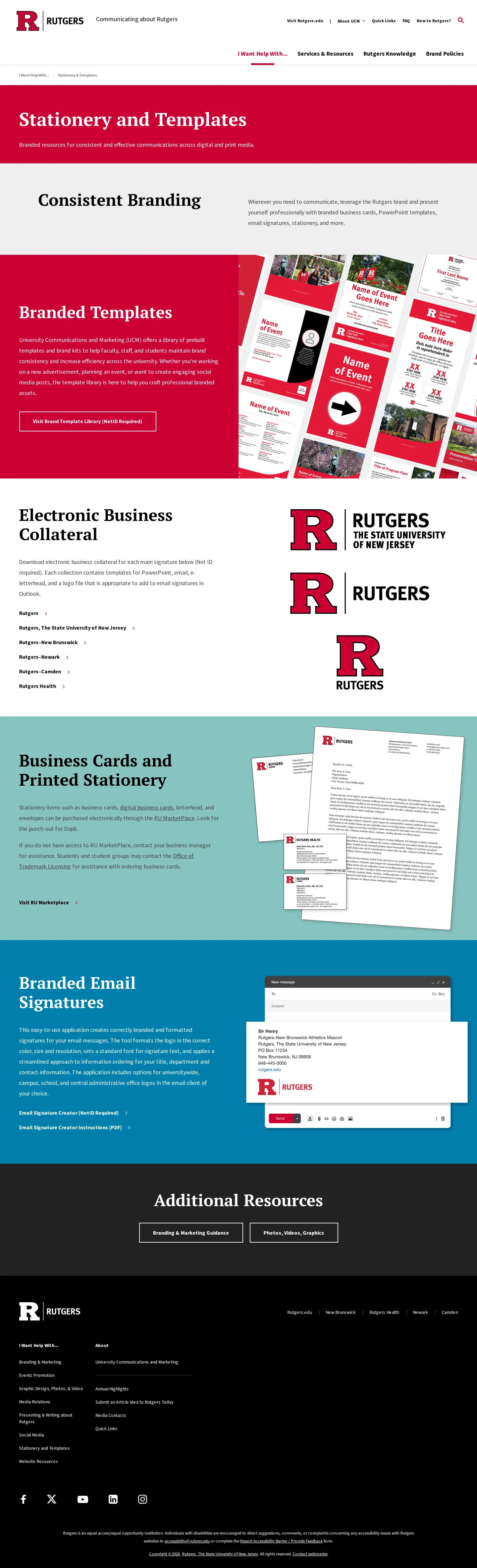
Stationery and templates page highlighting electronic business collateral, email signatures, and print ordering.
Brand policies directory linking to regulations covering advertising, endorsements, media, and visual identity.
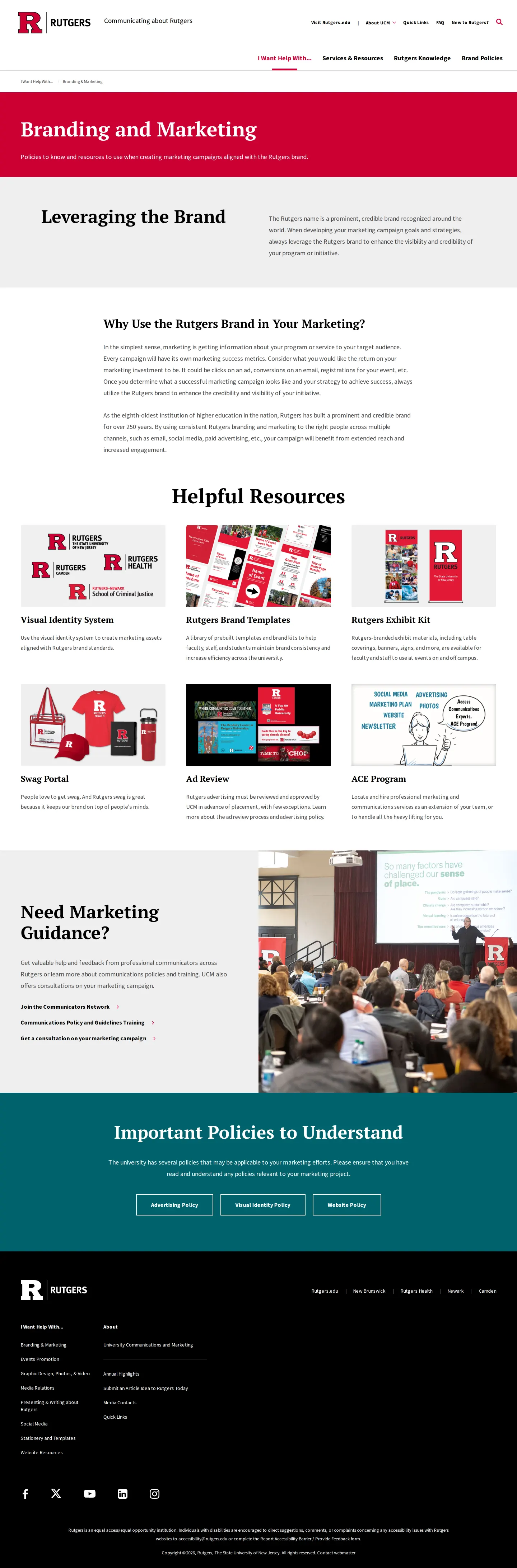
The branding and marketing resource hub offering toolkits, ad reviews, and communicator network connections.
Want a brand center like Rutgers University’s?
Create your brand center with Freedam ↗Freedam's take
I spent time exploring how Rutgers organizes brand governance across a distributed higher education system. What stands out to me is their focus on utility rather than abstract theory. Instead of offering broad logo packs out in the open, they channel faculty and staff into an authenticated Signature Generator to output proper EPS, PNG, and SVG lockups. I also appreciate the practical approach to internal collateral, including downloadable PowerPoint and Illustrator starter files for digital badges alongside strict policy documentation. It feels like an operational hub built to keep thousands of communicators aligned.
At a glance
- Sections
- Visual Identity · Logos, Signatures, and Visual Identity · Digital Credentials · Stationery and Templates · Brand Policies · Branding and Marketing
- Downloads
- PDF, EPS, PNG, SVG
- Tone
- Formal, practical, and compliance-driven guidance designed for university faculty, staff, and institutional communicators.
What I noticed
- Faculty and staff must authenticate using a NetID to generate and download signature packages containing EPS, PNG, and SVG files.123
- The digital credentials section offers PowerPoint badge templates for PC users and Illustrator badge templates for Mac users.4
- Brand policy information provides direct PDF downloads including the Visual Identity Quick Guide and Complete Rutgers Visual Identity System User Guide.567
- Electronic business collateral and stationery are organized by campus entities such as New Brunswick, Newark, Camden, and Health.8
Numbers refer to the screenshots above.
What I could not see
- Could not inspect the full NetID-authenticated Signature Generator workflow or the locked template library.
- Could not verify specific typography specimen rules or detailed color palette values from the public web screens.
Ideas to borrow
- Provide tailored digital badge templates separated by operating system and software preference, such as PowerPoint for PC and Illustrator for Mac.4
Quick answers
Reviewed on 25 September 2026. Request a correction · I built this
Similar brand centers
All brand guidelines →