Queensland Government brand guidelines
The Queensland Government Design System outlines digital brand foundations, brand architecture, and UI templates using a solar system model across multiple identity tiers.
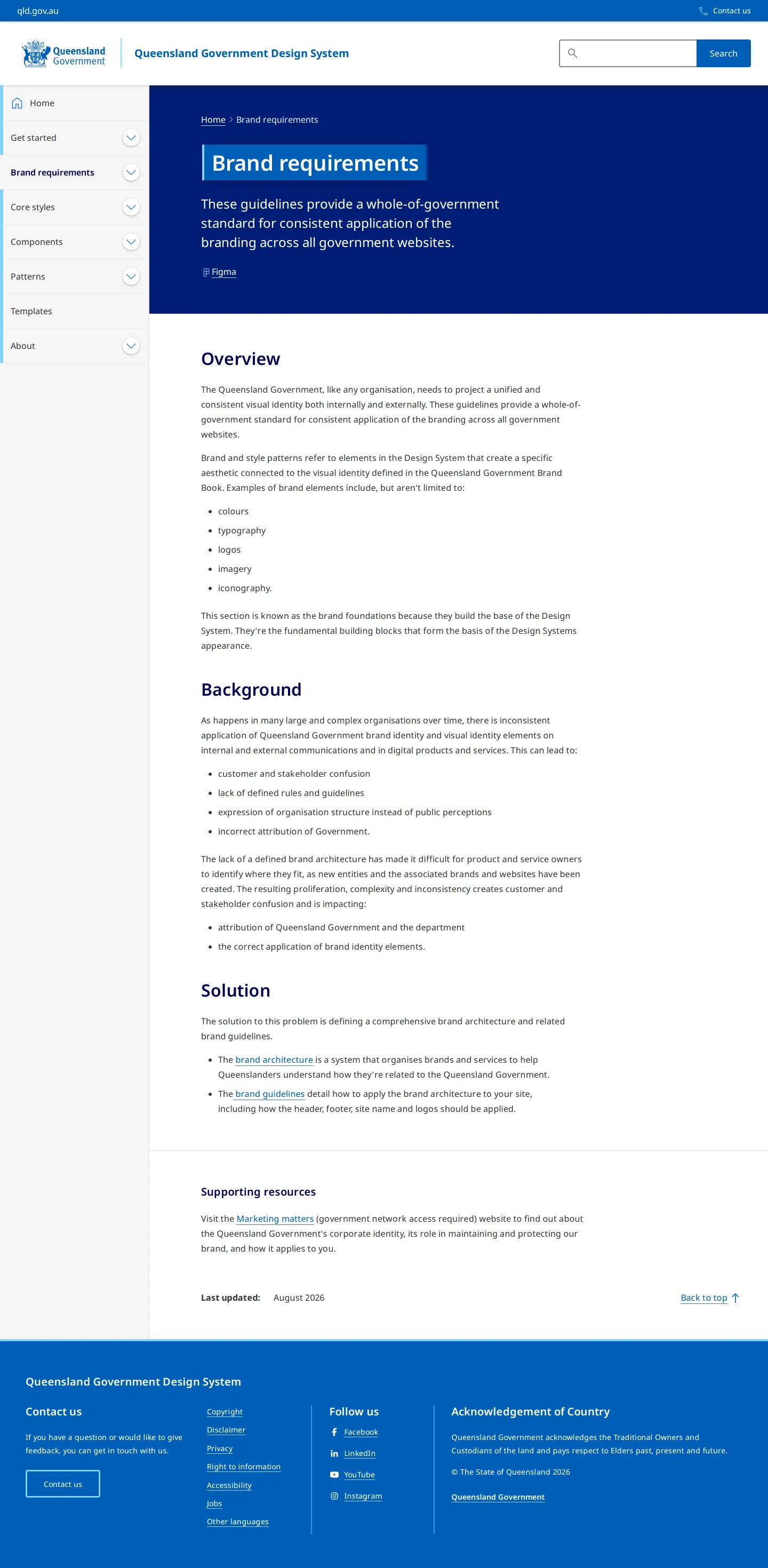
Brand requirements introduction page of the Queensland Government Design System.
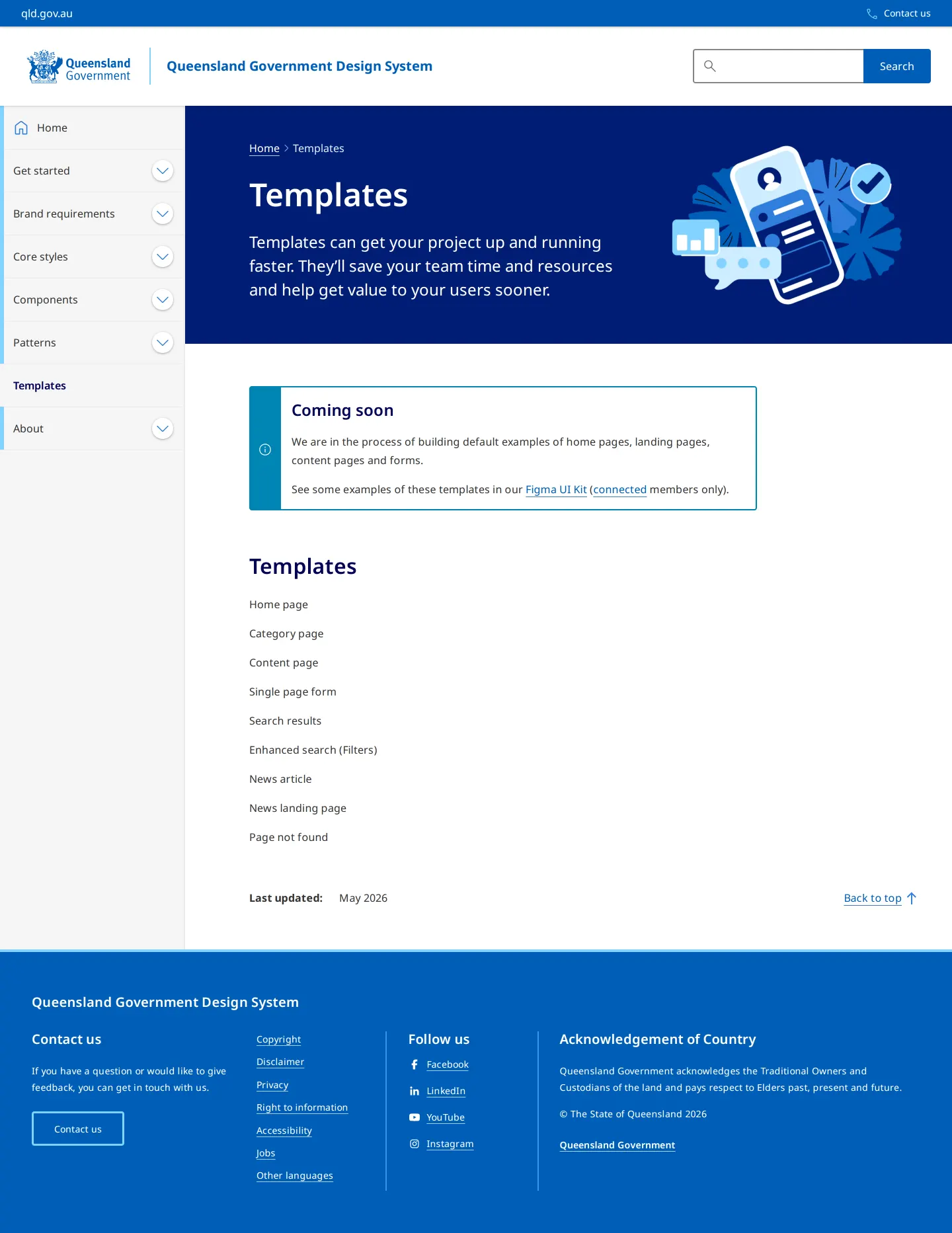
Templates page showing a coming soon notice and a list of upcoming digital layout templates.
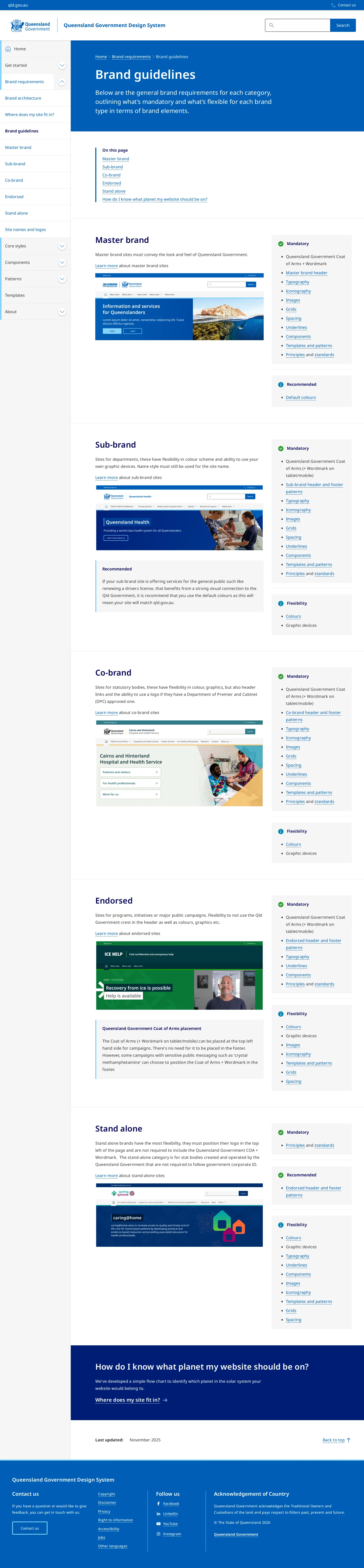
Brand guidelines page displaying requirements, mockups, and checklists across brand tiers.
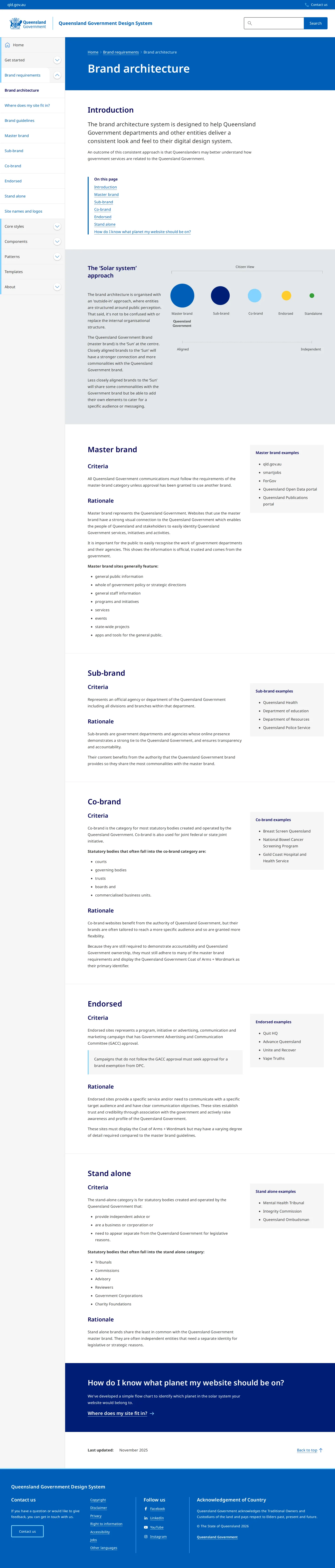
Brand architecture page explaining website tiers using the solar system model.
Want a brand center like Queensland Government’s?
Create your brand center with Freedam ↗Freedam's take
I like how the Queensland Government frames brand architecture as a solar system. Rather than burying government departments under bureaucratic hierarchy charts, they place websites on an alignment scale from Aligned to Independent, spanning Master brand, Sub-brand, Co-brand, Endorsed, and Stand alone. Seeing preview mockups alongside mandatory and recommended checklists makes the governance practical rather than intimidating. The templates area was largely marked coming soon when I visited, but they still give teams a clear forward look at planned layouts and links out to a Figma UI Kit.
At a glance
- Sections
- Brand requirements · Core styles · Components · Patterns · Templates · About
- Tone
- Structured, instructional government guidance focused on digital consistency and architecture tiers.
What I noticed
- The Brand architecture page uses a 'Solar system' diagram to classify entities into Master brand, Sub-brand, Co-brand, Endorsed, and Standalone tiers along an Aligned to Independent scale.12
- The Brand guidelines page organizes rules across brand tiers with preview mockups and lists requirements using Mandatory, Recommended, and Flexibility checklists.345
- A callout panel on the Brand guidelines page details rules for Queensland Government Coat of Arms placement.67
- The Templates section features a 'Coming soon' notification for default pages while listing upcoming templates such as Home page, Category page, and Single page form.89
Numbers refer to the screenshots above.
What I could not see
- No public direct file downloads or asset packages were visible during capture, with templates marked as coming soon or linked externally to Figma.
- Internal topics such as 'Marketing matters' and the interactive decision flowchart could not be viewed directly.
Ideas to borrow
Reviewed on 26 September 2026. Request a correction · I built this
Similar brand centers
All brand guidelines →