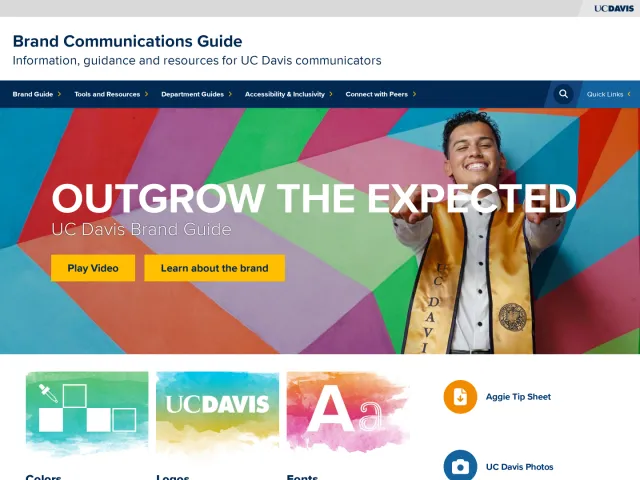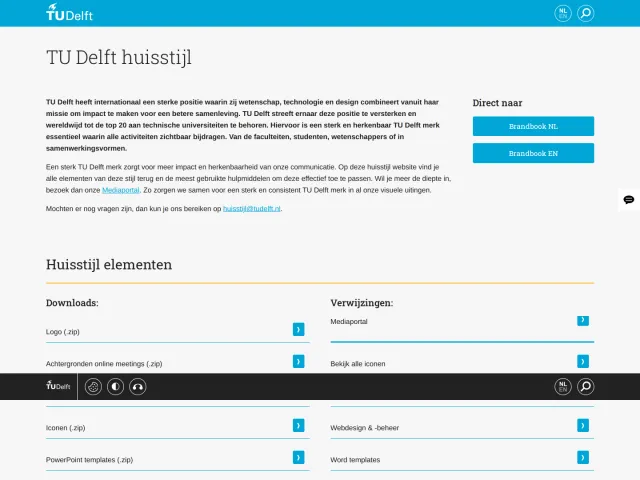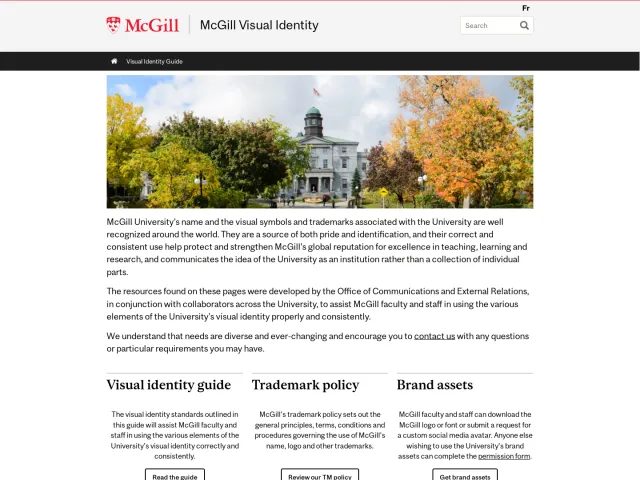
Queen's University brand guidelines
Queen's University Brand Central organizes campus visual identity rules, downloadable guides, and internal staff resources across structured category cards.

The Brand Central homepage outlines the refreshed identity, core pillars, and links into asset categories.
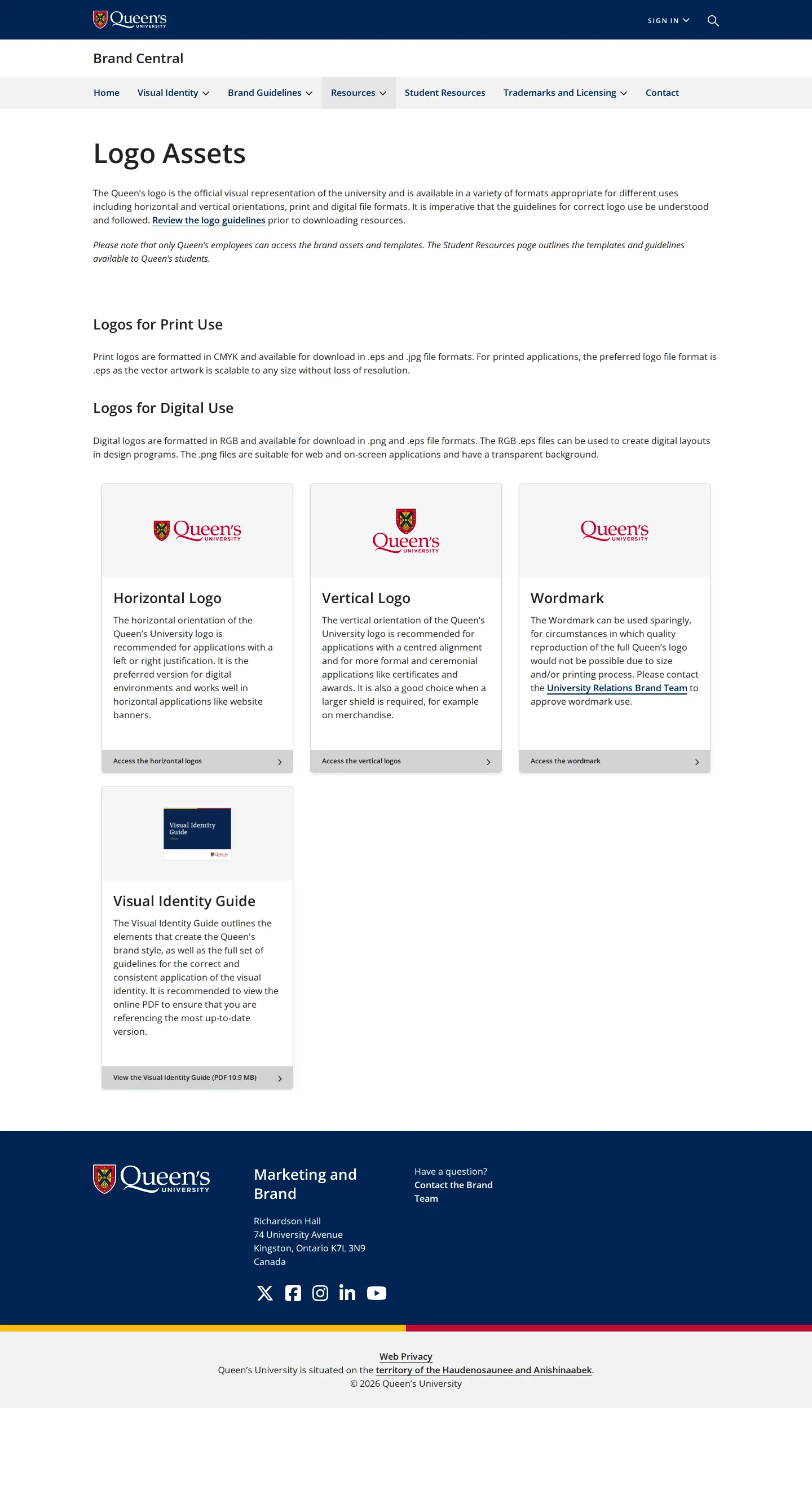
Logo resources page outlining available print and digital file formats with links to the full visual identity guide.
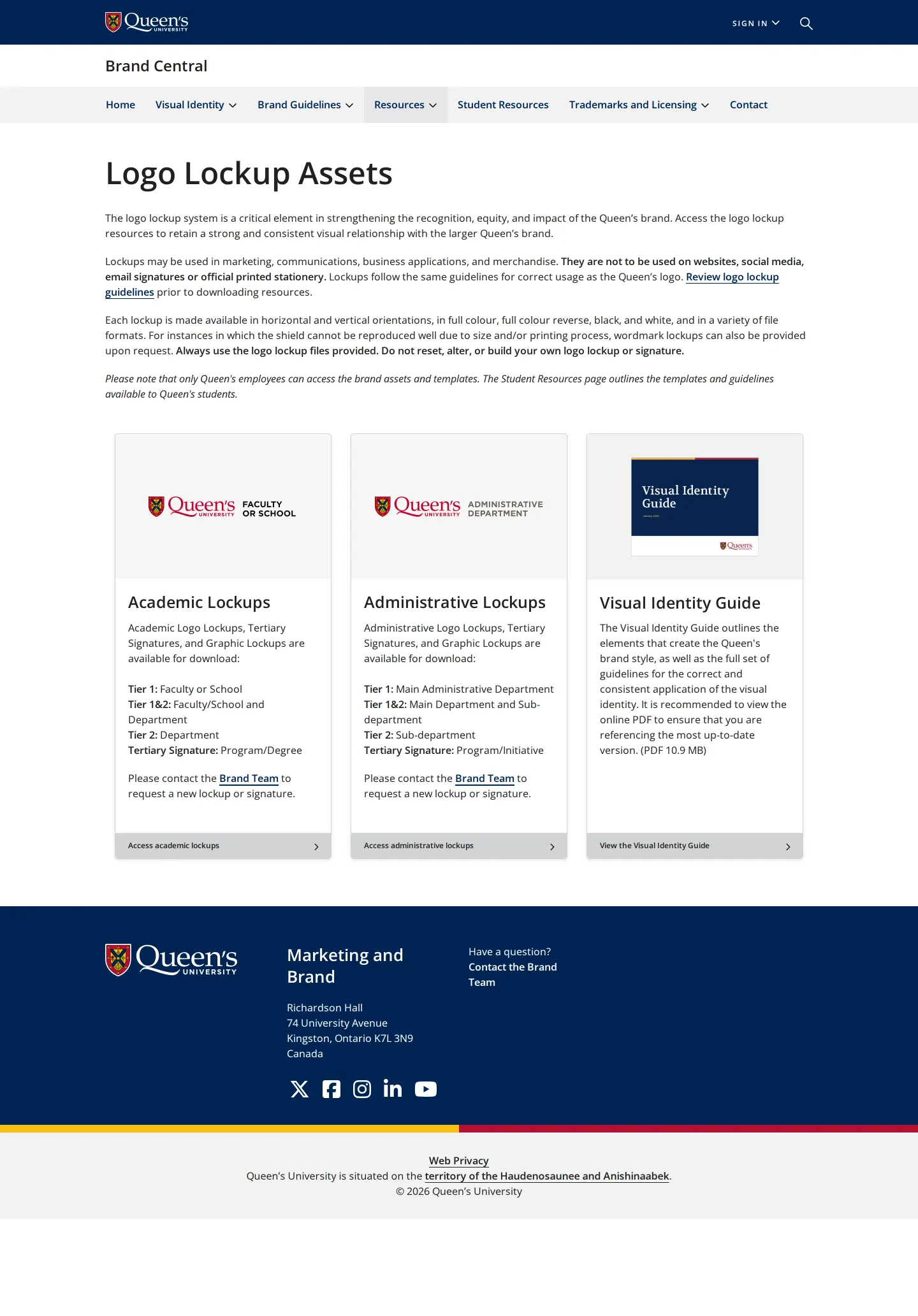
Logo lockup directory displaying academic and administrative lockup tiers along with usage limitations.
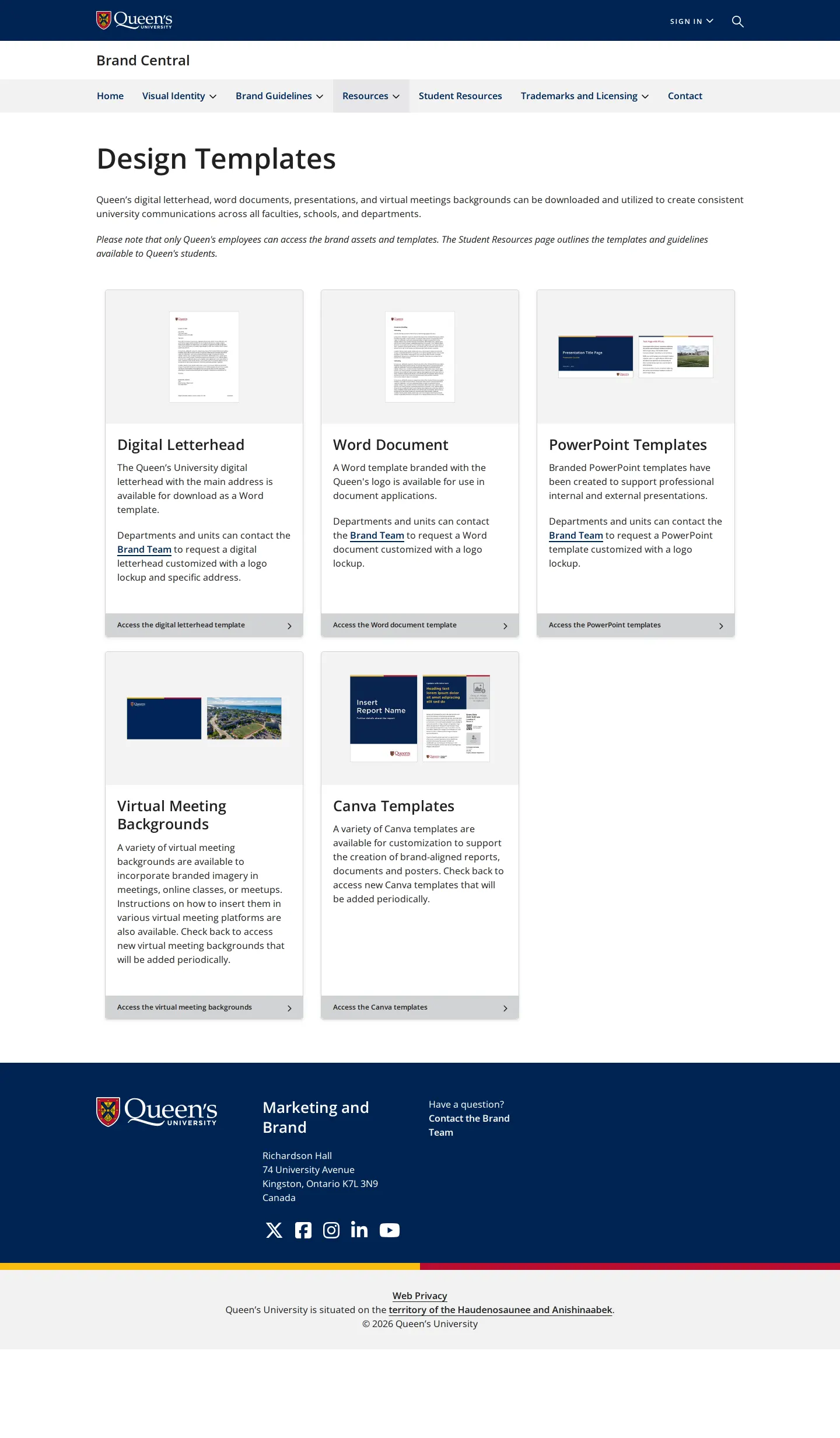
Design templates grid detailing digital letterhead, Word, PowerPoint, virtual backgrounds, and Canva options.
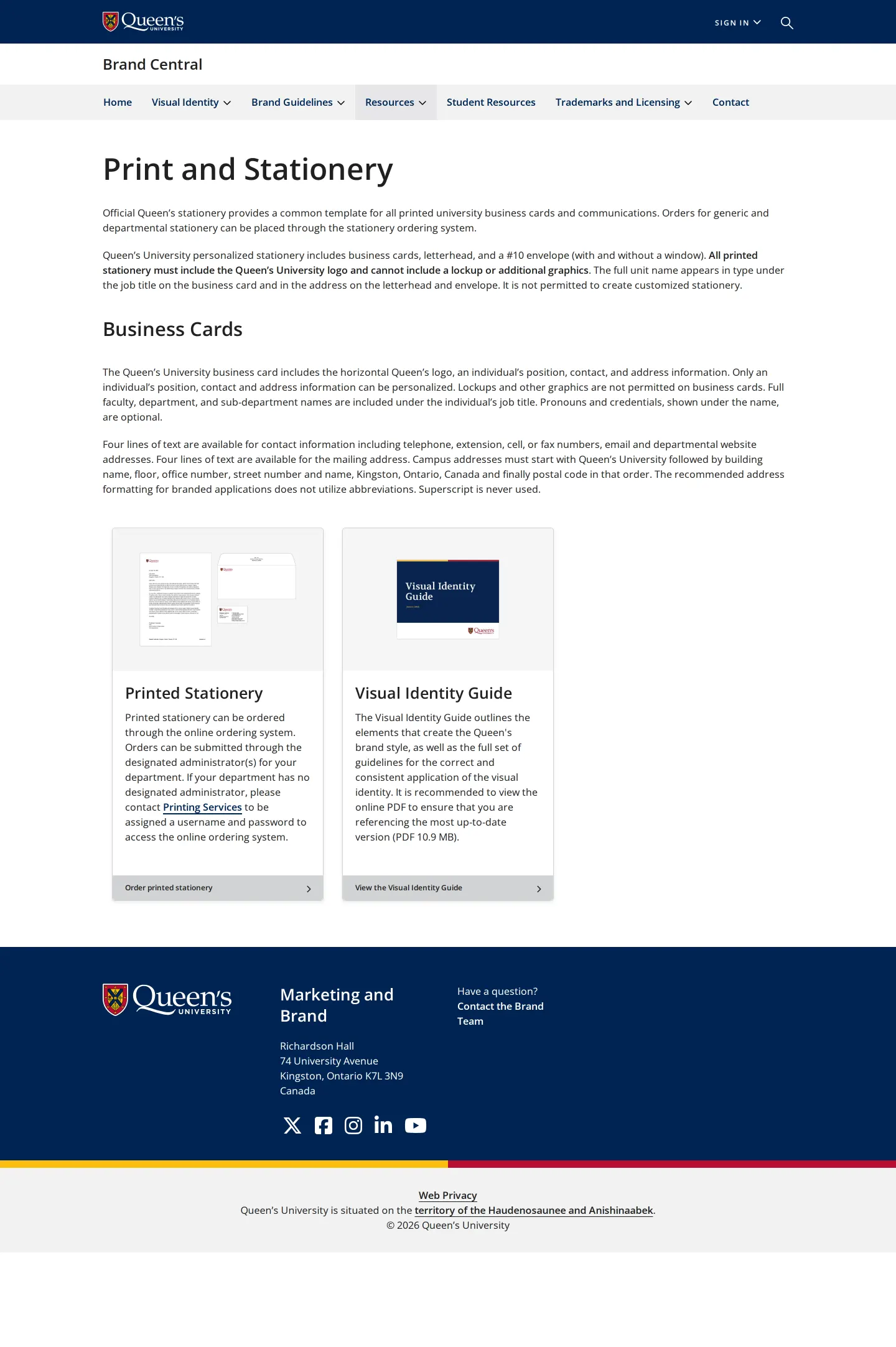
Print and stationery page providing layout rules for business cards and ordering instructions.
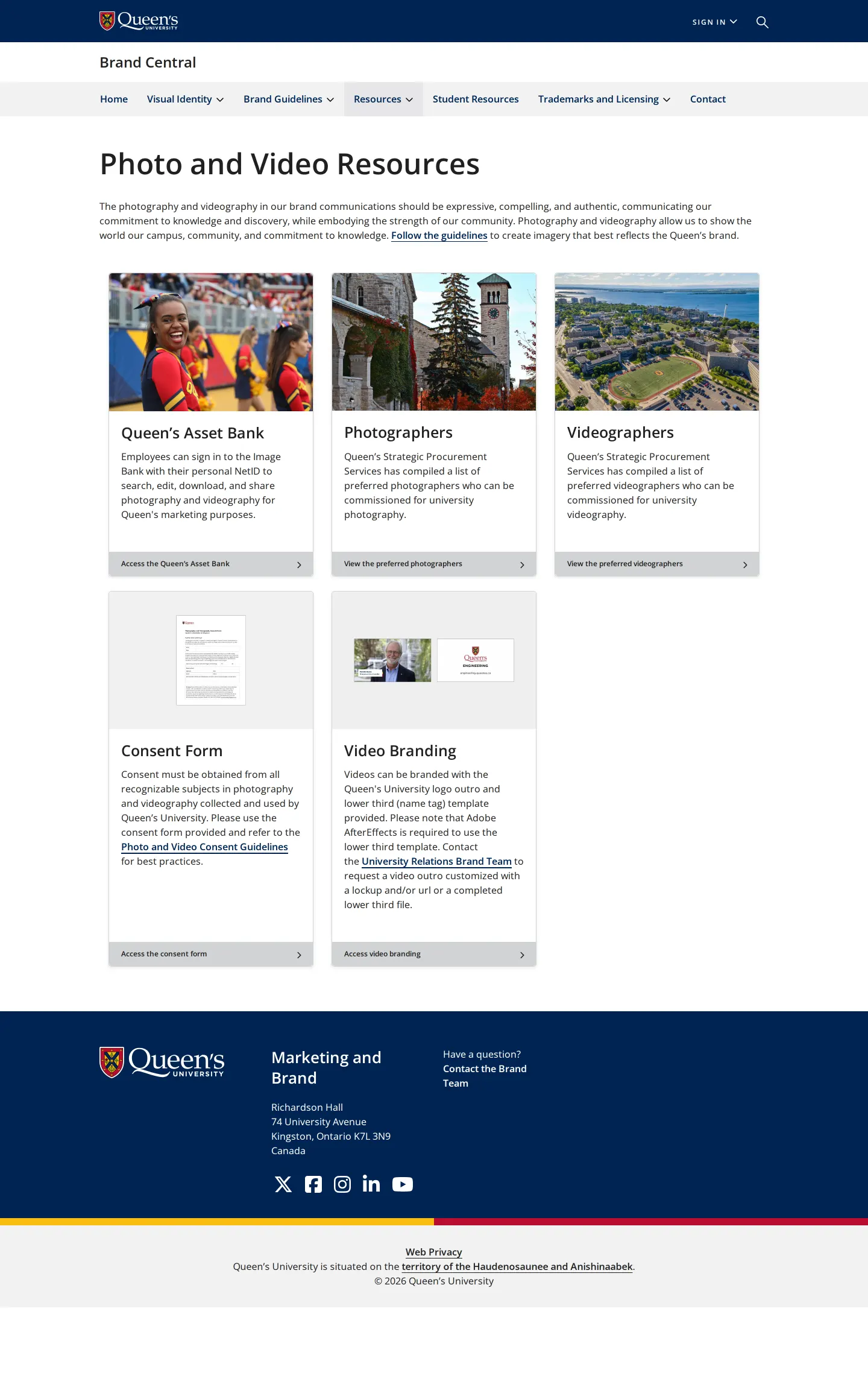
Photo and video resources card directory covering media banks, approved contractors, and motion branding assets.
Want a brand center like Queen's University’s?
Create your brand center with Freedam ↗Freedam's take
I like how clear Queen's University makes the boundary between public brand information and internal staff assets. The portal uses straightforward card layouts to organize everything from lockups and templates to photography consent forms. While students are routed elsewhere and core identity assets require employee sign-in, the site still offers direct access to a comprehensive PDF visual identity guide. Seeing dedicated guidance around AfterEffects video branding templates alongside everyday Canva and Word documents shows thoughtful support for common academic workflows across digital and print media.
At a glance
- Sections
- The Brand Journey · Logos · Logo Lockups · Digital Templates · Print and Stationery · Email Signatures · Photos and Video · Trademarks and Licensing
- Downloads
- PDF, EPS, JPG, PNG
- Tone
- Direct, structured, and informative institutional guidance designed to help staff maintain visual consistency.
What I noticed
- Official logo assets and digital templates are explicitly restricted to Queen's employees, while students are directed to separate student resources.12
- The full Visual Identity Guide is available as a direct 10.9 MB PDF download from multiple pages.345
- Video branding resources mention outro and lower-third name tag templates built in Adobe AfterEffects.6
- Stationery rules strictly prohibit the use of lockups, extra graphics, or superscript on business cards.78
Numbers refer to the screenshots above.
What I could not see
- I could not view the internal files within the Queen's Asset Bank or download restricted employee templates behind authentication.
Ideas to borrow
Quick answers
Who can access Queen's University logo assets and templates?
Logo assets, templates, and the media asset bank are restricted to Queen's employees via login, while students are directed to dedicated student resources.1212
Reviewed on 25 September 2026. Request a correction · I built this
Similar brand centers
All brand guidelines →