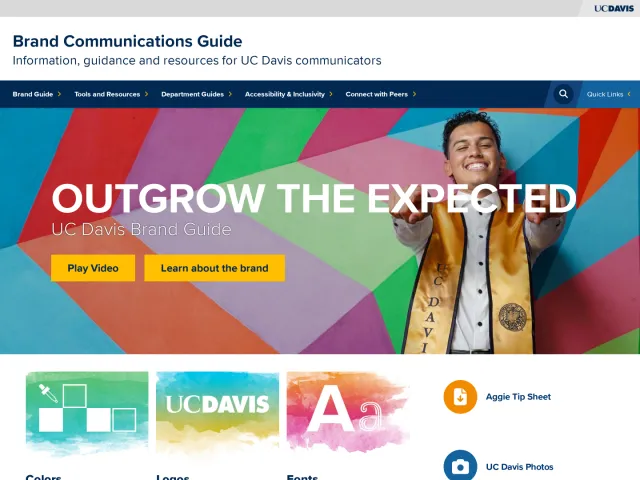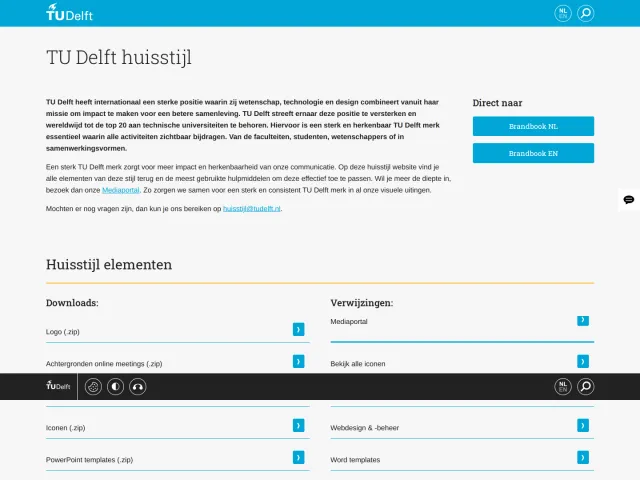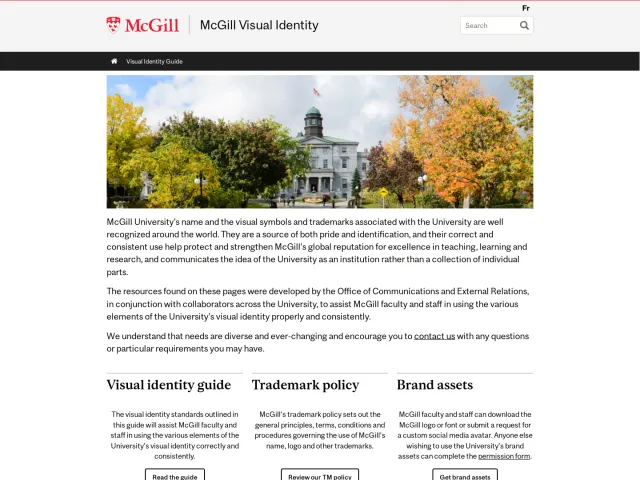
New York University brand guidelines
NYU Brand Guidelines provide comprehensive messaging, design rules, lockups, and workplace templates for university communicators and designers.

Landing page of NYU Brand Guidelines featuring primary navigation cards, getting started links, and brand newsletter archives.
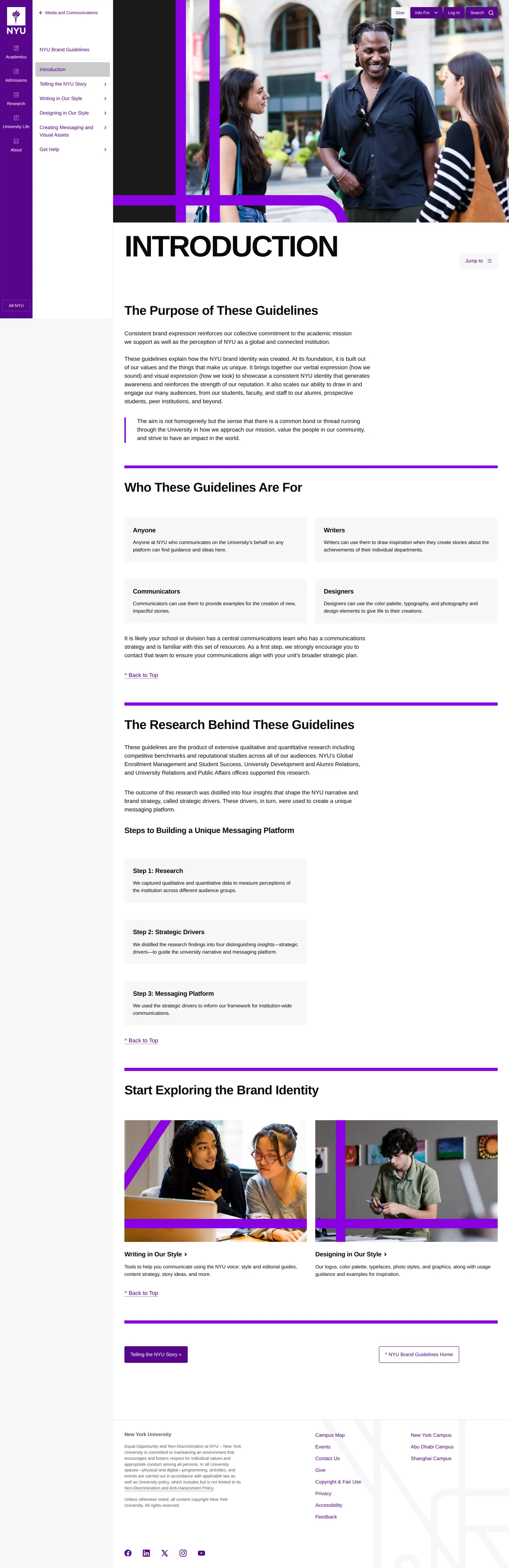
Introduction page detailing guideline purposes, audience categories, and the three steps behind the messaging platform.

Logos and lockups documentation displaying All-University logos, campus lockups, and university seal usage rules.
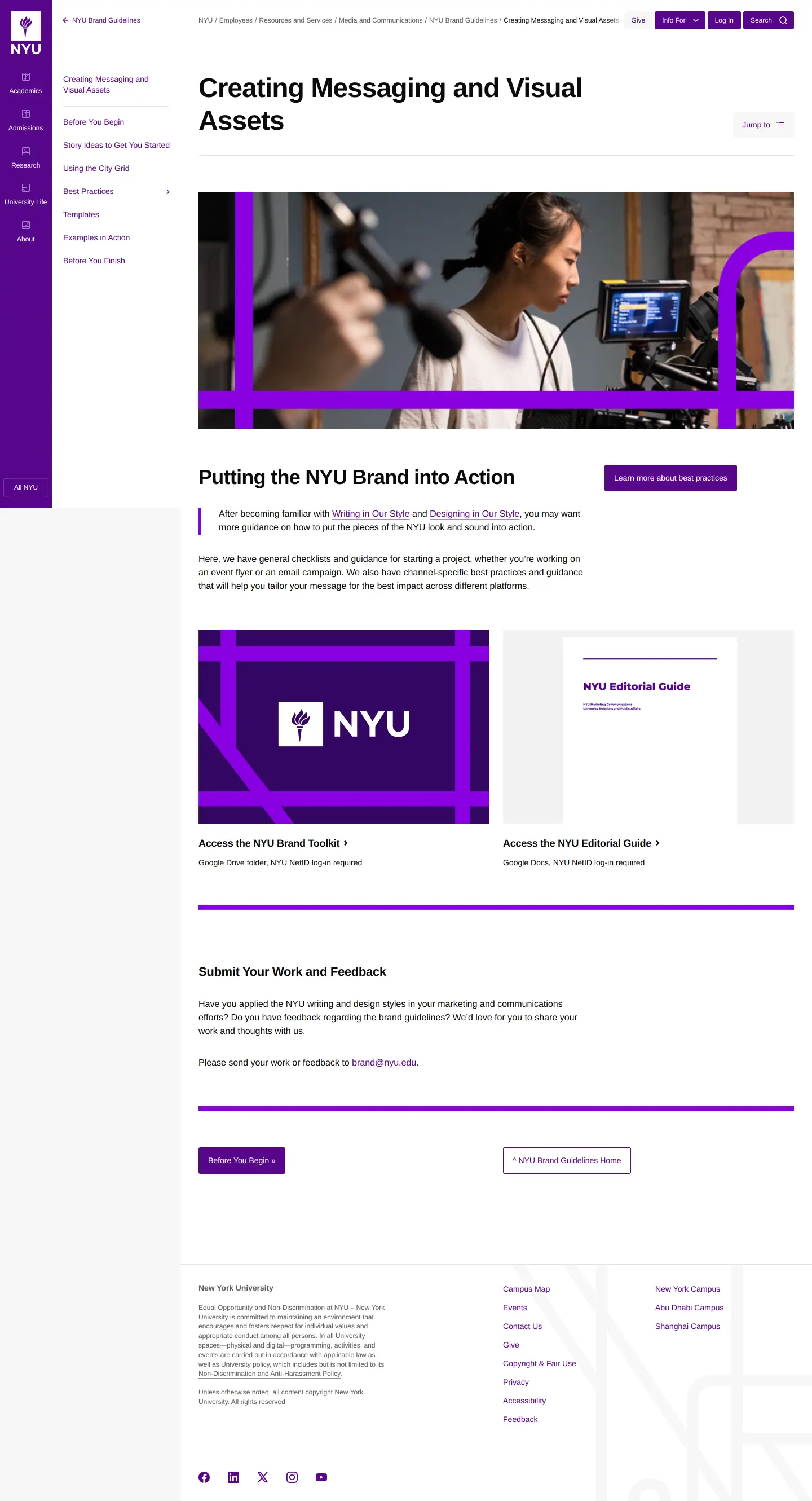
Messaging and visual asset creation hub with links to the brand toolkit, editorial guide, and feedback channels.

Templates section showcasing Google Docs, Google Slides, Zoom, and social media formats for internal university communications.

Guidelines home view presenting resource downloads, merchandise guide references, and support options.
Want a brand center like New York University’s?
Create your brand center with Freedam ↗Freedam's take
I like how pragmatic NYU is about day-to-day work across a massive university. Rather than locking everything into specialized design software, the team organizes everyday templates directly in Google Docs, Google Slides, and Canva. They also offer a clear hierarchy for school and campus lockups, running from Abu Dhabi to Shanghai. Storing core asset downloads across shared Google Drive folders makes practical sense for campus teams, even if requiring a NetID keeps external collaborators from quickly grabbing files. The purple city grid motif weaves through the photography, giving the entire portal a cohesive institutional feel.
At a glance
- Sections
- Introduction · Telling the NYU Story · Writing in Our Style · Designing in Our Style · Creating Messaging and Visual Assets · Get Help
- Downloads
- PDF, AI, Google Docs, Google Slides
- Tone
- Clear, practical, and university-focused guidance tailored to faculty, communicators, and designers.
What I noticed
- The portal organizes downloadable document and presentation templates built for Google Workspace, including Google Docs and Google Slides themes labeled Bold and Elegant.12
- Lockup systems cover degree-granting campuses like Abu Dhabi and Shanghai, alongside individual schools and global academic centers.34567
- Access to the main Brand Toolkit folders and specific template files requires an NYU NetID login.8910
- The site provides clear minimum size and clear space specifications for the university seal, requiring at least half a seal width of space around it.1112
Numbers refer to the screenshots above.
What I could not see
- Could not inspect the full Brand Toolkit or Editorial Guide contents as they are gated behind NYU NetID authentication on Google Drive.
Ideas to borrow
Quick answers
Where can I download the official NYU All-University logos?
Official All-University logo downloads are linked to a Google Drive folder accessible through the portal, which requires an NYU NetID login.158
What template formats does NYU provide for documents and presentations?
NYU offers Google Docs templates for agendas, flyers, letterheads, and memos, as well as Google Slides themes in 1920 x 1080 px dimensions.12
What is the official brand color specified for NYU stationery printing?
The stationery printing instructions specify NYU Violet (PMS 2597).16
Reviewed on 25 September 2026. Request a correction · I built this
Similar brand centers
All brand guidelines →