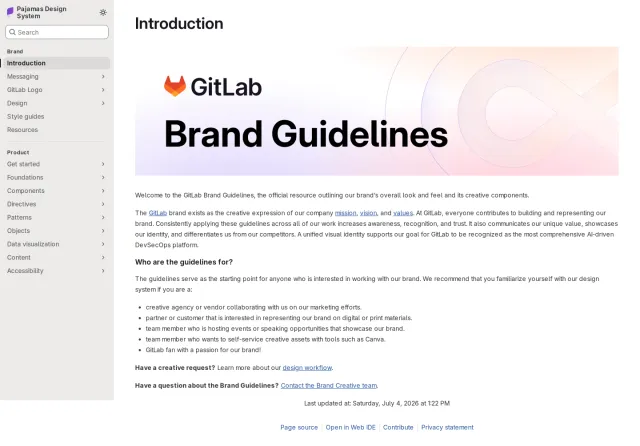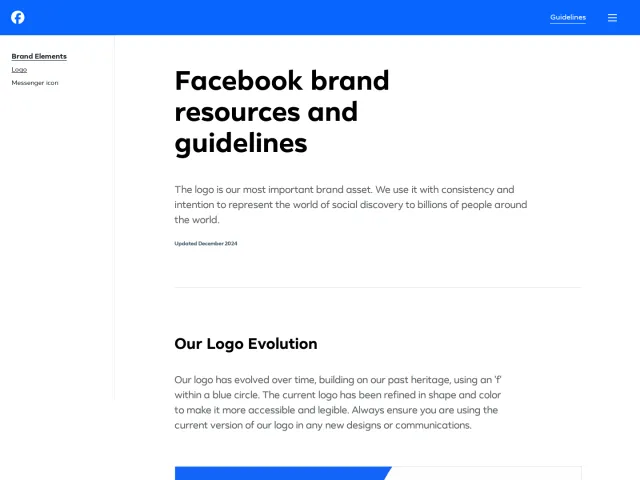
Neo4j brand guidelines
Needle is Neo4j's design system portal detailing brand foundations, typography, visual assets, playbooks, event kits, and employee onboarding templates.
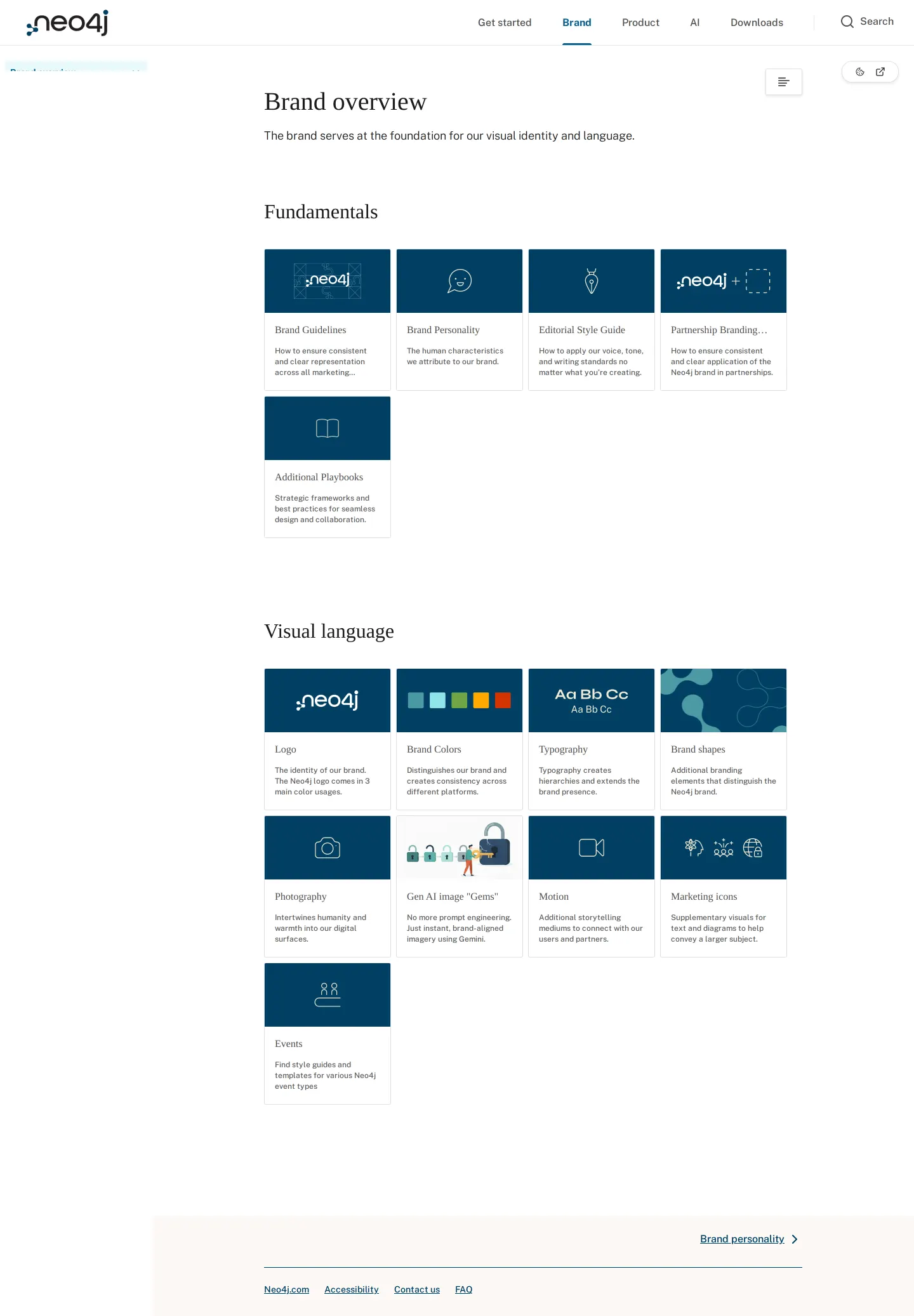
Neo4j's Brand overview dashboard showcasing navigational cards for fundamentals, playbooks, and brand guides.
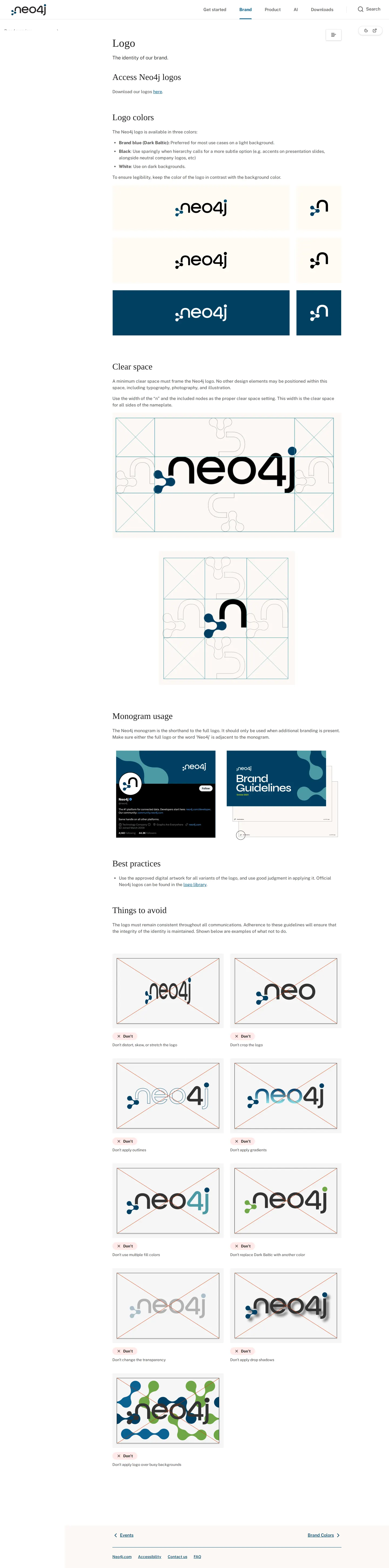
Logo guidelines page displaying color variations in brand blue, black, and white alongside usage guidance.
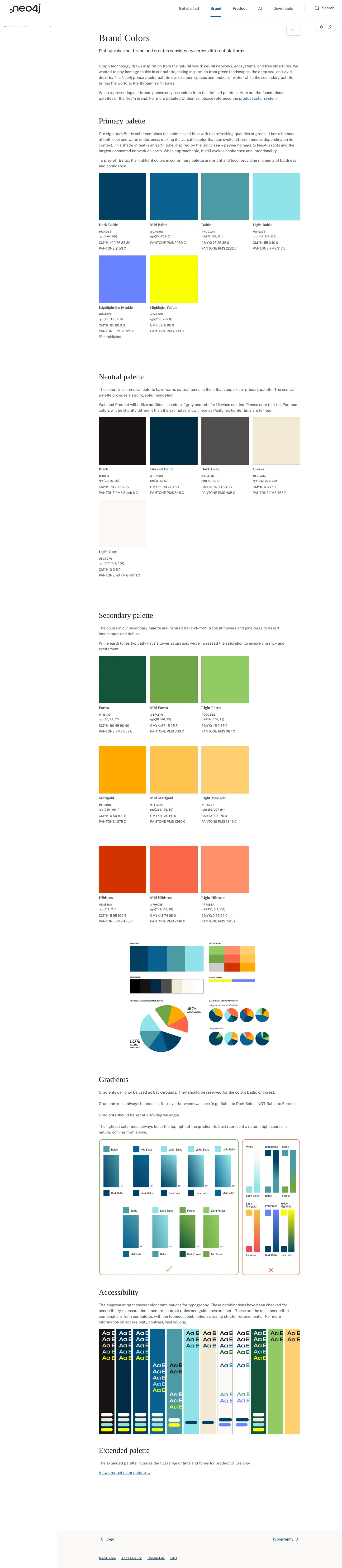
Brand Colors page presenting primary palette swatches inspired by nature, anchored by Baltic blue.
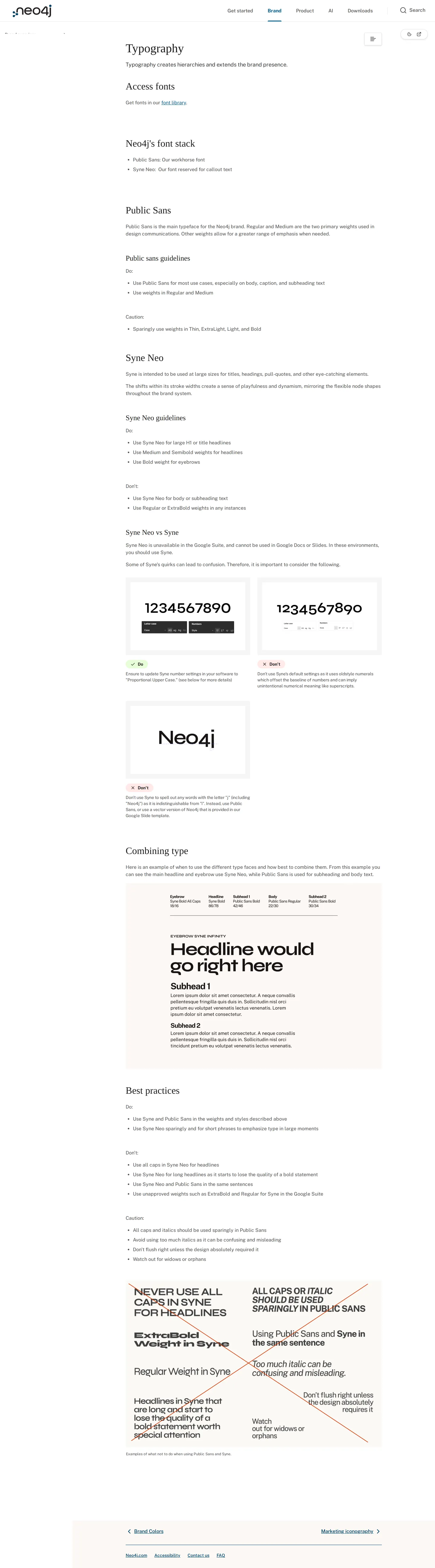
Typography documentation outlining the font stack featuring Public Sans and Syne Neo.

Employee starter kit featuring business card color specifications, templates, and setup guidance.
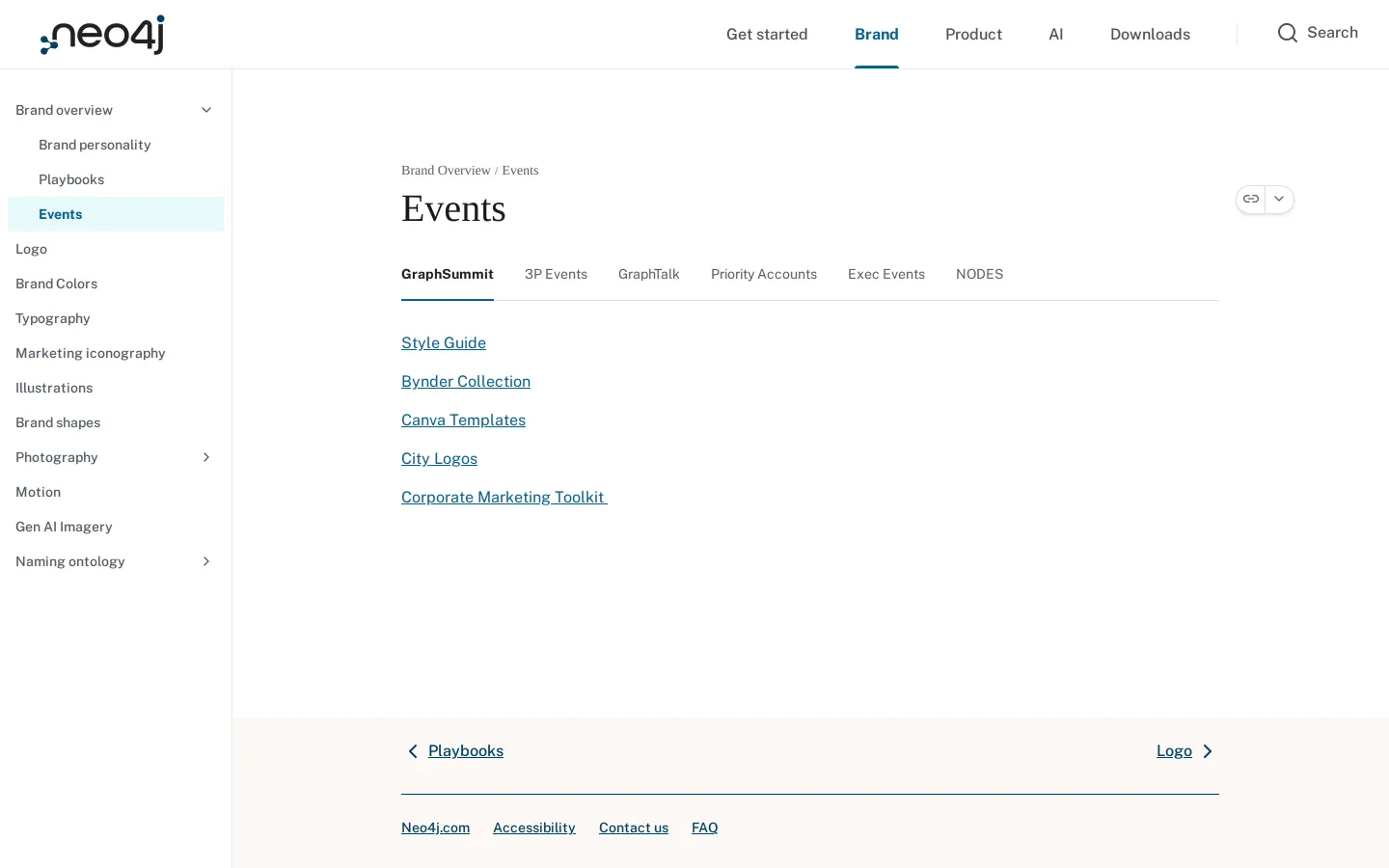
Events guide organizing toolkits, Canva templates, and assets for events like GraphSummit.
Want a brand center like Neo4j’s?
Create your brand center with Freedam ↗Freedam's take
I really enjoy seeing how Neo4j organizes Needle across both identity and everyday execution. Having dedicated sections for Gen AI imagery, playbooks, and specific event brands like GraphSummit alongside core elements like Public Sans and Baltic blue grounds everything in real workflow. The employee starter kit page feels remarkably thoughtful, guiding teammates through business card vendor setups and email signatures. It brings design systems and company operations together in one cohesive workspace.
At a glance
- Sections
- Brand overview · Brand personality · Playbooks · Events · Logo · Brand Colors · Typography · Marketing iconography · Illustrations · Brand shapes · Photography · Motion · Gen AI Imagery · Naming ontology
- Tone
- Clear, practical, and highly structured guidance built for company-wide implementation.
What I noticed
- Needle features top navigation spanning Get started, Brand, Product, AI, Downloads, and an on-site search tool.1234567
- The typography documentation defines Public Sans as the primary font and Syne Neo for callouts, providing a link to a font library.8910
- An employee starter kit section outlines guidance for business cards, swag, LinkedIn backgrounds, conferencing, and email signatures.111213141516
- The events page organizes practical toolkits by event type, linking directly out to Canva templates, Bynder collections, and style guides.1718
Numbers refer to the screenshots above.
What I could not see
- Could not inspect the full Product or AI top-level tabs.
- Could not see specific file download formats on the downloads page.
- Could not view full details under Gen AI imagery or playbooks subpages.
Ideas to borrow
Quick answers
Reviewed on 25 September 2026. Request a correction · I built this