Grab brand guidelines
Grab provides a single-page brand guide within its merchant portal featuring logo usage rules, color specs, misuse examples, and an asset download.
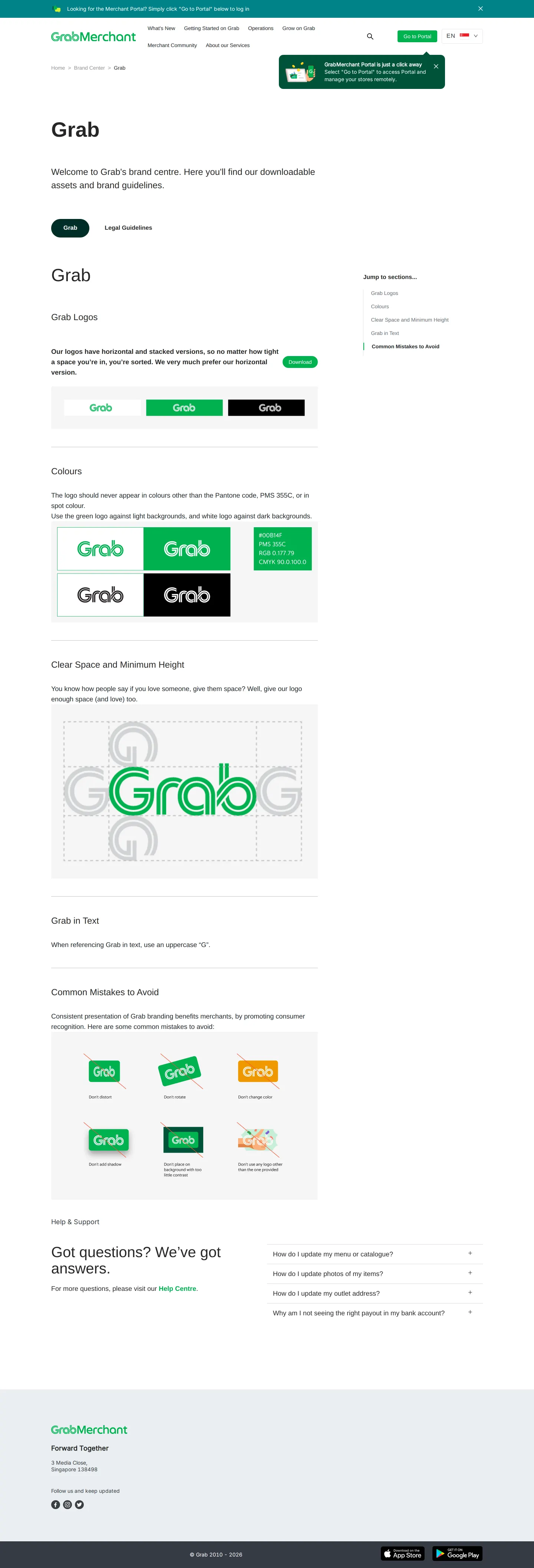
Grab brand guidelines page displaying logo assets, color specifications, clear space diagrams, misuse examples, and FAQ sections.
Want a brand center like Grab’s?
Create your brand center with Freedam ↗Freedam's take
I love when guidelines get straight to the point, especially for merchants and partners who just need the right logo quickly. Grab lays out everything on a focused page within their merchant portal. You will find clear space instructions keyed directly to the G letterform, exact color breakdowns across digital and print specs, and an explicit set of six visual mistakes to avoid. There is also a quick note ensuring people capitalize the brand name properly in running text. It is compact, clear, and provides a direct asset download right at the top.
At a glance
- Sections
- Grab · Legal Guidelines · Colours · Clear Space and Minimum Height · Common Mistakes to Avoid · Help & Support
- Downloads
- Asset bundle
- Tone
- Direct, practical merchant guidance focused on correct logo implementation.
What I noticed
- The page includes a direct download link alongside versions of the Grab logo.12
- Color specifications list HEX, PMS, RGB, and CMYK values on a green swatch block.3
- Clear space and minimum height rules are visually defined using the G character from the logo mark.4
- A 'Common Mistakes to Avoid' grid illustrates six prohibited treatments marked with red slashes, including distortion, rotation, and color alteration.5
- The interface offers a tab bar to switch between 'Grab' and 'Legal Guidelines'.6
Numbers refer to the screenshots above.
What I could not see
- Content under the 'Legal Guidelines' tab was not visible in the capture.
- The internal contents of the downloadable asset package could not be inspected.
Ideas to borrow
- Defining clear space requirements using a specific glyph from the logo makes spatial guidance easy for external partners to calculate.4
Quick answers
Where can I download Grab's brand assets?
Grab provides a direct download link and button alongside the logo versions on the page.12
How should Grab be written in text?
Grab specifies that you must always use an uppercase 'G' when writing the brand name in text.7
Reviewed on 25 September 2026. Request a correction · I built this
Similar brand centers
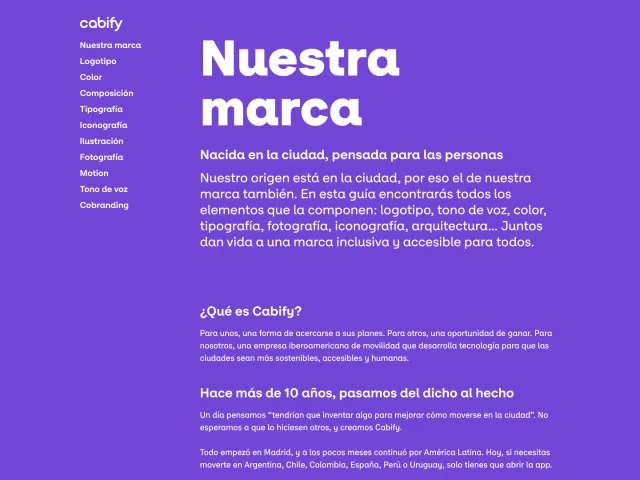
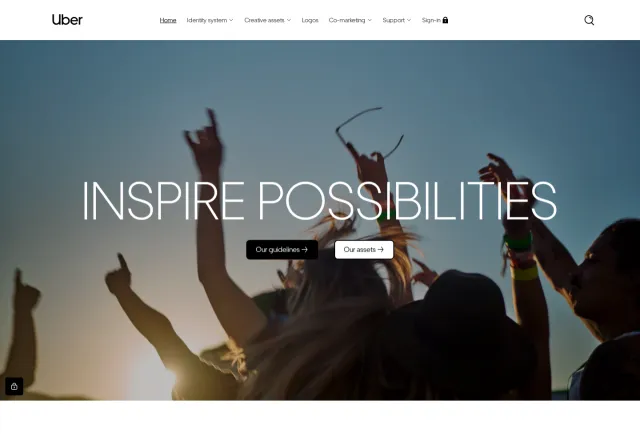
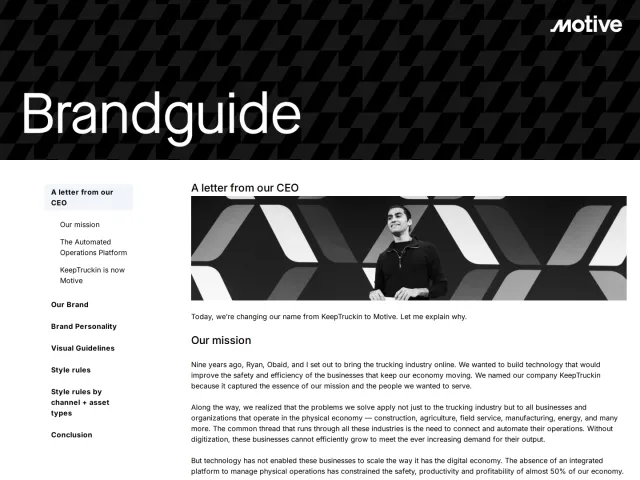
All brand guidelines →Grab delivers a single-page set of core logo guidelines and download links within its merchant portal. In contrast, Uber organizes partner collateral and co-marketing guidelines into broader collections on Frontify, while Cabify documents extensive foundations including illustration styles, particles, and accessible contrast matrices.