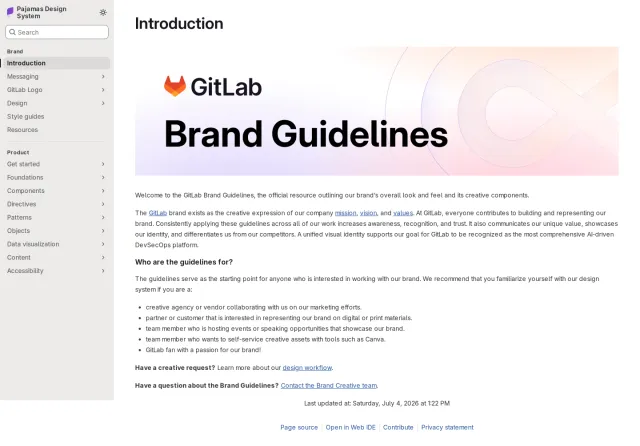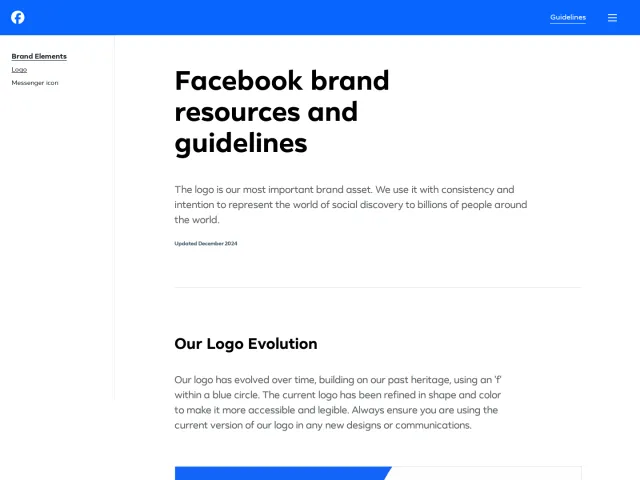
Figma brand guidelines
Figma provides a single-page brand and trademark guideline covering asset downloads, usage policies, and practical dos and don'ts.
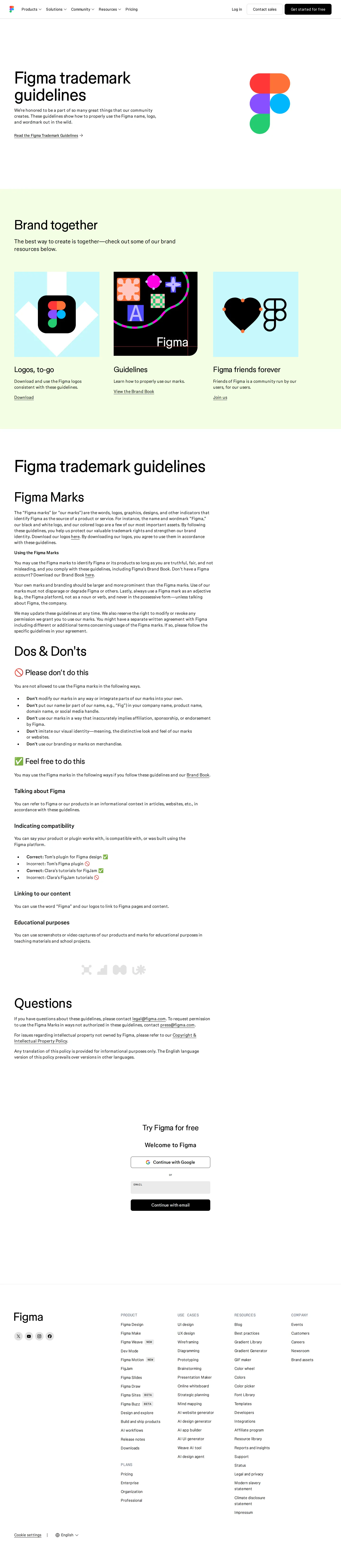
Figma's trademark guidelines page outlining brand asset rules, usage permissions, and dos and don'ts.
Want a brand center like Figma’s?
Create your brand center with Freedam ↗Freedam's take
When I looked through Figma's trademark guidelines, I appreciated how straightforward the single-page layout is. Instead of burying brand rules inside an internal portal, the team lays out essential trademark guidance directly for their community. I noticed clear dos and don'ts sections that use visual symbols like green checkmarks and red prohibition signs to show acceptable naming patterns and prohibited usage. The page immediately offers a logo download link alongside a direct contacts section for press and legal inquiries, making basic asset retrieval practical and fast.
At a glance
- Sections
- Brand together · Figma trademark guidelines · Figma Marks · Dos & Don'ts · Questions
- Downloads
- Logos, to-go
- Tone
- Clear, direct trademark guidance tailored to creators and community partners.
What I noticed
- The introductory 'Brand together' section provides direct links to logo asset downloads and community resources.123
- The page features a dedicated Dos & Don'ts section displaying prohibited actions with prohibition symbols alongside permitted actions with green checkmarks.45678
- A Questions section lists direct contact email addresses for press and legal inquiries.910
Numbers refer to the screenshots above.
What I could not see
- No color palette specifications, typography guides, or interactive component systems are visible on this page.
Ideas to borrow
- Pair direct logo download packages with simple dos and don'ts on a single public page to streamline third-party trademark compliance.
Quick answers
Reviewed on 25 September 2026. Request a correction · I built this