Endava brand portal
Endava's Webflow brand portal provides public design guidelines and font downloads alongside internal corporate templates linked via SharePoint.
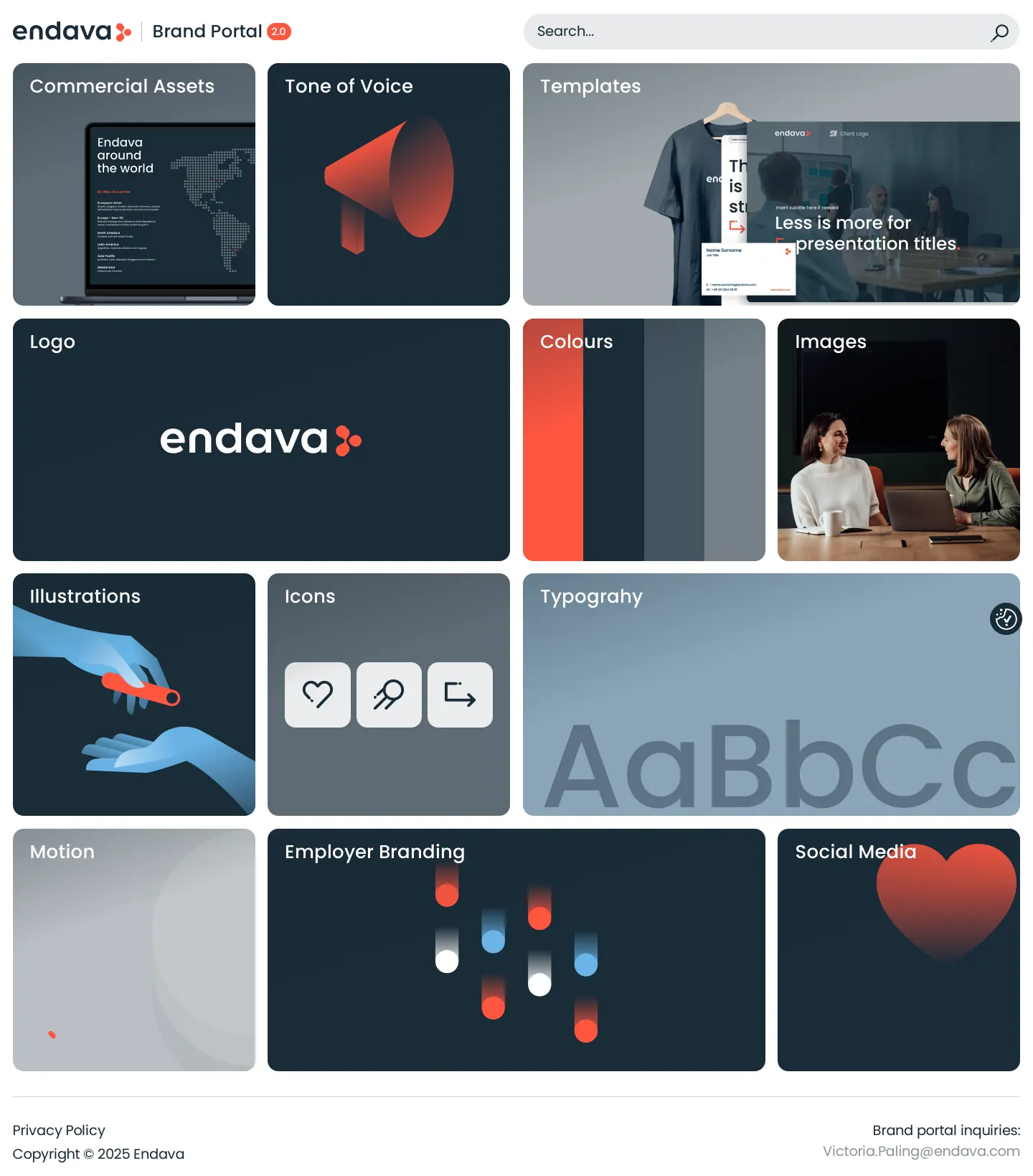
Homepage of the Endava Brand Portal showing category cards for visual guidelines, templates, and commercial assets.

Logo guidelines page showing composition rules, clear space definitions, minimum sizing, and prohibited uses.

Colours page showing primary swatches, blue shade percentages, digital UI examples, and merchandise applications.
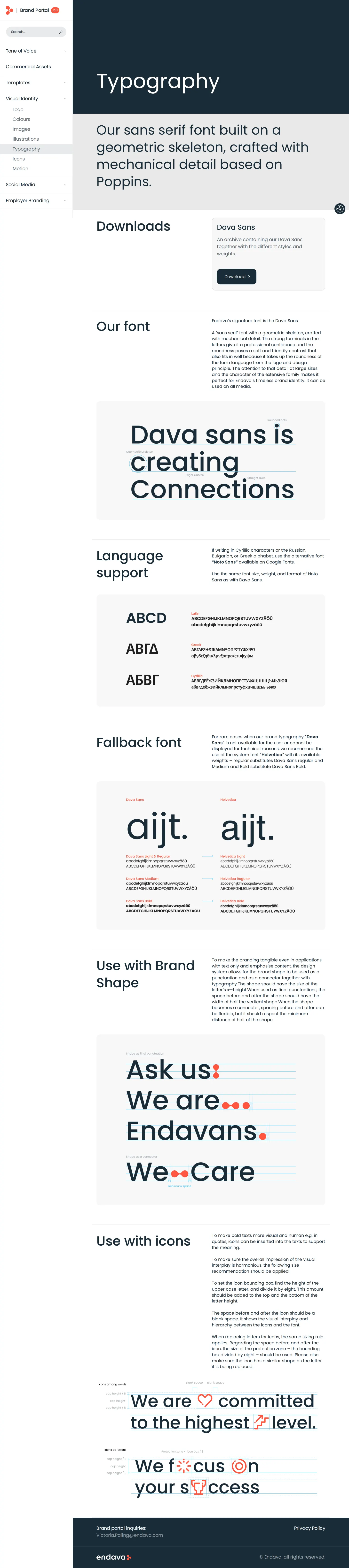
Typography page detailing Dava Sans, language fallbacks, and rules for mixing brand icons into text.
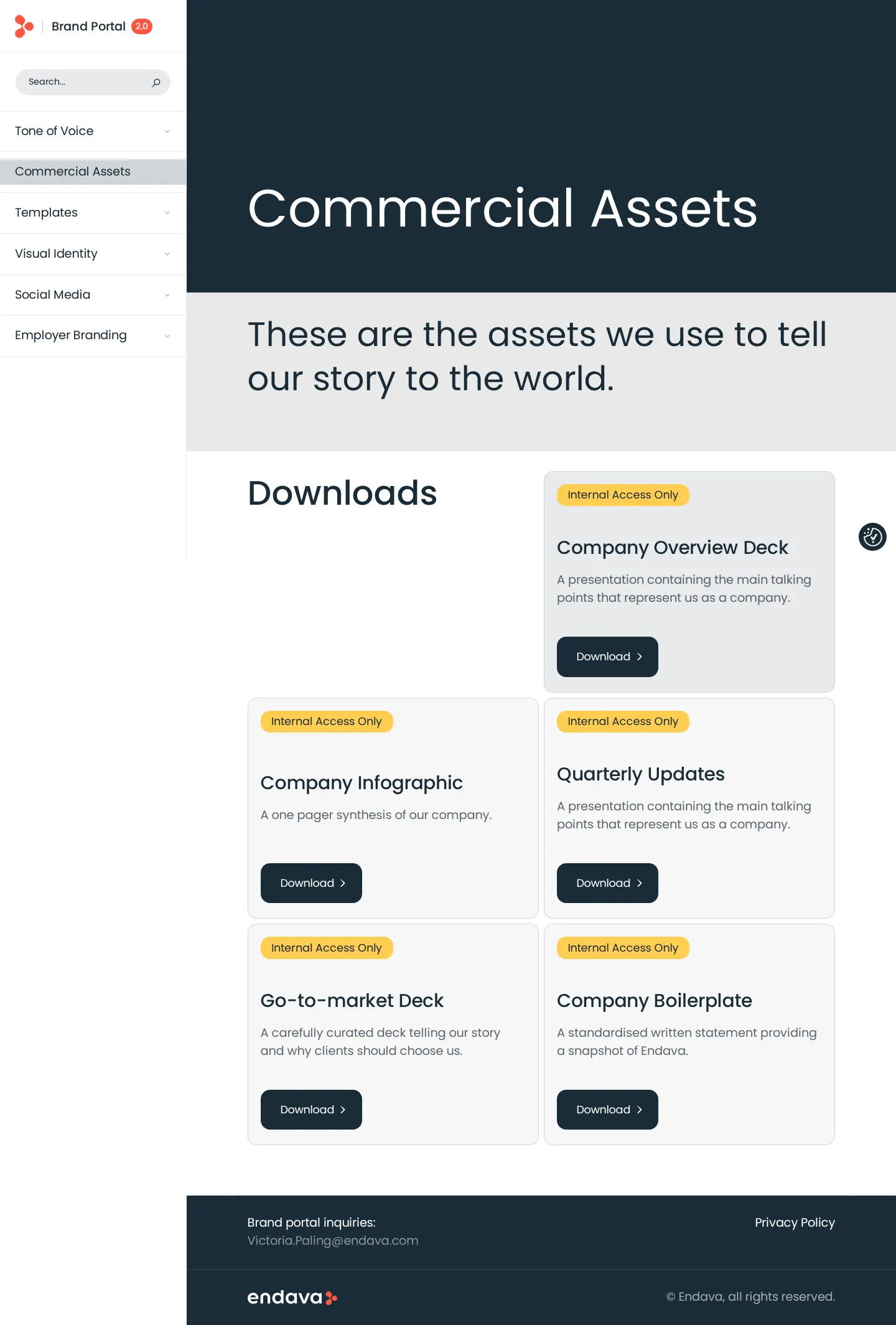
Commercial assets page listing company decks and boilerplate materials tagged for internal access.
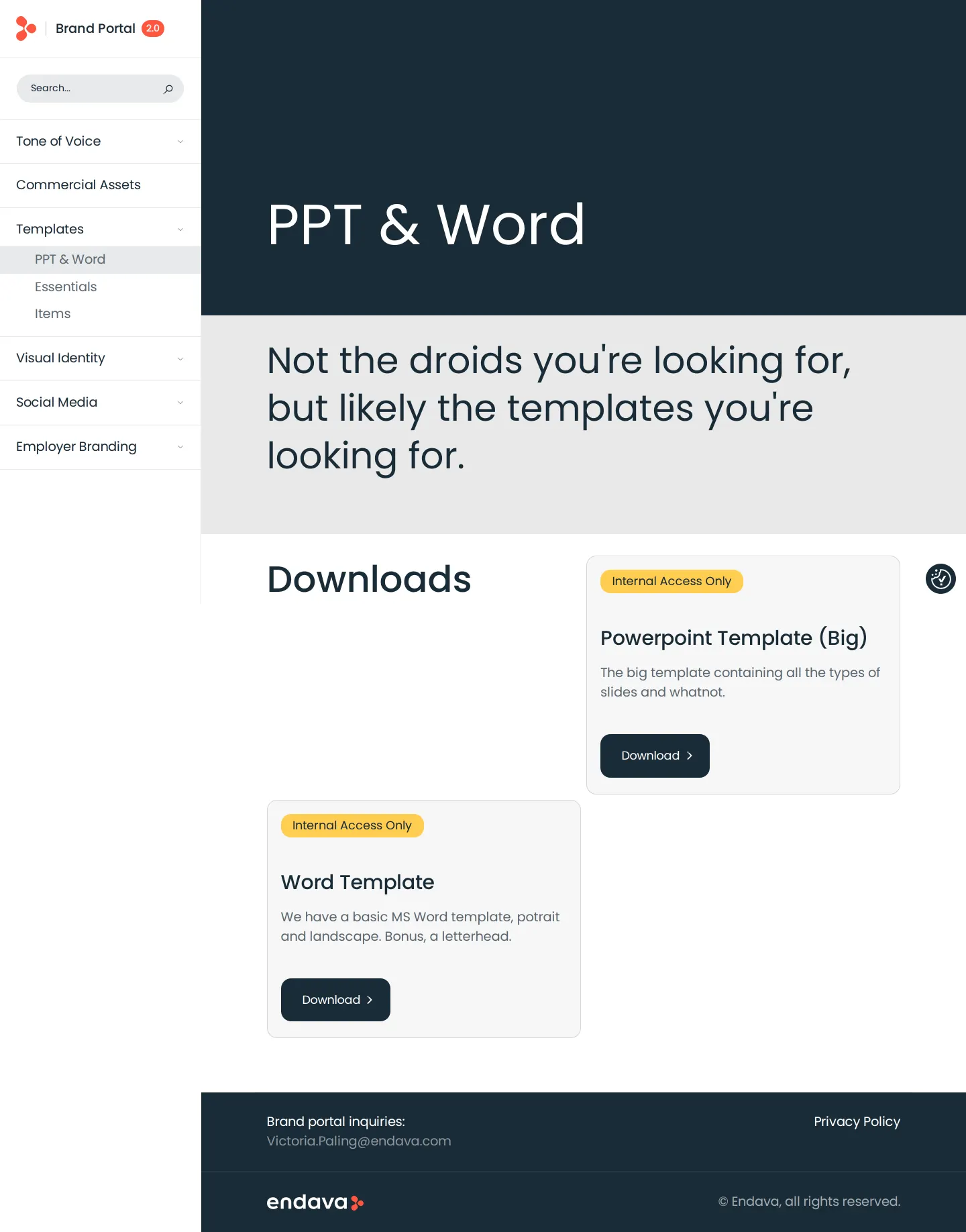
Templates page presenting PowerPoint and Word document download cards tagged for internal access.
Want a brand center like Endava’s?
Create your brand center with Freedam ↗Freedam's take
I like how clear Endava makes the boundary between public brand identity and protected corporate material. Their Webflow portal lays out visual guidelines openly, from clear space around the typogram to precise Ral and Pantone swatches. You can download the logo package and custom Dava Sans font directly. However, the commercial assets and slide decks clearly flag an internal access badge and route directly to SharePoint links. It gives external partners the exact design rules they need while keeping working presentations and corporate templates safely behind internal authentication.
At a glance
- Sections
- Brand Portal 2.0 · Tone of Voice · Commercial Assets · Templates · Visual Identity · Social Media · Employer Branding
- Downloads
- ZIP
- Tone
- Structured, clear, and practical enterprise brand documentation.
What I noticed
- The logo guidelines page offers a downloadable zip archive containing screen and print assets.12
- The typography documentation defines Dava Sans as a custom typeface derived from Poppins, and offers a zip archive download.345
- Color specifications include HEX, RGB, CMYK, Pantone, and RAL codes, accompanied by a scale of blue tint shades.67
- Commercial presentation decks and Word templates are marked with an 'Internal Access Only' badge and link to SharePoint storage.891011
Numbers refer to the screenshots above.
What I could not see
- Could not view the contents of the internal SharePoint files linked for presentations, infographics, and office templates.
- Could not inspect the full guidance within the Motion, Social Media, and Employer Branding subpages.
Ideas to borrow
Quick answers
Can visitors download the Endava logo package directly?
Yes, the Logo guidelines page includes a direct download button for the Endava Logo Pack zip file containing print and screen formats.12
Reviewed on 25 September 2026. Request a correction · I built this