Cornerstone OnDemand brand guidelines
Cornerstone OnDemand's brand portal provides guidelines, AI voice principles, and downloadable templates with practical usage guidance.
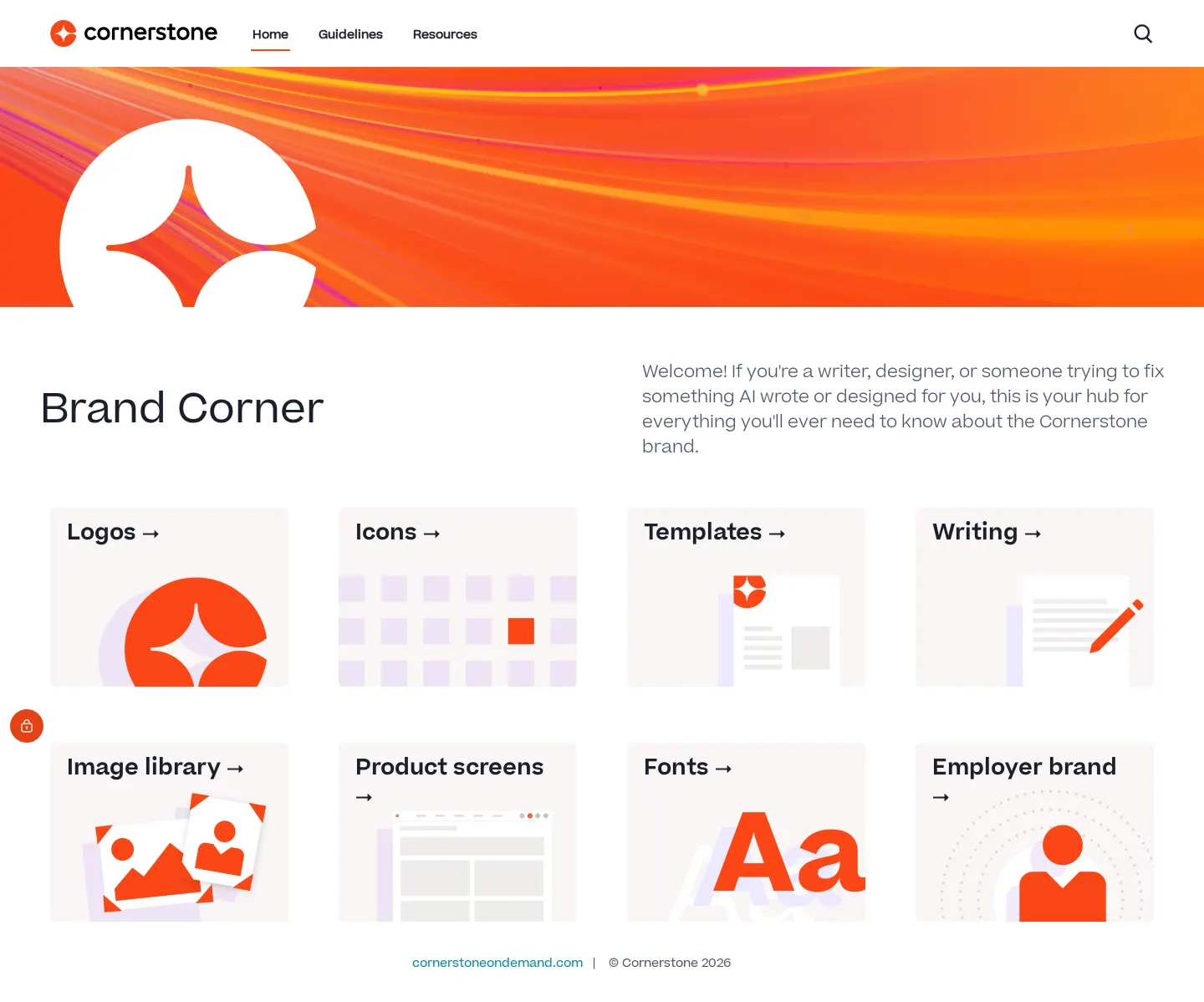
Cornerstone Brand Corner home page featuring asset category cards.
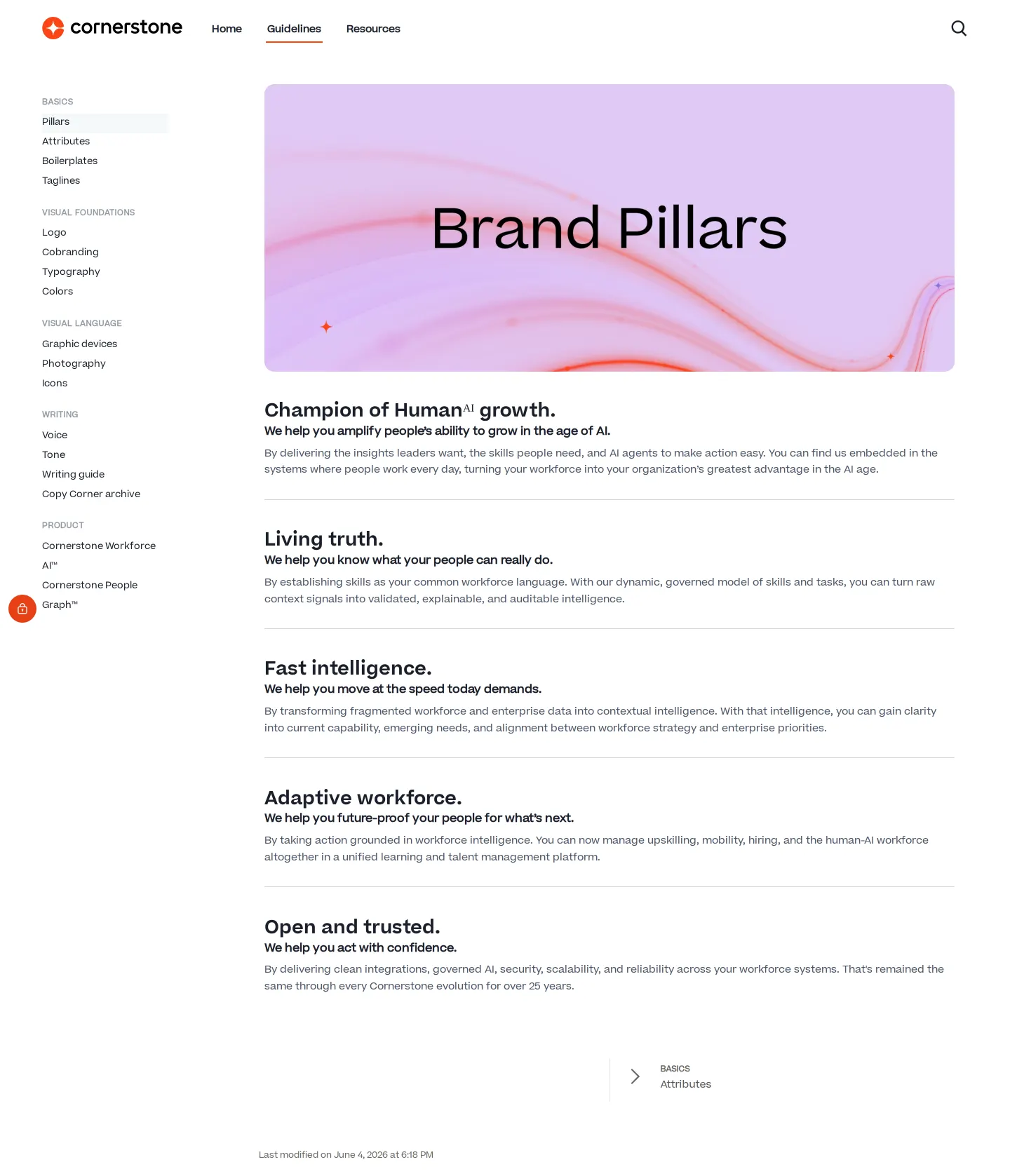
Brand pillars and navigation under the Guidelines section.
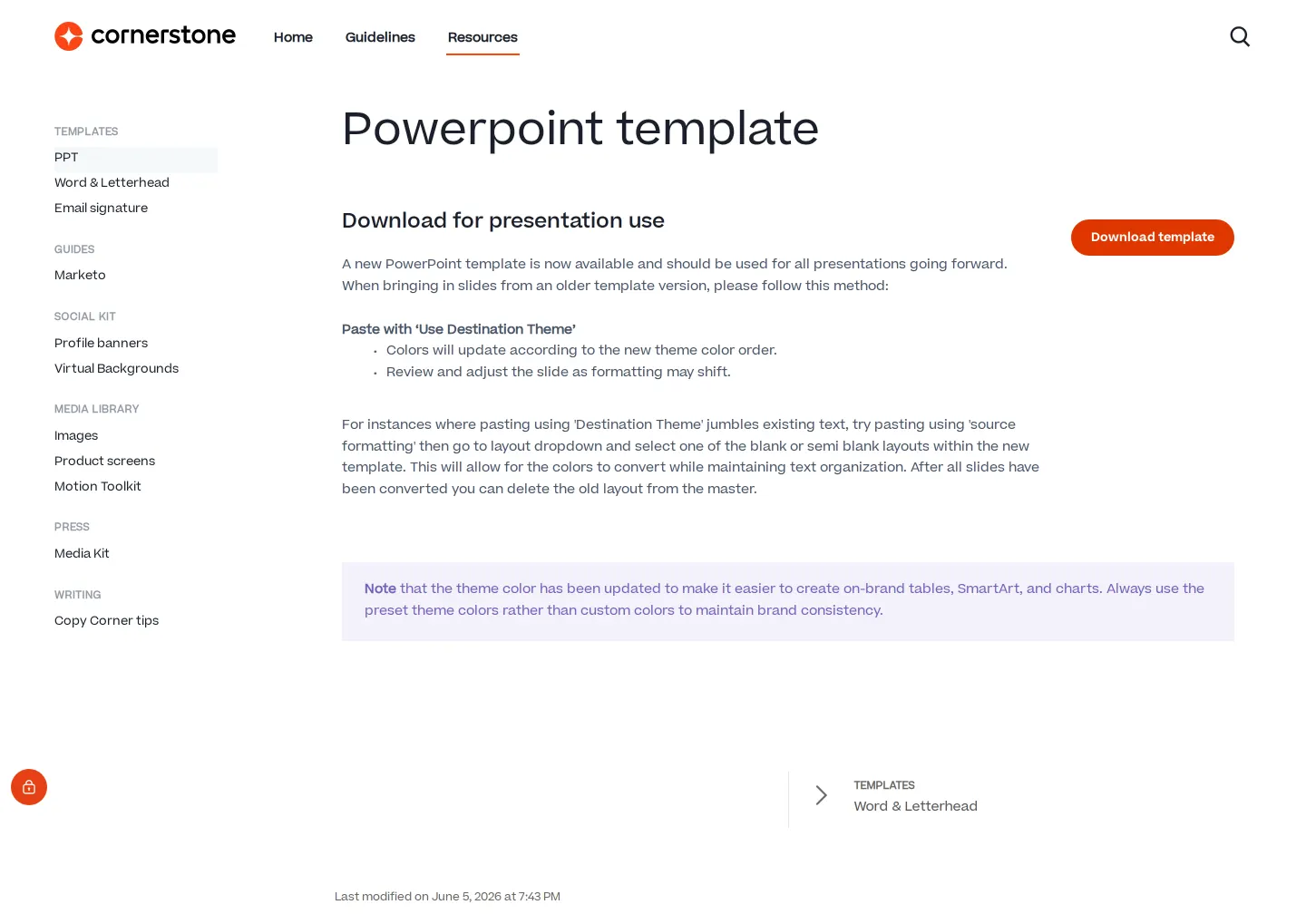
PowerPoint template documentation and download screen in Resources.
Want a brand center like Cornerstone OnDemand’s?
Create your brand center with Freedam ↗Freedam's take
I like how Cornerstone OnDemand organizes their portal around concrete practical needs. Opening the hub immediately routes you to everyday essentials like logos, templates, and writing guides. Delving into the guidelines reveals dedicated documentation for AI voice and principles, alongside classic brand attributes and design fundamentals. Over in the resources tab, they pair file downloads like the PowerPoint template with clear usage instructions, down to how to paste slides using destination themes and maintain preset color palettes. It feels like a thoughtfully considered workspace for anyone making materials.
At a glance
- Sections
- Home · Guidelines · Resources
- Downloads
- PPT
- Tone
- Clear, practical, and helpful tone focused on supporting everyday creators.
What I noticed
- The home page presents a grid linking directly to Logos, Icons, Templates, Writing, and other asset categories.12345
- The guidelines include dedicated sections for AI guidelines and AI voice and tone.67
- The PowerPoint resource page pairs a download button with instructions on theme pasting and color management.8910
- The site structure efficiently balances high-level positioning with execution-ready tools.
Numbers refer to the screenshots above.
What I could not see
- Could not inspect the full contents of the downloadable PowerPoint file or image libraries.
- Could not view the dedicated AI guidelines and typography pages.
Ideas to borrow
Quick answers
Reviewed on 25 September 2026. Request a correction · I built this