Bitwarden presents a single-page brand guide with logo clear space rules, typography, button states, product imagery links, and downloadable b-roll footage.
I like how practical Bitwarden keeps this page. Instead of locking away assets behind a press form, they give you direct access to SVG logos, typography links, and UI specifics on a single scroll. Alongside the typical logo safe area specifications, I noticed rules for corner radiuses, button states across light and dark themes, and a clean grid of sixteen line-drawn icons. They even include external links out to Google Drive folders for high-resolution product imagery and a Vimeo showcase for b-roll footage. It is concise, functional, and very easy to parse.
At a glance
Sections
The Bitwarden logo · Logo safe area · Product logos · Typeface · Color · Radius · Buttons · Iconography · Social media posts · Product images · Bitwarden b-roll
Downloads
ZIP, SVG
Tone
Direct and functional, focusing on practical design rules and instant asset access.
What I noticed
The page includes guidelines and downloads for SVG logos, alongside horizontal and vertical logo safe area rules based on shield width and x-height.1234
Bitwarden specifies Inter as its primary typeface, accompanied by an alphabet specimen and an external link to Google Fonts.567
Design system components such as corner radius values and button styles for light and dark backgrounds are documented on the page.8910
A dedicated b-roll section offers preview thumbnails and links directly to a Vimeo showcase.111213
Numbers refer to the screenshots above.
What I could not see
Could not inspect the contents of the downloadable SVG archive.
Could not view the external Google Drive folders for Password Manager and Secrets Manager imagery.
Could not view color hex values or detailed color palette specs on the screen capture.
Ideas to borrow
Hosting b-roll video clips on an external video platform like Vimeo keeps the main brand page light while still giving media teams quick access to motion assets.1213
Quick answers
Where can I download the Bitwarden logo files?
A 'Download SVG logos' button links to an SVG archive ZIP file directly on the brand page.23
What typeface does Bitwarden use and where can I find it?
Bitwarden uses Inter and provides a direct link to download it on Google Fonts.567
Where are official Bitwarden product screenshots and b-roll videos hosted?
Product images for Password Manager and Secrets Manager link to Google Drive folders, while b-roll video assets link to a Vimeo showcase.141512
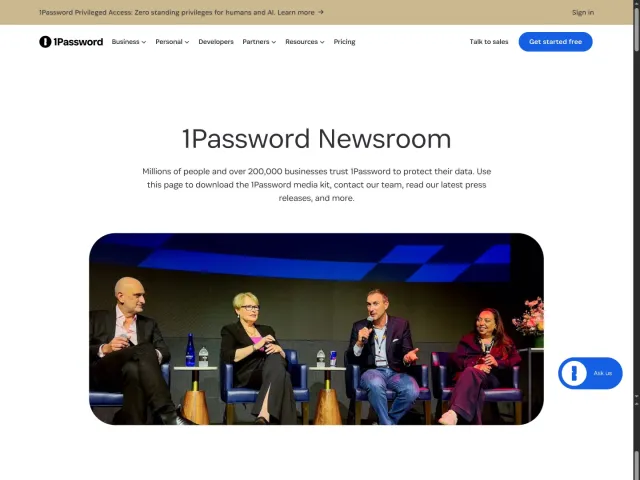
Bitwarden includes UI details like corner radiuses and button states alongside links to external Drive and Vimeo folders. In contrast, 1Password organizes company statistics and executive bios around a separate press kit link, while Discord features banner assets and brand legal guidelines.
 Shopify
Technology
Press & asset kit