Aarhus University brand guidelines
Aarhus University hosts its visual identity guidelines and downloadable design assets within its staff portal, covering core elements, typography, and faculty sub-brands.
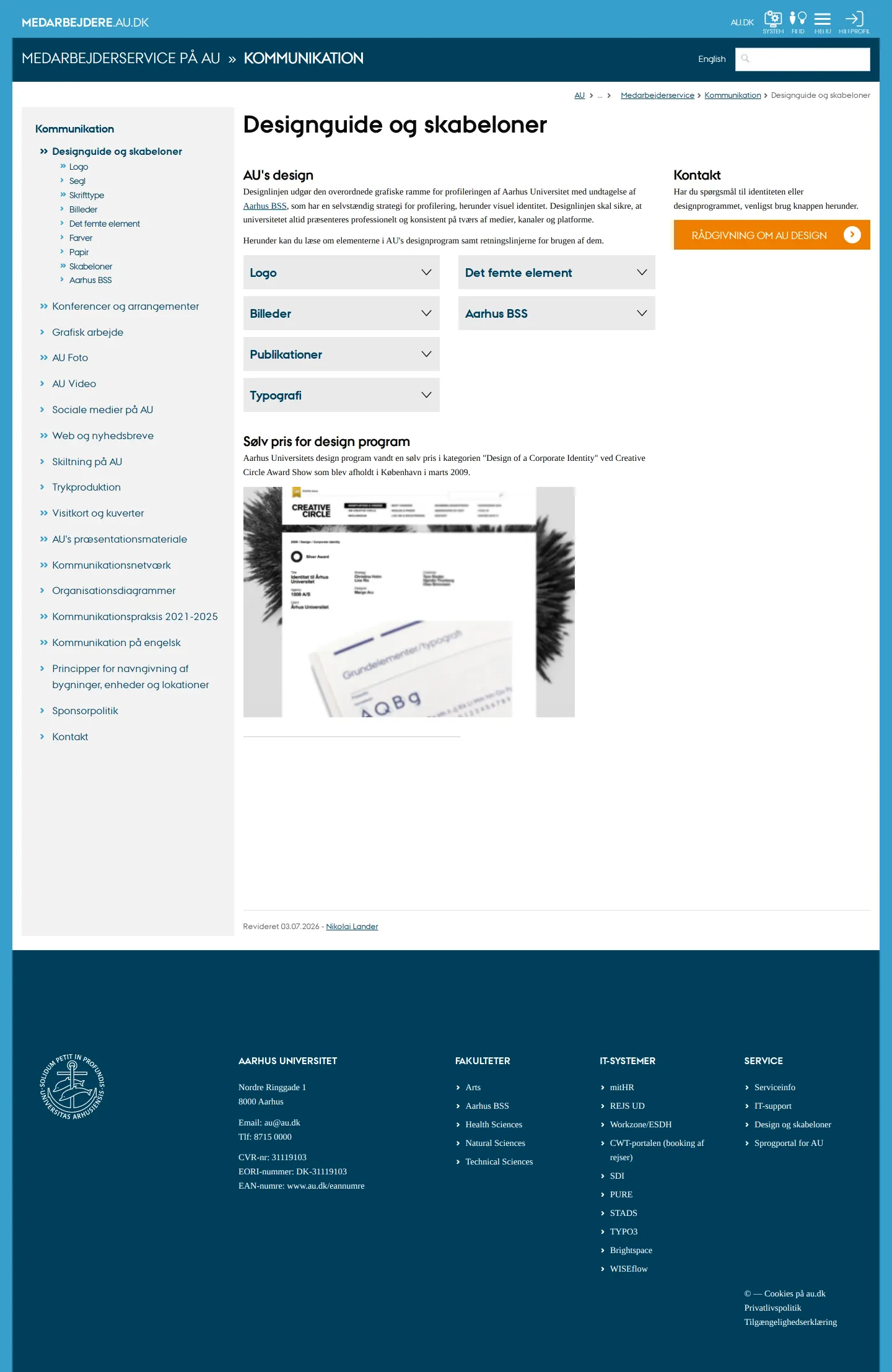
Designguide overview page showing identity navigation and expandable topic sections.
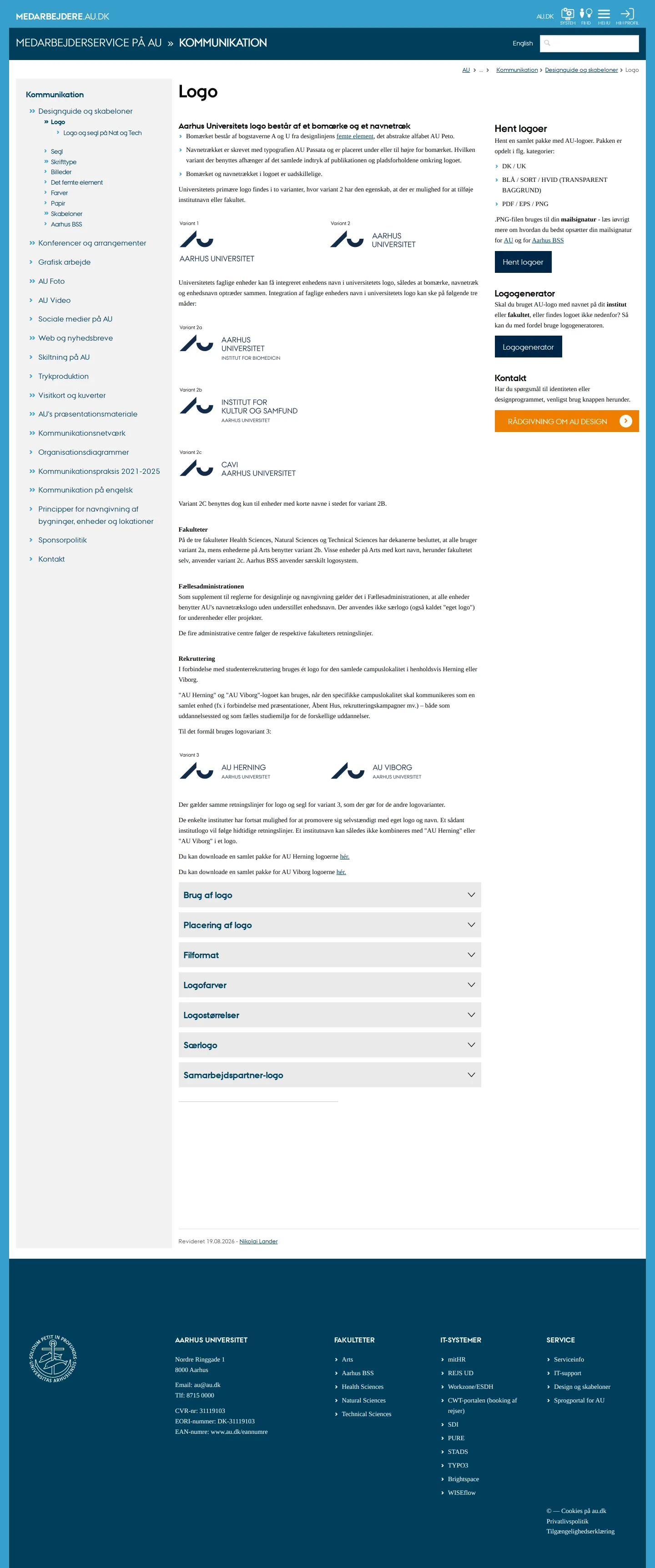
Logo rules presenting mark combinations, campus variants, and zip package links.
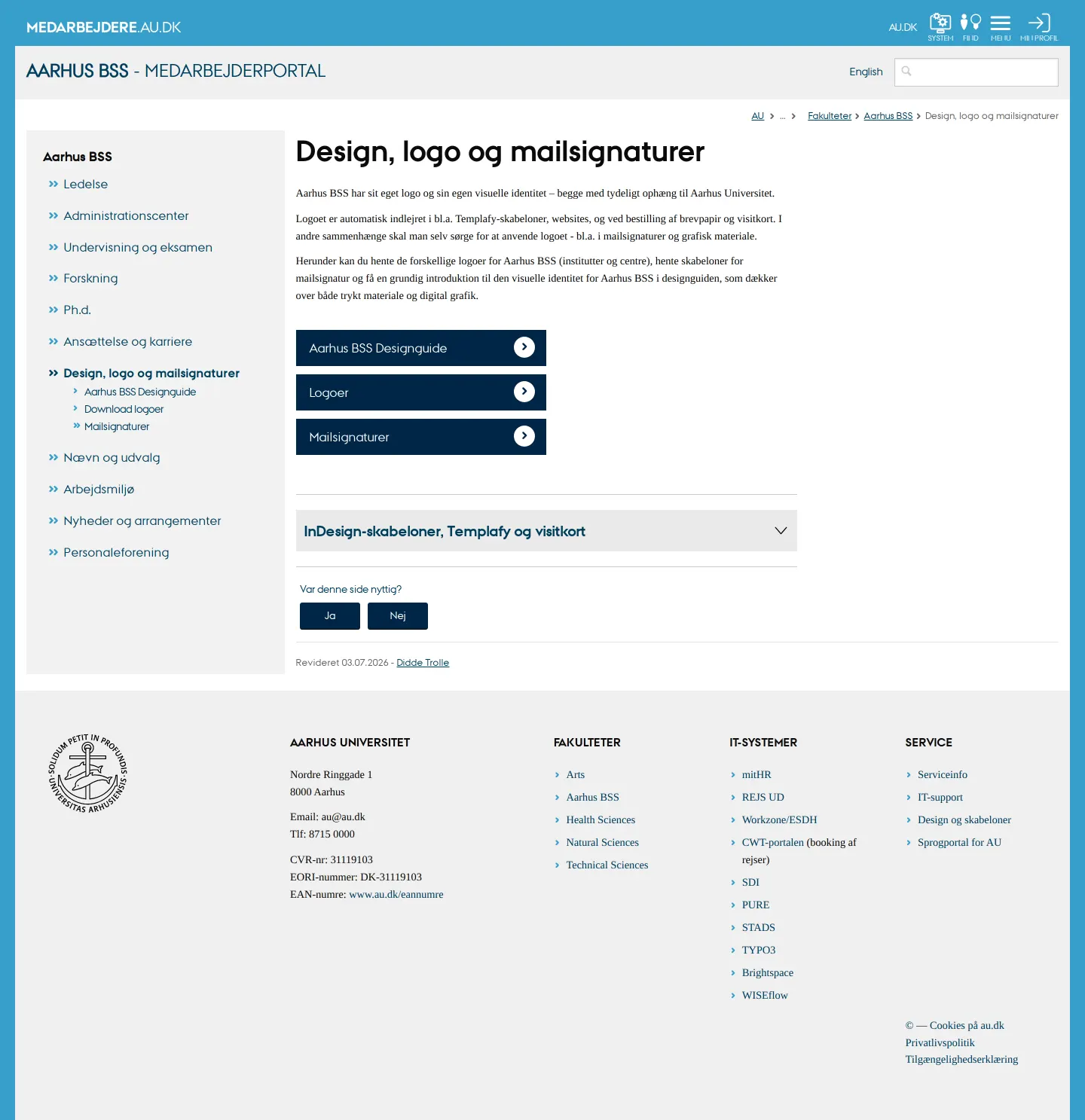
Aarhus BSS employee portal page showing links to faculty guidelines, logos, and signatures.
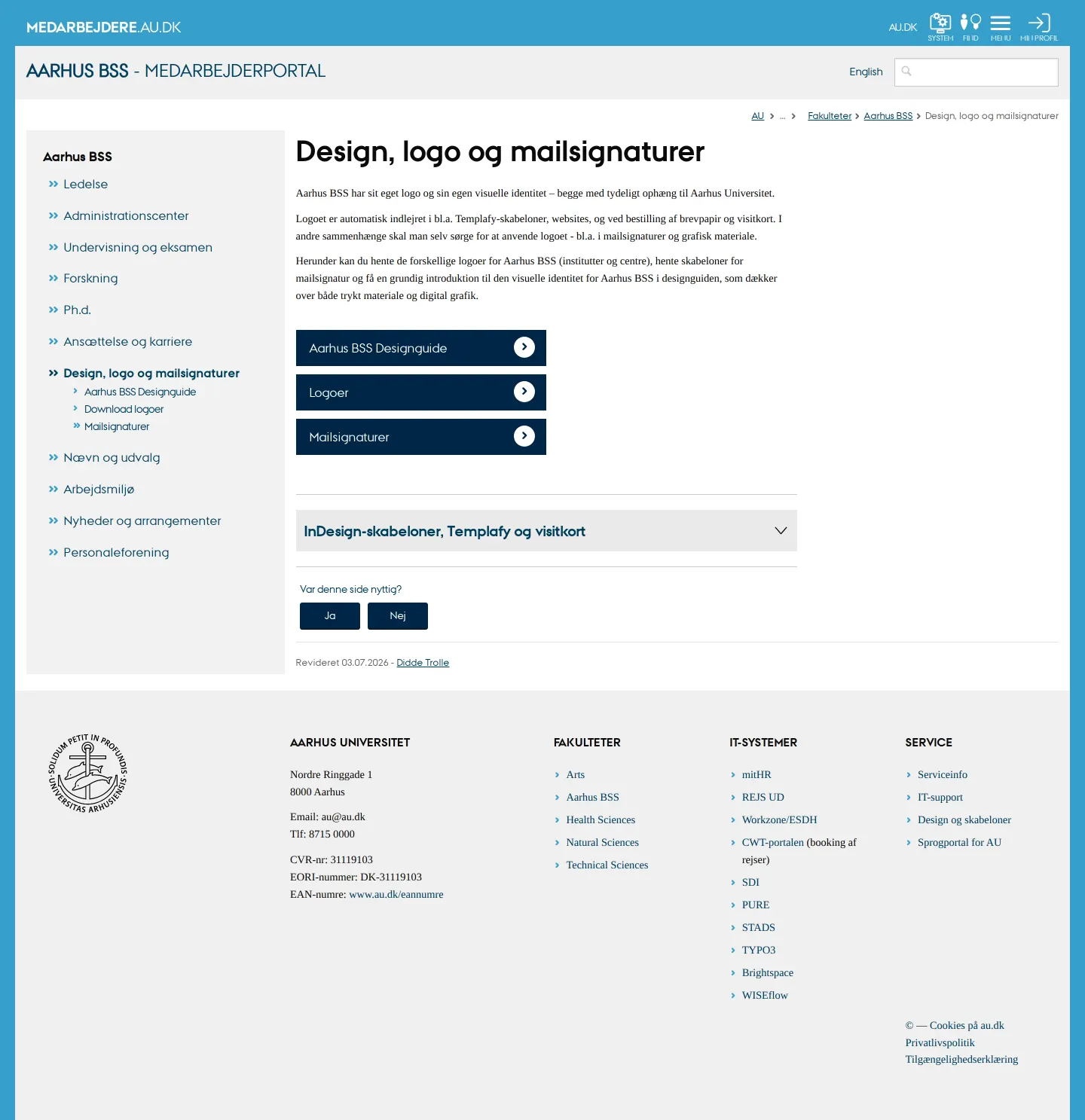
Aarhus BSS design landing page featuring quick navigation tiles and template sections.
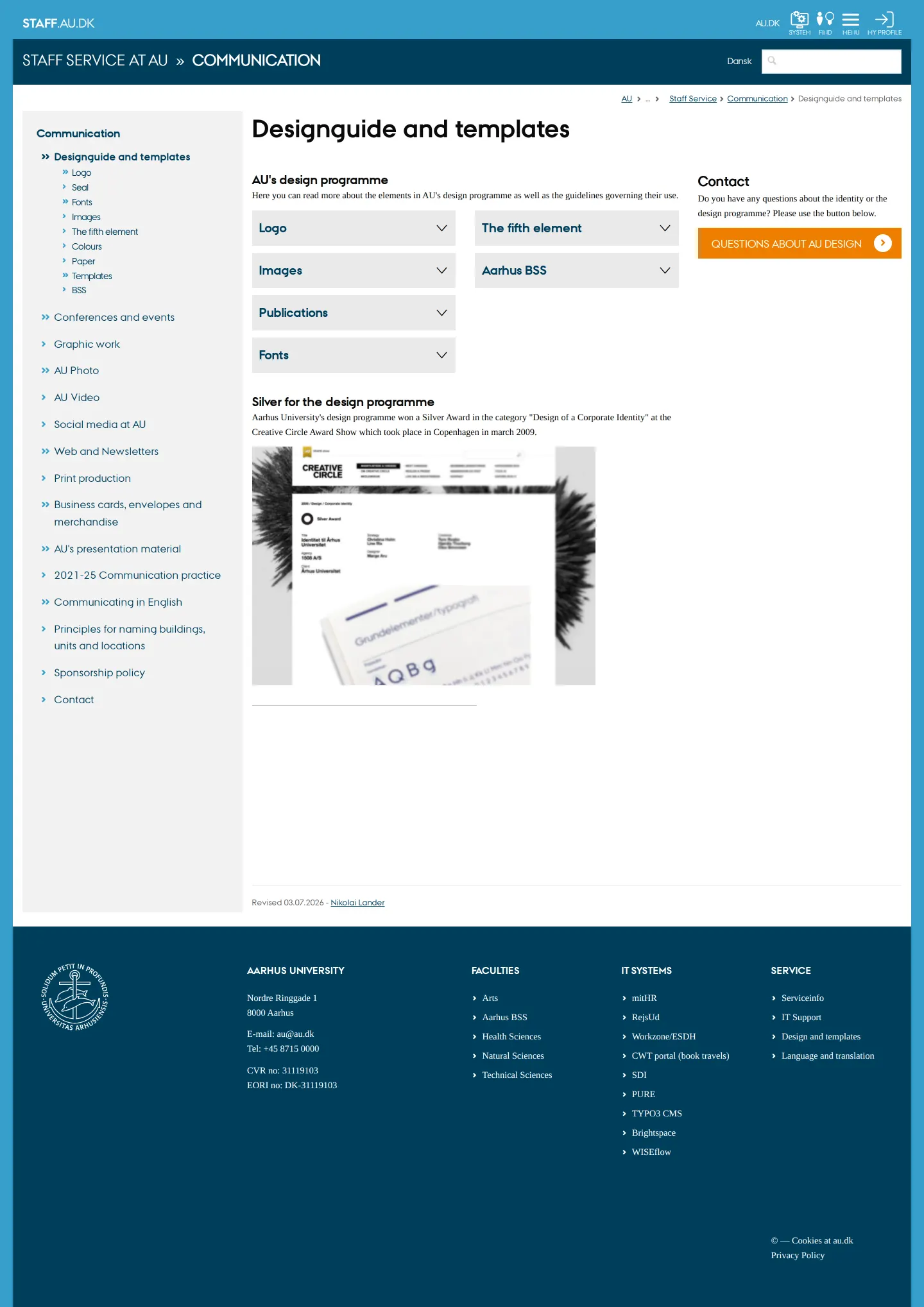
English language design guide overview outlining brand topics and design awards.
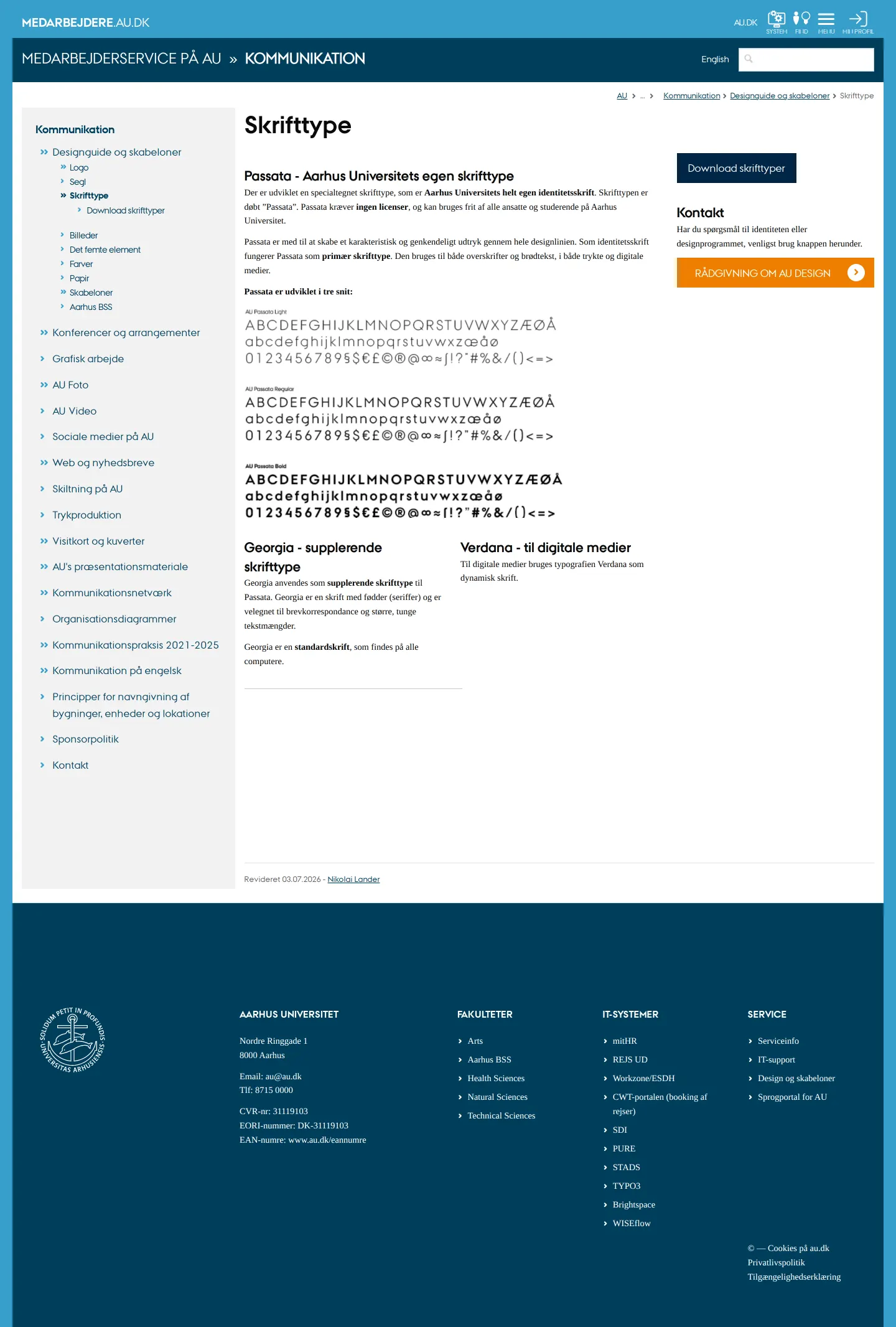
Typography page detailing the Passata typeface family alongside Georgia and Verdana.
Want a brand center like Aarhus University’s?
Create your brand center with Freedam ↗Freedam's take
I like how Aarhus University builds its design guidelines directly into its employee portal. Everything sits alongside daily staff tools, making the identity feel practical rather than distant. The typography section clearly explains Passata as their bespoke primary face alongside Georgia and Verdana, with specimen alphabets showing every weight. I also appreciate having dedicated pages for faculty sub-brands like Aarhus BSS right in the navigation, giving distinct departments clear guidance while keeping them connected to the parent brand.
At a glance
- Sections
- Logo · Segl · Skrifttype · Billeder · Det femte element · Farver · Papir · Skabeloner · Aarhus BSS
- Downloads
- ZIP
- Tone
- Functional, university-wide guidance embedded within an internal employee portal.
What I noticed
- The typography documentation defines Passata as the custom typeface in Light, Regular, and Bold, paired with Georgia for longer copy and Verdana for digital media.1234
- The logo guidelines page offers zip file downloads for campus lockups like AU Herning and AU Viborg, along with a link to a Logogenerator tool.56789
- The Aarhus BSS faculty section maintains dedicated pages outlining its specific logo variations, email signatures, and InDesign templates.1011121314
- Guidelines are integrated into the TYPO3 employee portal rather than living on an isolated public microsite.151617
Numbers refer to the screenshots above.
What I could not see
- Could not inspect the interactive Logogenerator interface or generated file outputs.
- Could not view the contents of the zip archives for fonts and logos.
- Could not view the closed states of all expandable accordion panels.
Ideas to borrow
- Providing interactive tools like a dedicated logo generator directly in the sidebar helps non-designers create approved campus or department lockups without modifying vector files manually.9
Quick answers
Reviewed on 25 September 2026. Request a correction · I built this
Similar brand centers
All brand guidelines →