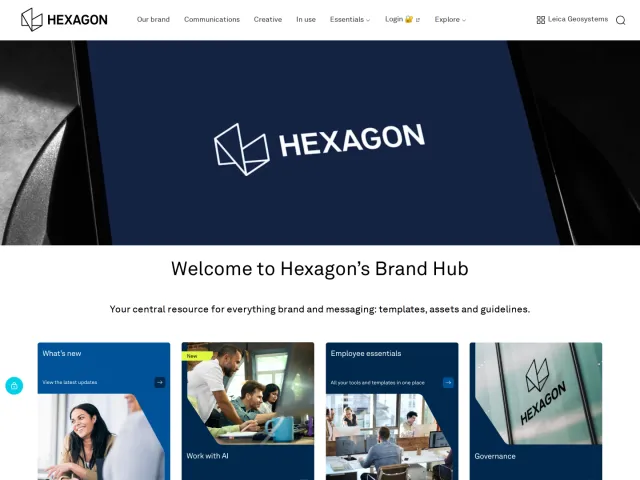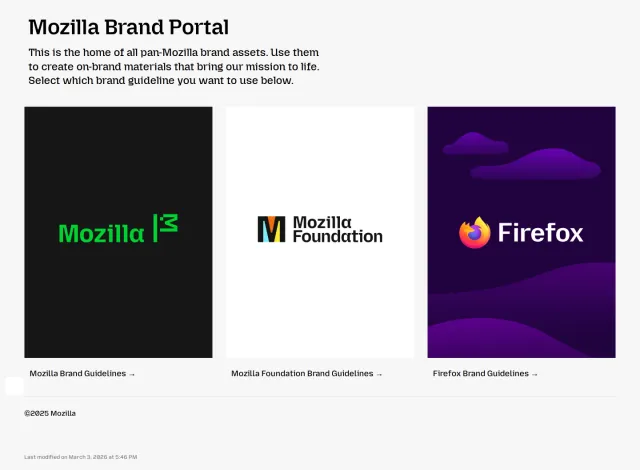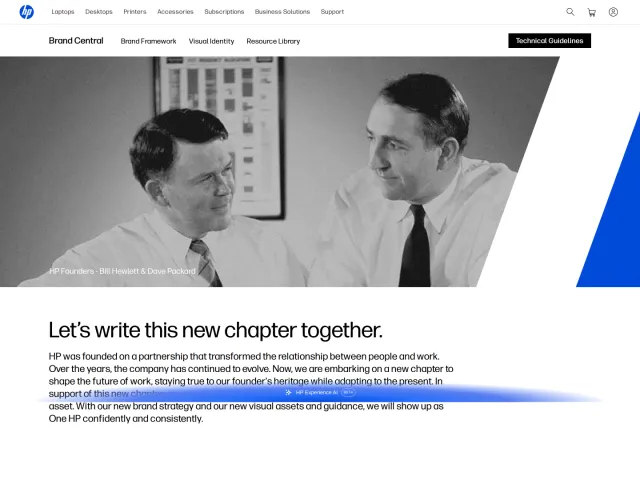
Zoom brand portal
Zoom's brand portal provides design guidelines, verbal identity rules, and an asset library containing downloadable logos and product lockups.
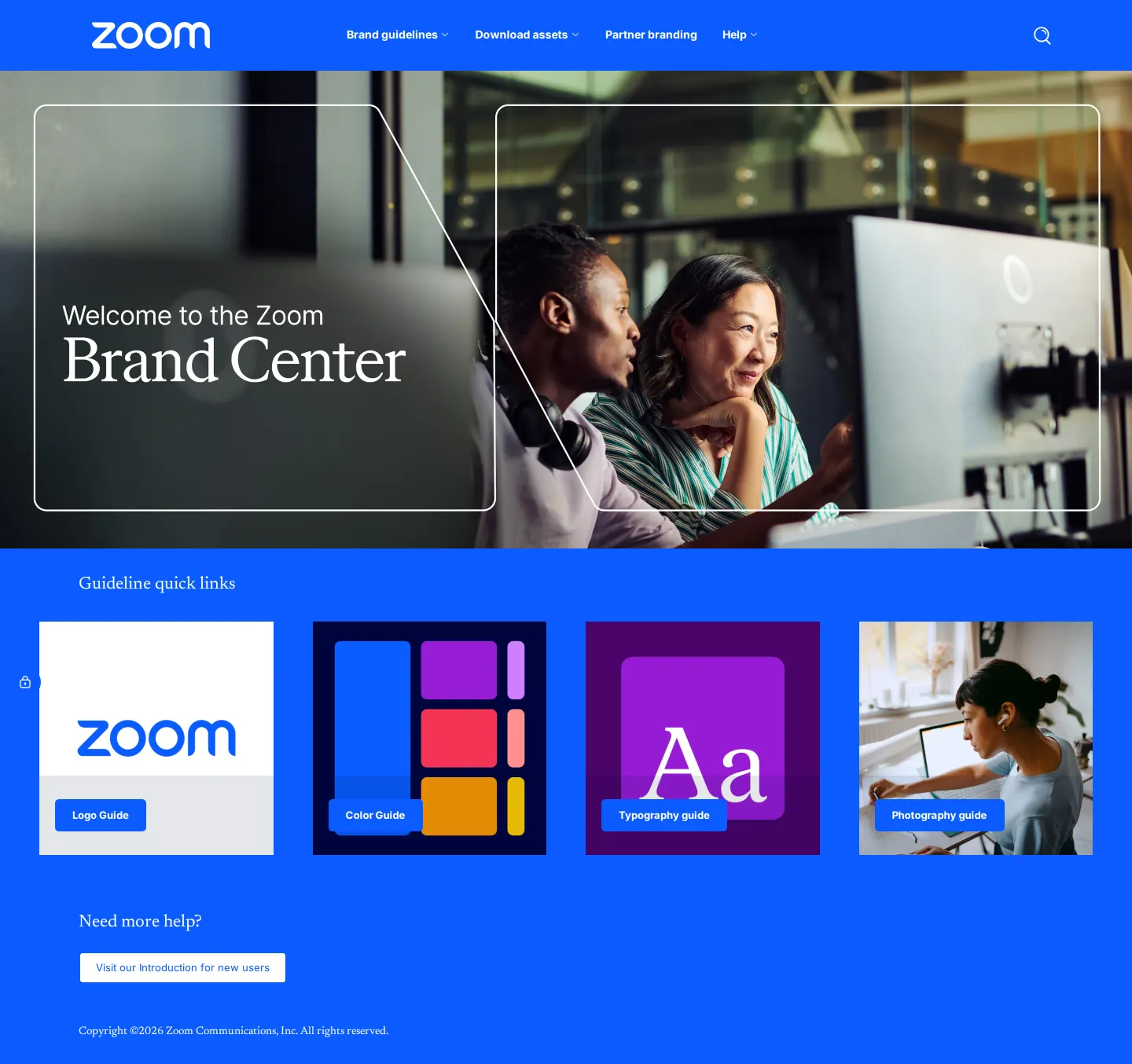
Homepage of the Zoom Brand Center featuring a welcome hero banner and a quick links section.

Introduction and Strategy section of the Zoom brand guidelines website.
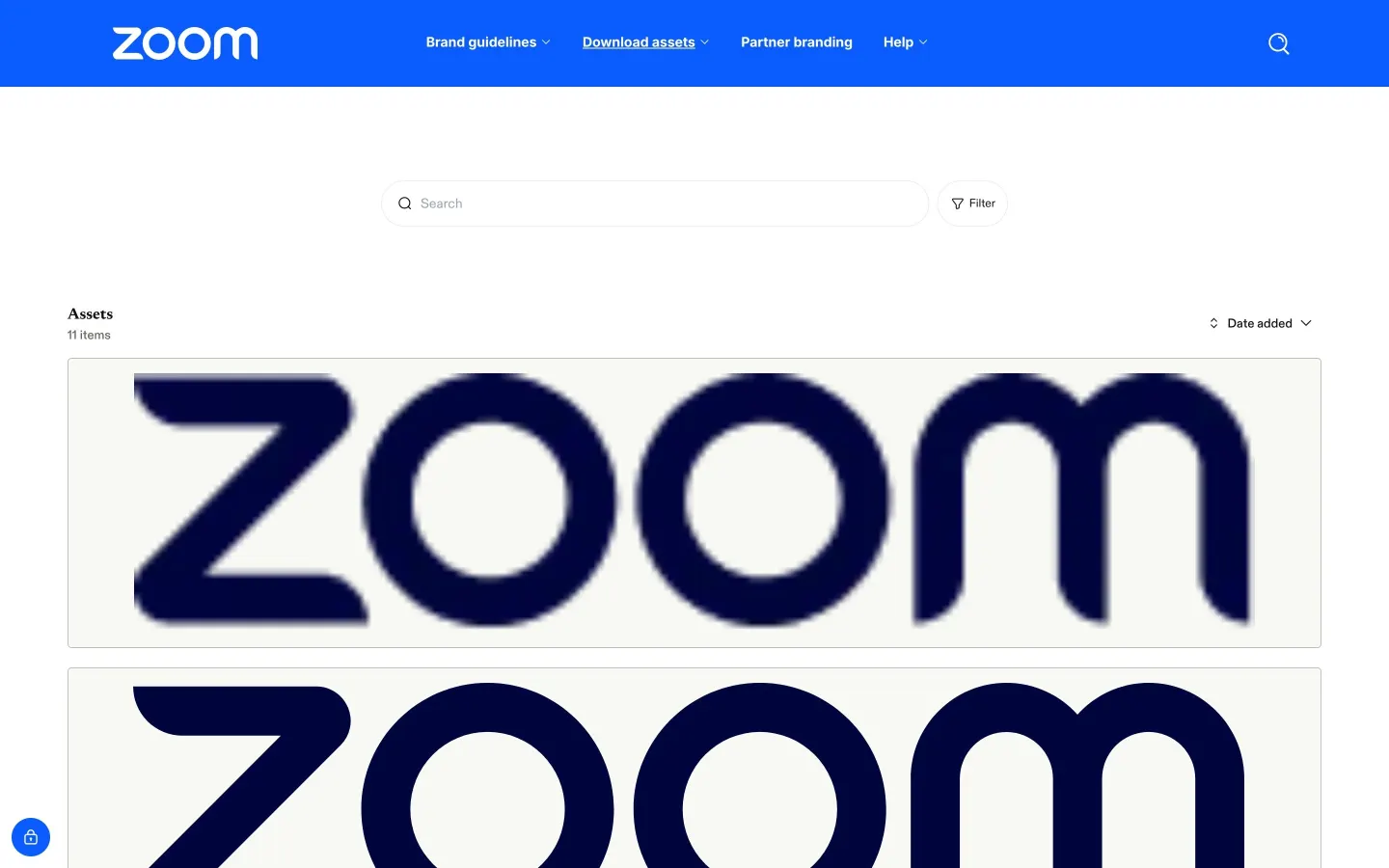
Zoom brand portal page showing downloadable brand logo assets with a search bar and sorting options.
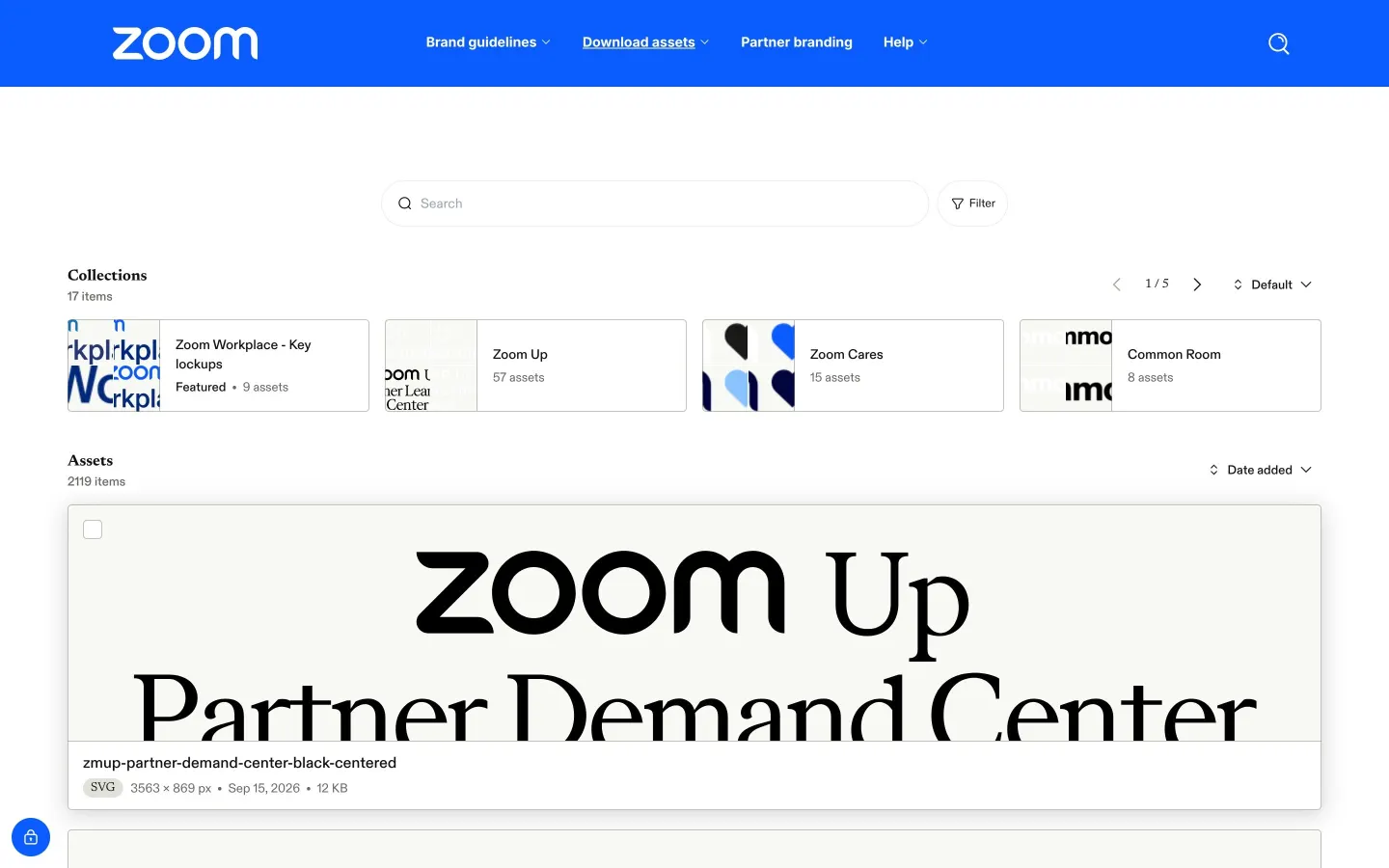
Asset library page on the Zoom brand portal showing logo collections and downloadable graphic files.
Want a brand center like Zoom’s?
Create your brand center with Freedam ↗Freedam's take
I like how cleanly Zoom balances extensive core documentation with a practical asset distribution hub. From the landing view, you can jump straight into specific guideline topics or move into asset collections organized by clear categories like Zoom Workplace key lockups and partner marks. Exploring the guideline pages, I noticed a very comprehensive sidebar covering everything from strategy to verbal identity, motion, and design systems. The asset library itself feels built for real day-to-day utility, exposing clear metadata like SVG formats and exact pixel dimensions on individual asset cards.
At a glance
- Sections
- Brand guidelines · Download assets · Partner branding · Help
- Downloads
- SVG
- Tone
- A structured, business-ready brand portal emphasizing human connection and practical asset delivery.
What I noticed
- The top navigation across the portal provides direct links to Brand guidelines, Download assets, Partner branding, and Help, alongside a search feature.1234
- The brand guidelines sidebar outlines sections for Strategy, Verbal Guidelines, Logo, Color, Typography, Photography/Art Direction, Motion, Layout, Design System, Creative Gallery, and Questions.5678910111213141516
- The asset library includes collections such as Zoom Workplace - Key lockups, Zoom Up, Zoom Cares, and Common Room.17
- Asset cards display file metadata including format type like SVG, dimensions, date, and file size.18
Numbers refer to the screenshots above.
What I could not see
- I could not view the full contents of the motion, layout, or typography guideline chapters as they were not opened in the captures.
- I could not see the asset download modal or license terms for external partner use.
Ideas to borrow
- Pair asset library previews directly with key technical specs like file format, dimensions, and file size right on the card to save users download steps.18
Quick answers
Where can I find Zoom logo assets?
Logo assets are accessible under the Download assets navigation item, featuring filtered views and collections for general wordmarks and specific product lockups.31917
What file formats are provided for Zoom logos?
Vector graphics are provided in SVG format alongside file dimensions and file size details.18
Reviewed on 25 September 2026. Request a correction · I built this