Wix Studio brand guidelines
Wix Studio provides a clean single-page brand guide with logo downloads, color palettes, custom typography samples, and messaging accordions.

Wix Studio brand guidelines page covering logo clear space, color swatches, Wix Madefor typography, and messaging accordions.
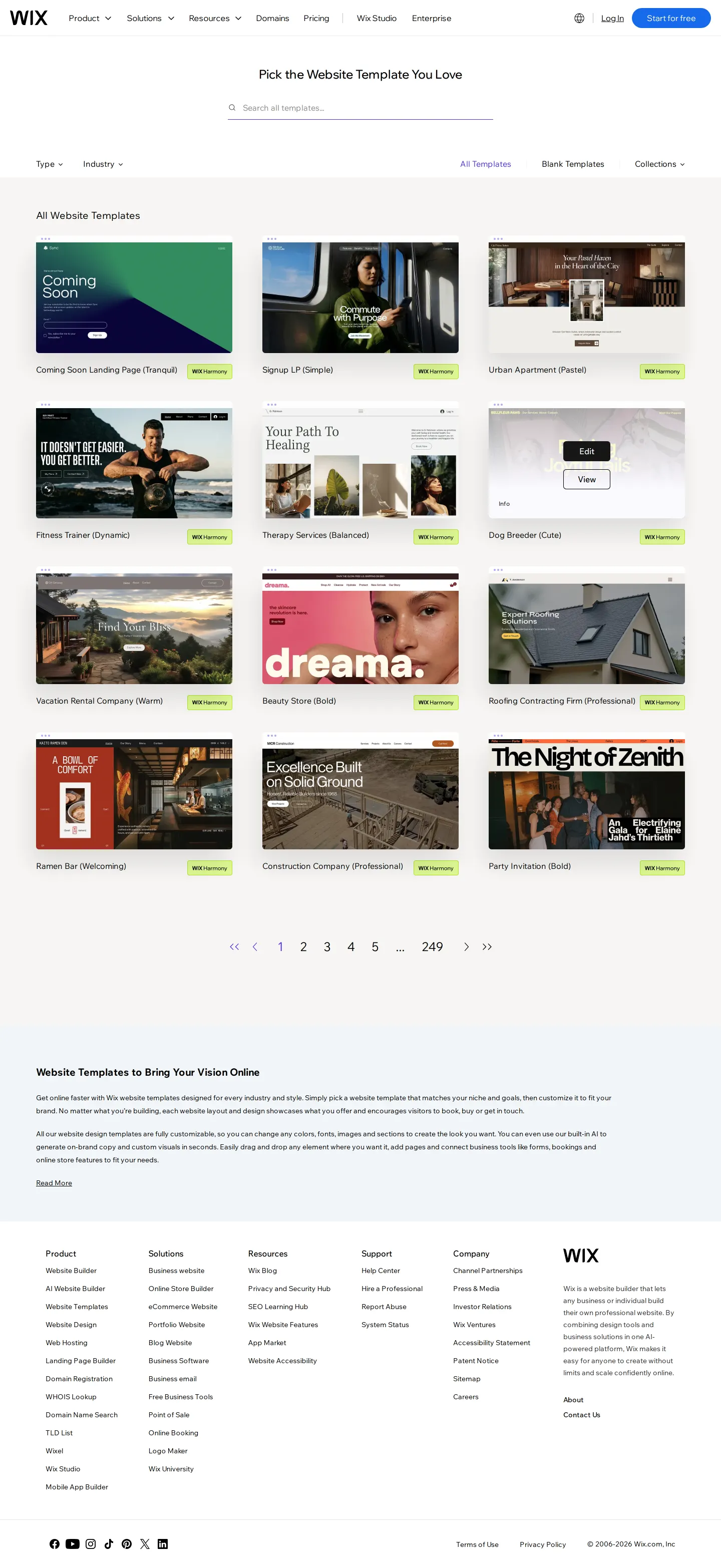
Wix website templates directory displaying searchable and filterable template collections.

Wix Studio Partner Program portal detailing agency benefits, revenue sharing, and marketplace tools.
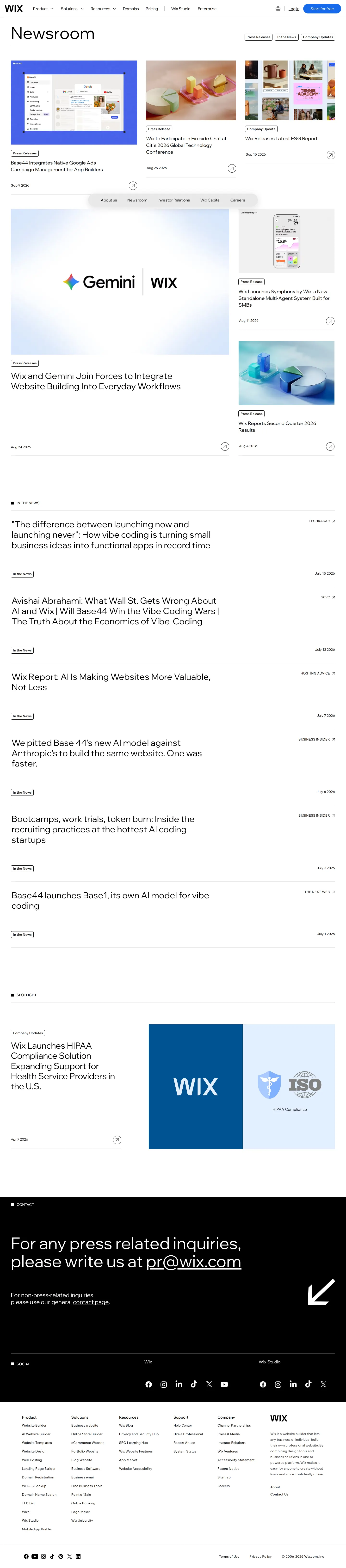
Wix newsroom portal featuring recent media coverage, spotlight announcements, and press contact details.
Want a brand center like Wix Studio’s?
Create your brand center with Freedam ↗Freedam's take
I like how direct the Wix Studio brand guidelines page is. Everything sits in a clean, single-page flow, walking you through logo rules, clear space, and recommended color combinations without fuss. They showcase their custom typeface, Wix Madefor, with quick previews across styles and send you right over to Google Fonts to grab it. The messaging rules and practical dos and don'ts are tucked into neat accordions at the bottom, keeping the layout legible while giving partners and creators the exact guardrails they need.
At a glance
- Sections
- Logo · How not to use our logo · Colors · Recommended color combinations · Typeface · Messaging and usage
- Downloads
- ZIP, Google Fonts
- Tone
- Direct, professional, and practical guidance tailored for partners and creators.
What I noticed
- The brand guidelines page features dedicated sections for Logo, How not to use our logo, Colors, Typeface, and Messaging and usage.123456
- Logo asset downloads are available as a zip file, offering black and white versions alongside clear space instructions.78
- Typography documentation showcases three styles of the custom font Wix Madefor and links directly to Google Fonts for download.91011
- Messaging rules, brand promise, and dos and don'ts are structured inside collapsible accordions.12131415
Numbers refer to the screenshots above.
What I could not see
- Could not inspect the full expanded contents of the messaging accordions on the guidelines page.
- Could not view individual logo assets inside the downloadable archive.
Ideas to borrow
- Use collapsible accordions for brand messaging and dos and don'ts to keep a single-page brand portal concise while retaining thorough guidelines.12
Quick answers
Reviewed on 25 September 2026. Request a correction · I built this