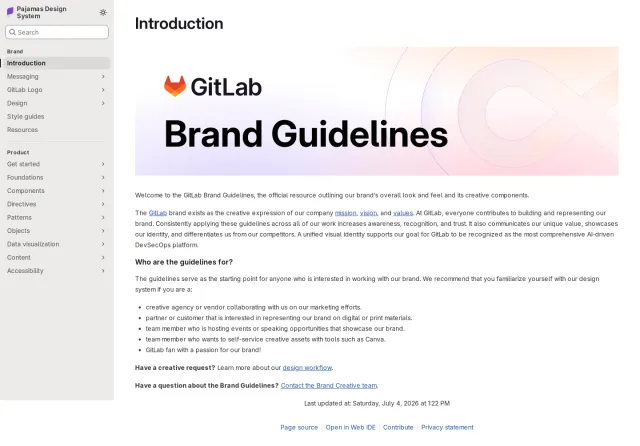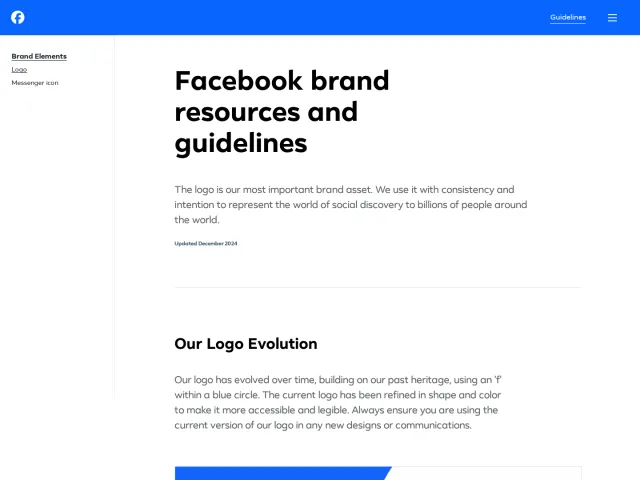
Wix brand guidelines
Wix presents a concise, single-page design resource highlighting logo downloads, a seven-color palette, and the Wix Madefor typeface.
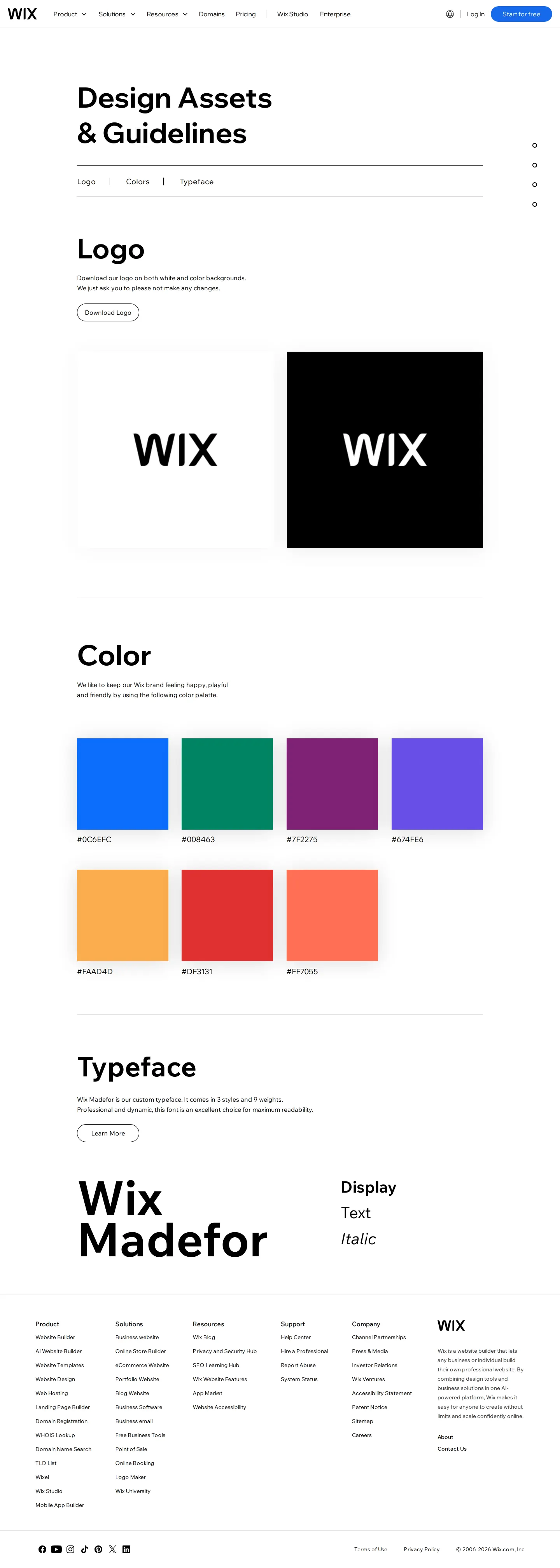
Wix brand guidelines page featuring quick navigation, logo downloads, color palette swatches, and typeface styles.
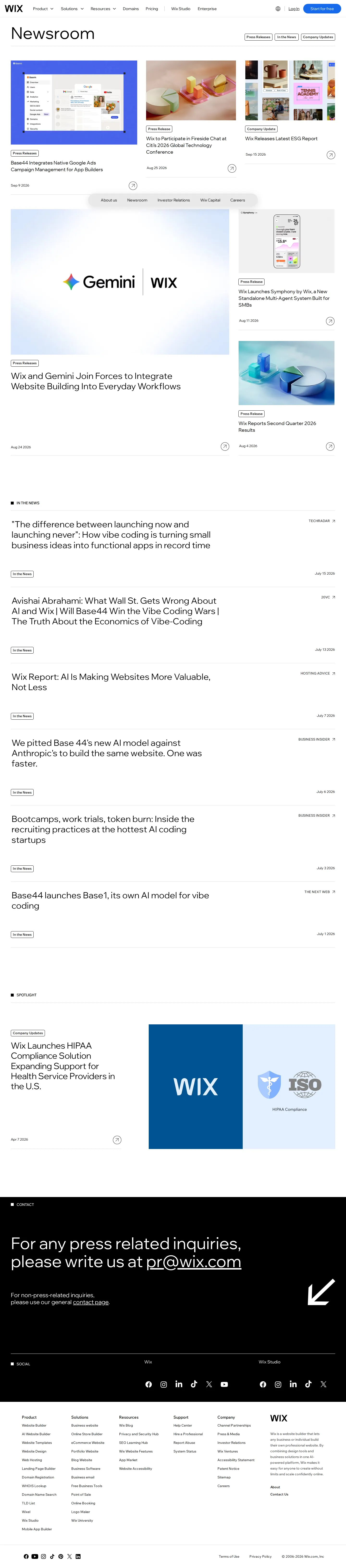
The Wix Newsroom hub listing press releases, media mentions, spotlight stories, and dedicated media contacts.

Wix Channel Partnerships page highlighting B2B reseller programs, feature metrics, and integration workflows.
Want a brand center like Wix’s?
Create your brand center with Freedam ↗Freedam's take
I like how direct the Wix design assets page is. Instead of making you click through a sprawling hub, it arranges the essentials on a single clean page. You get the logo in black and white lockups with a direct archive download, followed by a neat palette of seven hex values. Below that, they showcase their custom typeface, Wix Madefor, displaying text, display, and italic cuts. A floating side dot navigation tracks your position as you scroll. It feels practical, fast, and built specifically for people who simply need the right assets without hassle.
At a glance
- Sections
- Logo · Color · Typeface
- Downloads
- ZIP
- Tone
- Direct and functional, focusing on quick asset access and clean visual reference.
What I noticed
- The Logo section provides a direct 'Download Logo' archive link alongside black-on-white and white-on-black logo previews.12
- The Color section presents seven swatches with hex values displayed underneath each color.3
- The Typeface section highlights the proprietary font Wix Madefor shown in Display, Text, and Italic styles with a link to learn more.45
- A vertical side dot navigation allows users to see and jump between page sections.6
Numbers refer to the screenshots above.
What I could not see
- Could not inspect the full typography specimen or licensing details for Wix Madefor without following the external link.
- Could not verify the specific file formats contained inside the downloadable logo zip archive.
Ideas to borrow
Quick answers
Where can I download the official Wix logo?
A downloadable ZIP archive is available directly from the Logo section of the Design Assets page.12
What brand font does Wix use?
Wix features its custom font family, Wix Madefor, displayed in Display, Text, and Italic styles.45
What colors are included in the Wix brand palette?
The page showcases seven color swatches with their corresponding HEX codes.3
Reviewed on 25 September 2026. Request a correction · I built this