Sinch brand guidelines
Sinch's brand hub presents comprehensive design guidelines, documenting brand components such as logo rules, color palettes, and typography.
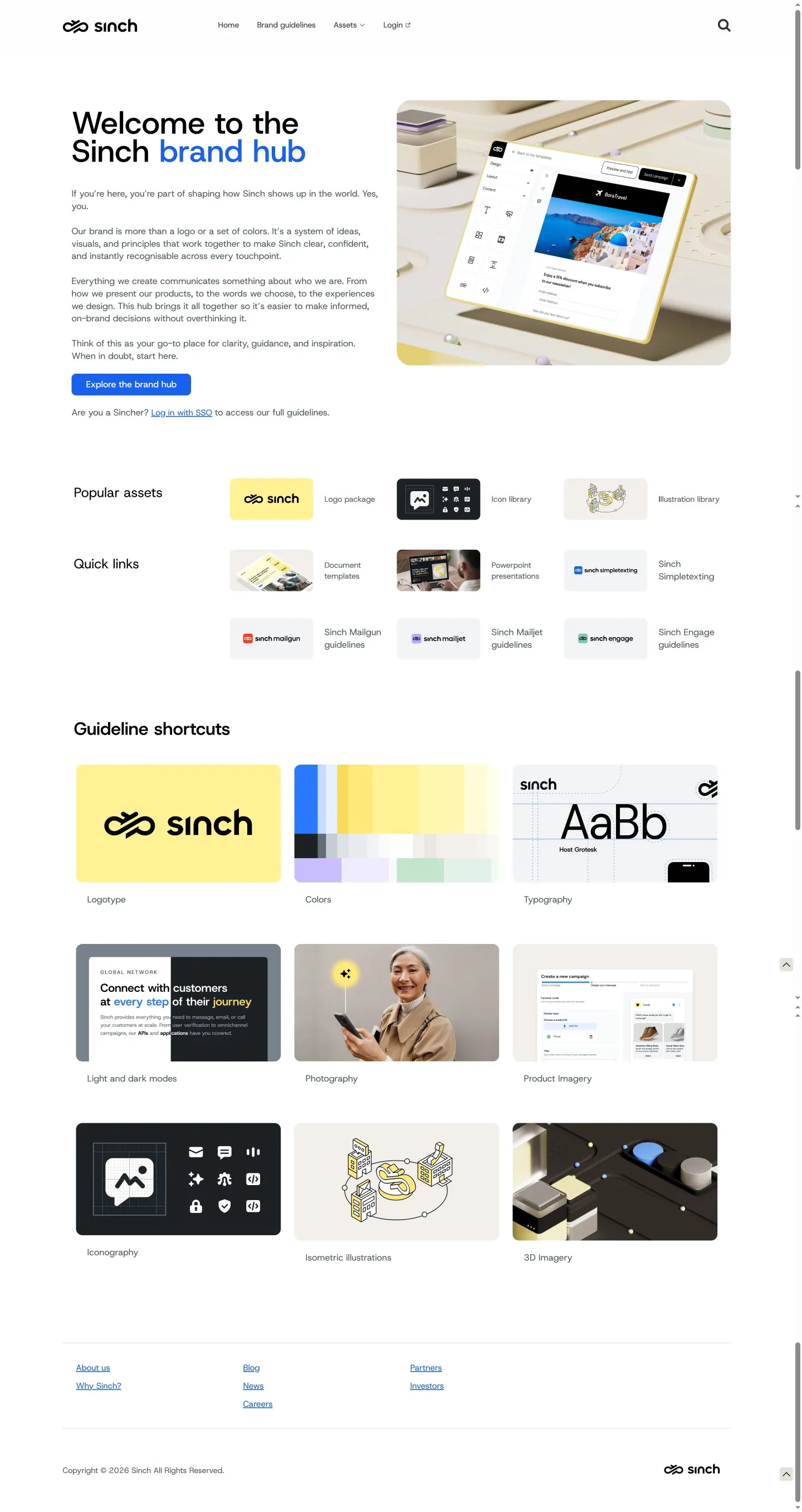
The Sinch brand hub home page displaying quick links to sub-brands and shortcuts to brand guidelines.

The logo guidelines page highlighting mark history, lockup variations, sizing specs, and dos and don'ts.

The colors page detailing the primary and secondary palette, hierarchy diagrams, color codes, and accessibility contrast standards.
Want a brand center like Sinch’s?
Create your brand center with Freedam ↗Freedam's take
I like how clear and grounded the Sinch brand hub feels right from the start. The homepage gives direct routes into both foundational guidelines and sub-brand systems, which saves a lot of digging. Moving into the component pages, I noticed a thoughtful timeline documenting the mark from 2016 through 2022 alongside practical minimum sizing rules. The color documentation stands out too, balancing primary yellow and secondary blue with clear ratio charts and contrast guidelines for accessibility. It is a very clean, structured reference that makes finding technical specifications easy.
At a glance
- Sections
- Home · Brand guidelines · Assets
- Tone
- Structured, functional, and developer-friendly documentation focused on clarity and accessibility.
What I noticed
- The hub is built on the Frontify platform.1
- A quick links section directs visitors to sub-brand guidelines including Sinch Simpletexting, Sinch Mailgun, Sinch Mailjet, and Sinch Engage.2
- The logo page showcases a historical timeline of marks across 2016, 2019, 2021, and 2022 alongside digital pixel and print millimeter minimum sizes.34
- Color specifications outline yellow as the primary signature color, detailing HEX, RGB, and CMYK values along with contrast ratio minimums for accessibility.567
Numbers refer to the screenshots above.
What I could not see
- Could not inspect the full contents of the SSO-gated guideline sections or the linked logo library asset files.
Ideas to borrow
- Pairing a visual brandmark evolution timeline directly with current logo usage rules provides helpful context on how the identity matured.3
Quick answers
What is the primary brand typeface for Sinch?
The Sinch typography guidelines preview Host Grotesk as the featured font family.8
What are the primary and secondary brand colors?
Sinch uses yellow as its primary signature color and blue as its secondary supporting color.5
Reviewed on 25 September 2026. Request a correction · I built this
Similar brand centers
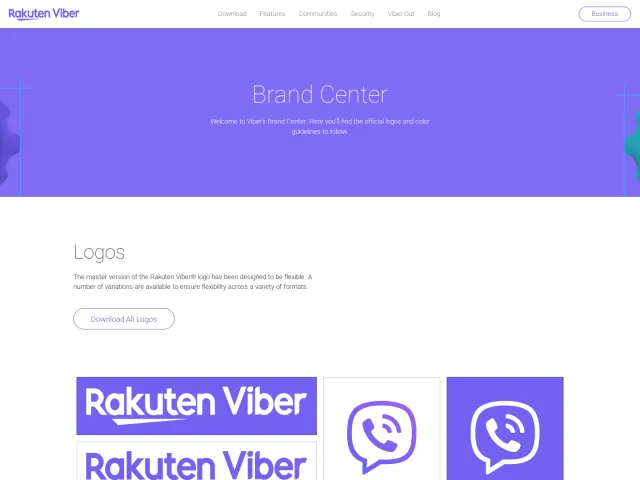
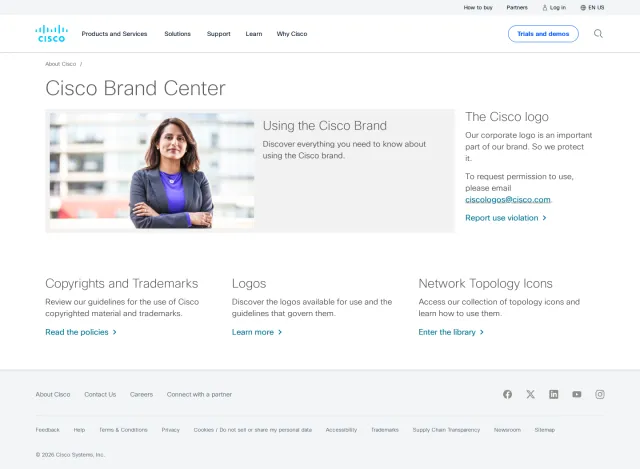
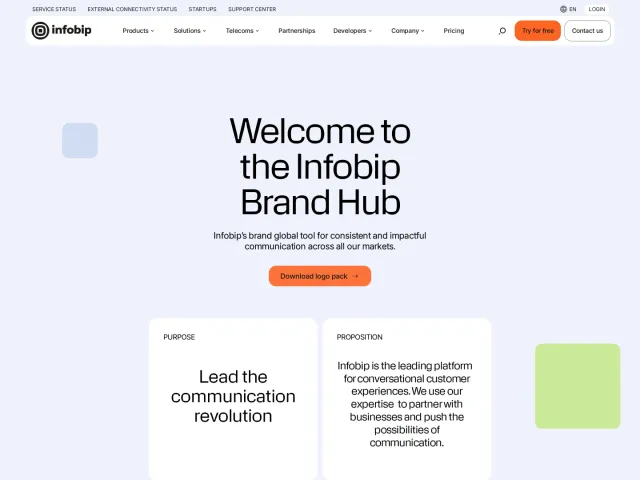
All brand guidelines →Sinch presents detailed component documentation with accessibility standards and sub-brand links. In contrast, Infobip focuses its public hub on cards for Purpose and Personality while gating deeper strategy behind a password. Unlike Viber, which features direct downloads for logo archives and social badges on screen, Sinch directs visitors to an SSO login or a dedicated logo library button.