Rochester Institute of Technology brand guidelines
Rochester Institute of Technology provides brand guidance, master logo assets, and practical toolkits for institutional communications.
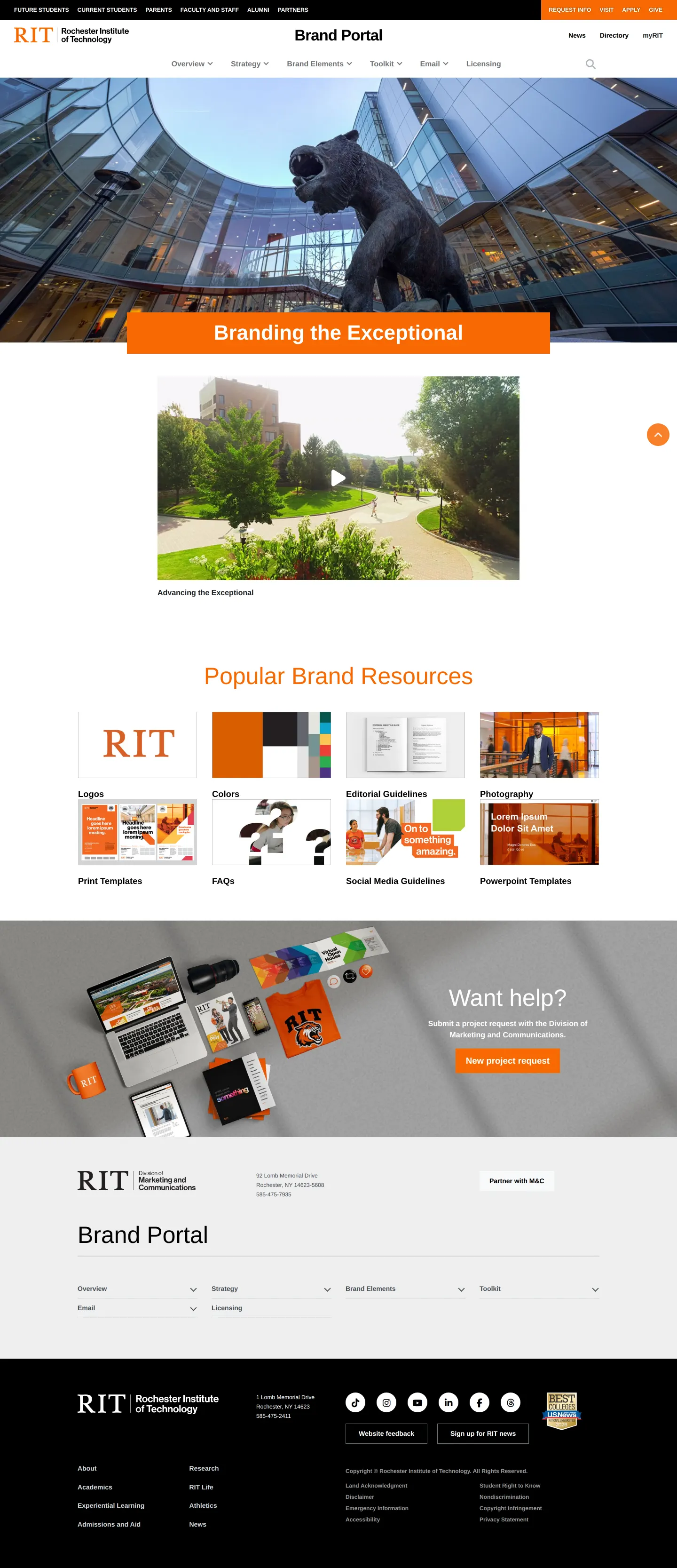
Homepage of the Rochester Institute of Technology Brand Portal featuring resource categories and institutional branding navigation.
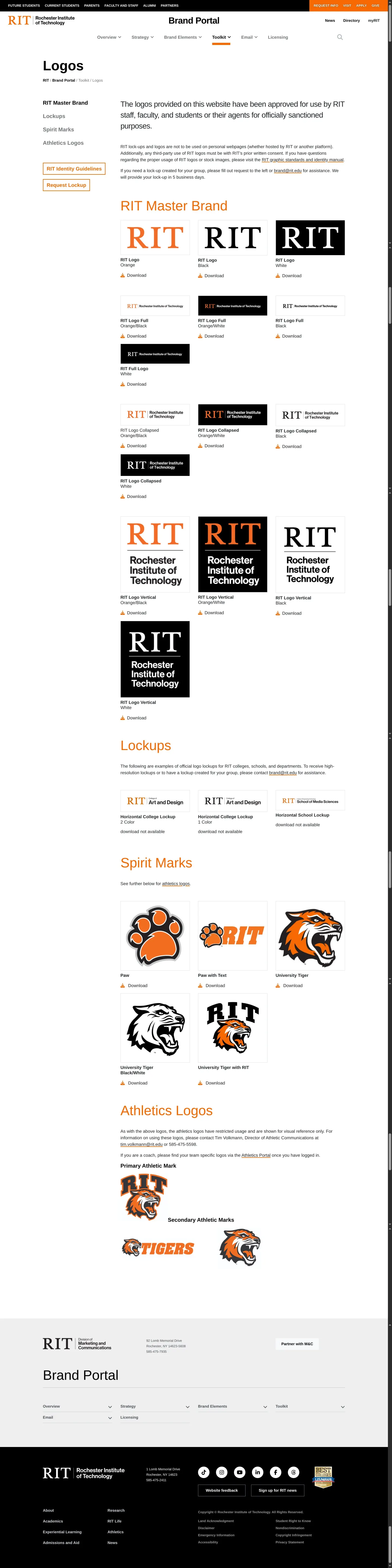
Logos page from the RIT Brand Portal displaying master brand mark variations and usage guidelines.
Want a brand center like Rochester Institute of Technology’s?
Create your brand center with Freedam ↗Freedam's take
I like how cleanly Rochester Institute of Technology organizes its university identity system. Right from the homepage, visitors get quick access to popular resources like logos, colors, print templates, and editorial rules. Delving into the logos section, the layout offers clear subcategories for the master brand mark, spirit marks, lockups, and athletics. The visual previews show the wordmark across orange, black, and white variations. What stands out to me is how clearly the site sets internal boundaries, explicitly noting that these assets are reserved for official university business rather than personal web pages.
At a glance
- Sections
- Overview · Strategy · Brand Elements · Toolkit · Email · Licensing
- Tone
- Clear, professional institutional guidance structured for campus communicators.
What I noticed
- The homepage features a quick-access grid titled Popular Brand Resources linking to Logos, Colors, Editorial Guidelines, Photography, Print Templates, FAQs, Social Media Guidelines, and Powerpoint Templates.1
- The brand portal navigation structure covers Overview, Strategy, Brand Elements, Toolkit, Email, and Licensing.2
- The logos section displays previews of the RIT master wordmark rendered in orange, black, and white against a black background.3
- Usage rules state that RIT marks are permitted only for officially sanctioned purposes by staff, faculty, and students, and cannot be used on personal webpages.45
Numbers refer to the screenshots above.
What I could not see
- Specific downloadable file formats for logos and templates are not displayed in the captured screens.
- Guidelines for typography and color palette specifications could not be viewed in detail.
Ideas to borrow
Quick answers
Who is allowed to use RIT logos?
RIT staff, faculty, and students may use the logos for officially sanctioned purposes, but they must not be used on personal webpages.45
How can teams request a custom lockup?
The logos section features a dedicated 'Request Lockup' button alongside the brand guidelines.7
Reviewed on 25 September 2026. Request a correction · I built this
Similar brand centers
All brand guidelines →