Orange brand portal
Orange brand portal serves as a searchable media library offering public and gated assets including logos, executive portraits, and photography.
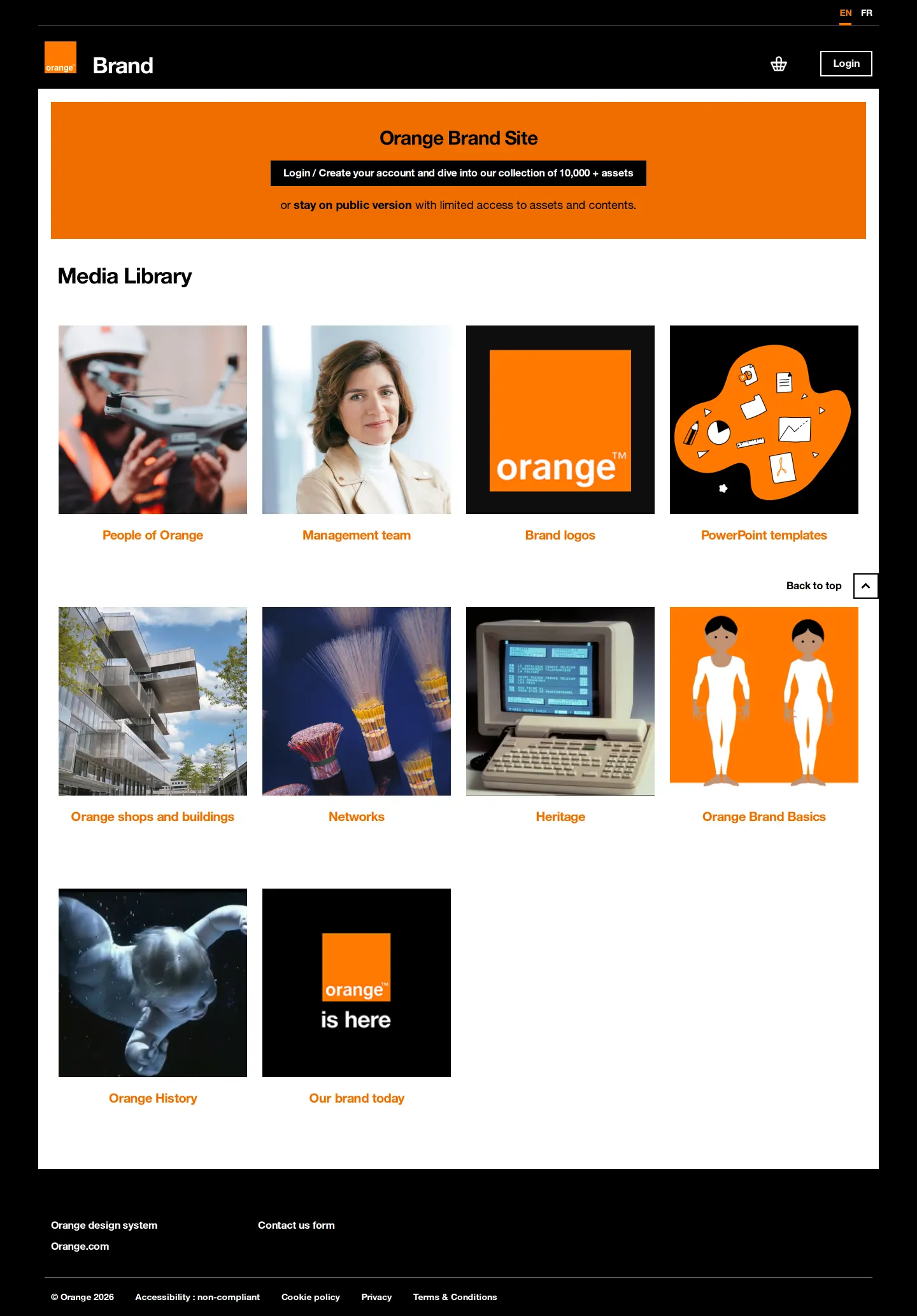
Orange Brand portal homepage showing media library category cards and login access banner.
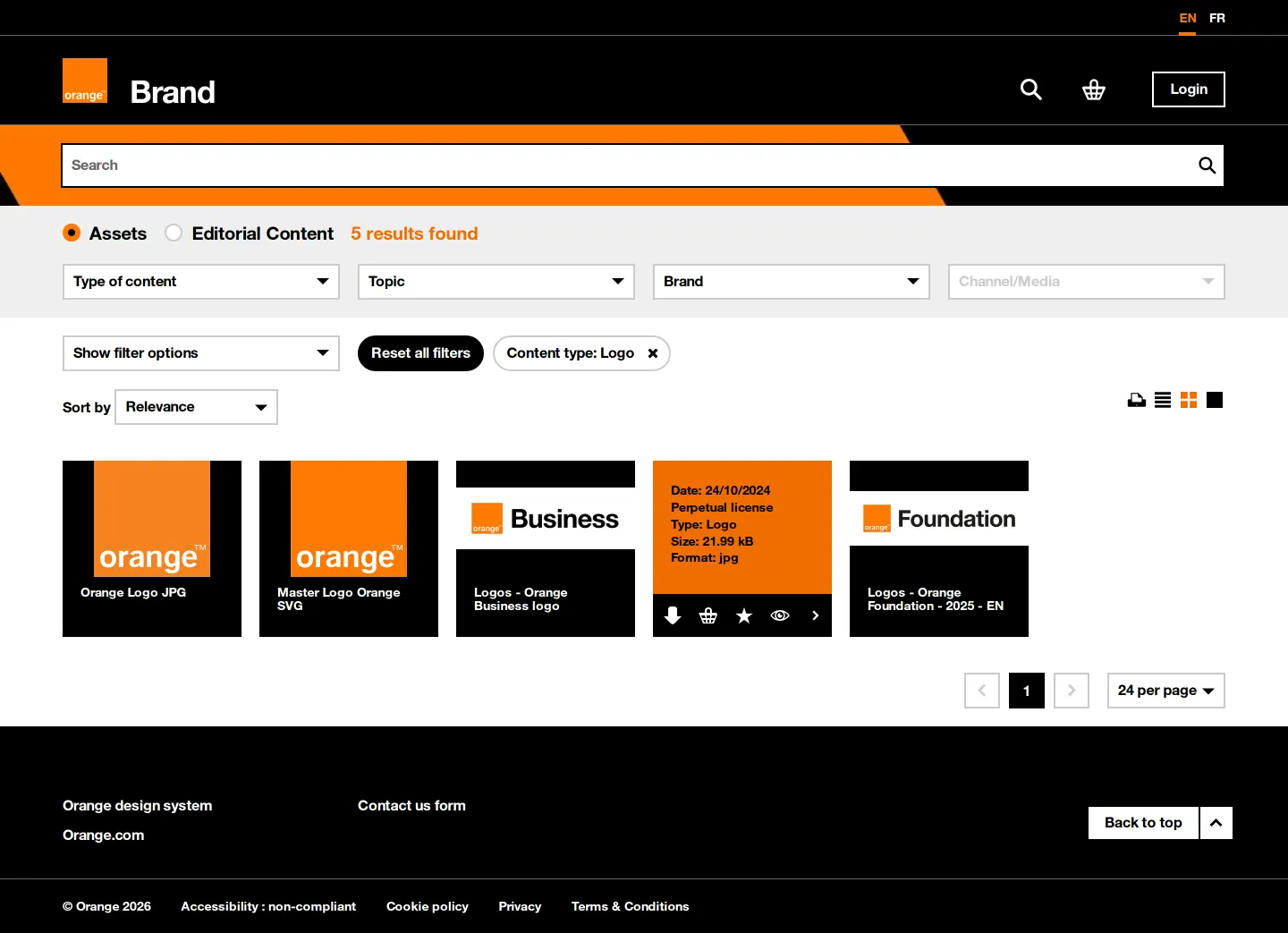
Asset search results page for brand logos with faceted filter dropdowns and metadata cards.
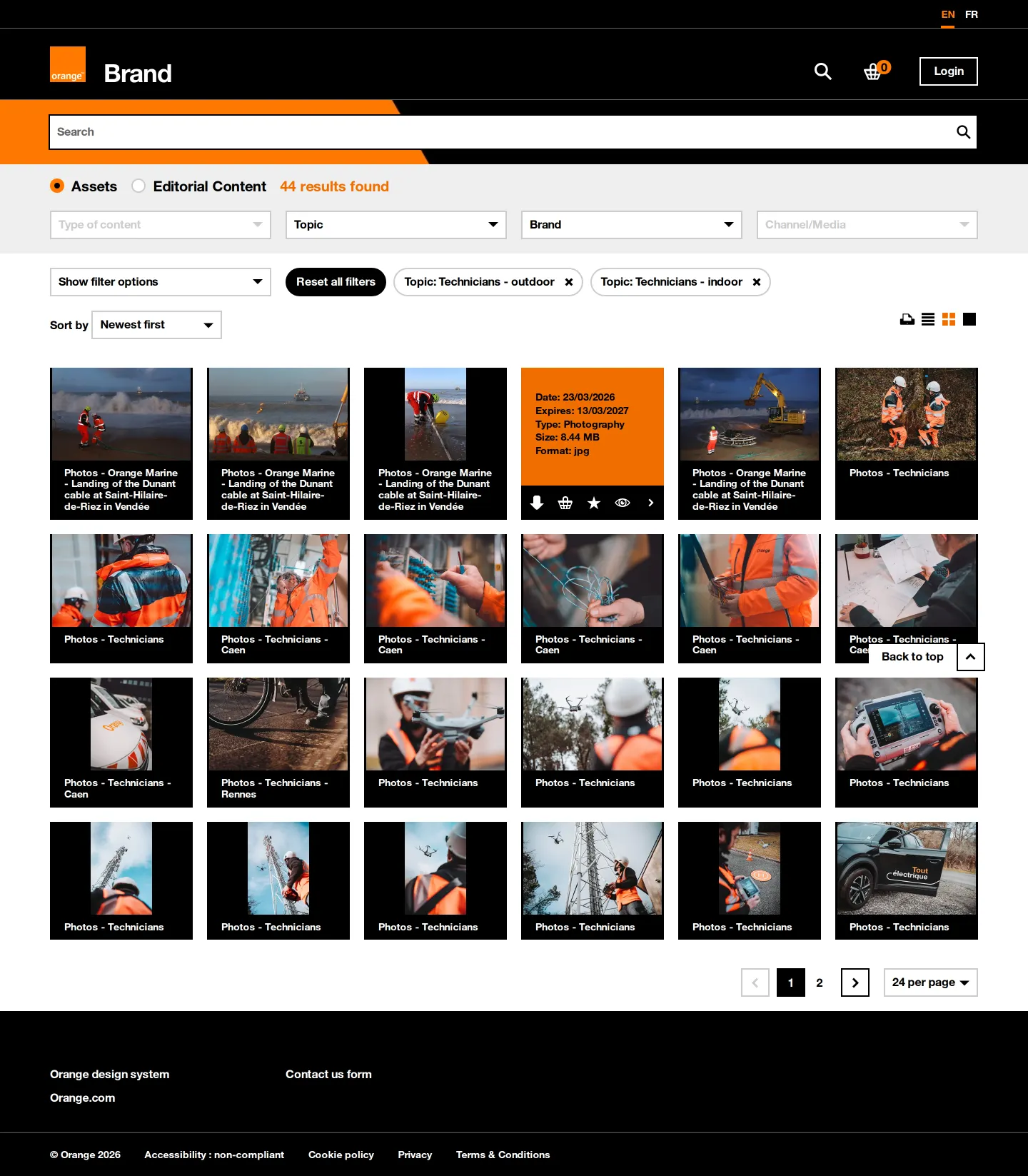
Asset library search page displaying photographic results filtered by technician topics.
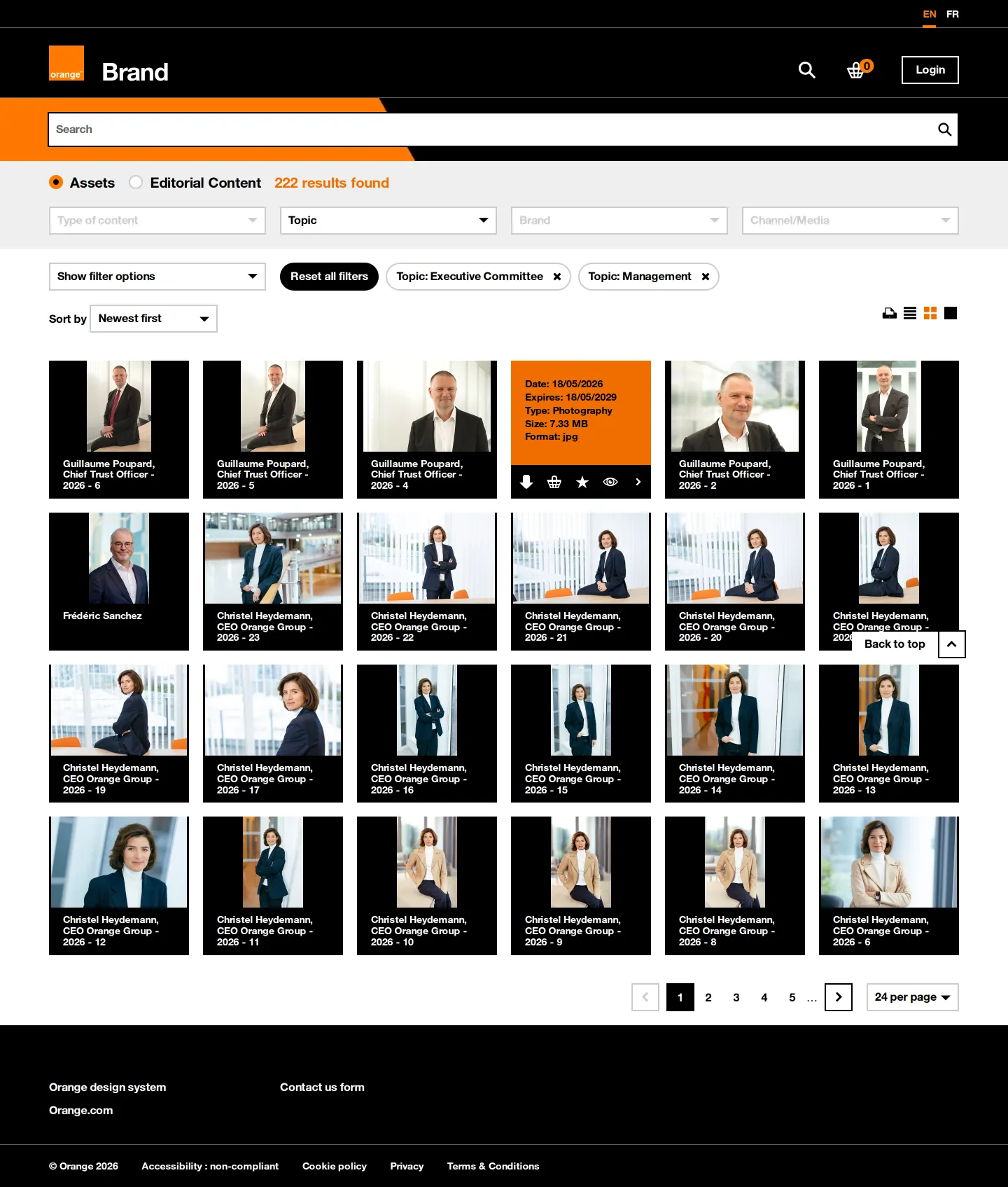
Search interface displaying portraits of executive committee and management team members.
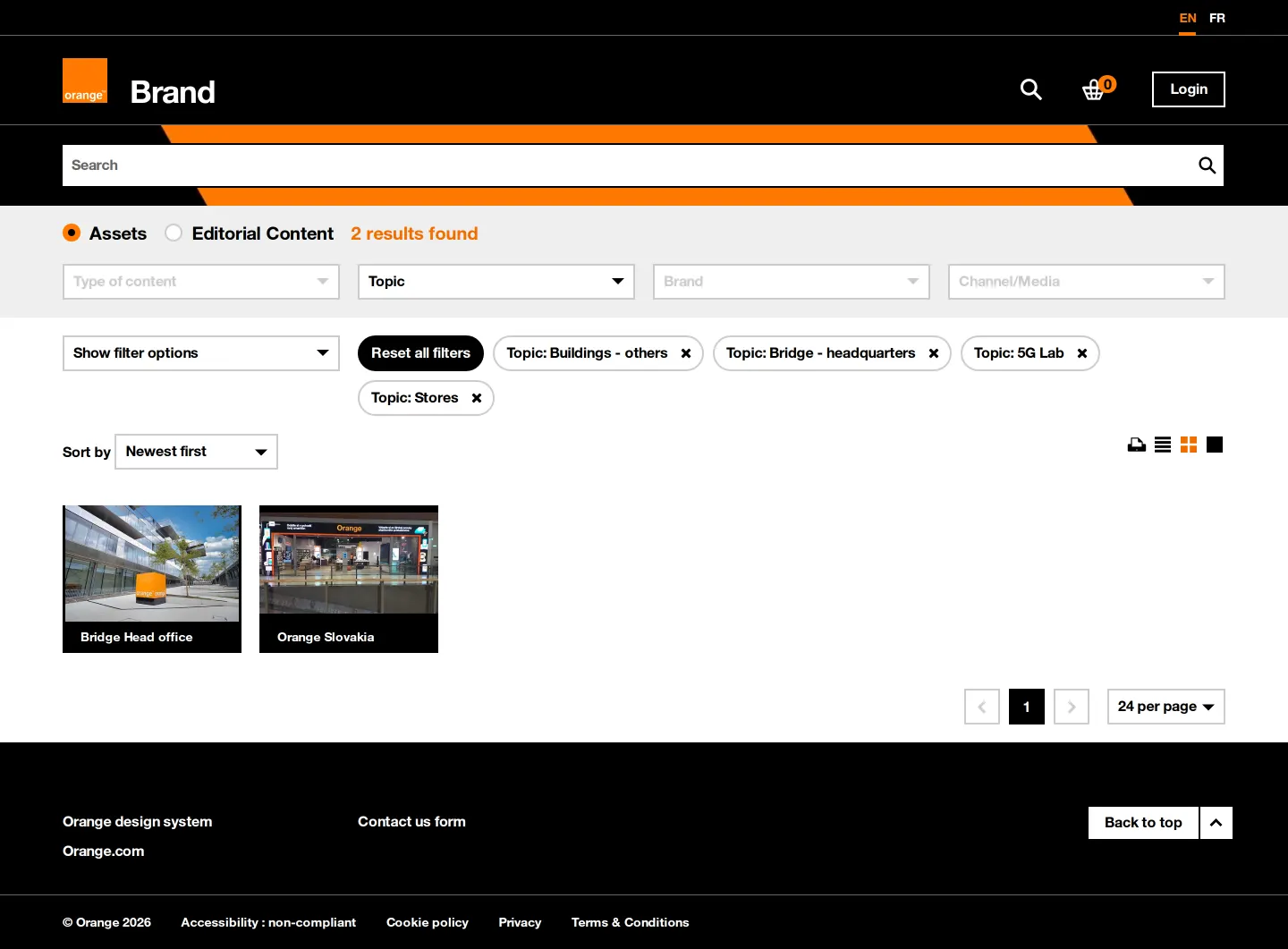
Asset search page filtered by topics for Orange shops, buildings, and headquarters.
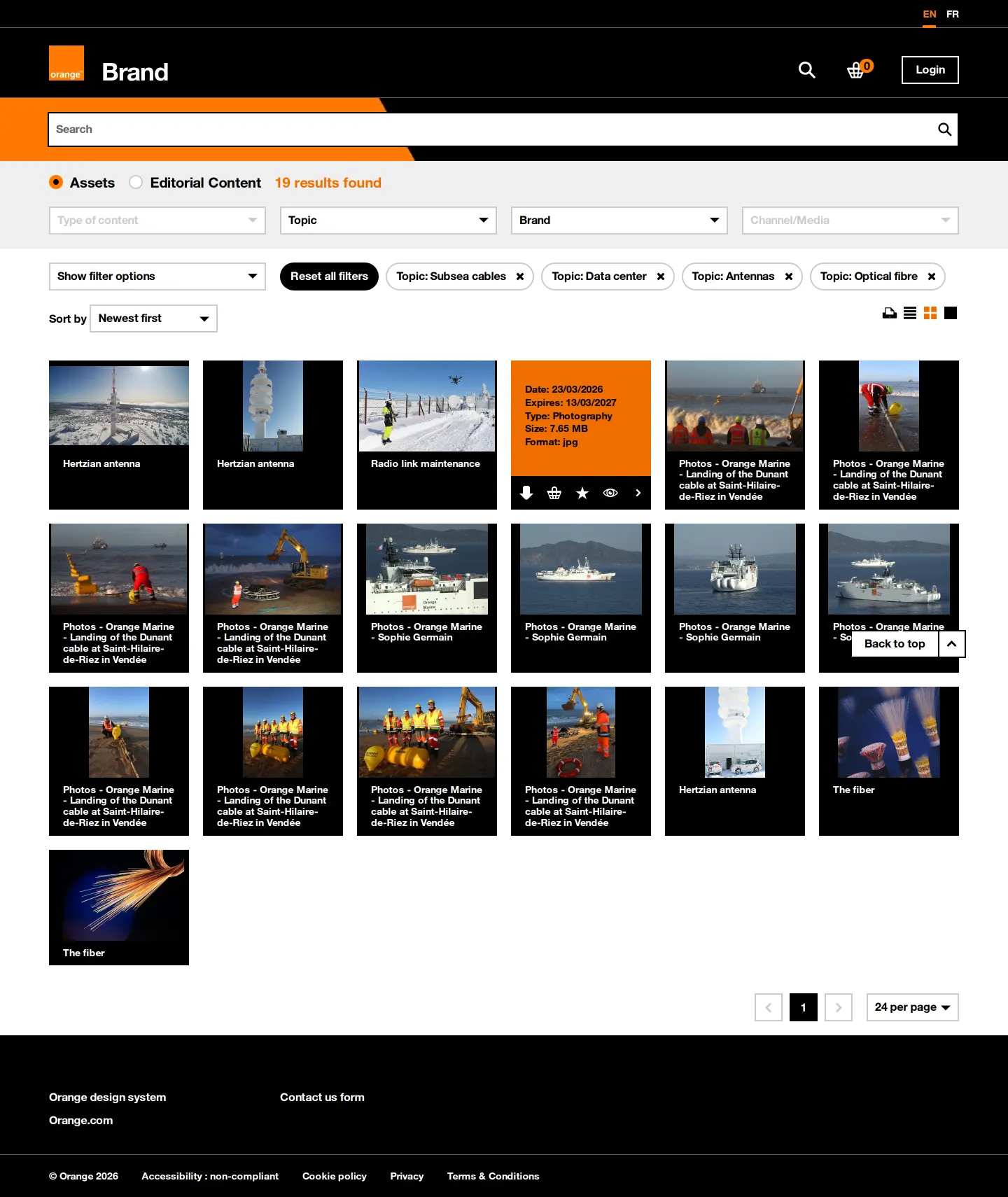
Asset search results displaying network infrastructure photography including subsea cables and antennas.
Want a brand center like Orange’s?
Create your brand center with Freedam ↗Freedam's take
Exploring the Orange brand portal feels like browsing an operational media library rather than a traditional manual. I like how clearly the homepage distinguishes between public browsing and the deeper, authenticated library of over ten thousand assets. The search interface makes finding photography straightforward, surfacing key details like file size, format, and licensing rights directly on the asset preview cards. It acts as a pragmatic, self-service clearinghouse for logos, executive portraits, retail spaces, and infrastructure shots.
At a glance
- Sections
- Brand · Media Library · Liens Utiles · Contactez nous
- Downloads
- JPG, SVG
- Tone
- A practical, asset-driven digital asset management portal with clean filtering and metadata overlays.
What I noticed
- A banner on the homepage prompts visitors to log in or create an account for access to more than 10,000 assets while also offering a public version.1
- Asset preview cards display metadata overlays that include date, licensing terms, file size, format, and quick download or cart icons.23456
- The search views provide multi-faceted filtering options including Content type, Topic, Brand, and Channel/Media.78910
- The portal connects directly to the separate Orange design system via navigation and footer links.1112
Numbers refer to the screenshots above.
What I could not see
- Could not inspect the full content behind the login gate offering 10,000+ assets.
- Could not view individual brand basic guideline documentation pages beyond the asset search listings.
Ideas to borrow
Quick answers
Reviewed on 25 September 2026. Request a correction · I built this
Similar brand centers
All brand portals →Orange functions as an interactive media library with filterable asset cards and metadata overlays, whereas A1 Telekom Austria arranges its portal into broad sections like Disruptors and UI Elements. In contrast to Proximus, which provides direct download links for large brand books and logo zip packages, Orange routes visitors through a searchable DAM interface.