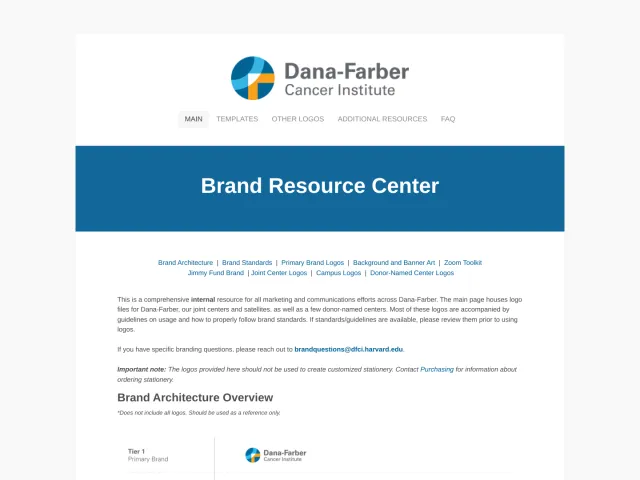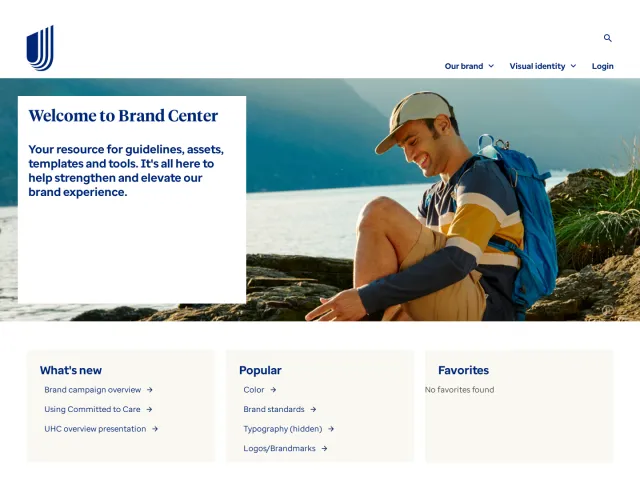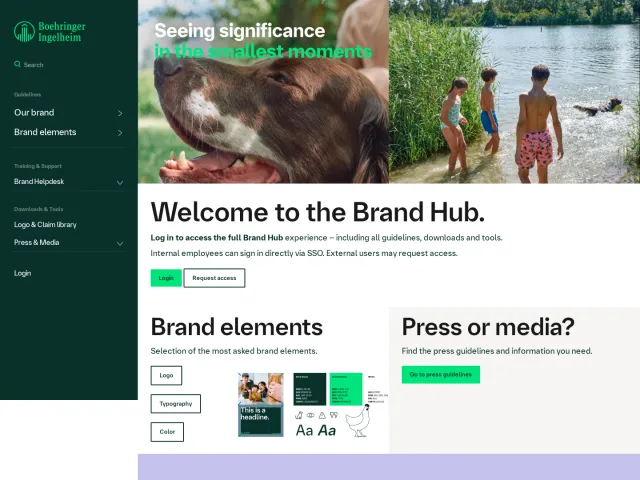
Optum brand portal
The Optum Brand Center provides accessible identity standards covering core palettes, typographic systems, contrast rules, and brand assets.
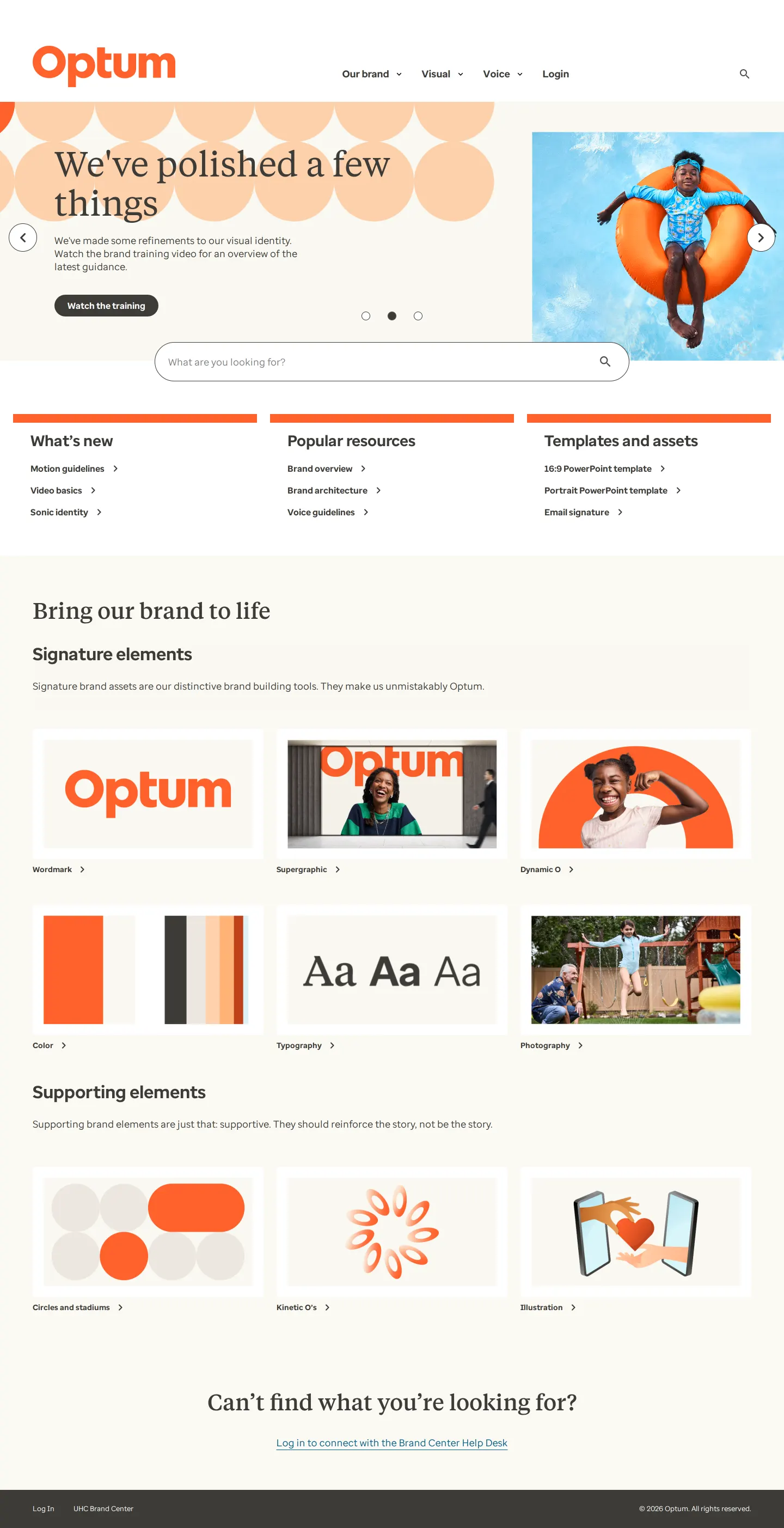
Optum Brand Center homepage highlighting recent identity updates, signature elements, and supporting visual devices.

Color documentation presenting the signature Optum Orange, supporting hues, contrast scores, and palette downloads.

Typography guidelines detailing Enterprise Serif and Enterprise Sans pairings, fallback fonts, and accessibility rules.
Want a brand center like Optum’s?
Create your brand center with Freedam ↗Freedam's take
Exploring the Optum Brand Center feels like a lesson in building confidence through clarity. I love how practical each page is. The color system does not just provide swatches; it shows real-world contrast ratios and gives swatch downloads right alongside clear watchouts. In the typography section, pairing Enterprise Serif and Enterprise Sans feels very approachable thanks to clear pairing recipes and comprehensive non-Latin fallback charts. It is refreshing to see guidance that anticipates real digital accessibility challenges rather than just presenting aspirational brand mockups.
At a glance
- Sections
- Our brand · Visual · Voice · Login
- Downloads
- .ASE, Font files
- Tone
- Clear, practical, and focused on functional accessibility.
What I noticed
- The brand's primary typefaces are documented as Enterprise Serif and Enterprise Sans, alongside fallback and non-Latin specifications.123
- The color guidelines evaluate type and color combinations using explicit contrast ratio scores.4
- Both the color and typography sections include dedicated 'Watchouts' areas displaying incorrect usage examples marked with red slashes.56
- Optum Orange serves as the signature brand color, supported by Warm White and Warm Gray palettes with cross-format color codes.78
Numbers refer to the screenshots above.
What I could not see
- Content behind the Help Desk login and restricted internal asset libraries could not be viewed.
- Voice guidelines and sonic identity audio files were not examined directly in this session.
Ideas to borrow
Quick answers
What primary fonts does Optum use?
Optum uses Enterprise Serif and Enterprise Sans as its primary brand typefaces.1
Where can users download Optum brand fonts?
Optum provides a 'Download brand fonts' link pointing to an internal font library resources page.1011
What is Optum's signature brand color?
The signature brand color is Optum Orange, provided in Pantone, CMYK, RGB, and HEX specifications.7
Reviewed on 26 September 2026. Request a correction · I built this
Similar brand centers
All brand portals →Optum documents both Enterprise Serif and Enterprise Sans alongside non-Latin fallbacks, whereas UnitedHealthcare focuses primarily on Enterprise Sans. Dana-Farber Cancer Institute structures standards around a five-tier architecture with downloadable office templates, unlike Optum's focus on signature and supporting visual devices.