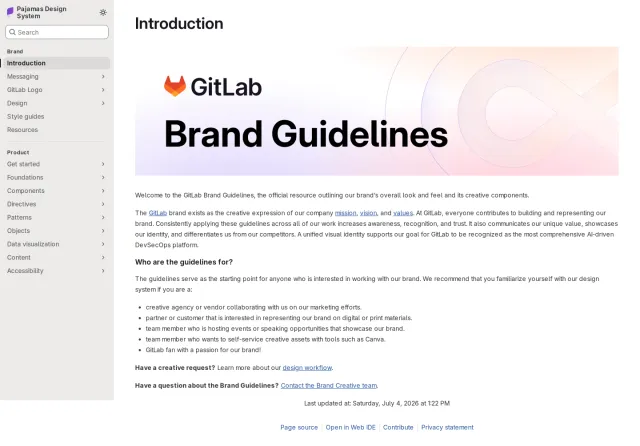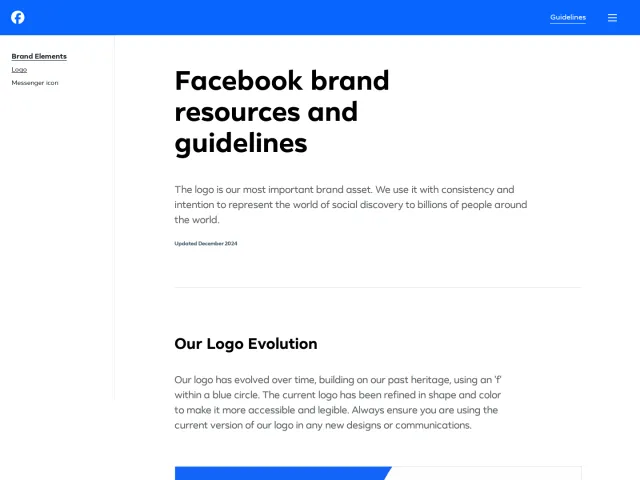
NixOS brand guidelines
NixOS hosts a brand page featuring downloadable vector logo configurations alongside a comprehensive branding guide PDF.
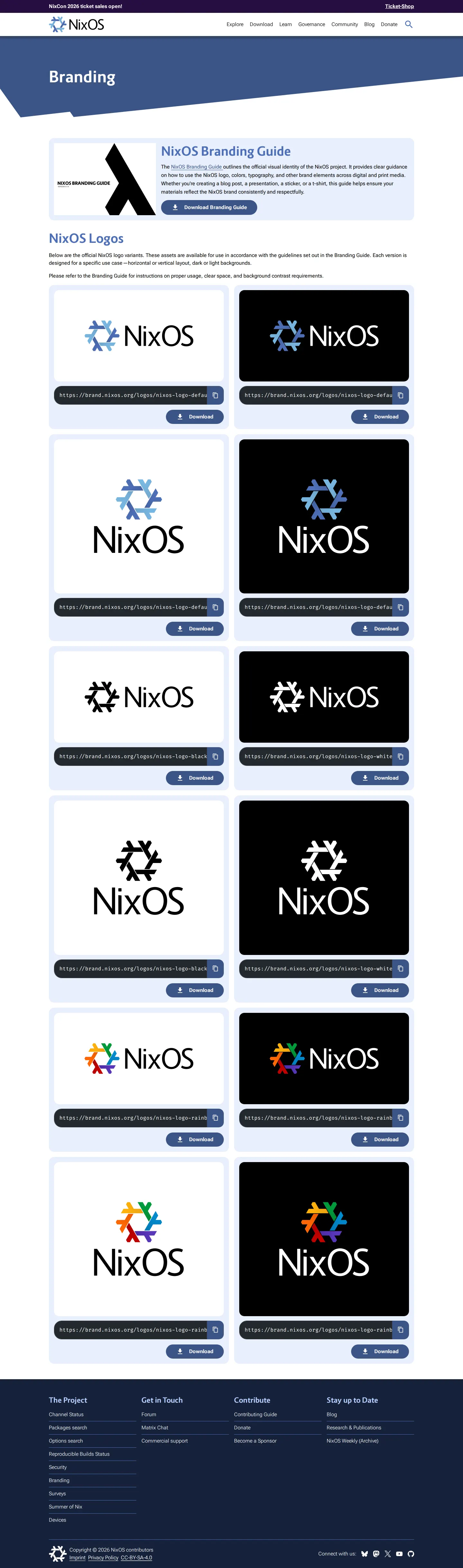
NixOS branding overview showing brand guide download links and a two-column grid of logo variations on light and dark backgrounds.
Want a brand center like NixOS’s?
Create your brand center with Freedam ↗Freedam's take
I like how direct the NixOS branding page is. Instead of making you dig through deep menus, it gives you a clean grid of logo assets right away. You can view horizontal and vertical layouts across light and dark backgrounds, covering everything from the default gradient to monochrome and rainbow variants. What caught my eye is that each card provides not just an SVG download button, but also a copyable direct asset URL. It makes grabbing what you need completely frictionless for developers and designers who just want to link or drop in an icon.
At a glance
- Sections
- Branding · NixOS Branding Guide · NixOS Logos · Footer
- Downloads
- PDF, SVG
- Tone
- Functional, utilitarian, and developer-oriented with immediate access to raw vector assets.
What I noticed
- An introductory card provides a button to download the NixOS branding guide as a PDF file.123
- Logo options are shown in a two-column grid across light and dark background contexts.4
- Logo variants encompass horizontal and vertical stacked layouts, available in gradient blue, monochrome, and rainbow colorways.56
- Every individual logo card features a direct copyable asset URL input alongside a download link for SVG files.78
Numbers refer to the screenshots above.
What I could not see
- Could not view the contents of the linked NixOS Branding Guide PDF.
- Could not inspect the full set of five additional logo variations mentioned in the download list.
Ideas to borrow
- Display copyable direct CDN or hosting URLs next to asset download buttons to allow instant hotlinking and easy embedding.8
Quick answers
Reviewed on 25 September 2026. Request a correction · I built this