IEEE brand guidelines
The IEEE Brand Experience portal delivers corporate identity guidelines, downloadable logos, and an extensive directory of practical production templates.
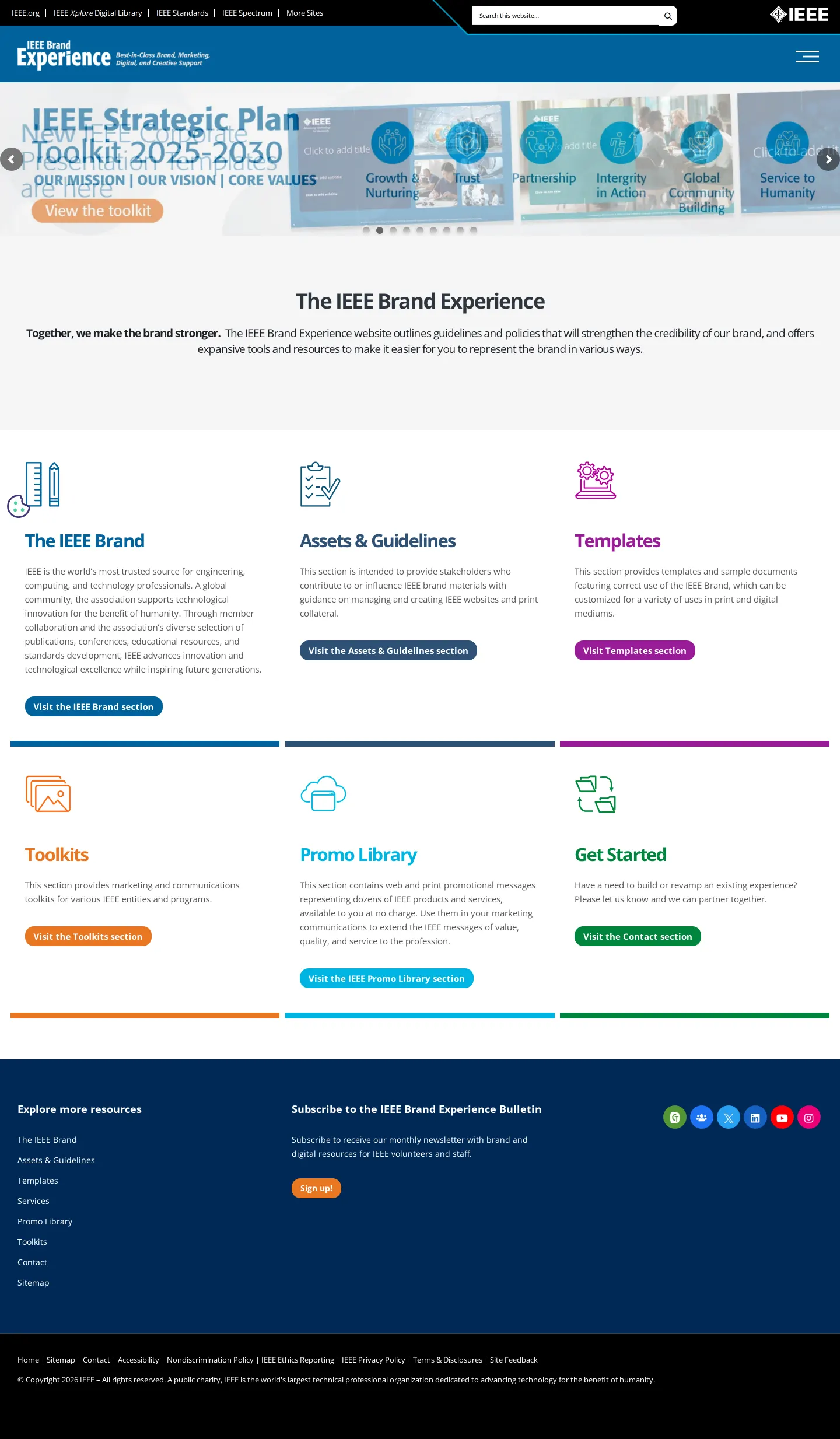
Homepage of the IEEE Brand Experience site displaying the hero carousel and navigation tiles for core brand sections.
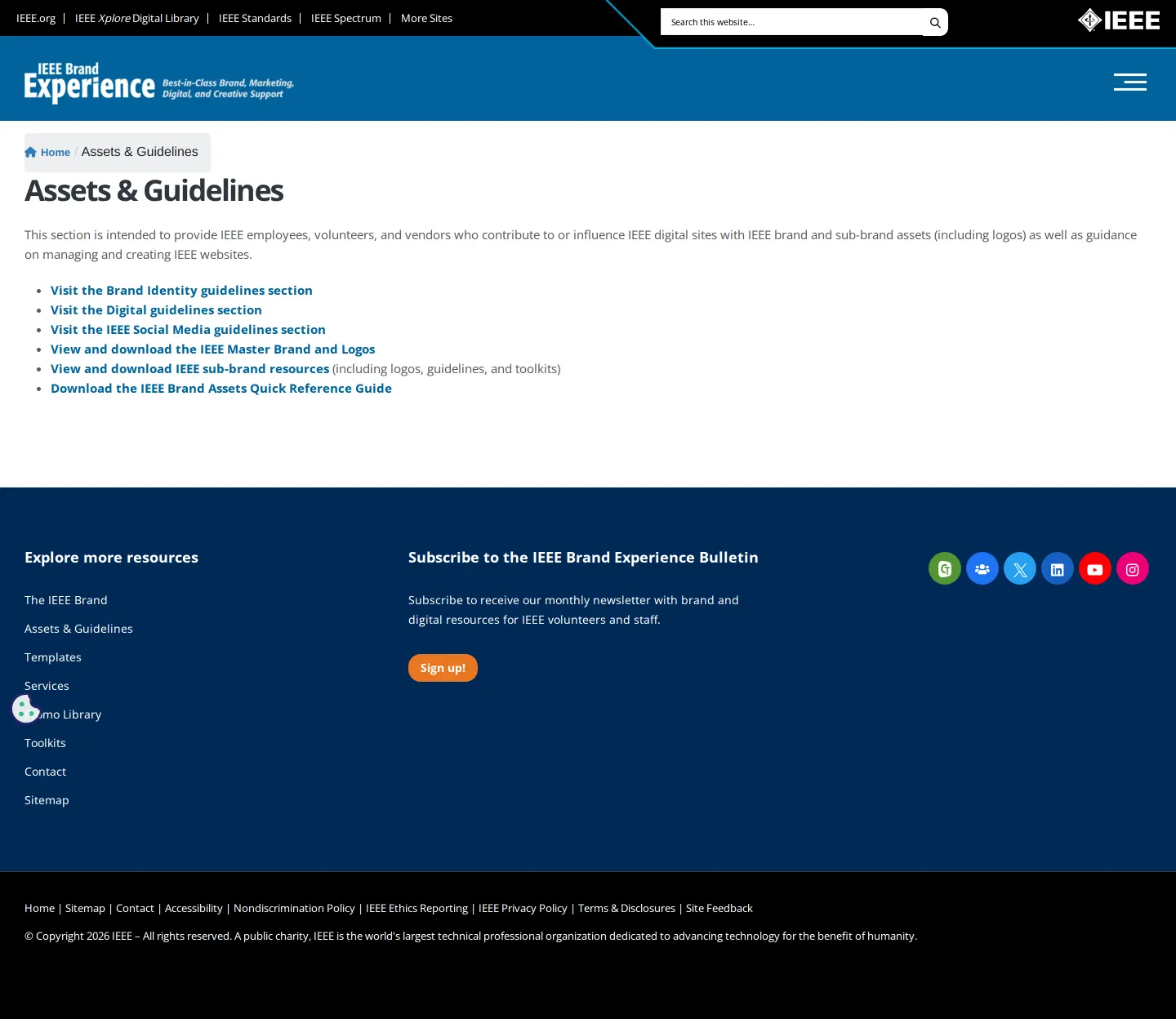
Assets & Guidelines overview page linking to master brand logos, sub-brand resources, and a quick reference PDF guide.
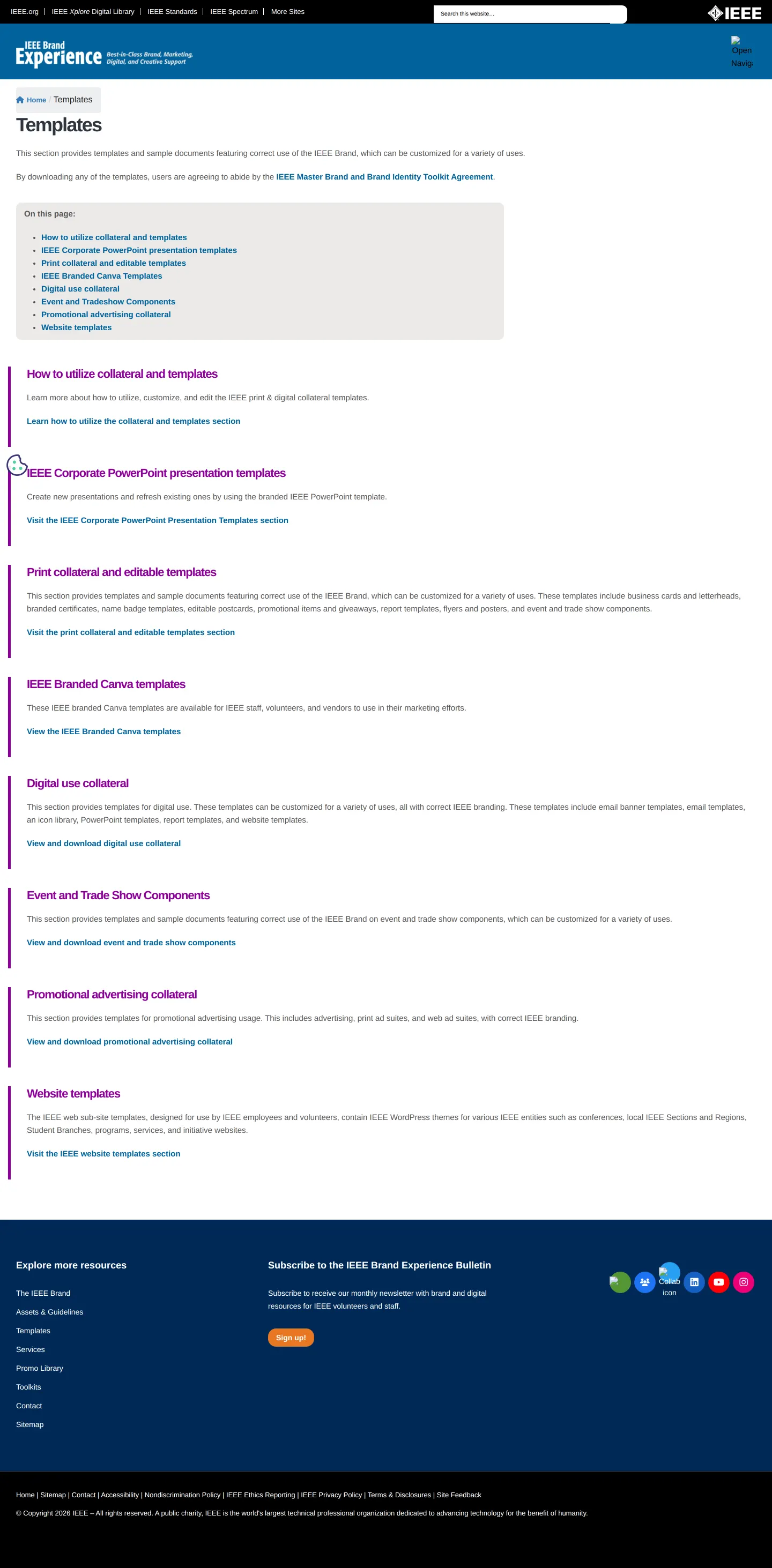
Templates directory listing collateral options ranging from presentation decks and Canva files to trade show signage.
Want a brand center like IEEE’s?
Create your brand center with Freedam ↗Freedam's take
I spent time exploring the IEEE Brand Experience site, and I appreciate how oriented it is toward practical production. Instead of getting bogged down in abstract philosophy, it immediately splits into clear hubs for assets, guidelines, and ready-to-use templates. The template directory is especially thorough, pointing staff and volunteers directly toward PowerPoint decks, Canva files, trade show components, and website foundations. Having a quick reference guide PDF linked alongside the Master Brand and sub-brand assets gives people a fast entry point without forcing them through every guideline page.
At a glance
- Sections
- The IEEE Brand · Assets & Guidelines · Templates · Toolkits · Promo Library · Get Started
- Downloads
- Tone
- Functional and supportive, structured to assist employees, volunteers, and vendors with day-to-day communications.
What I noticed
- The homepage organizes resources into six core sections: The IEEE Brand, Assets & Guidelines, Templates, Toolkits, Promo Library, and Get Started.1234567
- The Assets & Guidelines section provides a direct download link for the IEEE Brand Assets Quick Reference Guide in PDF format.89
- The Templates page includes dedicated categories for PowerPoint presentation templates, Canva templates, print collateral, trade show components, and website templates.10111213141516
- The site is built with WPBakery Page Builder for WordPress.171819
Numbers refer to the screenshots above.
What I could not see
- Could not inspect the full contents of individual sub-brand guideline pages or the downloadable PDF quick reference guide.
- Could not view the contents of the Toolkits or Promo Library sections.
Ideas to borrow
Quick answers
Reviewed on 18 October 2026. Request a correction · I built this
Similar brand centers
All brand guidelines →